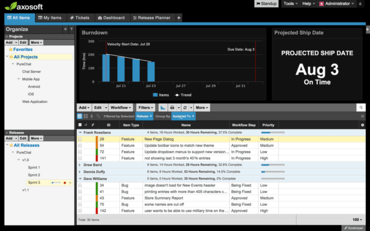
Axosoft 16.4.1

Adiciona login do Microsoft Azure AD, bem como torna todos os campos de lista pesquisáveis.
Setembro 12, 2016
Nova versão

Recursos

  • Microsoft Azure AD login - This is a new “External Login” extension, allowing your team members to login to Axosoft using your company’s Microsoft Azure AD credentials. This saves you the hassle of creating credentials for each individual team member.
  • Search - All list fields (including multi-select lists) as well as customer and contact fields are now searchable
  • Source Control Details - Now show commit date, in addition to the time, author, message and file change info.
  • Quick-add a Sub-project - You can now right click a project and click “Add” to (surprise!) add a sub-project.


Correções

  • Non-administrator users editing field templates can now select any user (including placeholders) as the default user.
  • Fixed an issue where renamed workflow step names wouldn’t display correctly in audit trails.
  • When searching, the search field properly defaults to ID and Title if the actual selected field doesn’t exist.
  • When adding a custom text field, the field size defaults to 50.
  • Search no longer highlights ‘stop words’ (e.g. “and,” “or,” “not”).
Axosoft

Axosoft

Gerenciamento de projetos fácil para sua equipe de desenvolvimento de software, sem comprometer seu fluxo de trabalho.

Tem alguma pergunta?

Chat ao vivo com nossos especialistas de licenciamento de Axosoft.