Add-in Express for Microsoft Office and .net 9.3.4640
Released: May 23, 2019
Atualizações na 9.3.4640
Recursos
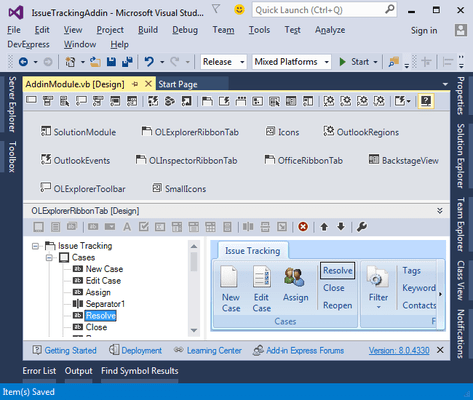
- Support for Visual Studio 2019.
- Additional error handling in ClickTwice deployment.
Correções
- PropertyChanging event was raised instead of the ItemPropertyChanging event.
- ClickTwice installation published in Visual Studio 2017 failed because of the missing MSVCP100D.dll library.
- Visual Studio 2017 might have hung after closing an XLL module designer.
- "COM object that has been separated from its underlying RCW cannot be used" exception in a COM add-in module after turning an XLL module off and then on.
- XLL might have thrown an exception if over 20 parameters with descriptions were provided.
- ClickTwice tray notifications appeared in the Windows 10 notification area.
- Advanced Outlook View regions might have been recreated after closing another Outlook Explorer window.
- ADXPostMessage method of the ADXExcelTaskPane class might not have worked in some scenarios.
- New items could not be added to a Visual Studio project located in a Solution Folder at design-time.
- LeftSubpane, TopSubpane, RightSubpane, BottomSubpane and FolderView regions were not hidden when the Outlook Explorer window was resized to a minimum size.
- Several issues with Advanced Outlook View and Form regions related to compatibility with previous Add-in Express versions.
- Advanced task pane did not show up in Microsoft Word 2003 in some scenarios.
- Keyboard issues with Advanced Outlook regions and Advanced Office task panes in Windows 10 Update 1903.
- AdxNewInspector event was not raised when switching between emails in one Outlook Inspector window.


 (3)
(3)