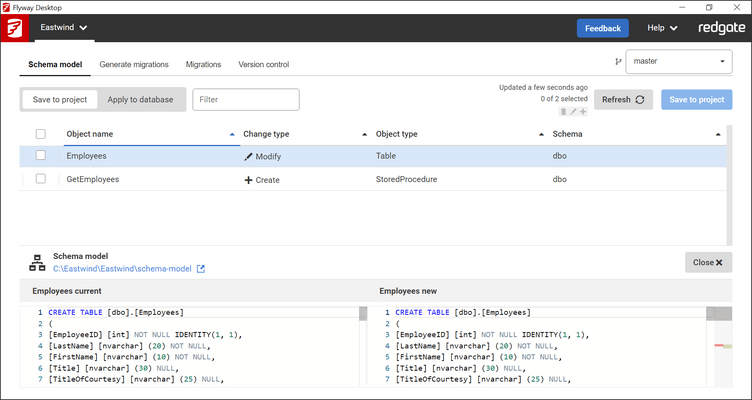
The Version Control page has been replaced with a side panel. All features available on the old page are still available via the side panel. The following new features have been added:
It is now possible to view the differences for files to commit.
It is now possible to view commits to pull, and to view the files within those commits, and the differences within those files.
It is now possible to view commits to push, and to view the files within those commits, and the differences within those files.
It is now possible to trigger a manual fetch.
Added preview support for provisioning via Redgate Clone or Docker when connecting to databases. Provisioning via a clone can be used as an alternative to baselining and is recommended for very large databases.
When connecting to databases, Flyway Desktop will now support retrieving credentials from Vault, Dapper, and Google Cloud Secrets Management (though this is not yet supported in the connection dialog UI).
It is now possible to expand the script editor form in the generated migrations tab.
Breaking Changes - The JSON project format used in flyway-dev.json and flyway-dev.user.json is now deprecated and support will be removed in the next major version release. It is possible to upgrade projects from the UI.
Breaking Changes - The 'flyway-dev' command-line now requires a license to be set in order to use it. If you are licensed with a Flyway license key, you will need to set this in an environment variable called 'FLYWAY_LICENSE_KEY'. If not, you can follow this documentation on how to set an offline license as an environment variable.