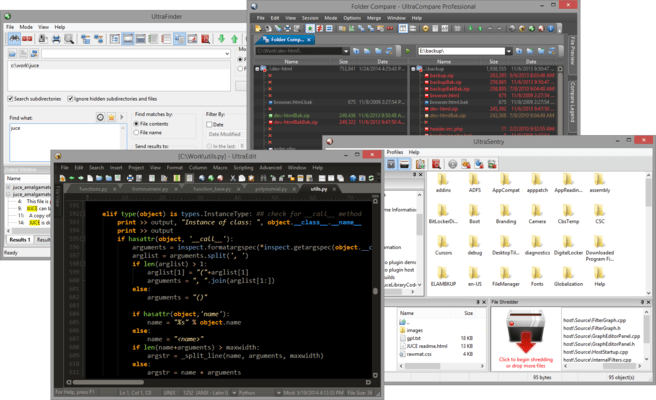
UltraEdit Suite

Inclui quatro poderosos aplicativos integrados: UltraEdit, UltraCompare, UltraFinder e UltraFTP.

Publicado por UltraEdit
Distribuído pela ComponentSource desde 2013

5.00 Comentário com média em estrelas5.00 Comentário com média em estrelas5.00 Comentário com média em estrelas5.00 Comentário com média em estrelas5.00 Comentário com média em estrelas (1)

i

Please Note: UltraEdit Suite is replaced by UltraEdit Enterprise (formerly UltraEdit All Access).
The products within the suite are still supported and existing customers can contact us for a quote to renew their maintenance subscription.

UltraEdit Improves File Handling

Released: Oct 2, 2013

Updates in this release

Updates in v20.00

  • Manage dialog for creating and modifying themes.
  • Skin the entire application including dockable panes, menus, toolbars, file tabs and status bars.
  • Set editor colors.
  • Set syntax highlighting colors.
  • Switch themes with a single click.
  • Use one of several pre-defined themes or create your own.
  • When adding a new language for syntax highlighting, UltraEdit will automatically pick up your theme's default colors for the new language.
  • Import, export and share your themes with others.
  • File parsing percentage shown in status bar.
  • Faster navigation and editing.
  • Significantly smoother scrolling.
  • Hover over CSS color definition to see color preview.
  • Supported color formats including Hex RGB, Functional notation RGB, RGBA, HSL and HSLA.
  • Supported file types including HTML, CSS, Javascript, PHP, Perl, Python and Ruby.