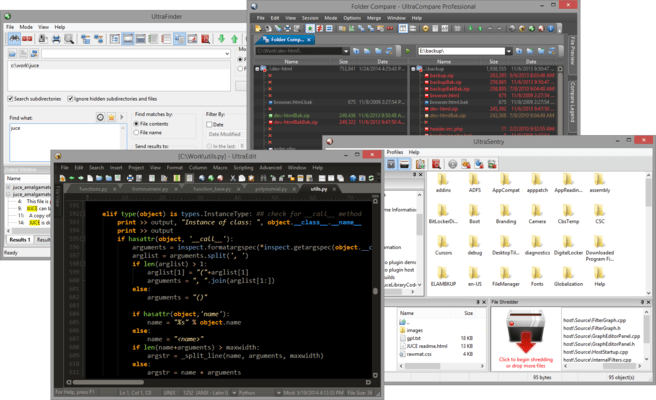
Released: Aug 31, 2017
Atualizações na v24.20
Recursos
Updates in UltraEdit v24.20
- Folded code highlighting
- Folding control turns solid when section is collapsed.
- Background coloring for first line of folded code.
- Configure colors for the above in theme.
- Dramatic performance improvements for Find
- Blazingly fast, grep-like speed when writing of thousands of search results to the Output Window and Find String List.
- Greatly improved performance and memory management for huge Find in Files results (700,000+ matches).
- Quicker and more responsive cancelling of Find / Replace in Files.
- Greatly improved performance with many strings highlighted via "Highlight all" or Quick Find.
- Addressed issues with mixed line terminators in Find String List causing erroneous line numbers.
- Dramatic performance improvements for hidden lines
- Much faster "Delete all hidden lines", especially with many lines hidden.
- Much smoother scrolling with large sections of hidden code / text.
- Tab delimited sort
- Sort file based on tab-separated value fields instead of column numbers.
- Optionally specify start and end characters for each field.
- Syntax highlighting improvements
- Syntax highlighting preserved for partially selected keywords.
- Function list no longer shows functions in block comments.
- Unmatched string character in regexp class no longer causes unwanted string highlighting.
- Addressed issue with incorrect syntax highlighting after wrapping lines.
- Display improvements
- Title bar no longer uses black color for text with darker title bar background.
- Improved display and spacing of line number margin (decreased width when line numbers disabled).
- Restored vertical scroll bar in vertically oriented multi-line file tabs.