








Offizieller Lieferant
Als offizieller und autorisierter Distributor beliefern wir Sie mit legitimen Lizenzen direkt von mehr als 200 Softwareherstellern.
Sehen Sie alle unsere Marken.
TX Text Control .NET is a royalty-free, fully programmable document editor that empowers developers to add rich WYSIWYG word processing to desktop and web applications across various platforms. From Windows Forms and WPF for native apps to ASP.NET for web-based solutions, it provides everything from comprehensive text formatting and mail merge to PDF creation and processing, all through a robust API and intuitive user interface.
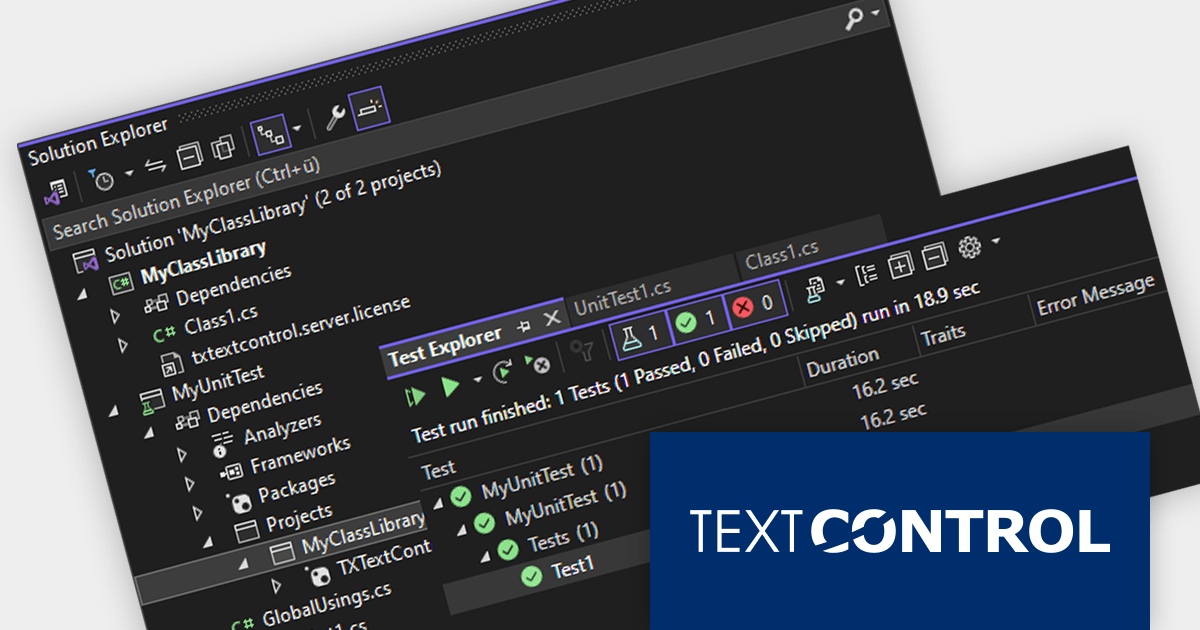
The TX Text Control .NET Version 32.0 Service Pack 2 release adds support for unit testing. You can now test your TX Text Control based software using NUnit, MSTest, or other testing frameworks. Unit tests help to ensure that code is well-written and well-structured, and leads to more modular and maintainable code.
To see a full list of what's new in version 32.0 Service Pack 2, see our release notes:
TX Text Control .NET for Windows Forms and TX Text Control .NET for WPF are licensed per developer and are available as a Perpetual License with a 12 month support and maintenance subscription. See our TX Text Control .NET for Windows Forms licensing page or TX Text Control .NET for WPF licensing page for full details.
TX Text Control .NET Server for ASP.NET is licensed per developer and is available as a Perpetual License with a 12 month support and maintenance subscription. Run time licenses are required for the deployment to production servers. See our TX Text Control .NET Server for ASP.NET licensing page for full details.
For more information, visit our product pages:
AlterNET Studio provides a set of component libraries that enables users of your applications to write scripts in C#, Visual Basic, TypeScript, JavaScript and Python programming languages to extend your application with custom functionality; run and debug these scripts with a fully-featured debugging engine and design visual user interfaces with the graphical Form Designer.
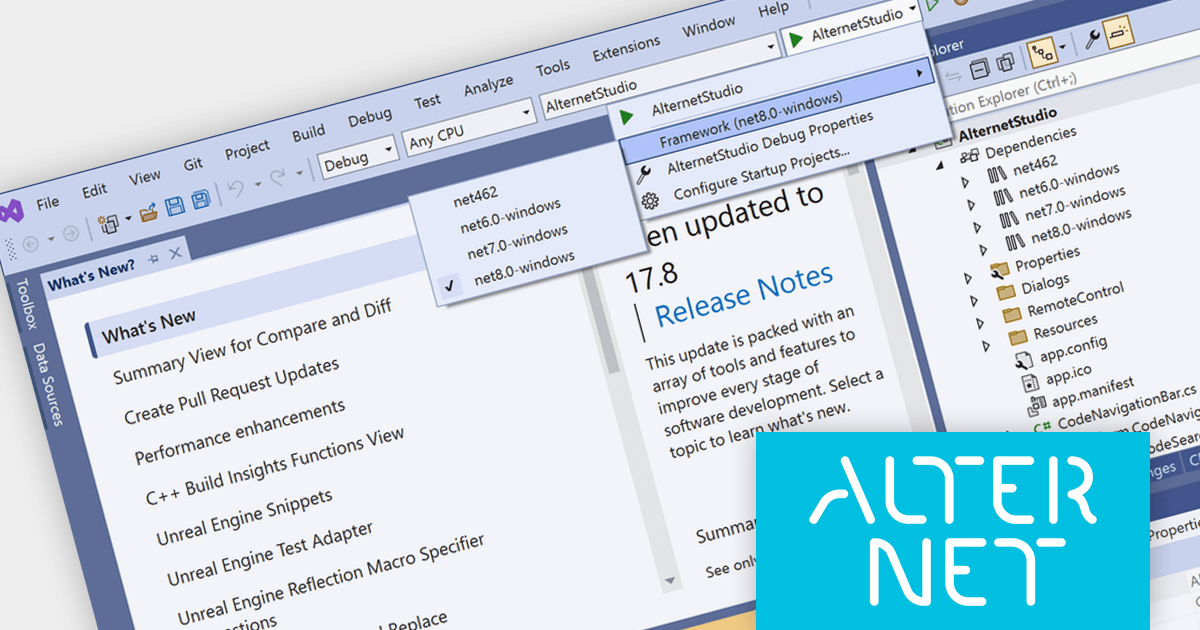
The AlterNET Studio 9.5 release adds support for Microsoft .NET 8, allowing developers to enjoy the performance boosts, enhanced cross-platform compatibility, and new APIs in the latest version of Microsoft's popular development framework. All AlterNET Studio core libraries, NuGet packages, and demo projects have been updated to support .NET 8.
To see a full list of what's new in version 9.5, see our release notes.
AlterNET Studio is licensed per developer and is Run-time royalty free. Licenses are perpetual and include a subscription providing software updates for 12 months, which can be renewed in order to continue receiving updates. Site and OEM License options are also available. See our AlterNET Studio licensing page for full details.
For more information, visit our AlterNET Studio product page.
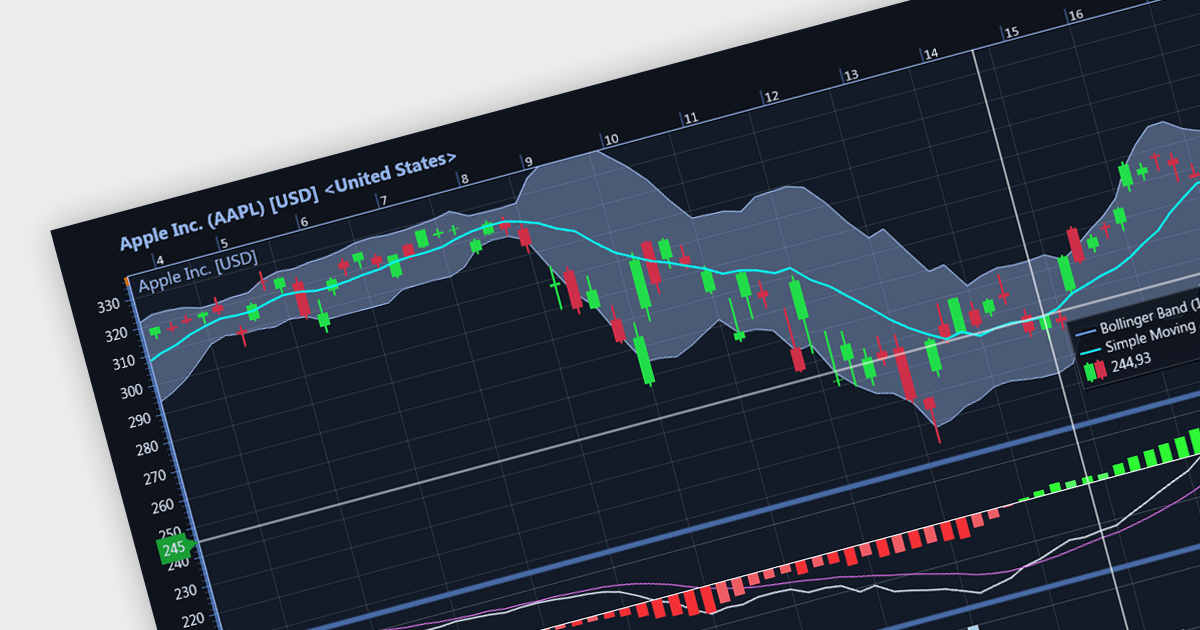
Candlestick charts are a style of financial chart used to describe price movements of a security, derivative, or currency. Each "candlestick" typically shows one day, with the central "box" representing the range between the opening and closing prices and the lines showing highs and lows. Their unique visual format helps traders to quickly understand market sentiment.
Several WinForms chart controls offer Candlestick charts including:
For an in-depth analysis of features and price, visit our WinForms chart controls comparison.
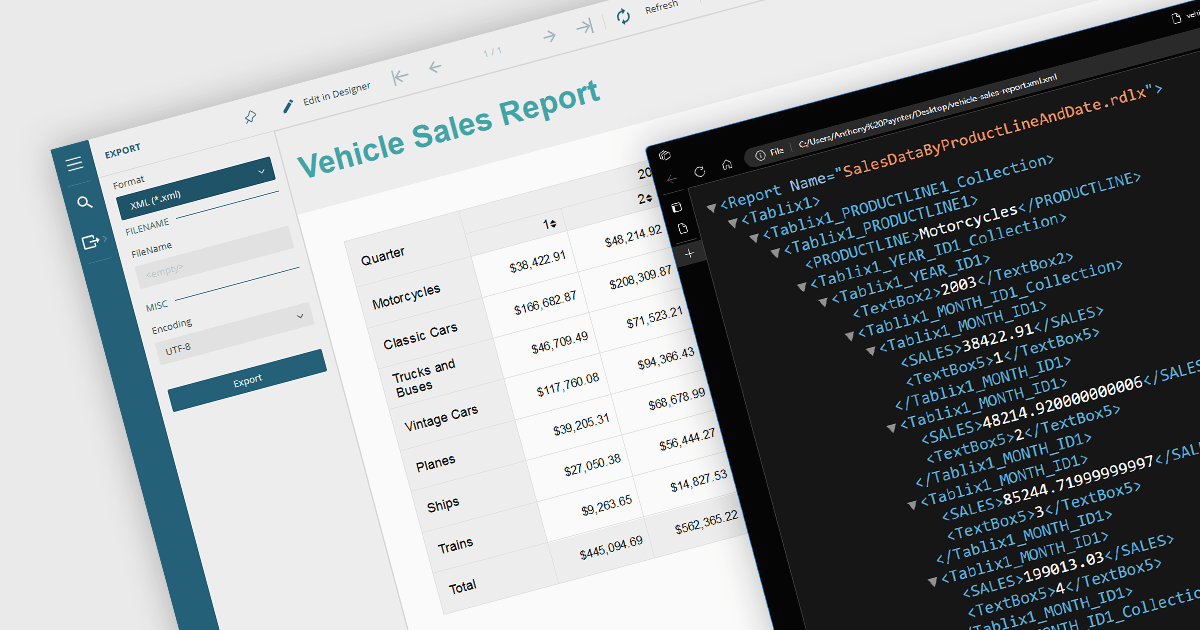
Exporting reports to XML offers several benefits. Firstly, its structured format makes it easy to share and integrate with various applications and platforms regardless of their operating system or software. This flexibility fosters seamless data exchange and analysis across different systems. Secondly, XML's clear tags and hierarchy simplify data manipulation and transformation, allowing for easier filtering, sorting, and restructuring of report data. Additionally, XML's compact nature often translates to smaller file sizes, making it efficient for storage and transmission. Overall, XML export empowers users with greater flexibility, interoperability, and data manipulation compared to traditional formats, unlocking valuable insights from their reports.
Several .NET WinForms reporting controls offer XML export including:
For an in-depth analysis of features and price, visit our .NET WinForms reporting comparison.
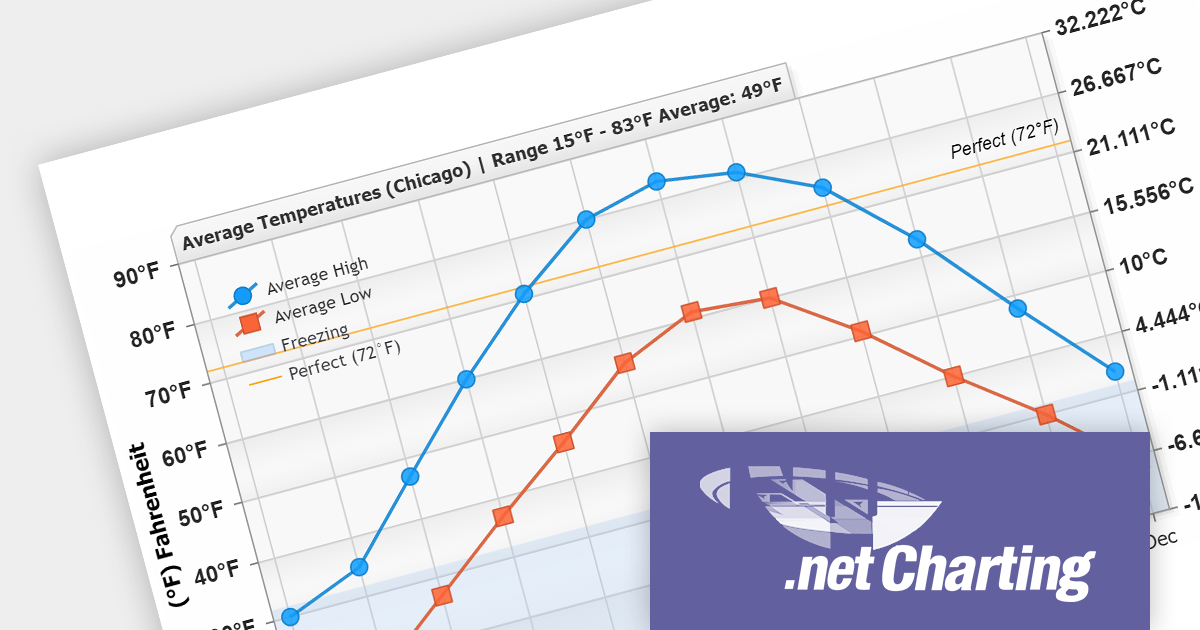
.netCHARTING provides a managed charting solution for C# and VB.NET developers working with ASP.NET or WinForms. It combines visually stunning graphics and a comprehensive interface that help add compelling charts to your apps. This high performance charting control also contains a feature rich data access and aggregation system with calculation support.
The .netCHARTING V10.6 release adds support for .NET 8. This allows developers to enjoy the performance boosts, enhanced cross-platform compatibility, and new APIs in the latest version of Microsoft's popular development framework.
.netCHARTING is licensed per site (1 web site on 1 sever), per server (unlimited web sites on 1 server) or per developer (single application) and is available as a Perpetual License with a 12 month subscription which includes major and minor upgrades and priority email support. See our .netCHARTING licensing page for full details.
For more information, visit our .netCHARTING product page.





Tel.: (888) 850 9911
Fax: +1 770 250 6199


