








Offizieller Lieferant
Als offizieller und autorisierter Distributor beliefern wir Sie mit legitimen Lizenzen direkt von mehr als 200 Softwareherstellern.
Sehen Sie alle unsere Marken.
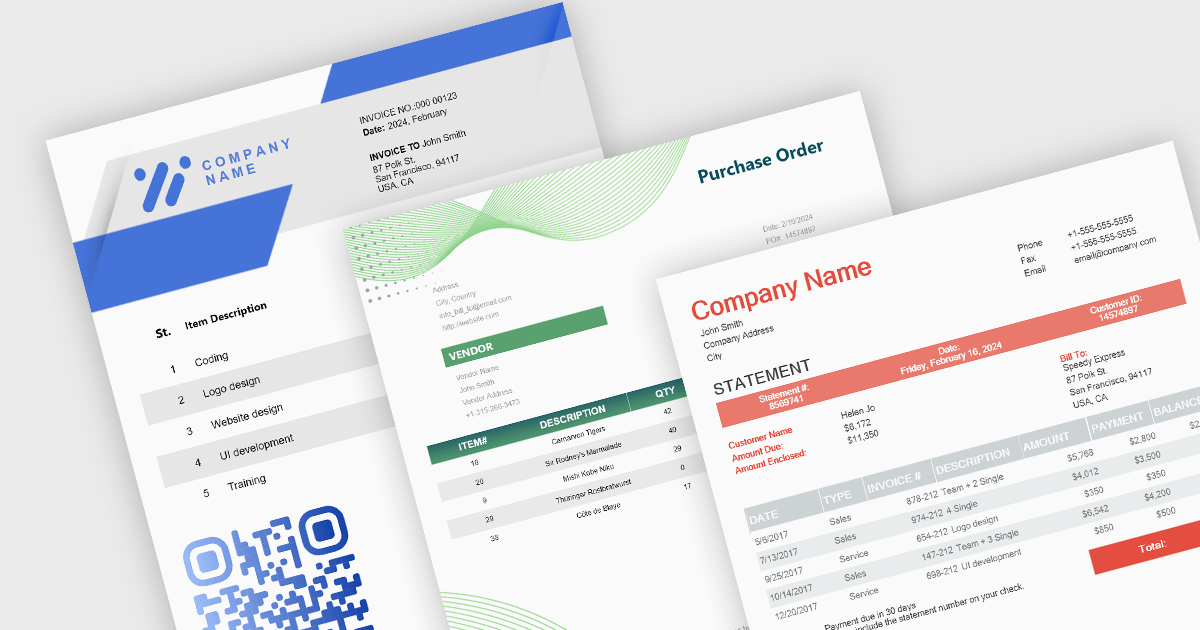
Theme support in reporting controls allows you to customize the visual appearance of your reports without directly modifying individual elements. It works by applying pre-defined themes or creating custom ones, affecting aspects like fonts, colors, backgrounds, and layout. This simplifies report design, ensures brand consistency, and improves accessibility by adhering to user interface guidelines. Theme support is particularly valuable for generating multiple reports with a cohesive look and feel, catering to different audiences, or complying with specific accessibility standards.
Several WinForms reporting controls offer theme support including:
For an in-depth analysis of features and price, visit our WinForms reporting controls comparison.
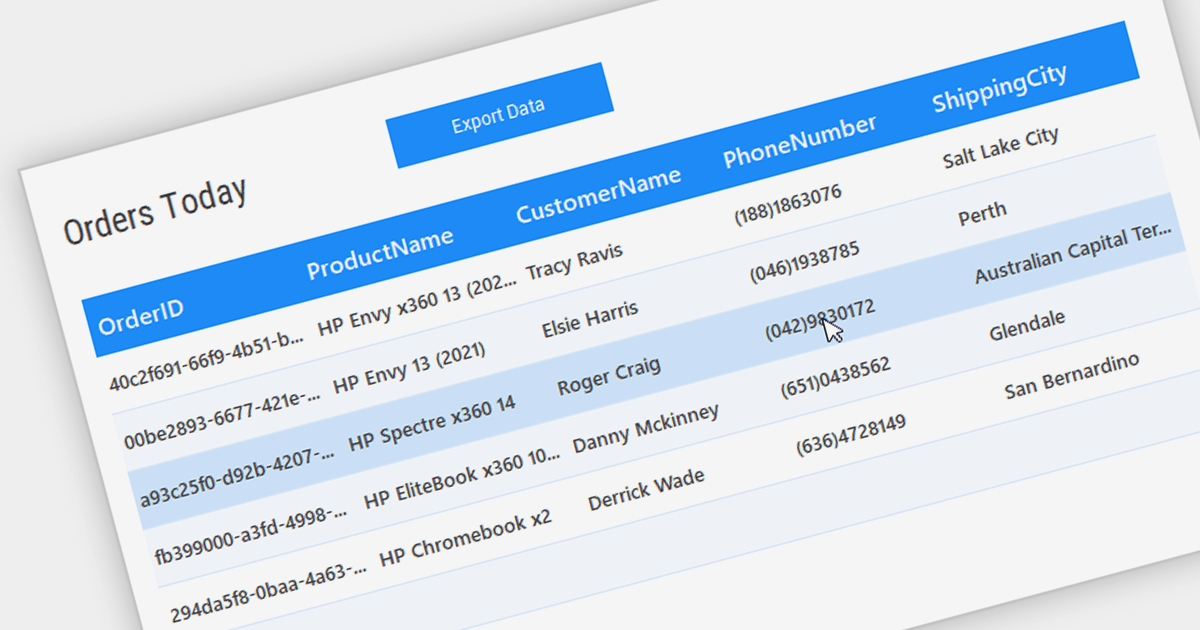
Grid controls with Bound Data Display provide a structured and efficient means of presenting and managing data in software applications. By binding the grid to a data source, such as a database or a collection of objects, developers can ensure real-time synchronization between the data and the grid, eliminating the need for manual updates. This seamless integration enhances data accuracy and consistency, allowing users to view, edit, and manipulate information in a centralized and organized format. The bound data display simplifies data management and enhances user productivity by providing a dynamic and responsive interface that reflects changes in the underlying data source.
Several .NET WinForms Grids support bound data display including:
For an in-depth analysis of features and price, visit our comparison of .NET WinForms Grids.
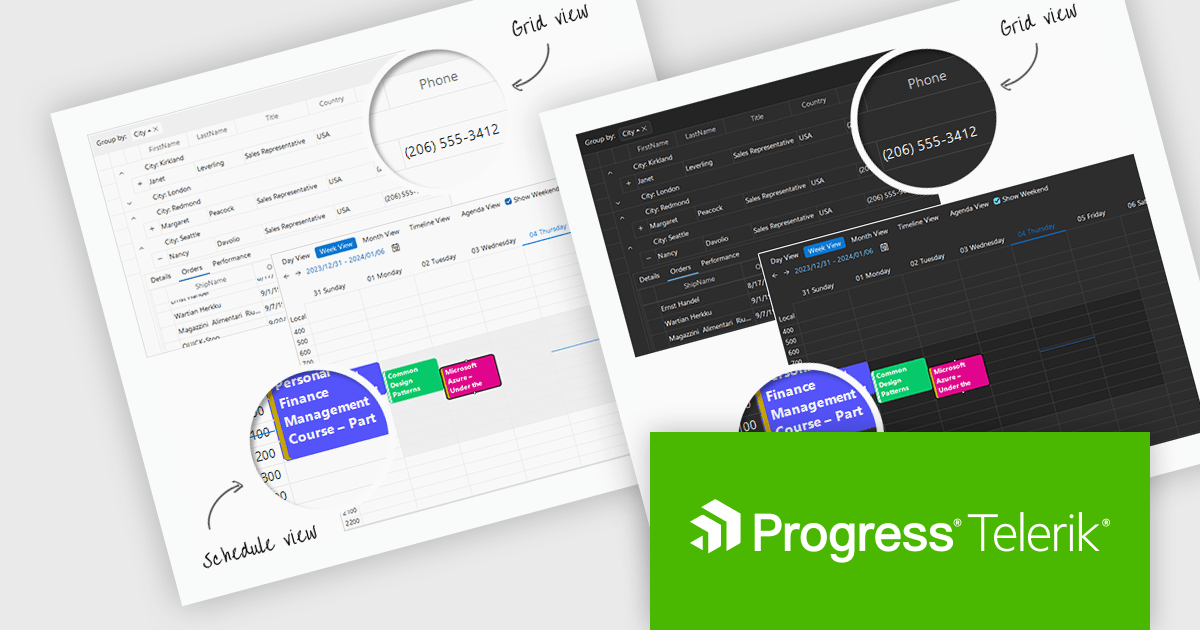
Telerik UI for WinForms is a comprehensive UI library offering over 160 versatile controls designed to streamline the development of modern, data-rich desktop applications. With features like built-in High DPI support, extensive customization options, and components ranging from grids and charts to schedulers and rich text boxes, it empowers developers to craft visually appealing and feature-packed Windows Forms applications.
The Telerik UI for WinForms 2024 Q1 update adds new Windows 11 Light and Dark compact themes, empowering developers to deliver modern, space-optimized UIs tailored to user preferences. These compact alternatives to the existing Windows 11 themes enhance application aesthetics, align with the latest design trends, and cater to users who prefer more compact interfaces. Users will enjoy improved focus and clarity with the uncluttered interface, ideal for multitasking and complex workflows.
To see a full list of what's new in 2024 Q1, see our release notes.
Telerik UI for WinForms is licensed per developer and is available as a perpetual license with a one year support subscription, which is available in three tiers: Lite, Priority or Ultimate. See our Telerik UI for WinForms licensing page for full details.
Telerik UI for WinForms is available to buy in the following products:

Numeric Spin data editor controls are intended for the efficient and precise input of numerical values. By combining an edit box with up/down spin buttons, users may either type to input directly or utilize the spin buttons to increase or decrease the value. This method promotes faster and less error-prone data entry than manual typing, particularly for large quantities or recurrent value revisions. Many spin editors include built-in validation, range limitations, data type selection, and formatting choices, which further improve data accuracy.
Many .NET WinForms data editor collections contain numeric spin components including:
For an in-depth analysis of features and price, visit our comparison of WinForms data editors.
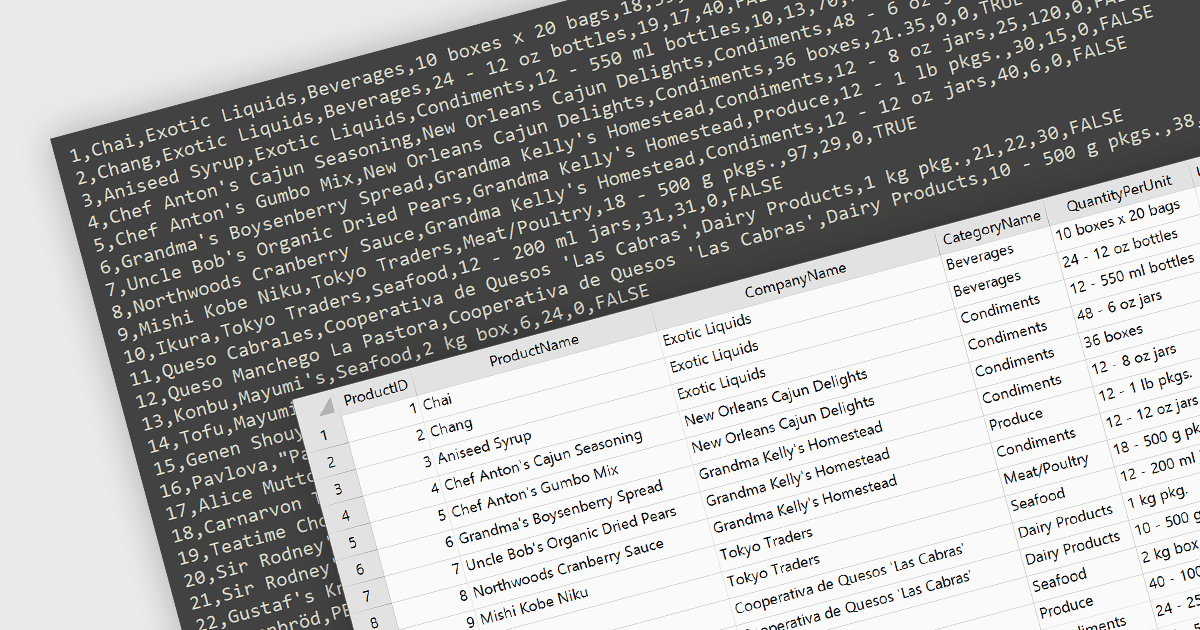
Integrating CSV import functionality in a spreadsheet streamlines data management by offering several key benefits. It simplifies transferring structured data from external sources, like databases or web scraped information, directly into the spreadsheet for analysis. This eliminates manual data entry errors and saves time. The straightforward CSV format ensures broad compatibility with various data sources, enhancing flexibility.
Several WinForms spreadsheet controls offer the ability to import CSV files including:
For an in-depth analysis of features and price, visit our WinForms spreadsheet controls comparison.





Tel.: (888) 850 9911
Fax: +1 770 250 6199


