








Offizieller Lieferant
Als offizieller und autorisierter Distributor beliefern wir Sie mit legitimen Lizenzen direkt von mehr als 200 Softwareherstellern.
Sehen Sie alle unsere Marken.
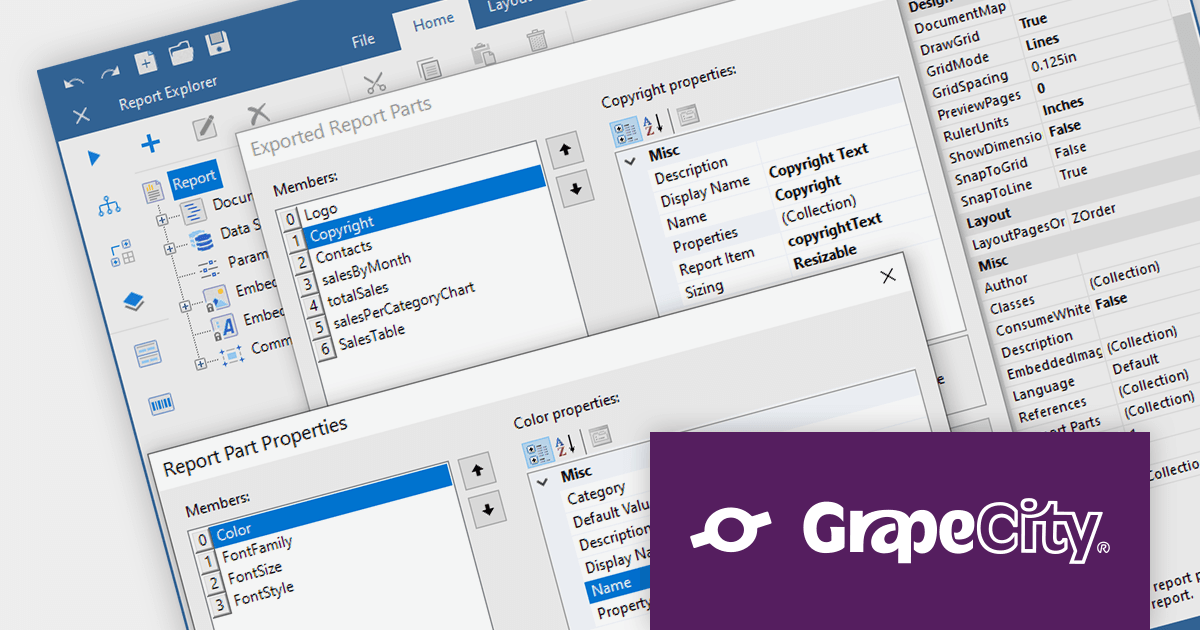
ActiveReports.NET is a reporting tool that allows developers to design and deliver reports with intuitive, reliable, and user-friendly report designers and controls. Features include the ability to create reports in a variety of formats, such as PDF, Excel, and HTML. ActiveReports.NET is also highly customizable, with an extensive API and advanced feature library.
ActiveReports.NET v17.2 introduces Report Parts, which can be created from any report item, including tables, charts, text boxes, and images. These Report Parts are created by developers and added to the ActiveReports toolbox for end-users to drag and drop onto the design surface. This makes it easy for end-users to create complex reports without having to learn the intricacies of report design. Developers can specify the properties of the Report Part, such as its data binding, formatting, and visibility so that they that are tailored to the specific needs of their users.
To see a full list of what's new in version 17.2, see our release notes.
For more information, visit our ActiveReports.NET product page.

Exporting charts to PDF enables developers to save charts as PDF documents, ensuring their appearance and data are preserved for sharing, printing, or archival purposes. It allows seamless integration of charting capabilities within WPF applications and facilitates the generation of high-quality, portable chart representations in PDF format.
Here is a selection of WPF chart controls that offer PDF export support:
Additionally, the following charting components are available as part of multi-function component suites:
For an in-depth analysis of features and price, visit our comparison of .NET 7 charts.
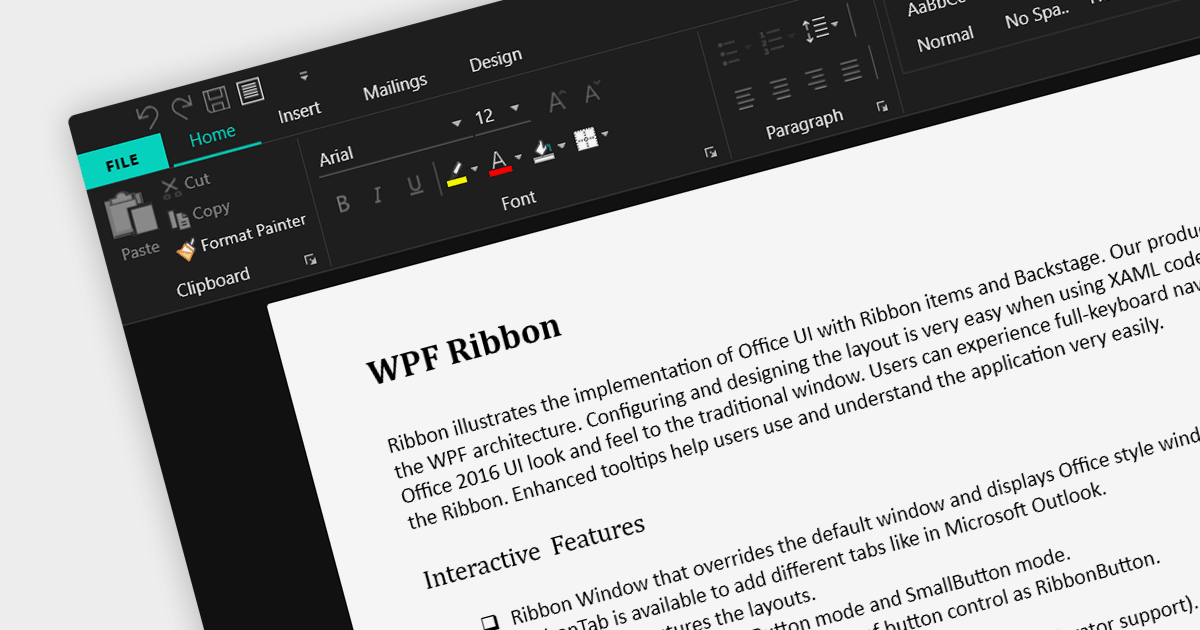
A ribbon control is a graphical user interface element that consists of a horizontal strip displaying various commands and functions organized into tabs and groups for easy access and navigation. Ribbons are designed to be easy to use and understand. Tools are grouped together in a logical way, making it easy for users to find the commands they need, even if they are not familiar with the application.
Here are some example WPF UI suites that offer a ribbon control:
For an in-depth analysis of features and price, visit our comparison of WPF UI suites.

Sparklines are miniature line graphs designed to provide a visual representation of data trends within a compact space. They condense information into a single line or bar, often displayed alongside text or numbers. They allow for quick and intuitive understanding of patterns, making them useful for displaying data in tight spaces such as data tables, and providing visual summaries at a glance.
The following WPF reporting controls include support for sparklines:
For an in-depth analysis of features and price, visit our comparison of WPF reporting controls.
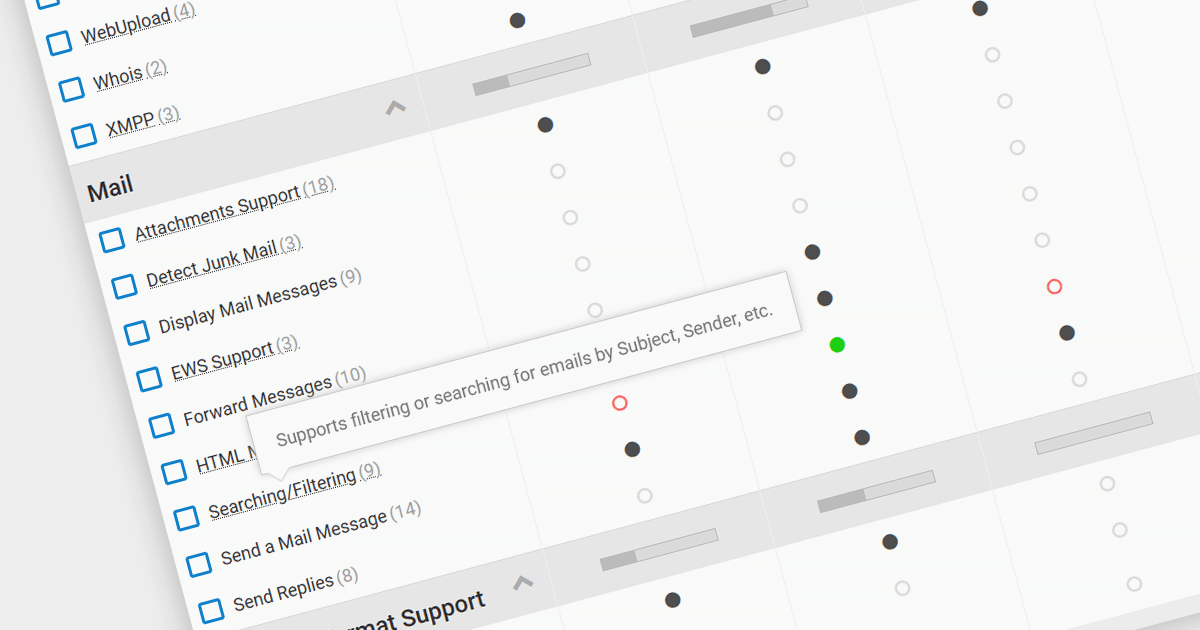
We are pleased to announce our new .NET Communications and Messaging Comparison tool. This comprehensive comparison is designed to help developers compare comms & messaging components for their specific needs.
Communication and messaging components allow developers to easily integrate communications capabilities into their applications. This can include functionality such as sending and receiving data, controlling devices via a network, sharing information between users or systems, and connecting users via voice, video conferencing or chat. They can be used to improve communication, collaboration, and security in software development.
Our unique comparison helps developers efficiently evaluate and select the most suitable .NET comms and messaging components. Whether you need FTP, email, SMS integration or real-time chat features, our comparison can save you time. It includes a comprehensive range of popular .NET components, allowing developers to analyze features, price and compatibility with their existing systems.
Compare comms & messaging components including:
For an in-depth analysis of features and price, visit our comparison of .NET communications and messaging components.





Tel.: (888) 850 9911
Fax: +1 770 250 6199


