








Offizieller Lieferant
Als offizieller und autorisierter Distributor beliefern wir Sie mit legitimen Lizenzen direkt von mehr als 200 Softwareherstellern.
Sehen Sie alle unsere Marken.
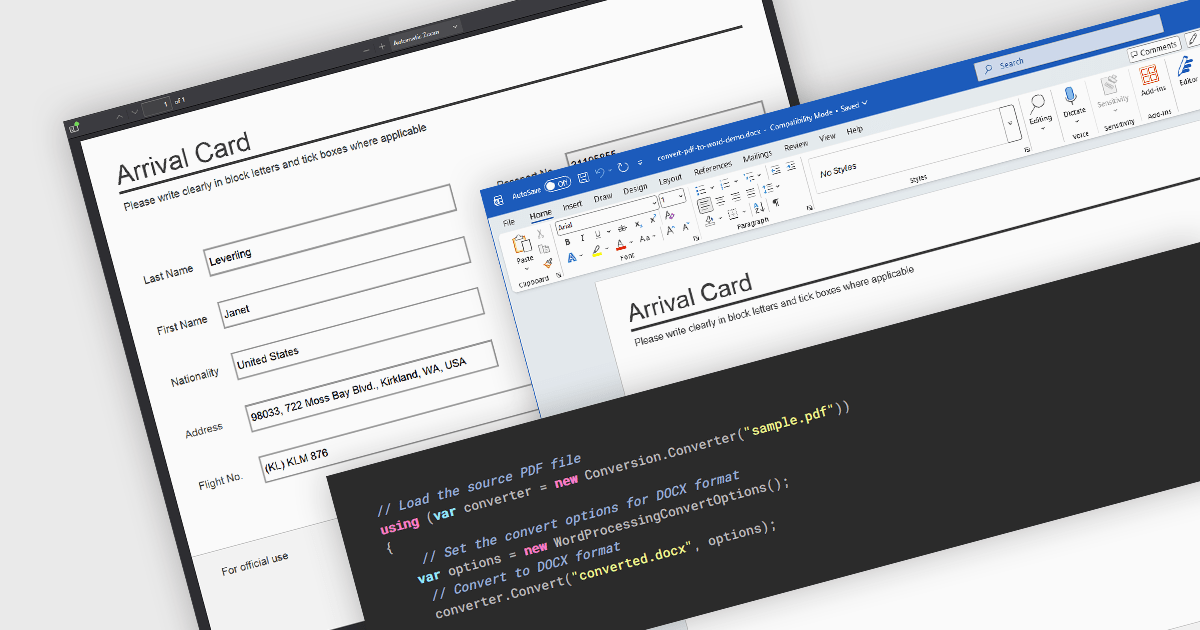
PDF to Word conversion is the process of transforming a Portable Document Format (PDF) file into an editable Microsoft Word document such as DOC or DOCX. This capability is widely used when content that was originally distributed in a fixed-layout format needs to be modified, reused, or incorporated into other documents. Converting PDFs to Word allows users to edit text, adjust formatting, and extract tables or images without manually recreating the original content. For developers and organizations that process large volumes of documents, automated conversion can improve productivity by enabling document reuse, simplifying content updates, and supporting processes that require editable formats.
Several .NET PDF components allow you to convert PDF to Word, including:
For an in-depth analysis of features and price, visit our comparison of .NET PDF components.
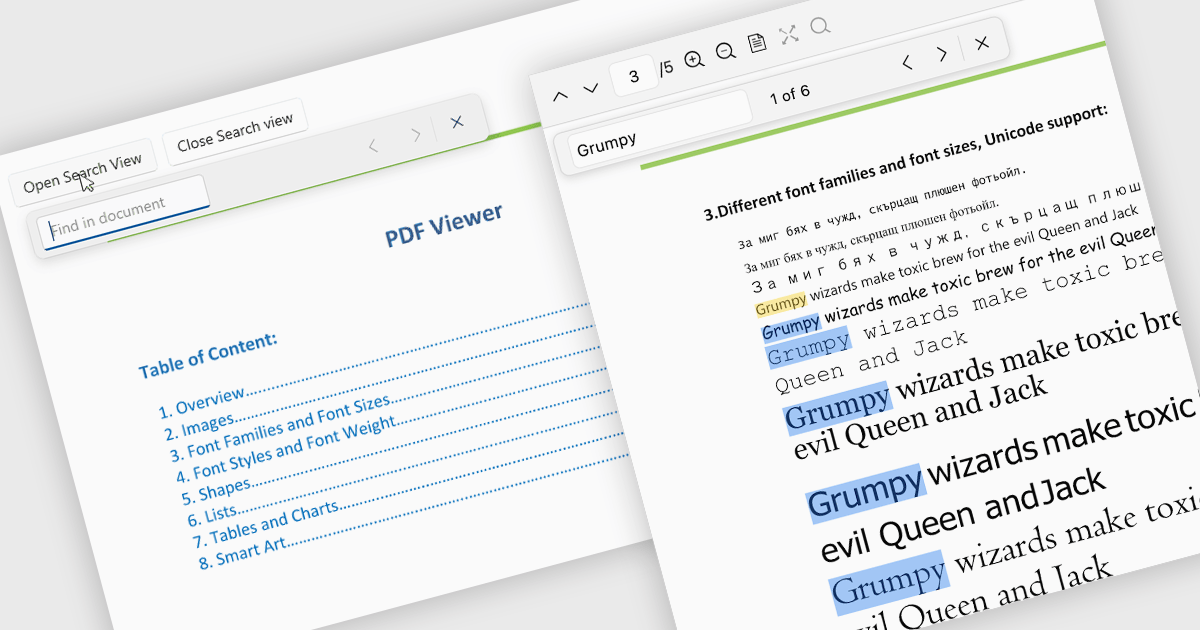
Search in a PDF viewer allows users to quickly locate specific words, phrases, or data within a document without manually scanning each page. By instantly highlighting and navigating between results, search makes it easier to work with large or complex PDFs such as reports, manuals, contracts, or research papers. This functionality improves productivity by helping users find relevant information faster, understand content in context, and move directly to important sections.
Several .NET PDF Viewer controls allow you to search for text in PDF files including:
For an in-depth analysis of features and price, visit our .NET PDF Viewer controls comparison.
Telerik UI for WPF and Telerik UI for WinForms are UI libraries for building Windows desktop applications. Telerik UI for WinForms includes more than 160 controls and a structured architecture with Composite UI Application Block (CAB) support, making it suitable for enterprise and data-heavy internal applications. Telerik UI for WPF is designed specifically for Windows Presentation Foundation (WPF) and provides a wide range of customizable, high-performance controls for complex line-of-business software. Together, the libraries provide ready-made components that help teams build and maintain desktop applications more efficiently.
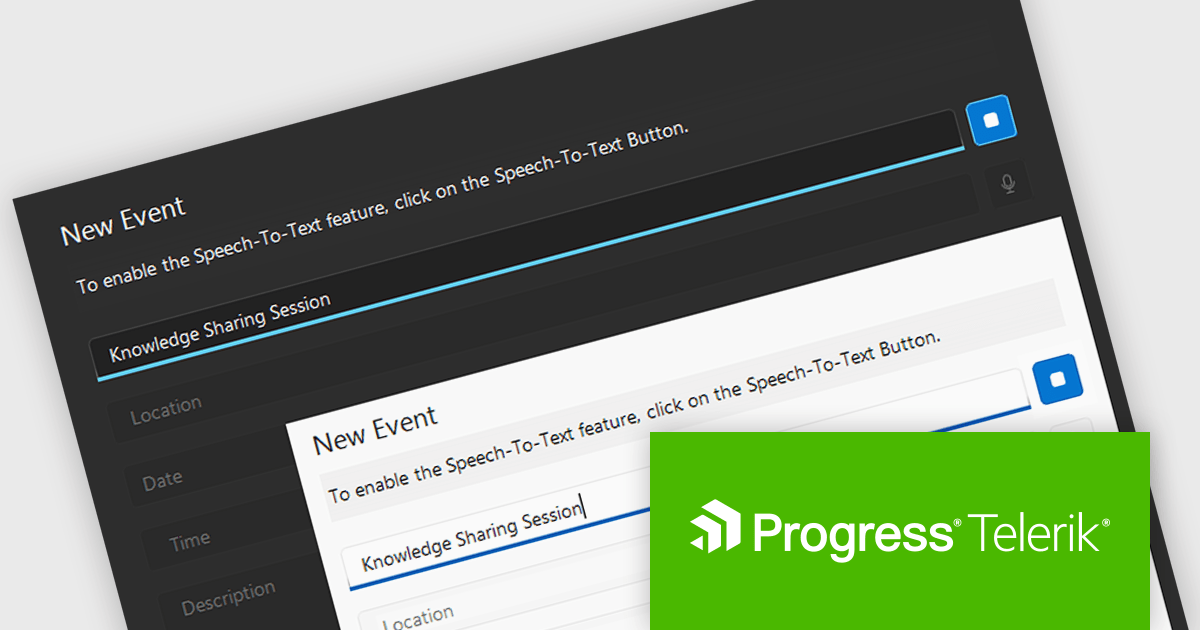
The Telerik 2026 Q1 update for WPF and WinForms introduces a 'Speech to Text' button that enables developers to add voice input with real time transcription directly into their applications. This feature allows users to enter text faster through hands free interaction while providing immediate visual feedback on recognized speech as it is captured. Developers can customize the control’s appearance to match application themes and branding, choose between continuous or single recognition modes depending on the scenario, and integrate custom speech recognition services or libraries, making it easier to implement accessible, flexible, and efficient voice enabled data entry experiences.
To see a full list of what's new for each product in 2026 Q1, see our Telerik UI for WPF and Telerik UI for WinForms release notes.
Both Telerik UI for WPF and Telerik UI for WinForms are licensed per developer and have two licensing models: an annual Subscription License and a Perpetual License. The Subscription license provides access to the latest product updates, technical support, and exclusive benefits for a flat annual fee, and must be renewed to continue using the software. The Perpetual license is a one-time purchase granting access to the current released version and includes a one-year subscription for product updates and technical support. After this initial period, users can choose to renew the subscription element to continue receiving updates and support; otherwise, they may continue using the installed version available during their active subscription term but will forgo future updates and support. See our Telerik UI for WPF licensing page and Telerik UI for WinForms licensing page for full details.
Telerik UI for WPF and Telerik UI for WinForms are available individually or as part of the following products:
LM-Kit.NET is a cross-platform software development kit (SDK) designed for .NET applications, enabling on-device execution of large and small language models without relying on external cloud services. It supports a broad range of natural language processing tasks, including text generation, translation, summarization, and entity recognition, executed locally on CPU or GPU, with compatibility across Windows, Linux, and macOS. The SDK provides native integration through a NuGet package, allowing developers to embed AI capabilities directly into desktop, server, or edge applications while maintaining full control over data, performance, and compliance requirements. It supports multiple model architectures and inference backends, giving developers flexibility to tailor performance and resource usage to their specific environments.
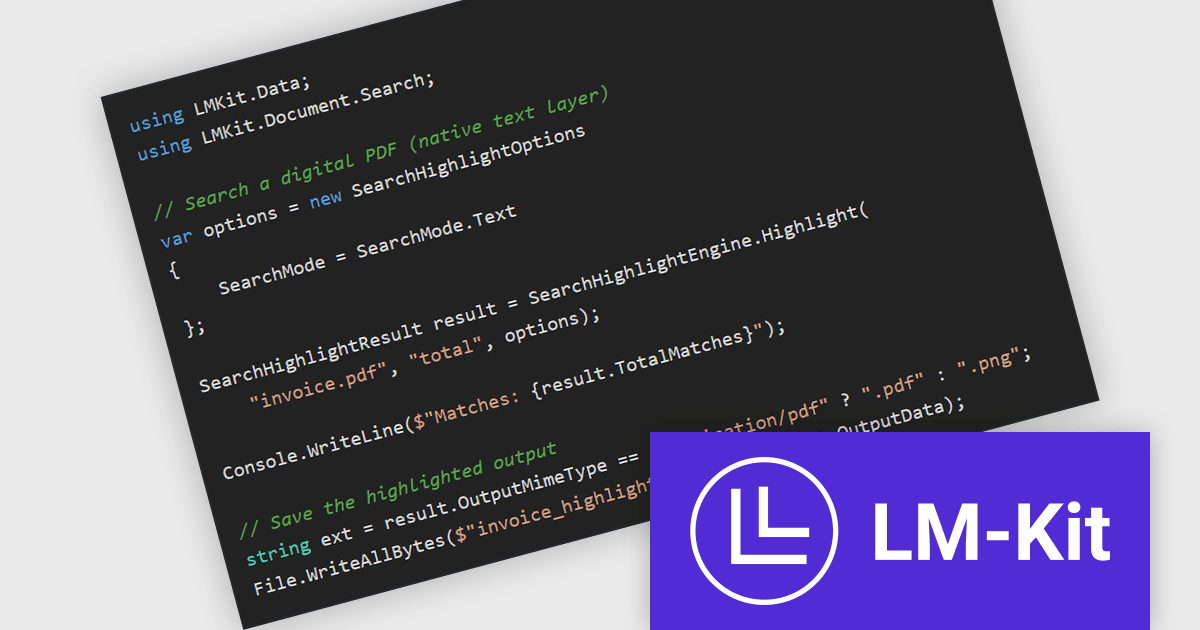
The LM-Kit.NET 2026.3.2 update introduces the SearchHighlightEngine, a new feature that enables applications to search and visually highlight text within paginated documents such as PDFs or images. It supports exact matches, regular expressions, and fuzzy matching using the Damerau–Levenshtein distance, allowing developers to locate text even when small spelling variations or recognition errors are present. The engine produces a highlighted version of the document, making results immediately visible and easier to review in document processing, analysis, or verification scenarios. It can also accept pre-computed PageElement instances for raster PDFs or images, allowing existing layout or text extraction results to be reused and reducing the processing required to add search highlighting capabilities.
To see a full list of what's new in version 2026.3.2, see our release notes.
LM-Kit.NET is licensed per deployed commercial application per year. The license is subscription-based and must be renewed every year to continue using the Software. See our LM-Kit.NET licensing page for full details.
Learn more on our LM-Kit.NET product page.
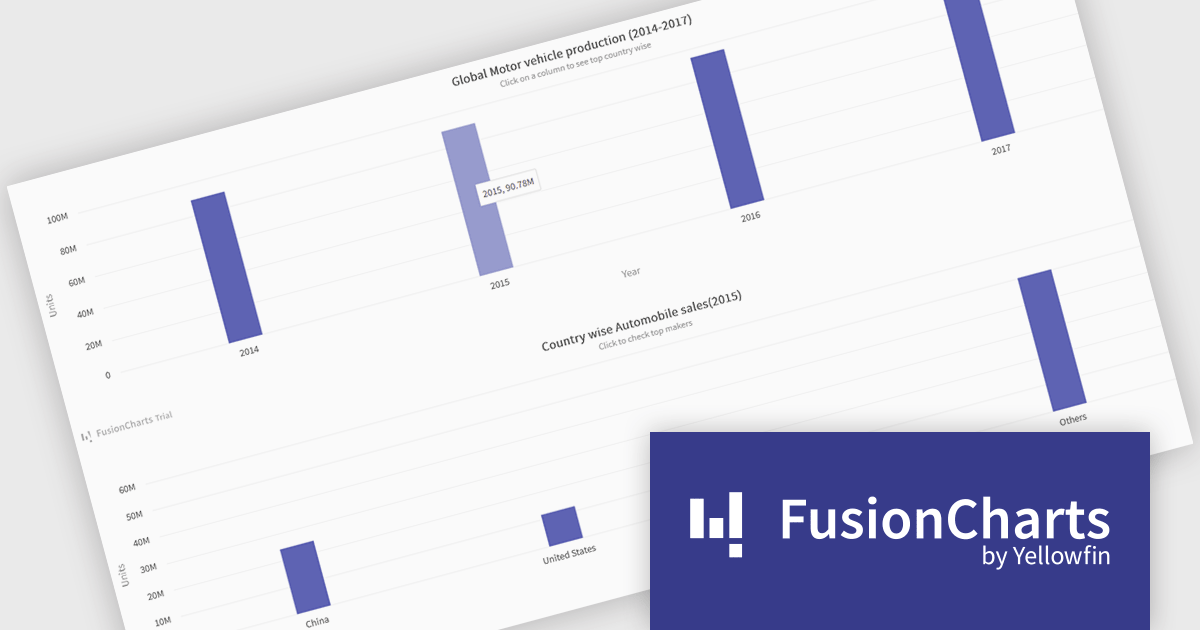
FusionCharts Suite XT is a collection of charting and mapping tools that helps developers create interactive and data-driven dashboards for their web and mobile applications. It provides a wide range of features, including over 100 chart types, data-driven maps, and a variety of customization options. FusionCharts Suite XT helps you visualize and present data in a clear and engaging way.
FusionCharts Suite XT allows developers to implement drill down charts that let users click individual data points to view related charts with more detailed information. This functionality helps developers present large or complex datasets in a structured way, allowing applications to display high level summaries while providing access to deeper data when required. By supporting multiple levels of drill down across most chart types, it supports scalable and interactive data exploration without overloading the initial visualization.
FusionCharts Suite XT is licensed through tiered plans, including Basic, Pro, Enterprise, and Enterprise+, available as annual or perpetual licenses for different developer and deployment needs. See our FusionCharts Suite XT licensing page for full details.
For more information, visit our FusionCharts Suite product page.





Tel.: (888) 850 9911
Fax: +1 770 250 6199


