








Offizieller Lieferant
Als offizieller und autorisierter Distributor beliefern wir Sie mit legitimen Lizenzen direkt von mehr als 200 Softwareherstellern.
Sehen Sie alle unsere Marken.
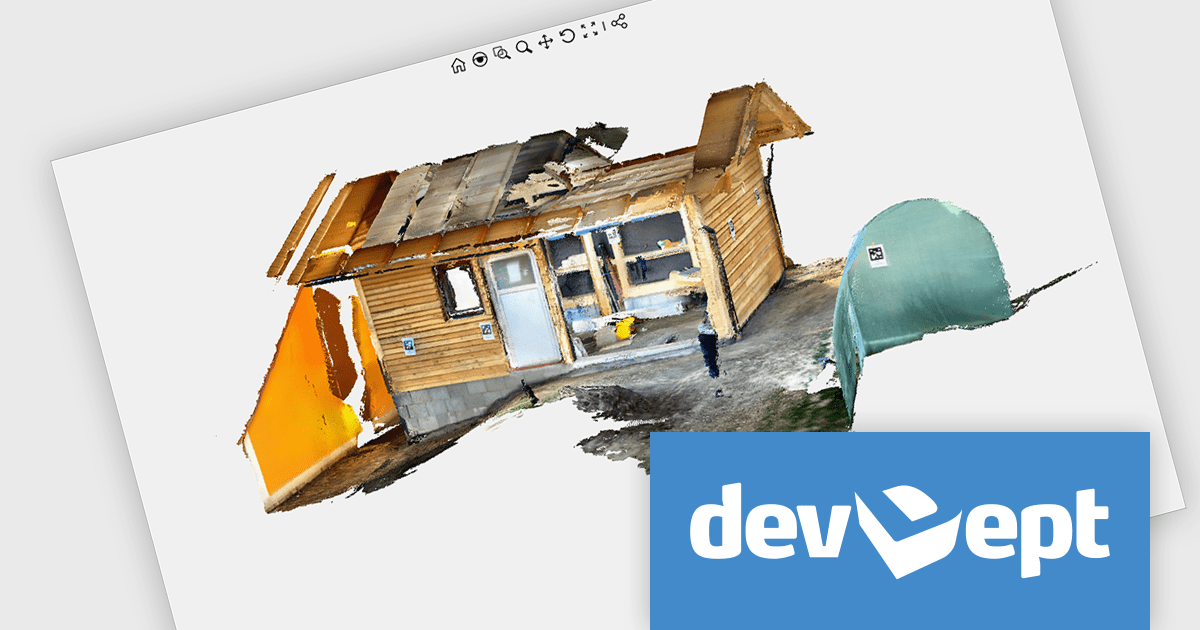
Eyeshot by devDept is a comprehensive 3D graphics toolkit designed for .NET developers building engineering and CAD (Computer-Aided Design) applications. It offers a robust set of components for creating, editing, and rendering complex 2D and 3D geometry directly within Windows Forms and WPF environments. With support for advanced modeling features, viewport controls, and industry-standard file formats, Eyeshot simplifies the integration of interactive graphics into technical software. It is well-suited for developers working in areas like mechanical design, architecture, and simulation who need high-performance rendering and precise modeling capabilities.
The Eyeshot 2025.3 update adds preview support for the E57 file format through its new 'ReadE57' class, allowing developers to import data captured by 3D imaging systems such as laser scanners. E57 is a compact, vendor-neutral format that stores rich 3D content, including point clouds, images, and associated metadata. This new functionality gives developers greater flexibility when working with real-world scan data, making it easier to integrate 3D captures into engineering, architecture, and visualization applications.
To see a full list of what's new in version 2025.3, see our release notes.
Eyeshot is licensed per developer and is available as an annual license, with either Lite or Priority support. See our licensing pages for Eyeshot Pro, Eyeshot Ultimate, and Eyeshot Fem for full details.
Eyeshot is available to buy in the following products:
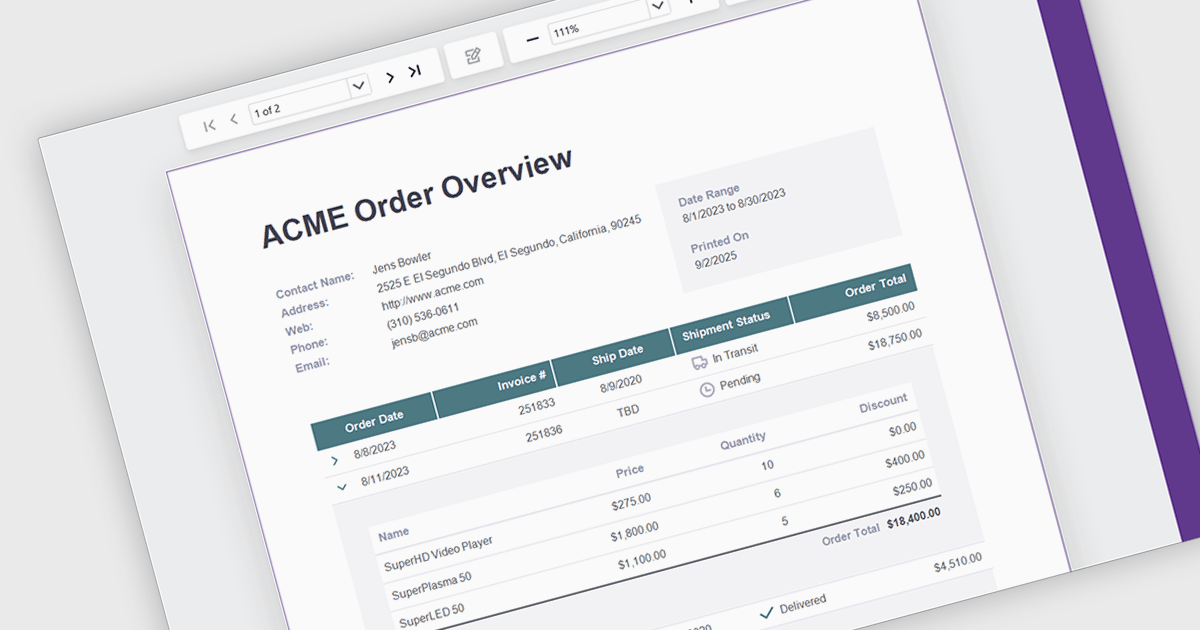
Drill down support in reporting components enables developers to design interactive reports that progressively reveal more detailed data as users click on summary items. This feature allows users to explore underlying datasets directly within the report interface, eliminating the need to switch between views or load separate reports. By structuring data hierarchically, developers can provide a more intuitive and efficient navigation experience for end-users. It is especially valuable in dashboards or business intelligence tools where data granularity is critical for analysis and decision-making.
Several .NET Blazor Reporting controls support drill down features including:
For an in-depth analysis of features and price, visit our comparison of .NET Blazor Reporting Controls.
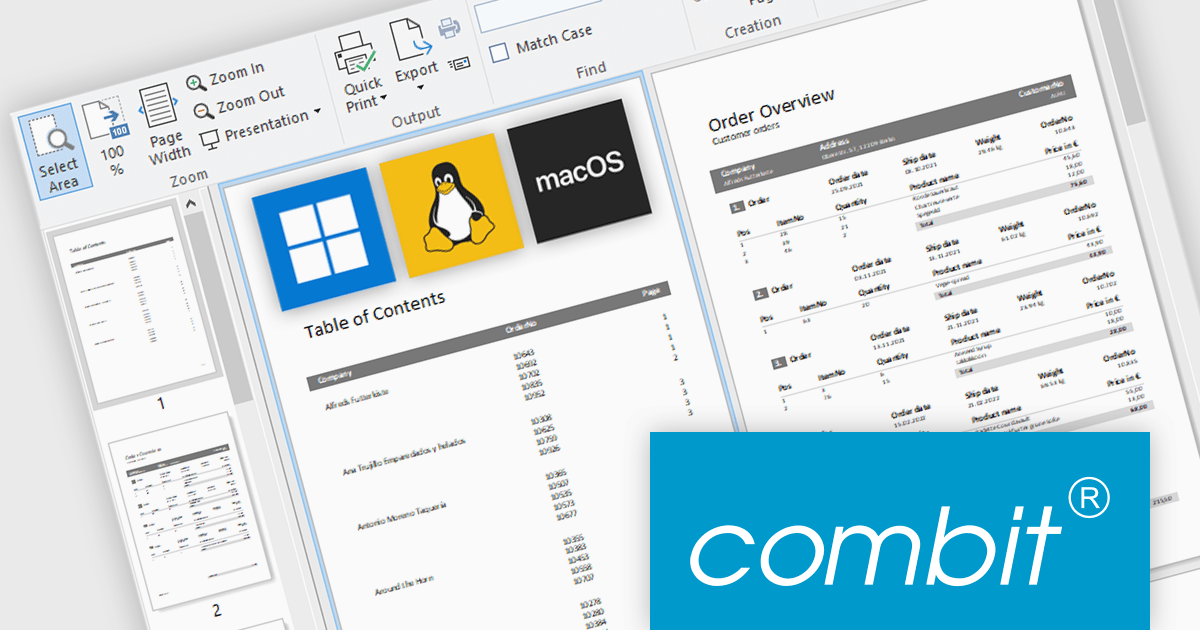
combit have announced an exciting new development for their popular report generator with the introduction of List & Label Cross Platform (LLCP), due for release in October.
This is a significant milestone for combit, as they will now offer a cross-platform reporting solution for Windows, Linux, and macOS. The new powerful print engine is entirely based on the most recent version of .NET, with no native dependencies. For reporting that runs anywhere your app runs.
Features will include:
This cross-platform functionality will only be included as part of the List & Label Enterprise Edition. To help customers benefit from this major advancement, special offers are available until October 9th 2025.
* Subscription terms for free upgrades will not be extended. Special discounted renewal options will be available until October 2026, please contact us for details.
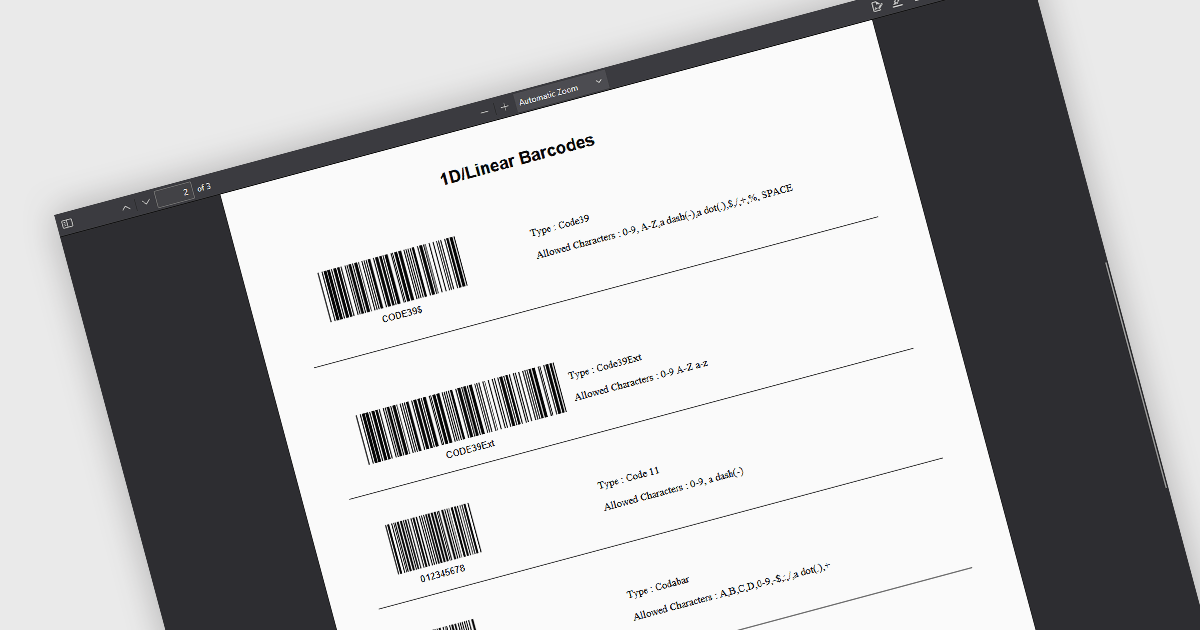
1D Barcode creation in a .NET PDF component refers to the ability to generate linear barcodes—such as Code 39, Code 128, or EAN-13—directly within PDF documents through a .NET application. This feature allows developers to integrate barcode generation into automated workflows for tasks like labeling, inventory tracking, and document indexing. By embedding machine-readable data into PDFs, it enhances data accuracy, speeds up scanning processes, and supports seamless integration with backend systems without requiring external barcode tools or libraries.
Several .NET PDF components allow you to create 1D barcodes, including:
For an in-depth analysis of features and price, visit our comparison of .NET PDF components.
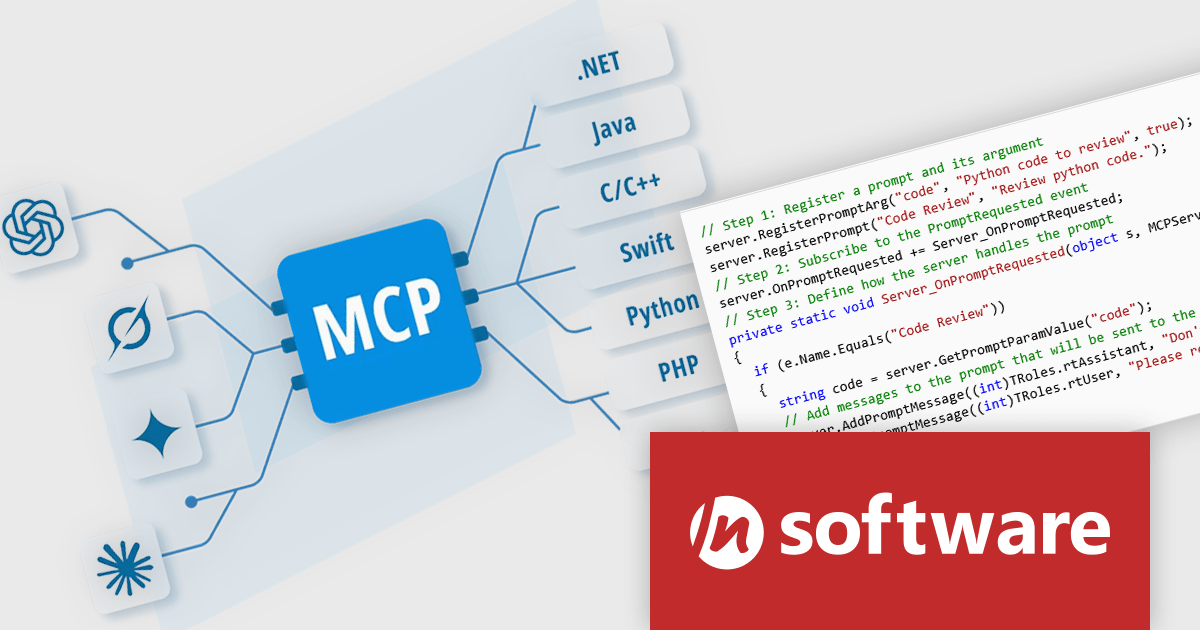
MCP SDK, a new product in the Red Carpet Subscription Vol. 3 2025 update, is a developer-focused library that reduces the complexity of implementing MCP (Model-Context-Protocol) servers and clients. Built around an intuitive event-driven API, it enables large language models (LLMs) to interact meaningfully with your application logic - retrieving data, invoking tools, executing predefined operations, or following structured prompts.
MCP SDK is ideal for building AI agents or integrating LLMs into backend processes that require stateful reasoning and real-time execution. Whether you're building intelligent assistants, automated systems, or decision-support tools, the MCP SDK gives you the flexibility to integrate LLMs into your existing software architecture with minimal effort.
To see a full list of what's new in Red Carpet Subscription Vol. 3 2025, see our release notes.
Red Carpet Subscription is licensed per developer and is available as a Perpetual License with a 12 month support and maintenance subscription. See our Red Carpet Subscription licensing page for full details.
For more information, visit our /n software Red Carpet Subscription product page.





Tel.: (888) 850 9911
Fax: +1 770 250 6199


