








Offizieller Lieferant
Als offizieller und autorisierter Distributor beliefern wir Sie mit legitimen Lizenzen direkt von mehr als 200 Softwareherstellern.
Sehen Sie alle unsere Marken.
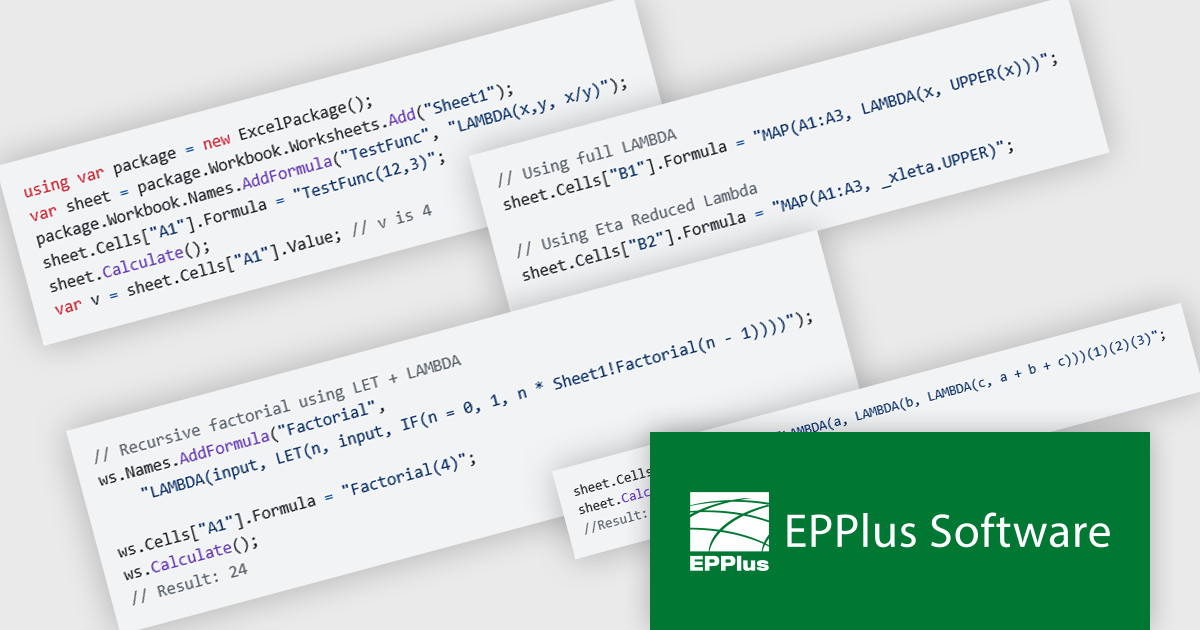
EPPlus is a powerful and versatile .NET library for managing and manipulating Microsoft Excel files using the Office Open XML (OOXML) format. It is a lightweight and efficient library that is easy to use and can be integrated into a wide range of applications. It allows developers to create, read and modify spreadsheets without dependencies on any other library. Features include pivot tables, styling, VBA/Form controls, conditional formatting, charts, tables, formula calculation, data validation, pictures/shapes, and more.
The EPPlus v8.2.0 update introduces support for eight new LAMBDA-based functions, giving developers greater flexibility and control when working with Excel workbook calculations. With these additions, you can now define custom functions directly in the workbook, streamline array transformations, apply operations by row or column, and handle iterative or conditional logic more efficiently. This enhancement reduces the need for repetitive formulas or external code, enabling cleaner, more maintainable spreadsheets that better align with modern programming practices.
To see a full list of what's new in v8.2.0, see our release notes.
EPPlus is licensed per developer and is available as both perpetual licenses and subscription based licenses with periods of 1 year and 2 years, which include support and upgrades. See our EPPlus licensing page for full details.
For more information, see our EPPlus product page.
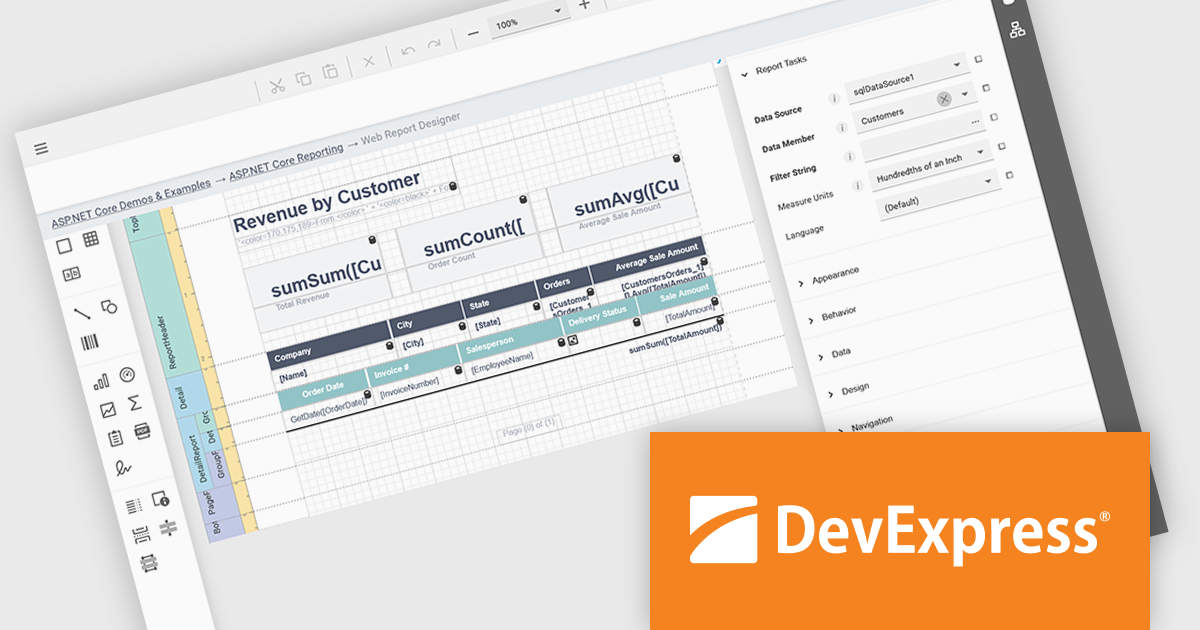
DevExpress ASP.NET Core is a powerful suite of UI components and reporting tools designed to enhance the development of modern, data-driven web applications built with ASP.NET Core. It leverages the flexibility of client-side JavaScript libraries like DevExtreme with the ease of server-side ASP.NET Core Razor syntax and Web APIs. This hybrid approach allows developers to build rich, responsive UIs with features like data grids, editors, schedulers, and charts, while maintaining the productivity and control of server-side development.
DevExpress ASP.NET Core Reporting includes a web-based report designer that lets users build and edit reports directly in their browser. This removes the need for separate desktop tools or installations, making it easier to deploy and manage. The browser-based approach works across platforms and provides a consistent interface for editing layouts, data connections, and formatting. It also allows business users to handle report changes on their own, reducing the amount of hands-on support developers need to provide, while fitting easily into existing ASP.NET applications.
DevExpress ASP.NET and Blazor is licensed per developer and is available as a Perpetual License with a 12 month support and maintenance subscription. See our DevExpress ASP.NET and Blazor licensing page for full details.
DevExpress ASP.NET and Blazor is available to buy in the following products:
Telerik UI for Blazor is a comprehensive UI library that provides over 110 native and customizable Blazor components for building modern and feature-rich web applications. This professional-grade solution offers a complete set of components to satisfy all user interface requirements, saving time and effort in UI design.
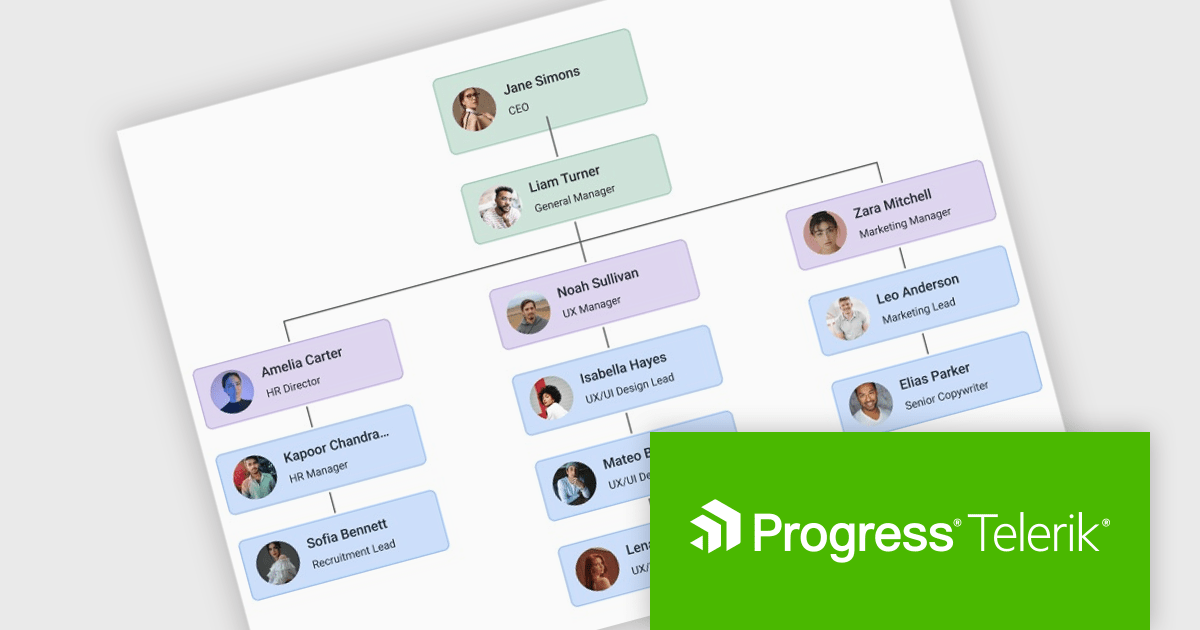
The Telerik UI for Blazor 2025 Q3 update introduces a new Diagram component that enables developers to effectively model, display, and manage complex data, structures, and processes within their applications. With support for built-in layouts, customizable shapes, and flexible connections, the Diagram improves the creation of organizational charts, process flows, and other visual representations without requiring extensive manual coding. Workflow-ready elements and user interaction capabilities ensure that diagrams are not static images but functional components that respond to events and actions, making them a practical tool for building interactive and data-driven Blazor applications.
To see a full list of what's new in 2025 Q3 (v11.1.1), see our release notes.
Telerik UI for Blazor is licensed per developer and has two licensing models: an annual Subscription License and a Perpetual License. The Subscription license provides access to the latest product updates, technical support, and exclusive benefits for a flat annual fee, and must be renewed to continue using the software. The Perpetual license is a one-time purchase granting access to the current released version and includes a one-year subscription for product updates and technical support. After this initial period, users can choose to renew the subscription element to continue receiving updates and support; otherwise, they may continue using the installed version available during their active subscription term but will forgo future updates and support. See our Telerik UI for Blazor licensing page for full details.
Telerik UI for Blazor is available individually or as part of the following products:
Telerik UI for ASP.NET MVC is a feature-rich UI library that enables developers to build modern, high-performance web applications. It offers a wide range of customizable components, including data grids, charts, forms, and interactive UI elements, optimized for server-side rendering and responsive design. With built-in themes, localization, and advanced data binding, it improves development while ensuring security and accessibility. Ideal for enterprise applications and data-driven solutions, it enhances productivity and delivers a polished, scalable UI.
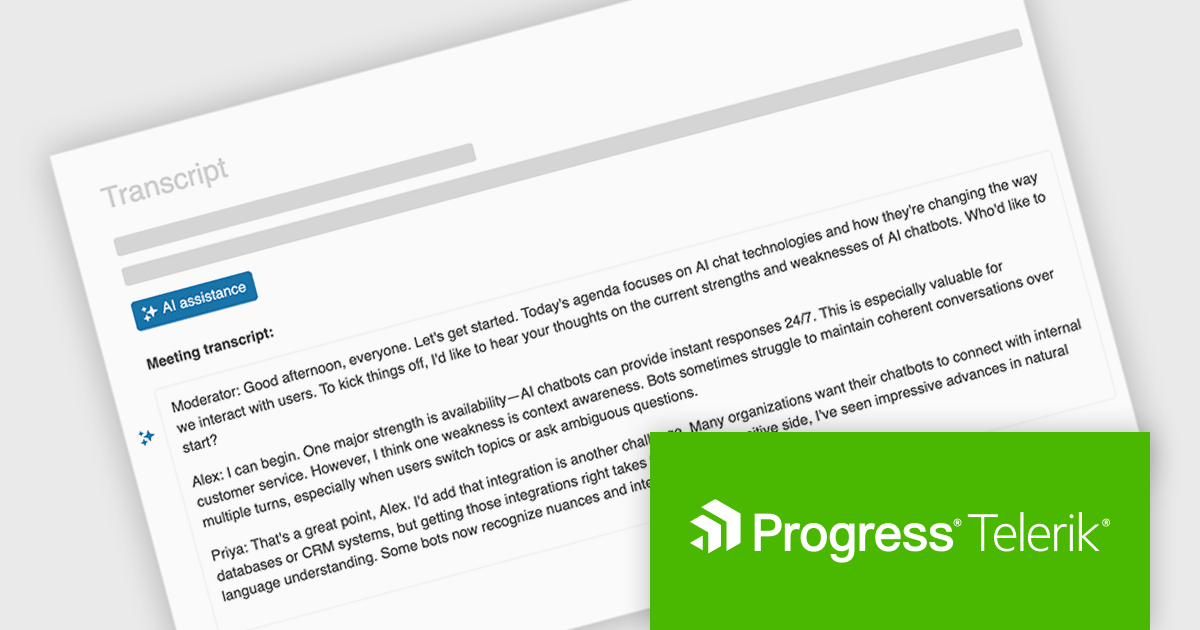
The Telerik UI for ASP.NET MVC 2025 Q3 update introduces In-Context AI Assistance with the new Inline AI Prompt, enabling developers to integrate AI interactions directly into their applications through a lightweight, popup-based interface. This feature allows users to send prompts and receive streaming responses without leaving their workflow, supports inline editing for refining outputs, and handles chunked responses for more efficient delivery of long-form content. In addition, built-in events provide flexibility for customizing the behavior of the AI prompt and responding to user actions, making it easier to deliver tailored, intelligent experiences within ASP.NET MVC applications.
To see a full list of what's new in 2025 Q3 (2025.3.812), see our release notes.
Telerik UI for ASP.NET MVC is licensed per developer and has two licensing models: an annual Subscription License and a Perpetual License. The Subscription license provides access to the latest product updates, technical support, and exclusive benefits for a flat annual fee, and must be renewed to continue using the software. The Perpetual license is a one-time purchase granting access to the current released version and includes a one-year subscription for product updates and technical support. After this initial period, users can choose to renew the subscription element to continue receiving updates and support; otherwise, they may continue using the installed version available during their active subscription term but will forgo future updates and support. See our Telerik UI for ASP.NET MVC licensing page for full details.
Telerik UI for ASP.NET MVC is available to buy individually or as part of the following products:
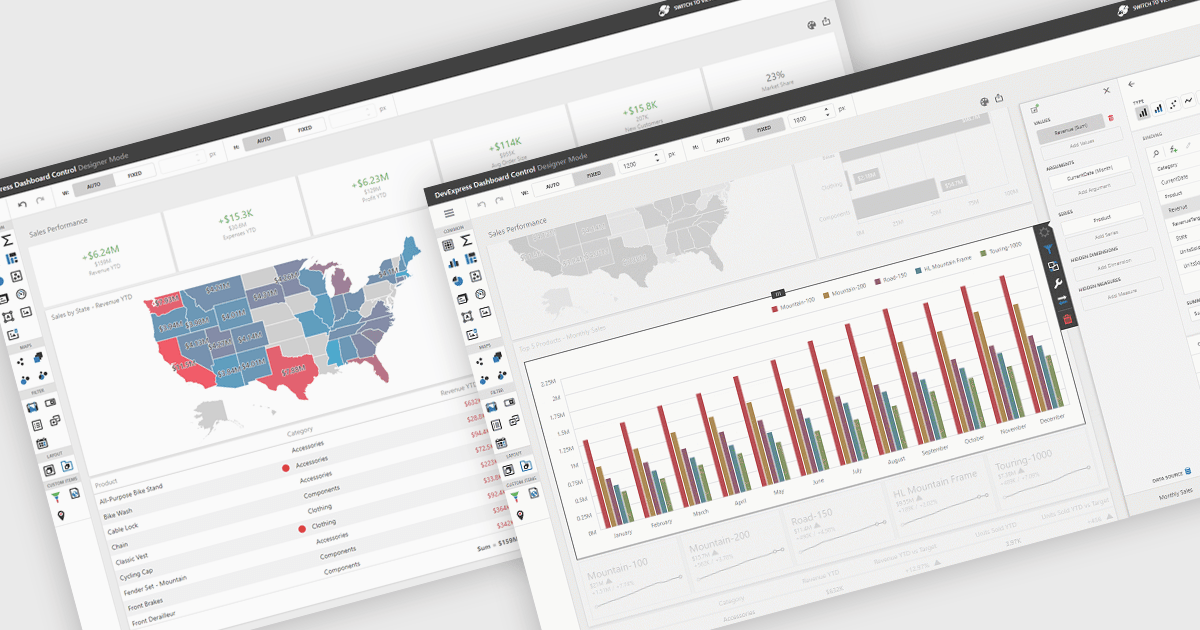
UI layouts define the structural arrangement of elements within an application, determining how content, controls, and navigation are organized and presented to users. A well-designed layout ensures consistency, responsiveness, and usability across different devices and screen sizes, making applications more intuitive and efficient to interact with. Benefits include improved user experience through predictable navigation and flexibility to scale as application requirements evolve. For example, dashboards can automatically adjust width and height to fit available space, web apps can employ responsive grid systems to adapt to mobile and desktop displays, and enterprise software can apply consistent layouts across modules to improve complex processes.
Several .NET WinForms UI suites offer layout components including:
For an in-depth analysis of features and price, visit our .NET WinForms UI suites comparison.





Tel.: (888) 850 9911
Fax: +1 770 250 6199


