








Offizieller Lieferant
Als offizieller und autorisierter Distributor beliefern wir Sie mit legitimen Lizenzen direkt von mehr als 200 Softwareherstellern.
Sehen Sie alle unsere Marken.
DevExpress Blazor (part of DevExpress ASP.NET and Blazor) helps you create high-impact user experiences for both Blazor Server and Blazor WebAssembly using C#. The Blazor UI Component Library ships with a comprehensive set of native components including a Grid, Pivot Table, Scheduler, Chart, Data Editors and Reporting.
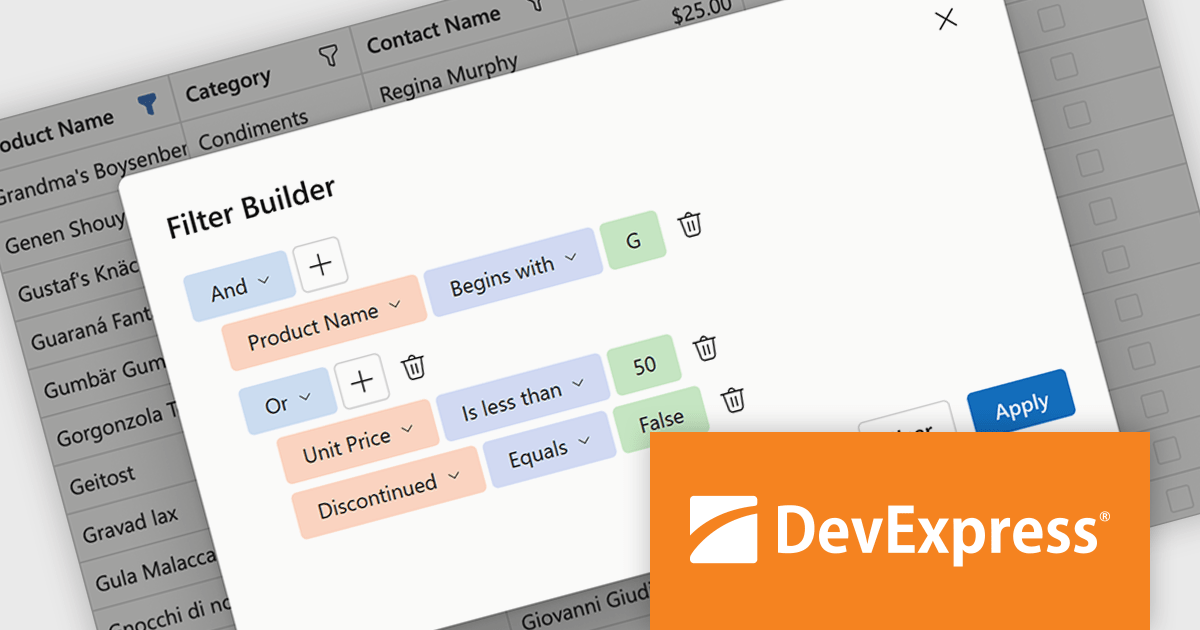
DevExpress Blazor now includes an integrated Filter Builder for its Grid and TreeList components, making it easier for users to define advanced filtering criteria through a visual interface. Filter Builder fields are generated automatically from existing data columns, so developers can add sophisticated filtering capabilities without extra configuration or custom implementation work. This approach helps users work with large datasets more efficiently while maintaining a consistent experience across Blazor applications.
DevExpress ASP.NET and Blazor is licensed per developer and is available as a Perpetual License with a 12 month support and maintenance subscription. See our DevExpress ASP.NET and Blazor licensing page for full details.
DevExpress Blazor is available in the following products:
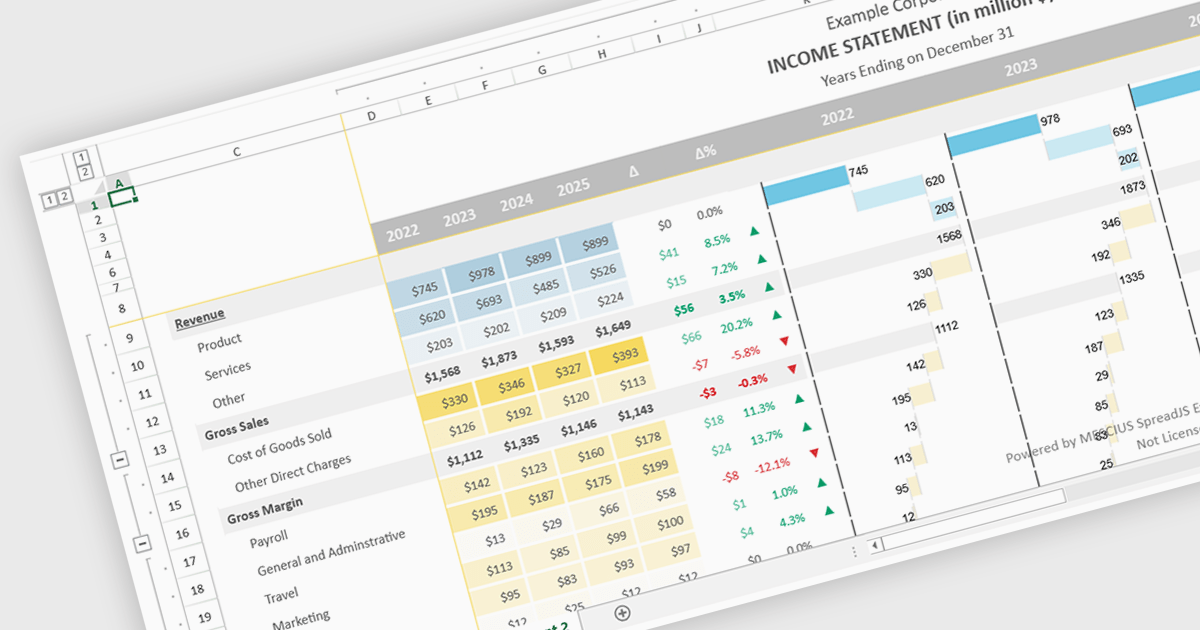
Conditional formatting support in a React spreadsheet component allows developers to apply dynamic visual styling to cells based on defined rules, values, formulas where supported, or predefined conditions, such as highlighting trends, thresholds, errors, or status changes as data changes. This capability improves data readability and usability by helping users identify important information quickly without manual analysis, while also enabling more interactive and responsive data-driven applications. For software developers, it provides a familiar spreadsheet experience within React applications, reduces the need for custom rendering logic, and supports the creation of dashboards, financial tools, reporting systems, and enterprise data management interfaces with clearer visual context.
Several React spreadsheet controls support conditional formatting including:
For an in-depth analysis of features and price, visit our React spreadsheet controls comparison.
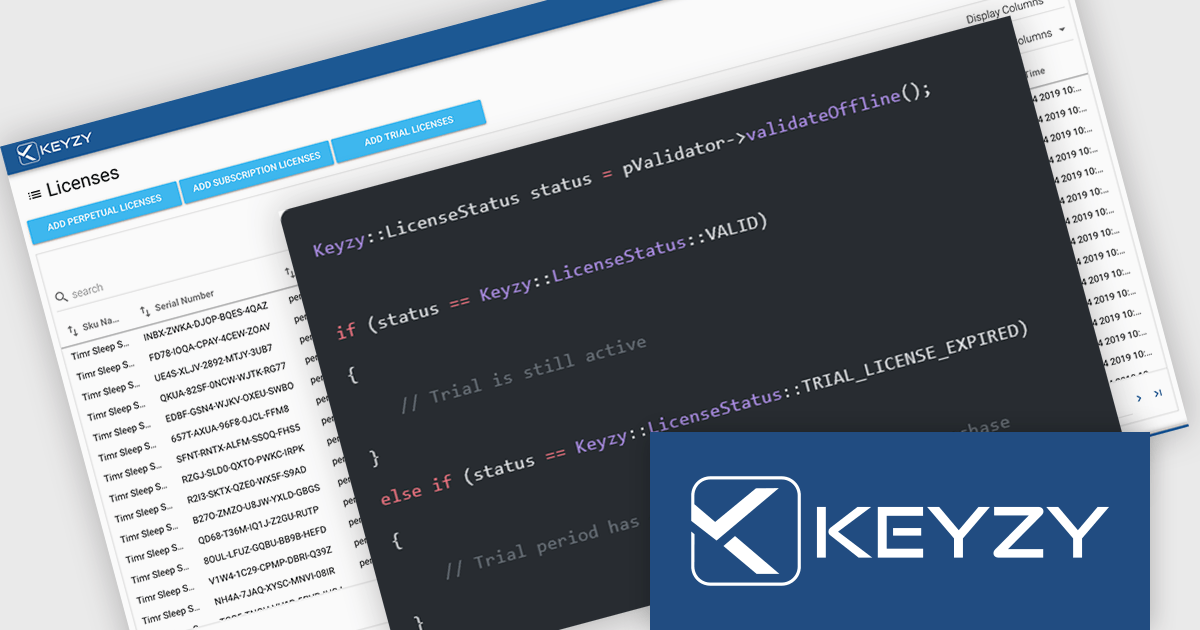
KEYZY is a cloud‑based software licensing manager that lets developers generate, deliver, track and manage licenses for their applications without hosting their own servers. It supports multiple licensing models (such as perpetual and subscription), provides a dashboard and APIs for organizing products, SKUs and dealers, and includes client libraries for integrating license activation and validation into software. The service runs on remote servers so vendors don’t have to maintain infrastructure, and it handles license distribution and enforcement for both online and offline use cases.
The KEYZY May 2026 release now includes a new Trial Reset action for devices, giving partners more flexibility when managing customer evaluations. Previously, if a customer activated a trial but failed to use it before the trial expired, the same device could not start another trial without manual support intervention. With the new Reset Device option, partners can allow a legitimate second trial on the same machine directly from the dashboard. A separate Delete action is also available to permanently revoke a seat while keeping the device blocked from future trials. This gives partners clearer control over whether to deny access entirely or simply offer customers another opportunity to evaluate the product.
To see a full list of what's new in the May 2026 release, see our release notes.
KEYZY is licensed annually, with a renewal required each year to maintain access. It offers three subscription tiers - Single, Studio, and Business - each providing different limits on products, SKUs, dealers, and license counts to suit varying business needs. See our KEYZY licensing page for full details.
For more information, see our KEYZY product page.
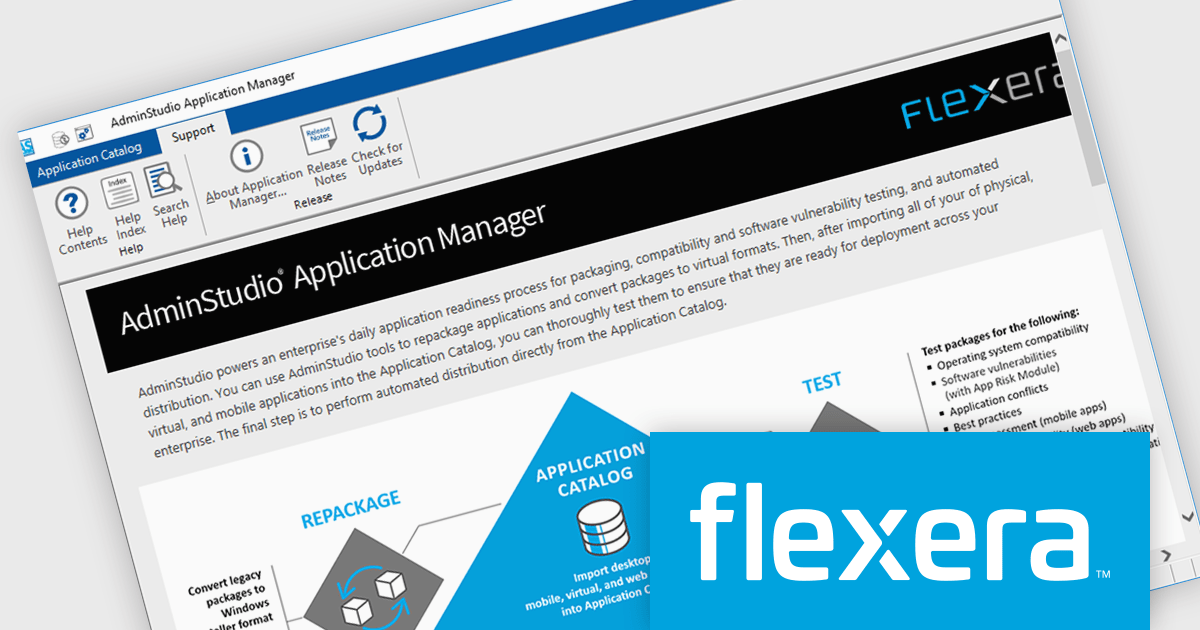
AdminStudio, by Flexera, helps teams securely package and deploy applications across various platforms. This comprehensive suite automates key processes, from building new packages to testing compatibility and mitigating risks, ensuring efficient and reliable software distribution within your organization. Whether managing physical or virtual applications, AdminStudio simplifies the entire journey, from initial packaging to endpoint delivery, ultimately driving greater efficiency and minimizing deployment risks.
The AdminStudio 2026 release now integrates with Omnissa App Volumes, giving you a centralized way to onboard, convert, and manage virtual application packages. Users can import existing VHD and VHDX packages, while MSI, EXE, and PS1 installers can be converted into VHD, VHDX, VMDK, and wrapped MSI formats complete with associated metadata. Converted VHD and wrapped MSI packages are automatically imported into the AdminStudio catalog, allowing them to be managed alongside any other application.
To see a full list of what's new in version 2026, see our release notes.
AdminStudio is licensed per user and is available as a 3 Year Timed Subscription. See our AdminStudio Professional or AdminStudio Enterprise licensing pages for full details.
For more information, visit our product pages:
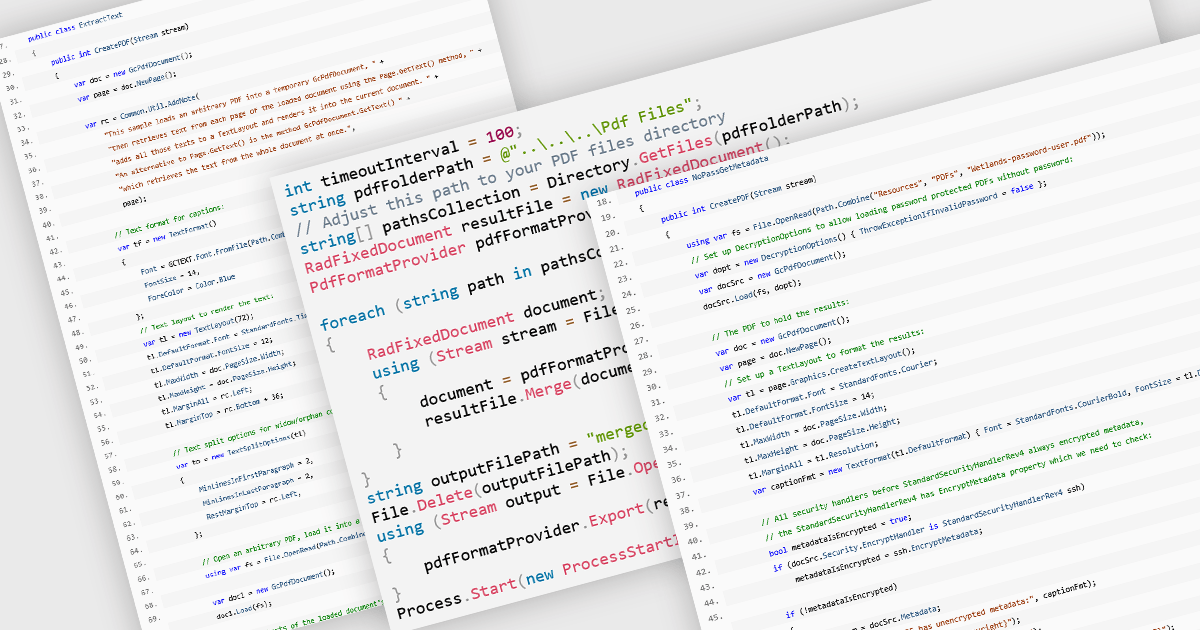
PDF manipulation allow applications to create, modify, and manage PDF documents programmatically or through integrated user interfaces. These features support a wide range of document workflows, from reorganizing pages to extracting information and optimizing file sizes. By incorporating PDF manipulation tools directly into applications, developers can support more efficient document processing without relying on external software.
Common features include:
For an in-depth analysis of features and price, visit our ASP.NET Core PDF components comparison.





Tel.: (888) 850 9911
Fax: +1 770 250 6199


