








Offizieller Lieferant
Als offizieller und autorisierter Distributor beliefern wir Sie mit legitimen Lizenzen direkt von mehr als 200 Softwareherstellern.
Sehen Sie alle unsere Marken.
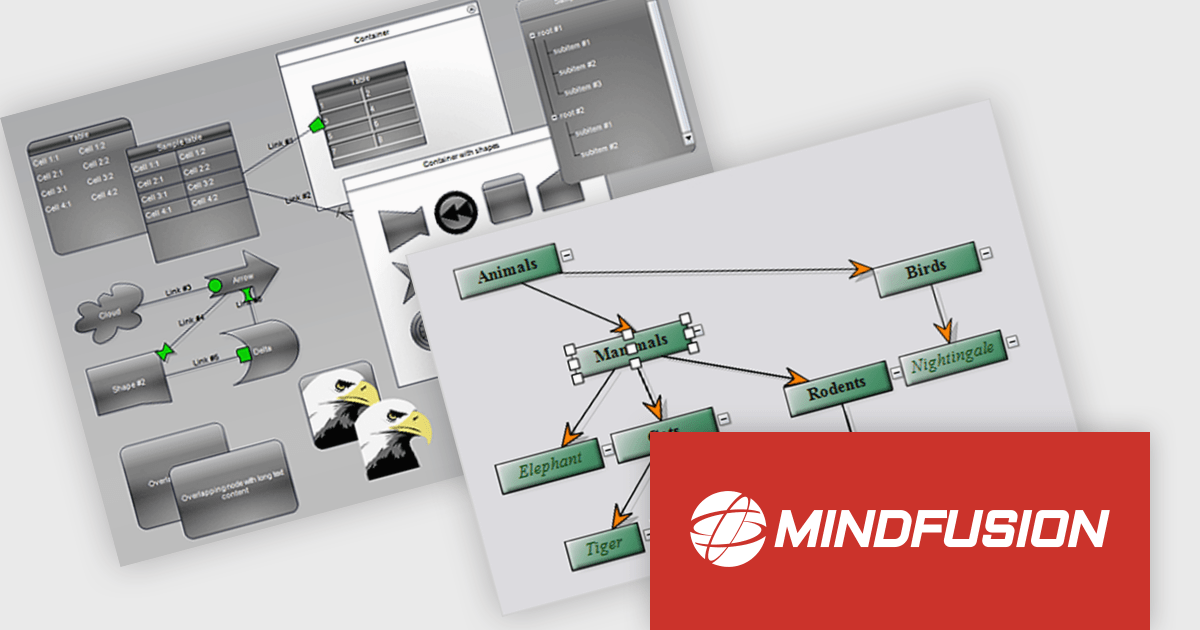
MindFusion.Diagramming for WinUI is a comprehensive diagramming library designed to empower developers to create visually stunning and interactive diagrams within their WinUI applications. This versatile tool offers a rich set of features, including support for various diagram types and several customization options. With MindFusion.Diagramming, developers can effortlessly incorporate diagrams into their applications to enhance user engagement and improve data visualization.
MindFusion.Diagramming for WinUI can be used to create a wide range of diagrams, such as flowcharts, UML diagrams, organizational charts, and network diagrams. The library's extensive customization capabilities allow developers to tailor diagrams to their specific needs, ensuring that they align with the application's overall design and branding. MindFusion.Diagramming integrates seamlessly with other WinUI components, enabling developers to create complex and interactive user interfaces with ease. Whether you're building business applications, educational tools, or creative software, MindFusion.Diagramming offers a powerful and flexible solution for incorporating diagramming functionality into your WinUI projects.
MindFusion.Diagramming for WinUI is licensed per developer and is available as a perpetual license with 1 year subscription and support. See our MindFusion.Diagramming for WinUI licensing page for full details.
For more information, visit our MindFusion.Diagramming for WinUI product page.
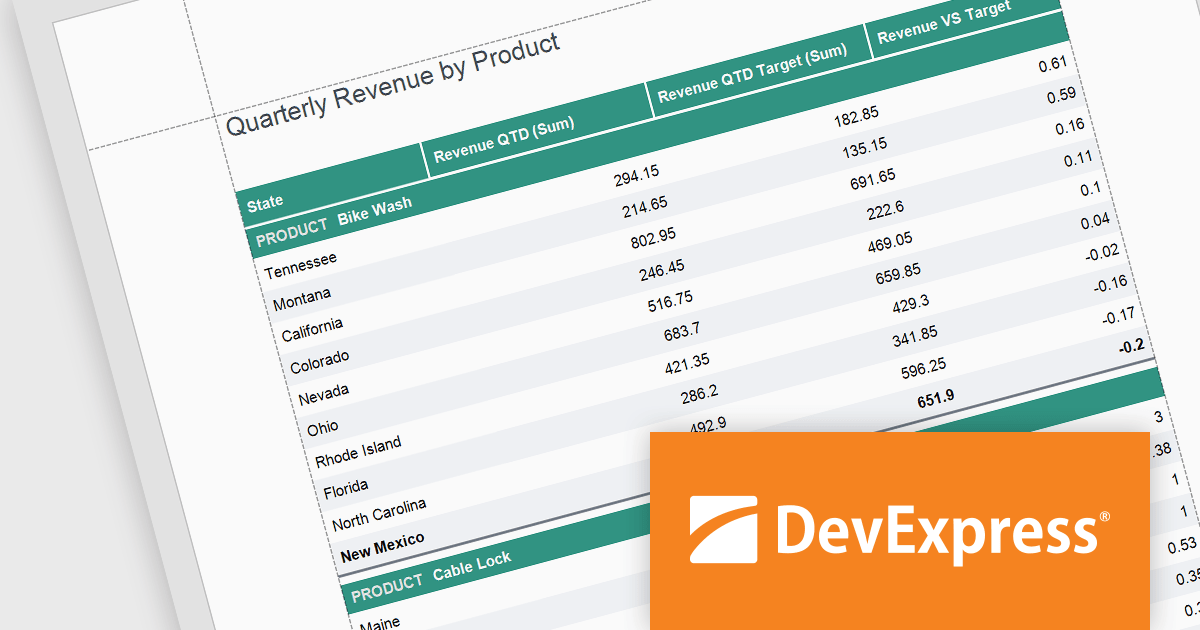
DevExpress Reporting is a comprehensive suite of reporting tools that empowers developers to create visually stunning and highly customizable reports for various applications. With its rich feature set, including data binding, layout design, printing, and exporting capabilities, DevExpress Reporting enables the efficient creation of reports that meet the most demanding business requirements.
The DevExpress Reporting v24.1 release introduced several functions that allow you to obtain indexes for group elements. In this blog post, the DevExpress Reporting Team demonstrates these new expression functions and takes you through several usage scenarios, including:
Read the complete blog and get started using these new functions in DevExpress Reporting.
DevExpress Reporting is licensed per developer and is available as a Perpetual License with a 12 month support and maintenance subscription. See our DevExpress Reporting licensing page for full details.
DevExpress Reporting is available to buy in the following products:
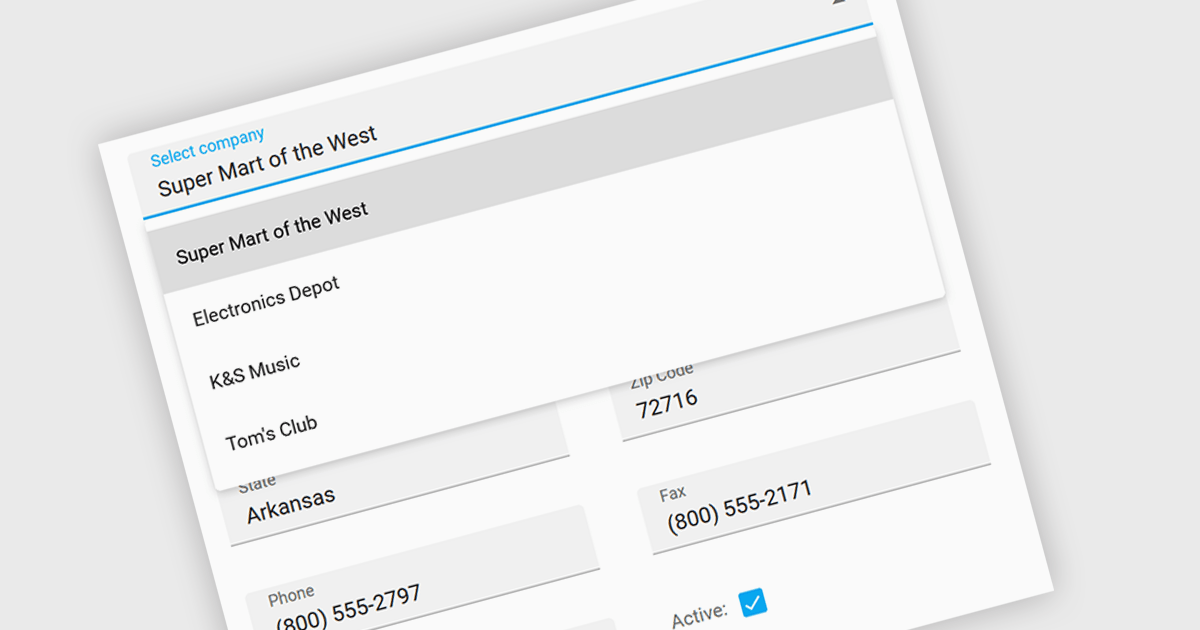
Listboxes are graphical user interface elements that display a list of items from which a user can select one or more. They are commonly used to present options, choices, or data in a compact and organized manner. Their utility lies in their ability to simplify user interaction by providing a clear and visually appealing way to navigate and choose from a predefined set of items, making them essential components in various applications, from simple forms to complex data management systems.
Several jQuery data editor collections can provide you with a listbox including:
For an in-depth analysis of features and price, visit our jQuery data editors comparison.
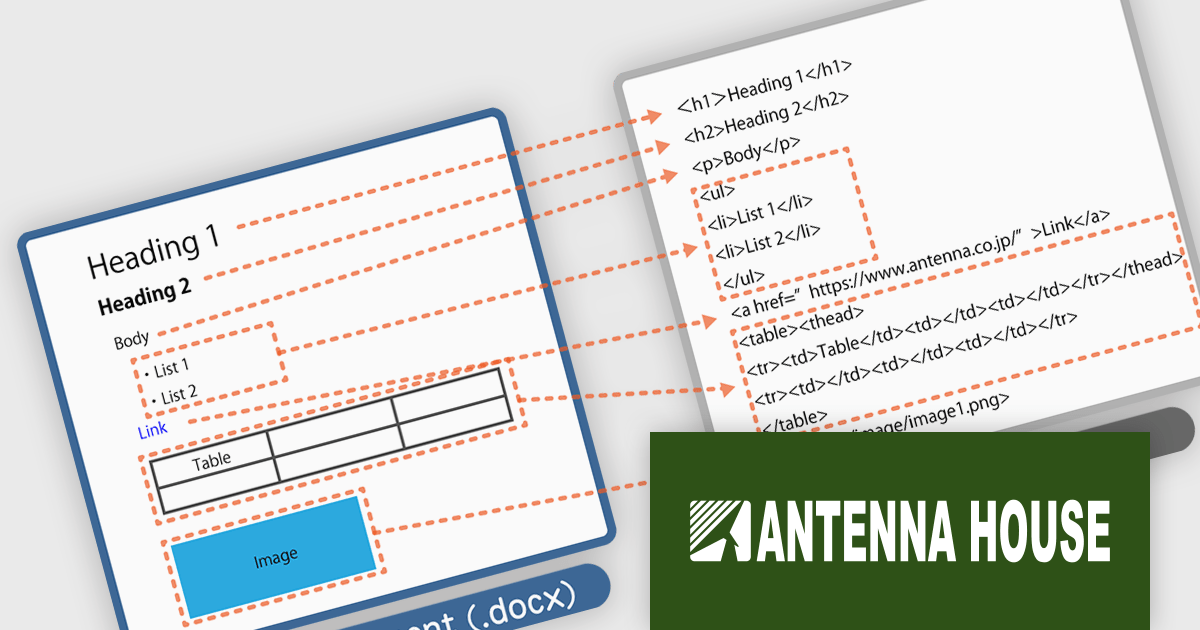
HTML on Word by Antenna House is a software development tool that allows developers to create, edit, and manage HTML content directly within Microsoft Word. By seamlessly integrating HTML capabilities into the familiar Word interface, it bridges the gap between these two commonly used applications.
HTML on Word offers a streamlined workflow by providing a visual HTML editor within Word. This eliminates the need to switch between applications and simplifies the process of understanding and modifying HTML structure. It removes Word's proprietary tags and outputs clean HTML files that conform to HTML5 and XHTML 1.0. By ensuring the output is valid HTML, it helps prevent errors and ensures compatibility across various platforms and browsers. This tool is especially valuable for developers working with both HTML and Word documents, such as those creating technical documentation or online content.
HTML on Word is licensed per computer and is available as a Perpetual License. See our HTML on Word licensing page for full details.
Learn more on our HTML on Word product page.

PrizmDoc is a comprehensive REST API platform designed to streamline the integration of secure document viewing, editing, and processing into web applications. Beyond standard features like redaction and annotation, PrizmDoc leverages advanced AI-powered tools to automate and optimize document handling processes, significantly reducing manual effort and boosting productivity. This enables businesses to enhance their document workflows, improve security, and deliver a superior user experience.
On Thursday, September 12 at 1:00 PM EST Accusoft is presenting an exciting LIve Webinar: Supercharge Your Document Workflow: Unleashing AI-powered Secure Document Processing with PrizmDoc. See how PrizmDoc's secure AI features can save valuable development time and improve the overall efficiency of document workflows by:
Register today and discover how you can harness your ECM's full potential through the power of PrizmDoc and AI.
PrizmDoc Viewer is available as Self-Hosted, Cloud-Hosted or Private Cloud-Hosted deployments. Billed on an annual subscription basis, you will need to renew your license each year to continue to use the software. The price is based on the number of servers or the number of transactions you require, depending on your deployment method. See our PrizmDoc Viewer licensing page for full details.
For more information, see our PrizmDoc Viewer product page.





Tel.: (888) 850 9911
Fax: +1 770 250 6199


