








Offizieller Lieferant
Als offizieller und autorisierter Distributor beliefern wir Sie mit legitimen Lizenzen direkt von mehr als 200 Softwareherstellern.
Sehen Sie alle unsere Marken.
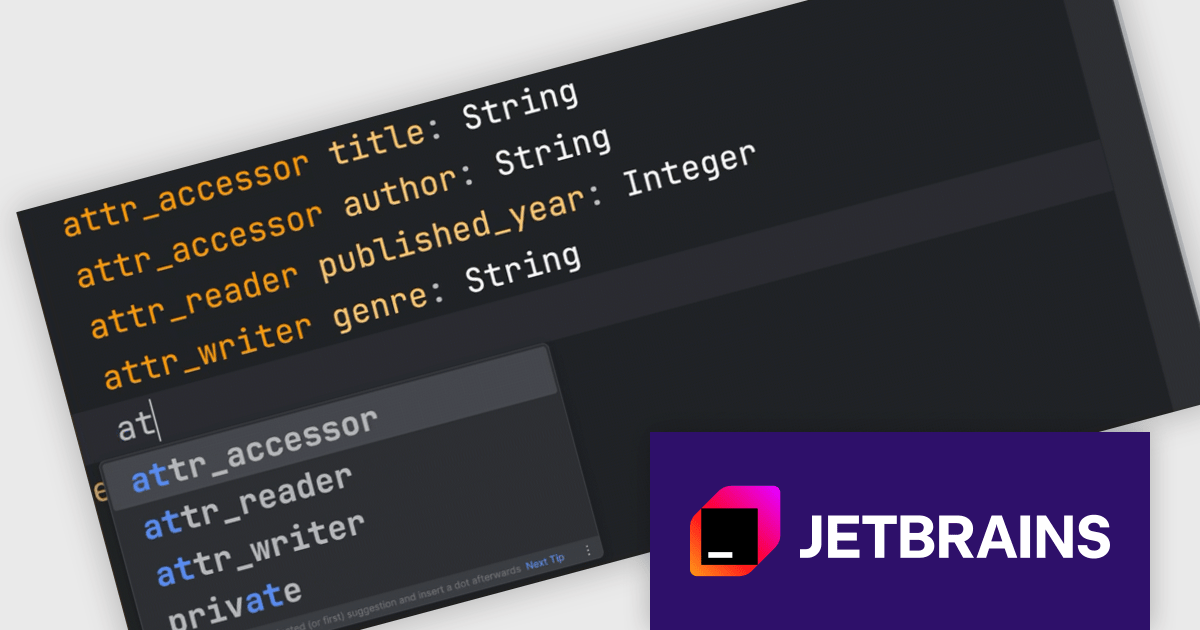
RubyMine by JetBrains is a powerful Integrated Development Environment (IDE) specifically designed for Ruby and Ruby on Rails development. It offers a comprehensive suite of features to boost your coding efficiency, including smart code completion, syntax highlighting, code refactoring tools, built-in debugging and testing frameworks, and seamless integration with popular libraries and databases. Whether you're a seasoned Rails developer or just starting out, RubyMine's intuitive interface and robust features can help you write cleaner, more maintainable code and accelerate your development workflow.
This RubyMine update extends the JetBrains AI Assistant plugin to better support RBS (Ruby Signature) files. It now provides context-aware code suggestions for RBS based on the structure and semantics of type definitions. Developers can also write prompts in plain English directly in the editor to generate or modify RBS code. These changes make it easier to work with typed Ruby by reducing the manual effort involved in writing and updating signatures.
RubyMine is licensed per user, and is available as a commercial annual subscription license. We can supply new subscriptions, subscription renewals, lapsed renewals, and additional user licenses. See our RubyMine licensing page for full details.
RubyMine is available to buy in the following products:
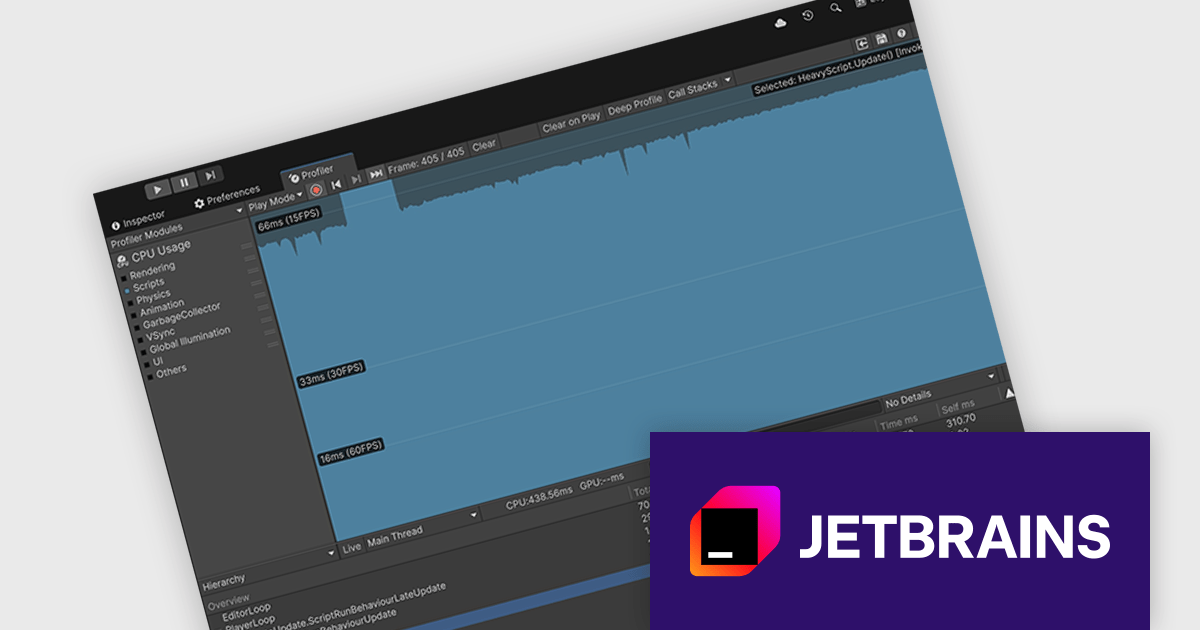
Rider by JetBrains is a cross-platform integrated development environment (IDE) tailored for .NET developers. Combining the power of ReSharper with the IntelliJ platform, it delivers a fast and feature-rich experience for editing, debugging, and testing .NET, ASP.NET, Unity, and more. Rider supports a wide array of languages and project types, allowing developers to work seamlessly across codebases. With intelligent code analysis, version control integration, and a responsive UI, Rider helps developers maintain high code quality and productivity in diverse development environments.
Rider now supports Unity Profiler integration, enhancing how developers optimize Unity applications. With this new feature, Rider fetches CPU usage snapshots and presents them alongside your Unity code, helping you pinpoint performance bottlenecks during development. The IDE lets you navigate from entries in the Unity Profiler's hierarchy view directly to the relevant methods in your scripts, significantly reducing the back-and-forth typically required when analyzing performance data. This integration supports a smoother debugging experience and encourages more performance-aware development for Unity projects.
Rider is licensed per user, and is available as a commercial annual subscription license. We can supply new subscriptions, subscription renewals, lapsed renewals, and additional user licenses. See our Rider licensing page for full details.
Rider is available to purchase in the following products:
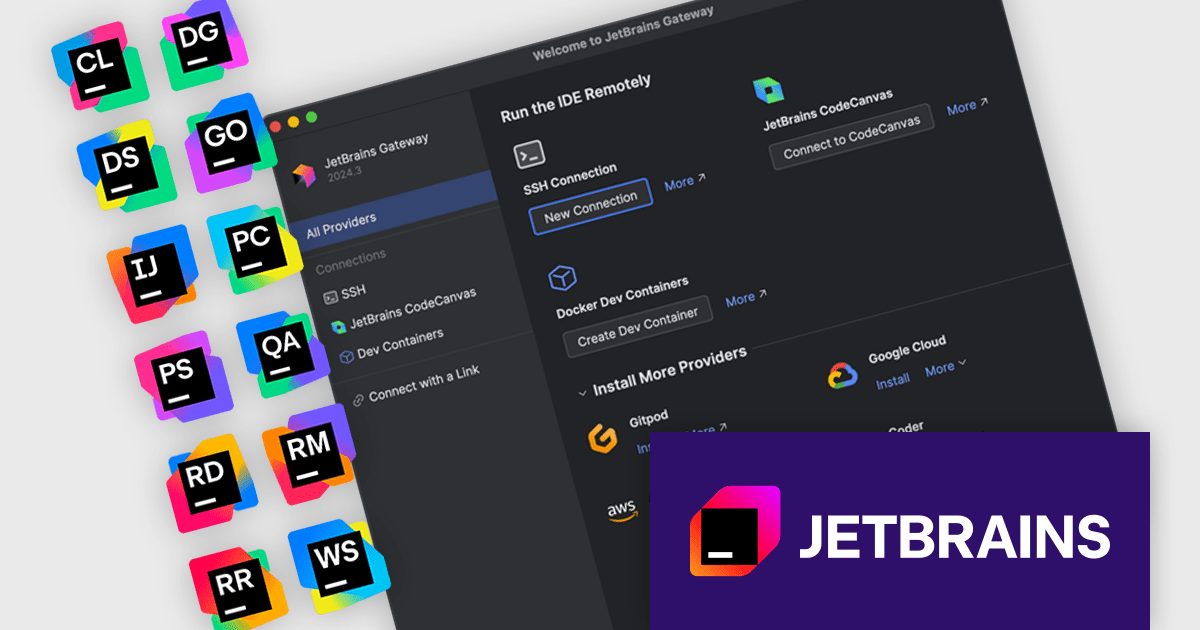
The JetBrains All Products Pack provides access to a comprehensive suite of JetBrains tools, including 12 IDEs, 3 extensions, and 2 profilers, all under one unified license. This flexible solution allows users to switch between tools across multiple machines, adapting to different projects with ease. With a single license, you benefit from simplified license management and significant cost savings - 12 IDEs for the price of two. The All Products Pack is designed to advance your skills by giving you unlimited access to industry-leading professional tools, empowering efficient, high-quality development across a variety of languages and platforms.
The JetBrains All Products Pack’s remote development environments deliver developers secure, centrally managed workspaces on corporate servers that eliminate local configuration burdens and guarantee environment uniformity. By leveraging containerized setups with unified toolchain versions, libraries, and IDE extensions, teams gain rapid access to preconfigured instances that behave identically regardless of individual workstations. This approach scales resources on demand for intensive tasks, enables switching between projects or branches without manual reconfiguration, and incorporates access controls and audit trails to maintain security and compliance, thereby accelerating development and enhancing collaboration across distributed teams.
JetBrains All Products Pack is licensed per user as a commercial annual subscription. We can supply new subscriptions, subscription renewals, lapsed subscription renewals, and additional developer licenses. See our JetBrains All Products Pack licensing page for full details.
For more information, see our JetBrains All Products Pack product page.
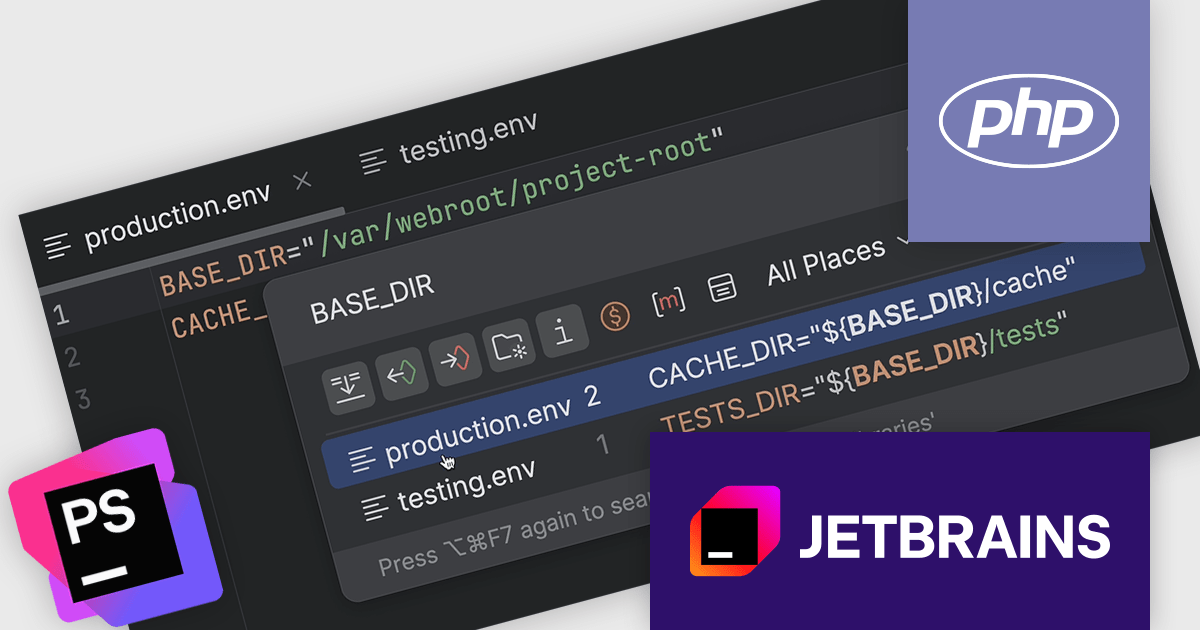
PhpStorm by JetBrains is a sophisticated Integrated Development Environment (IDE) specifically designed for PHP and web development. It offers a range of features to enhance your coding experience, including syntax highlighting, intelligent code completion, on-the-fly error detection, built-in debugging tools, and advanced code refactoring capabilities. It also supports various web technologies like HTML, CSS, and JavaScript, making it a versatile tool for building complete web applications.
The JetBrains PhpStorm version 2025.1 release introduces support for nested variable syntax. This update brings significant improvements to how developers interact with environment files (.env), allowing for more dynamic and maintainable configurations. With this addition, PhpStorm now offers code completion, navigation between variable declarations and usages, as well as inspections and quick-fixes for nested variables. These enhancements improve the development experience when working with complex environment setups, helping users catch issues earlier and write more consistent configuration files.
To see a full list of what's new in version 2025.1, see our release notes.
PhpStorm is licensed per user, and is available as a commercial annual subscription license. We can supply new subscriptions, subscription renewals (including continuity discounts), lapsed renewals, and additional user licenses. See our PhpStorm licensing page for full details.
PhpStorm is available to buy in the following products:
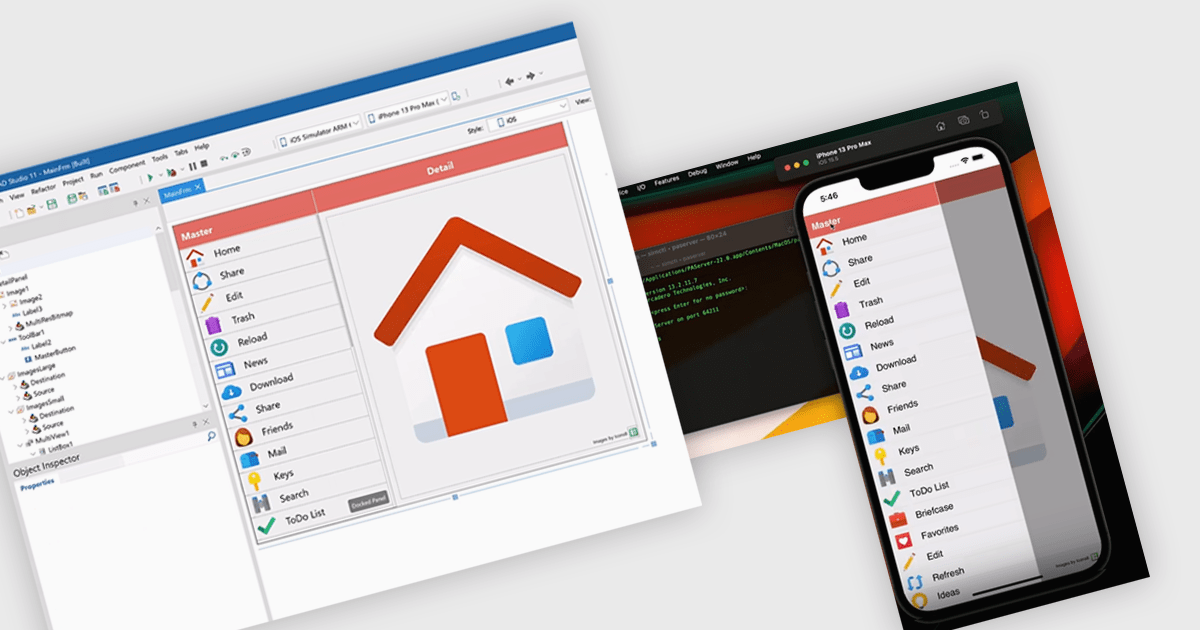
iOS deployment refers to the process of building, signing, and transferring an iOS application from a development environment to either a simulator, a physical device, or the App Store. Within the Integrated Development Environments (IDE), this process integrates essential tasks including compiling the source code, managing provisioning profiles, setting up entitlements, and packaging the app for distribution. It also ensures alignment with Apple’s platform requirements through integrated tools that manage signing certificates and provisioning profiles.
Several IDEs offer support for deploying to iOS including:
For an in-depth analysis of features and price, visit our comparison of Integrated Development Environments (IDEs).





Tel.: (888) 850 9911
Fax: +1 770 250 6199


