








Offizieller Lieferant
Als offizieller und autorisierter Distributor beliefern wir Sie mit legitimen Lizenzen direkt von mehr als 200 Softwareherstellern.
Sehen Sie alle unsere Marken.
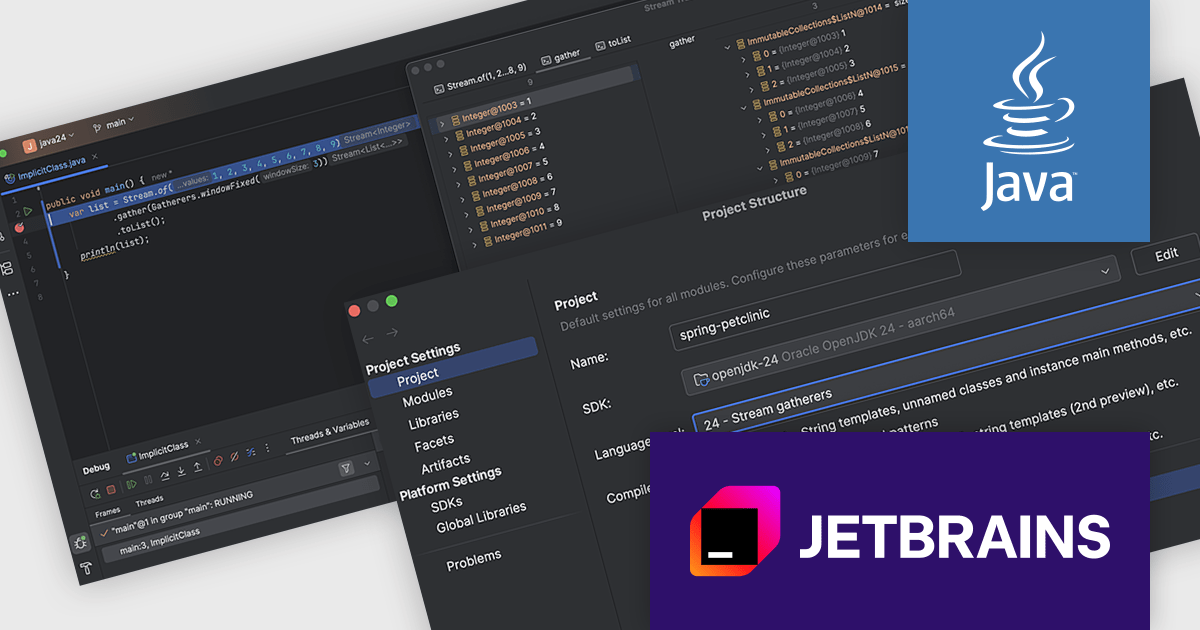
IntelliJ IDEA by JetBrains is an integrated development environment (IDE) designed to maximize developer productivity through intelligent code assistance, deep language understanding, and robust developer tools. Known for its support for Java and a wide array of other languages and frameworks, IntelliJ IDEA offers advanced code completion, on-the-fly analysis, and reliable refactoring tools that accelerate the entire development process. With a strong focus on ergonomics and performance, it enables professionals to write, test, and debug high-quality code faster and with greater confidence.
The IntelliJ IDEA 2025.1 update delivers comprehensive support for the latest Java 24 release, enabling developers to immediately benefit from all new language features. Among the highlights is full integration of stream gatherers into the stream debugging process - making it easier to visualize and manipulate data pipelines in real time. The release also ensures compatibility with every other enhancement introduced in Java 24, making it a reliable environment for working with cutting-edge Java features without compromise.
To see a full list of what's new in version 2025.1 see our release notes.
IntelliJ IDEA is licensed per user as a commercial annual subscription. We can supply New Subscriptions, Subscription Renewals, Lapsed Subscription Renewals, and Additional Developer Licenses. See our IntelliJ IDEA licensing page for full details.
IntelliJ IDEA is available to buy in the following products:
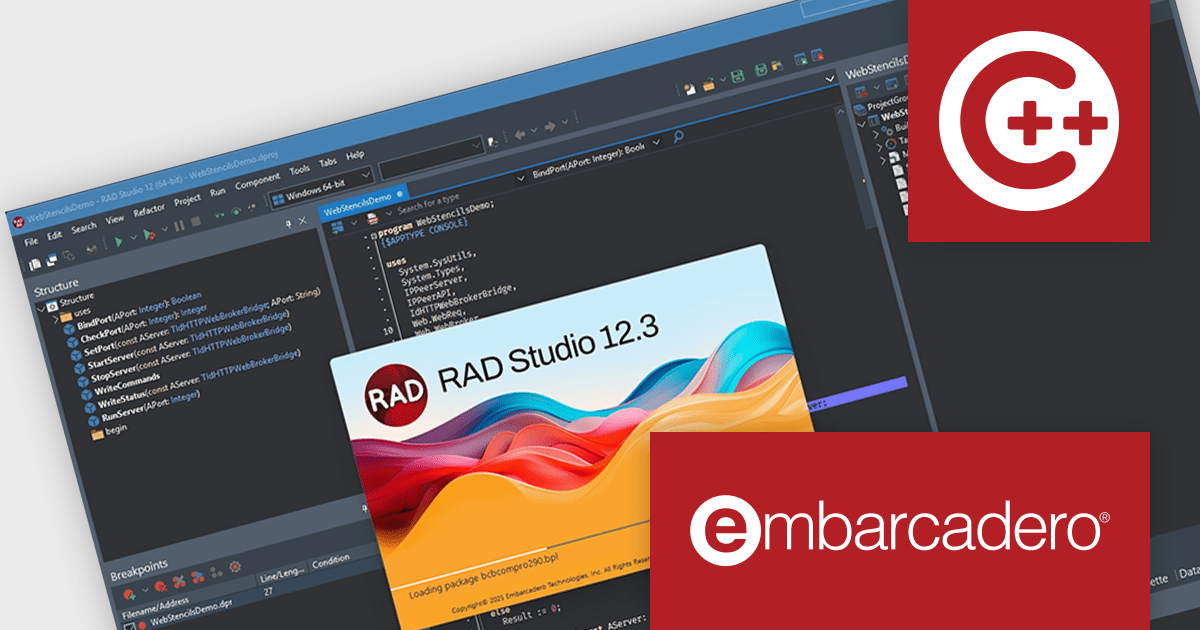
C++Builder by Embarcadero is a rapid application development environment that simplifies C++ development for Windows, iOS, macOS, and Android. It streamlines the process by offering visual UI design tools, pre-built components, and a powerful debugger, enabling faster creation of high-performance native applications.
The C++Builder 12.3 release includes an upgrade to the latest Clang-based C++ compiler for Win64 to take advantage of faster compilation, enhanced code safety, and full compatibility with RAD Studio component packages. This update introduces support for both consuming and producing runtime packages. Developers will also benefit from parallelized, CPU-saturating batch compilation, significantly improving build times. With additional performance optimizations and quality enhancements, this release provides a robust foundation for high-performance Windows application development.
To see a full list of what's new in C++Builder 12.3 Athens, see our release notes.
C++Builder Professional, Enterprise and Architect are licensed per Named, Network Named or Concurrent user and are available as a Perpetual License with an Update Subscription that includes support and free upgrades for 1 Year. C++Builder Professional is also available as a Named Annual user license. See our C++Builder licensing page for full details.
C++Builder is available to buy in the following products:
PowerShell Studio by SAPIEN Technologies is an Integrated Scripting Environment (ISE) designed specifically for PowerShell development. It offers a comprehensive editing experience with features like syntax coloring, code completion, and debugging. Beyond editing, PowerShell Studio allows you to visually design GUIs for your scripts, convert them into executables, and create modules and Windows services. This comprehensive toolset caters to developers who want to streamline PowerShell scripting and extend its functionality.
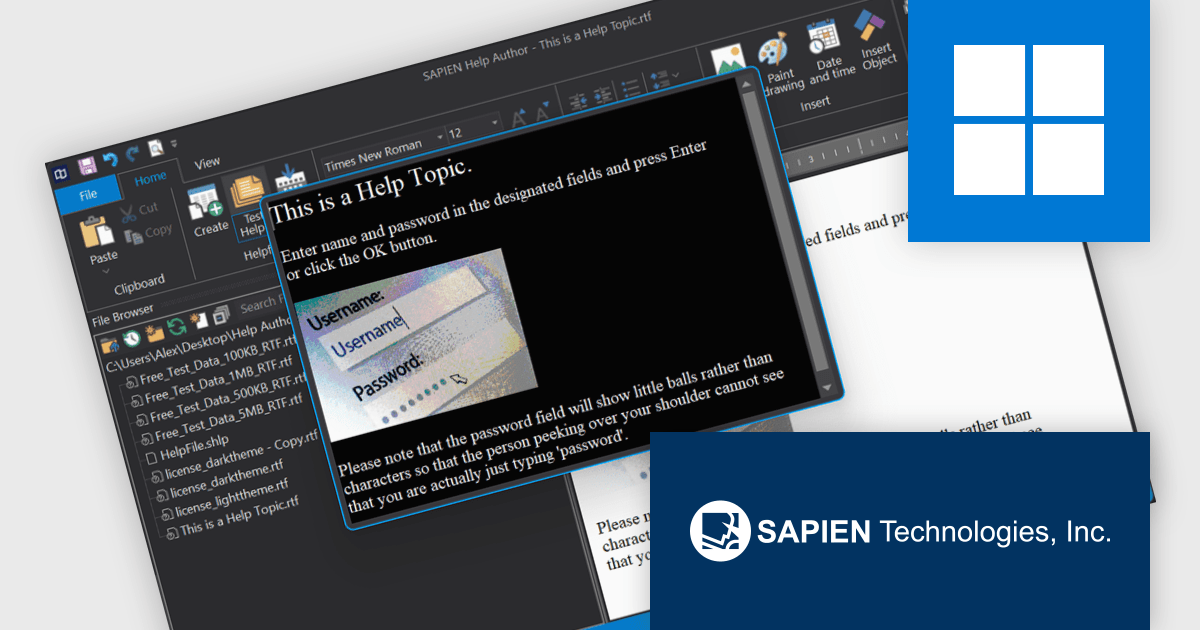
SAPIEN Technologies introduces a new Help Viewer designed for software developers who need a reliable, standalone solution for accessing documentation offline. This lightweight application eliminates the need for web-based help systems, making it ideal for air-gapped environments or applications that require local support files. It seamlessly opens help documents in standard formats, ensuring compatibility and ease of use without proprietary constraints. With built-in support for dark and light modes, customizable display options, and automatic closure when inactive, it provides a streamlined and efficient way to deliver and access help content within any development workflow.
PowerShell Studio is licensed per user and includes one year of product maintenance which may be renewed each year thereafter to continue to receive the latest updates. See our PowerShell Studio licensing page for full details.
Learn more on our PowerShell Studio product page.
Delphi by Embarcadero is an advanced Integrated Development Environment (IDE) that allows you to build native applications for desktop, mobile, web, and console environments using a single codebase. It includes a visual designer, code editor, debugger, and component library, all specifically designed for rapid application development with the Object Pascal programming language. With Delphi, you can target Windows, macOS, iOS, Android, and Linux while leveraging a large developer community and extensive third-party plugin support.
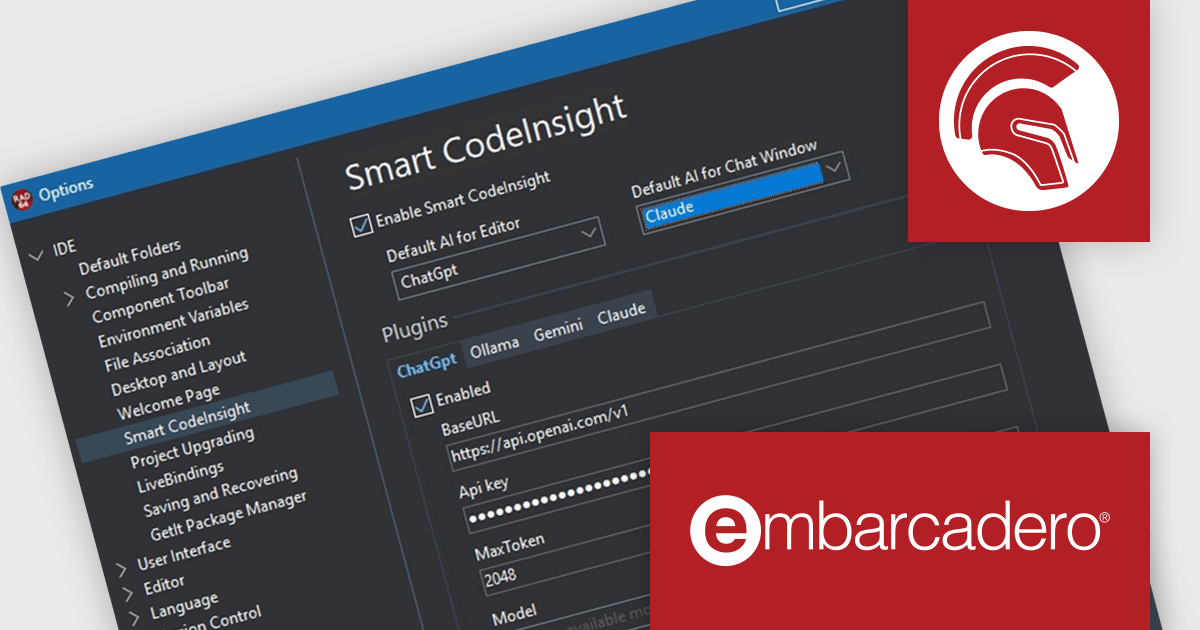
The Delphi 12.3 release enhances Smart CodeInsight, an AI-powered coding assistant with an open plugin architecture supporting OpenAI, Gemini, Claude, and Ollama. The update improves the user interface with a new chat extension, bringing a more interactive experience. Additionally, the chat window now supports Markdown, improving readability, while the Smart CodeInsight configuration dialog dynamically retrieves available AI models, making it easier to select the best option for each project.
To see a full list of what's new in version 12.3 Athens, see our release notes.
Delphi is licensed per Named, Network Named or Concurrent user and is available as a Perpetual License with an Update Subscription that includes support and free upgrades for 1 Year. See our Delphi licensing page for full details.
Delphi is available to buy in the following products:
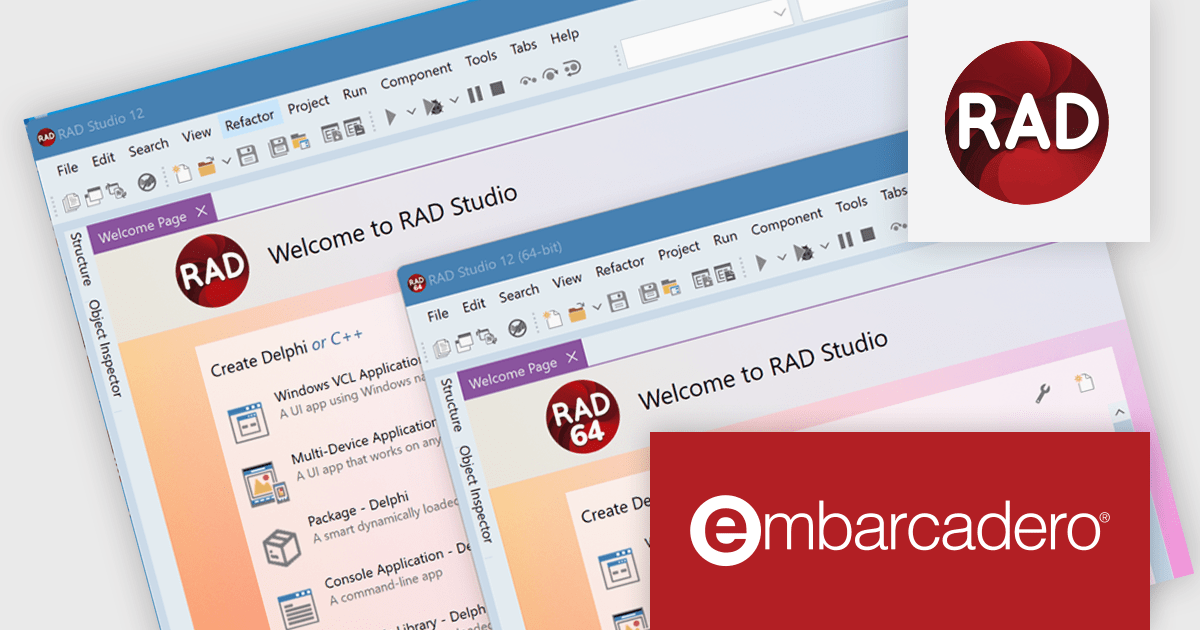
RAD Studio by Embarcadero is a integrated development environment (IDE) used to build applications for various platforms. It allows programmers to create native apps for Windows, macOS, mobile devices (Android and iOS), and more using C++ or Delphi. RAD Studio is known for its rapid application development features and is targeted towards professional developers building data-rich and visually appealing applications.
The RAD Studio 12.3 Athens release takes a major step forward with the initial release of its 64-bit Integrated Development Environment (IDE). While currently limited to supporting only 64-bit Windows target platforms, this release lays the foundation for enhanced performance and scalability. The transition to a 64-bit IDE unlocks virtually unlimited memory space, benefiting developers working with large projects, extensive component libraries, and complex designers. It also enables design-time access to databases that require a 64-bit client driver. This milestone sets the stage for more powerful development workflows in future updates.
To see a full list of what's new in version 12.3 Athens, see our release notes.
RAD Studio is licensed per Named, Network Named or Concurrent user and is available as a Perpetual License with an Update Subscription that includes support and free upgrades for 1 Year. See our RAD Studio licensing page for full details.
RAD Studio is available to buy in the following products:





Tel.: (888) 850 9911
Fax: +1 770 250 6199


