








Offizieller Lieferant
Als offizieller und autorisierter Distributor beliefern wir Sie mit legitimen Lizenzen direkt von mehr als 200 Softwareherstellern.
Sehen Sie alle unsere Marken.
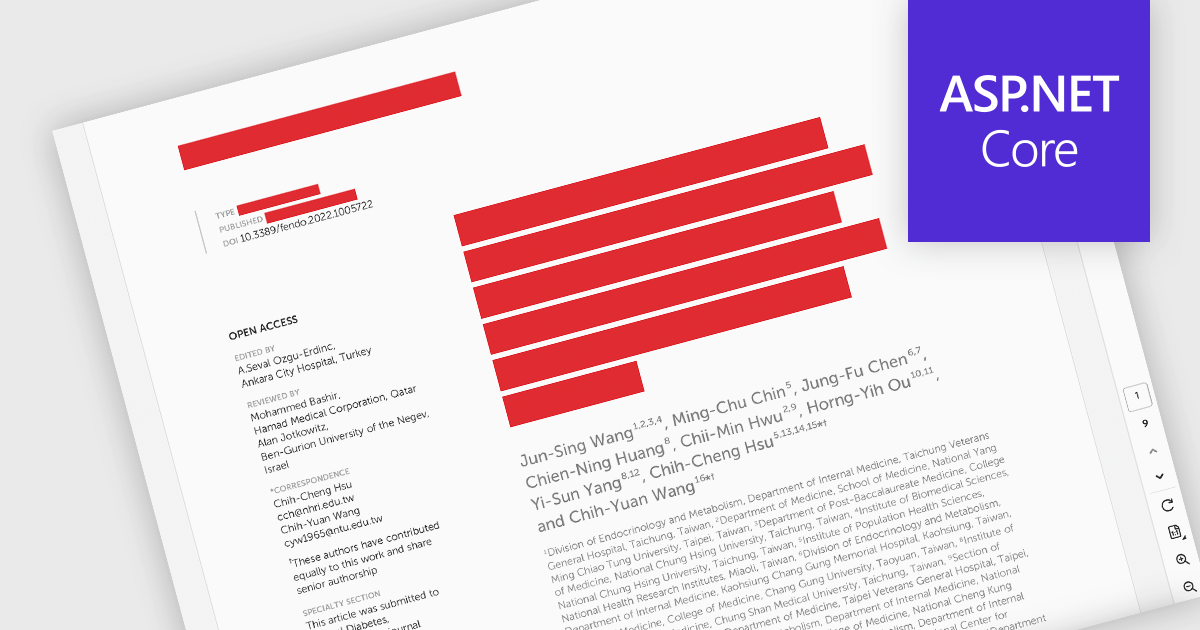
PDF redaction is the process of permanently removing sensitive or confidential information from a document so that it cannot be recovered or viewed. Unlike simple visual masking, true redaction deletes the underlying content, ensuring it is not accessible through copying, searching, or metadata extraction. This capability is essential for regulatory compliance, data protection, and secure document sharing, particularly in industries that handle personal, financial, or legal information.
Several ASP.NET Core PDF components allow you to redact PDFs, including:
For an in-depth analysis of features and price, visit our comparison of ASP.NET Core PDF components.
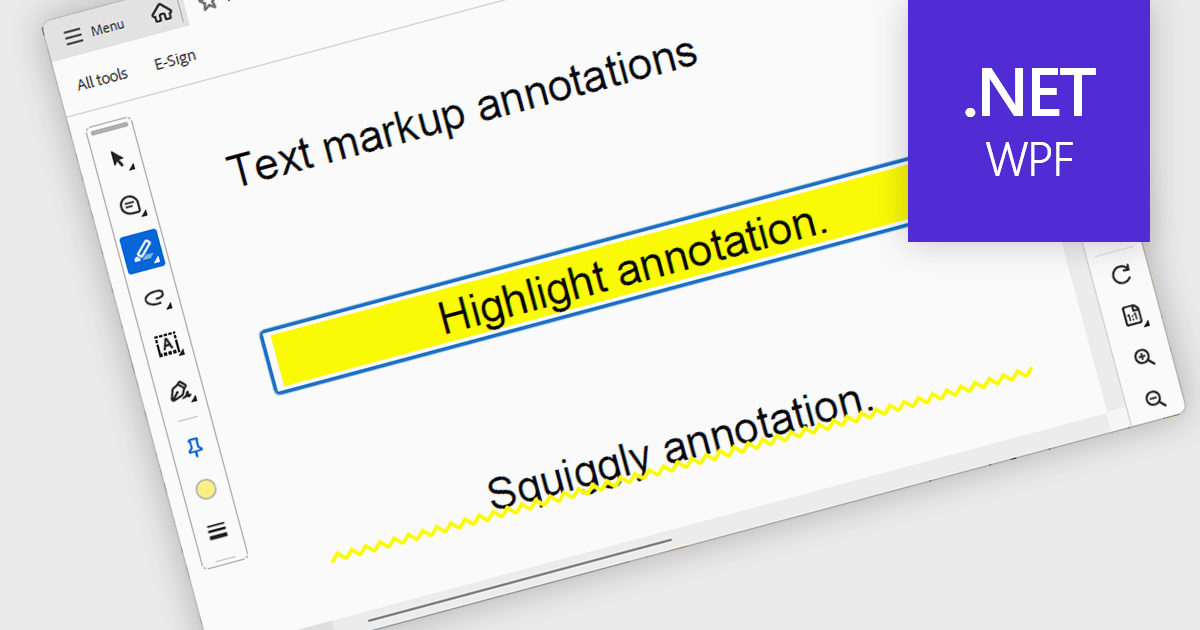
Highlight text annotation in PDF WPF .NET controls is a feature that visually marks text with a colored overlay to draw attention to important content without modifying the original document. For software developers, it helps deliver clearer document review experiences by making key passages easier to identify, supporting user feedback and content emphasis, and improving readability and interaction in PDF-based business applications.
Several .NET WPF PDF components offer highlight text annotation including:
For an in-depth analysis of features and price, visit our comparison of .NET WPF PDF components.
All-About-PDF is a comprehensive PDF management solution that gives users complete control over their digital documents. It allows individuals and organizations to create, protect, convert, merge, split, and compare PDFs with ease while maintaining the highest level of security. Using advanced Digital Rights Management technology, users can specify when, how, and where their shared files are accessed. Features such as password protection, expiry dates, print restrictions, and location-based locking help safeguard sensitive information. With its precision comparison tools and strong access controls, All-About-PDF is ideal for professionals who need to share documents confidently and maintain full ownership of their intellectual property.
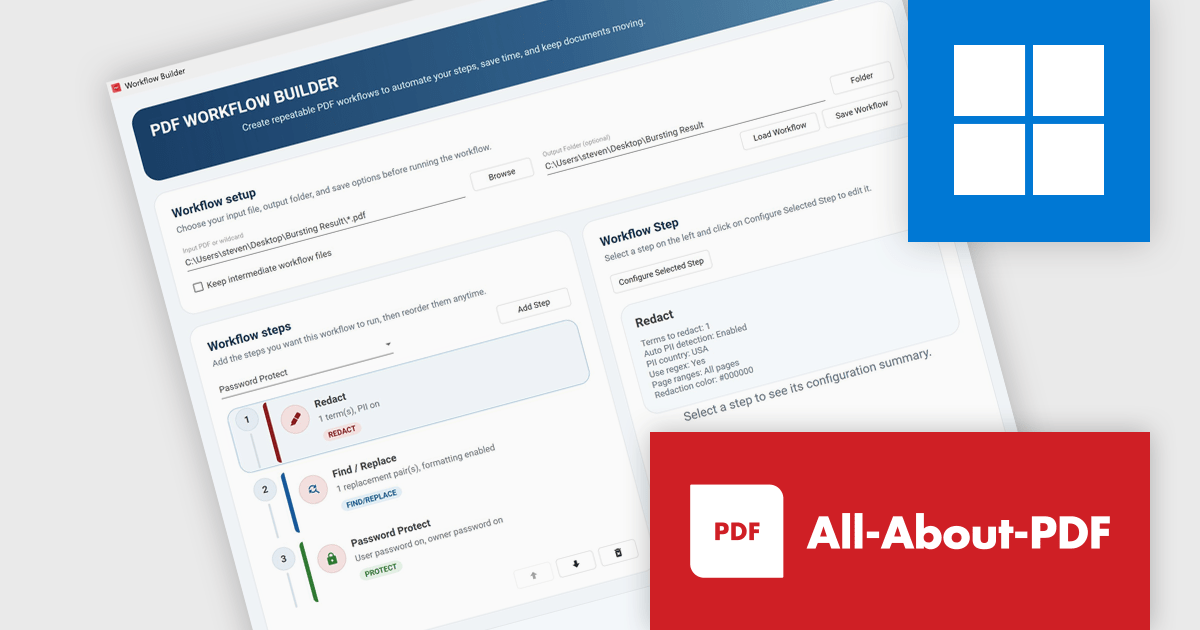
The All-About-PDF Build 2041 update introduces PDF Workflow Automation, enabling businesses to automate and standardize multi-step document processes. By allowing multiple actions, such as redaction, content updates, password application, and document protection, to be executed within a single workflow, it helps reduce manual effort, minimize errors, and enforce consistent security and processing standards while supporting efficient handling of high volumes of PDF files.
To see a full list of what's new in Build number 2041 , see our release notes.
All-About-PDF is licensed per machine, and is available as a perpetual license. We can supply Internal, External and OEM licenses. See our All-About-PDF licensing page for full details.
For more information, visit our All-About-PDF product page.
All-About-PDF is a comprehensive PDF management solution that gives users complete control over their digital documents. It allows individuals and organizations to create, protect, convert, merge, split, and compare PDFs with ease while maintaining the highest level of security. Using advanced Digital Rights Management technology, users can specify when, how, and where their shared files are accessed. Features such as password protection, expiry dates, print restrictions, and location-based locking help safeguard sensitive information. With its precision comparison tools and strong access controls, All-About-PDF is ideal for professionals who need to share documents confidently and maintain full ownership of their intellectual property.
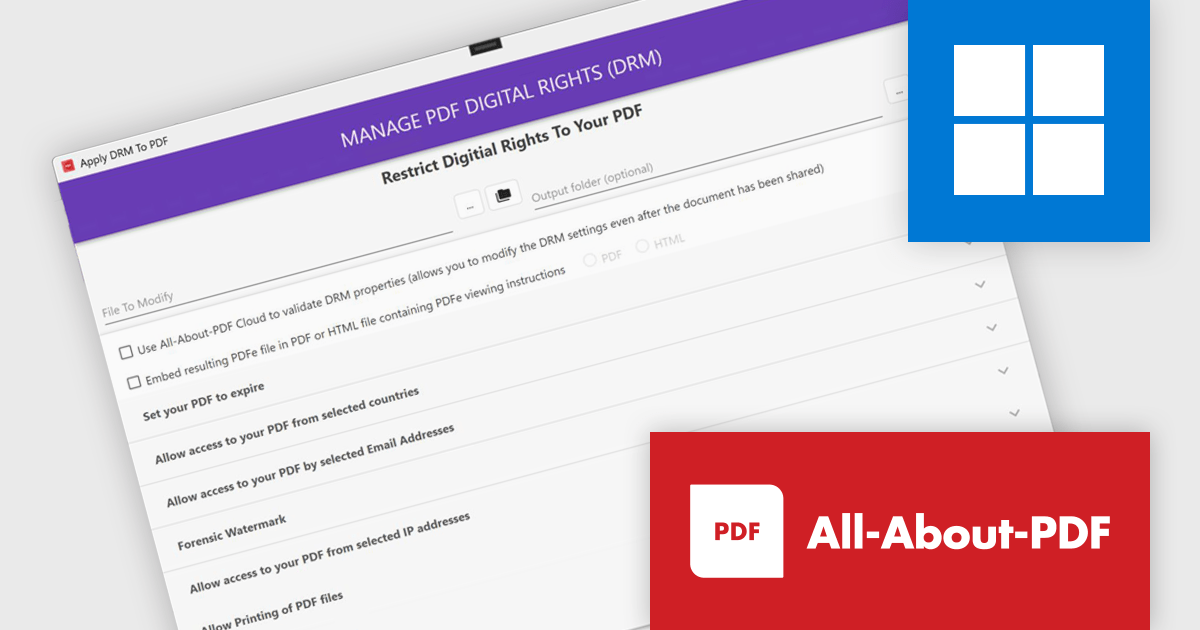
All-About-PDF provides developers with comprehensive DRM capabilities that enable control over document access, permissions, and usage, allowing systems to dynamically enforce restrictions on viewing, editing, printing, and sharing. It ensures sensitive data remains protected and fully controlled even after documents are distributed beyond the originating system.
All-About-PDF is licensed per machine, and is available as a perpetual license. Licenses include 12 months of support and updates. See our All-About-PDF licensing page for full details.
For more information, visit our All-About-PDF product page.
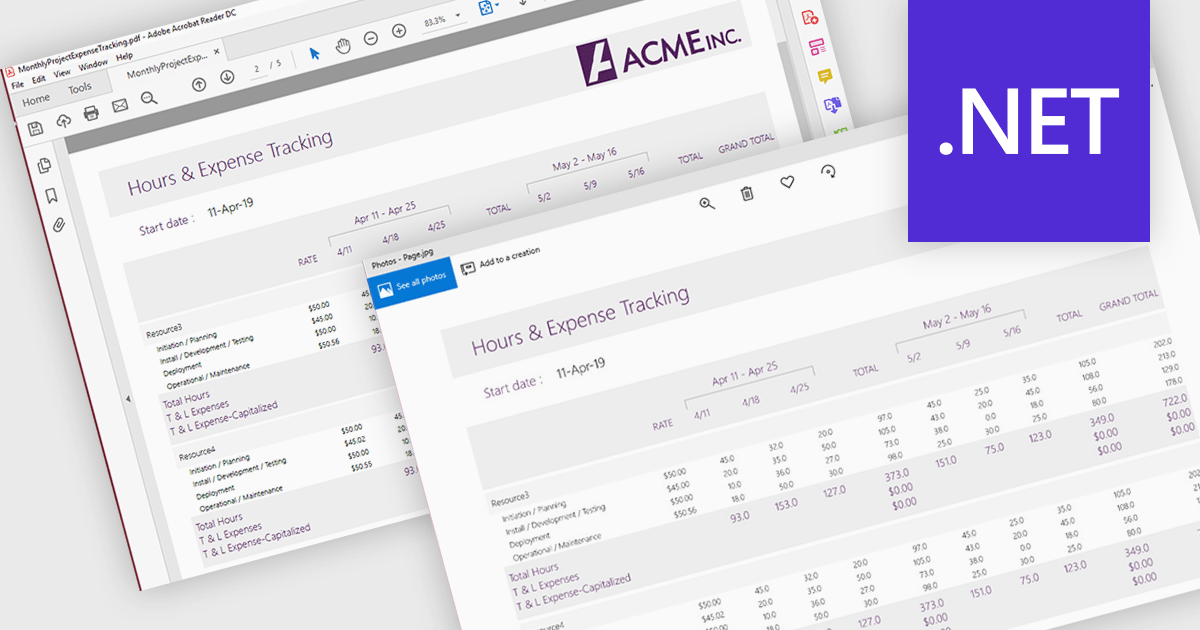
PDF to image conversion support in a PDF viewer component refers to the ability to render one or more pages of a PDF document as raster images, such as PNG or JPEG, directly within the application or for export. This capability is typically built on top of the viewer’s rendering engine and allows developers to generate visual representations of document content. It is useful for scenarios such as generating thumbnails, enabling previews in environments where PDF rendering is not supported, simplifying content sharing, or integrating with image-based processes like OCR (optical character recognition) and reporting.
Several .NET PDF Viewer controls allow you to convert a PDF to an image including:
For an in-depth analysis of features and price, visit our .NET PDF Viewer controls comparison.





Tel.: (888) 850 9911
Fax: +1 770 250 6199


