








Offizieller Lieferant
Als offizieller und autorisierter Distributor beliefern wir Sie mit legitimen Lizenzen direkt von mehr als 200 Softwareherstellern.
Sehen Sie alle unsere Marken.
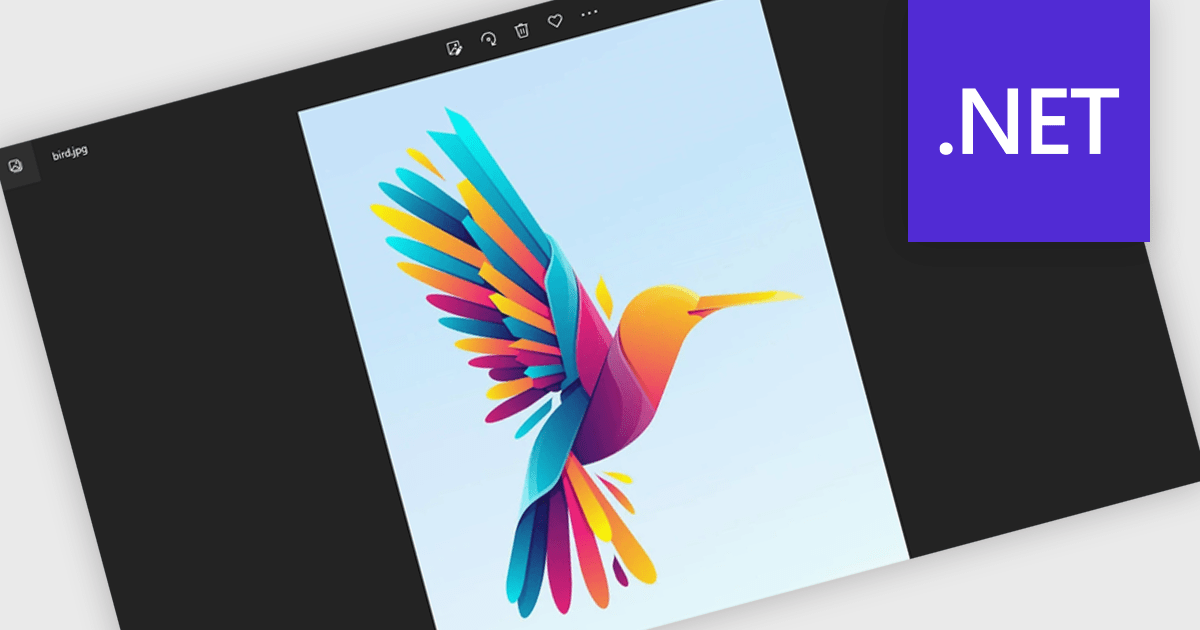
Image-to-PDF conversion transforms one or more image files into a single, standardized PDF document, maintaining image quality and consistent layout. Converting images to PDF improves accessibility across devices and platforms, simplifies sharing and printing, and helps organize multiple images into one professional file. It also supports features such as compression and security, making documents easier to store and protect. Common use cases include compiling scanned documents or receipts, creating reports from images, and sharing visual records in a reliable, universally supported format.
Several .NET PDF components allow you to convert images to PDF, including:
For an in-depth analysis of features and price, visit our comparison of PDF components for .NET.
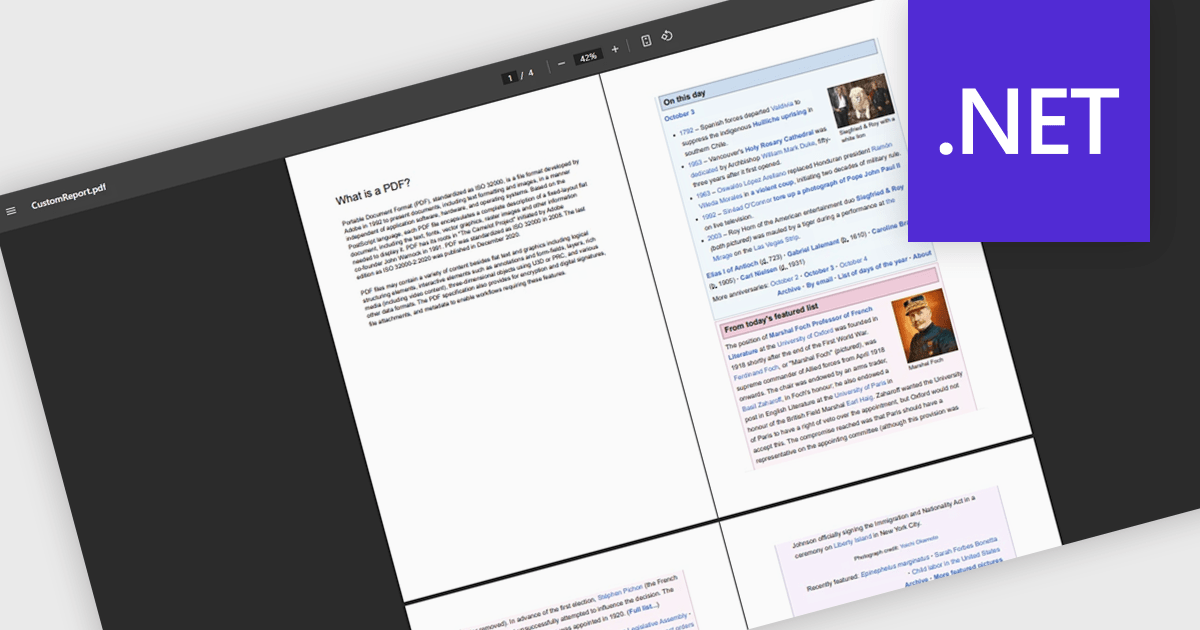
Merging PDFs in a PDF viewer allows users to combine multiple PDF files into a single, unified document directly within the viewing application, without the need for external tools. This capability improves document management by preserving original formatting, page order, and visual consistency while reducing file clutter and simplifying sharing. By consolidating related content into one professional-looking file, users can improve collaboration, ensure clearer communication, and save time otherwise spent managing multiple attachments. Common use cases include compiling reports from multiple contributors, combining invoices or statements for record-keeping, assembling project documentation, or preparing complete proposals and presentations for clients and stakeholders.
Several .NET PDF viewer components offer PDF merging support including:
For an in-depth analysis of features and price, visit our .NET PDF viewer comparison.
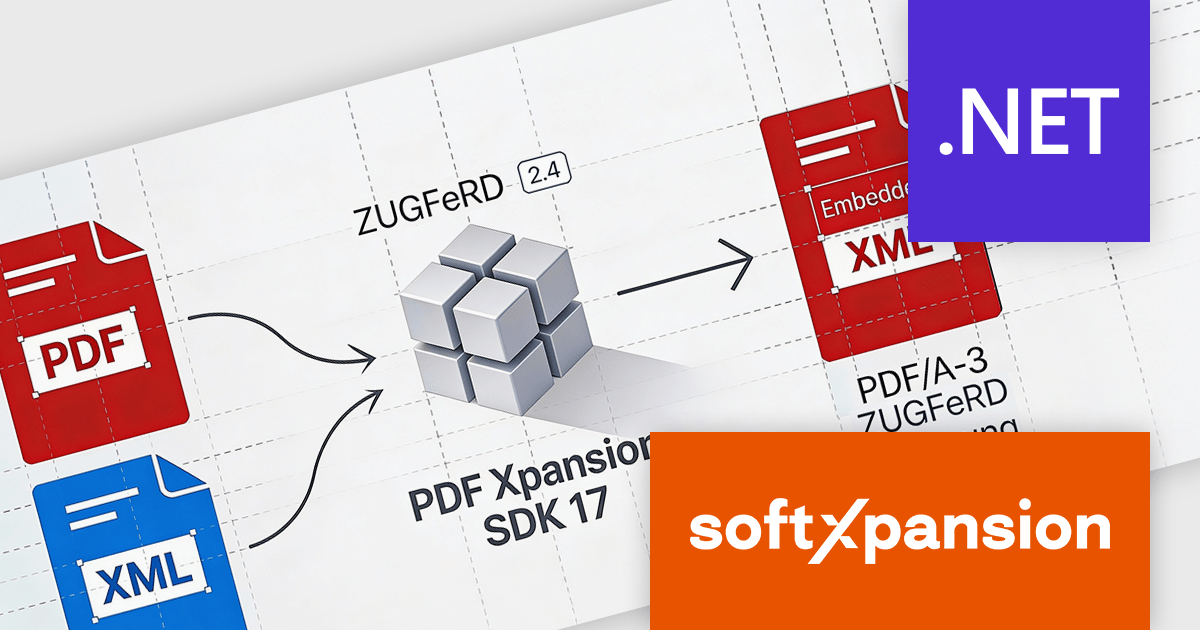
PDF Xpansion SDK E-Invoicing by soft Xpansion is a comprehensive software development kit for creating, processing, and managing electronic invoices in compliance with international standards. It simplifies integration into existing applications and supports structured invoice data in XML as well as hybrid PDF/A formats, including common standards such as ZUGFeRD, Factur-X, and XRechnung. The SDK enables developers to create, edit, display, and extract data from compliant invoices, supporting automated digital invoicing workflows, legal conformity, and straightforward connection with accounting or enterprise resource planning (ERP) systems.
The PDF Xpansion SDK v17.2.7 update adds support for ZUGFeRD 2.4, allowing applications to generate and process e-invoicing documents that align with the latest version of the German and European e-invoicing standard based on EN 16931 (European Norm 16931). For software developers, this support ensures continued compatibility with evolving regulatory requirements, improves interoperability with trading partners and public sector systems, and reduces the risk of invoice rejection caused by outdated schemas or validation rules. By targeting ZUGFeRD 2.4, applications built on the SDK can handle current e-invoicing profiles with greater reliability while remaining suitable for long-term maintenance in compliance-focused environments.
To see a full list of what's new in v17.2.7, see our release notes for PDF Xpansion SDK E-Invoicing Creation, Receipt or Receipt Plus.
PDF Xpansion SDK E-Invoicing is available in 3 variations, licensed per company location where developers use the SDKs. Optional Add-Ons are available which require ownership of SDK site licenses. Maintenance Subscription is available providing product updates (error corrections) and 12 man hours of support service for 1 year. See the product license pages for full details:
Learn more about PDF Xpansion SDK E-Invoicing on our product pages:

ComponentSource and Jugaad have collaborated for over five years, working together to support developers building modern applications that rely on advanced PDF functionality. Jugaad provides robust SDKs and developer tools designed for high-performance PDF rendering, viewing, annotation, and manipulation across mobile and desktop platforms.
A key highlight of this partnership is the RadaeePDF Classic SDK for Android, Jugaad’s flagship product sold by ComponentSource, which enables developers to quickly integrate professional-grade PDF rendering, annotation, creation, and multimedia support into Android applications across smartphones, tablets, and other devices.
This partnership enables ComponentSource to differentiate its portfolio with a proven, enterprise-ready PDF solution while leveraging its global sales, marketing, and support network to deliver Jugaad’s products to developers worldwide.
Learn more about Jugaad.

PDF reading and writing features form a core part of modern PDF components, allowing applications to view, generate, edit, and share PDF documents consistently across platforms. These capabilities cover common tasks such as displaying and searching documents, as well as creating and exporting PDFs programmatically with reliable rendering and standards compliance.
Common features include:
For an in-depth analysis of features and price, visit our WinForms PDF components comparison.





Tel.: (888) 850 9911
Fax: +1 770 250 6199


