








Offizieller Lieferant
Als offizieller und autorisierter Distributor beliefern wir Sie mit legitimen Lizenzen direkt von mehr als 200 Softwareherstellern.
Sehen Sie alle unsere Marken.
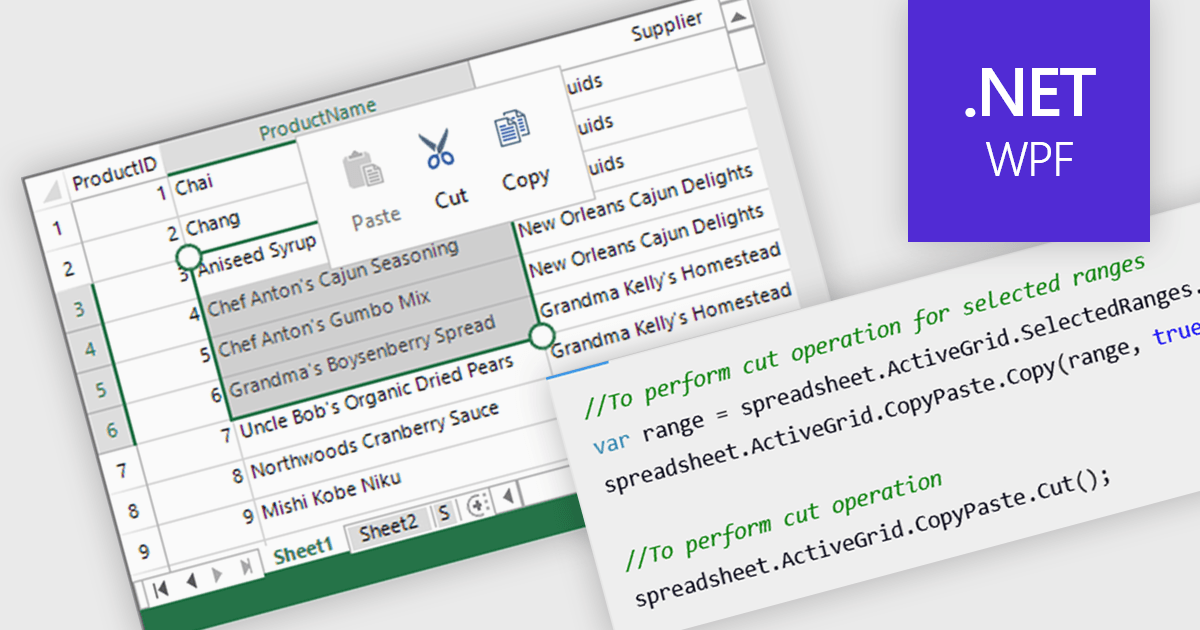
Clipboard operation support lets users copy, cut, and paste data between spreadsheet instances or other applications while maintaining structure and formatting. This functionality ensures seamless data transfer, improving efficiency in data manipulation tasks. Modern implementations often include support for multi-cell operations, rich text handling, and programmatic access through APIs, allowing developers to integrate clipboard interactions into their applications. Clipboard support enhances usability and improves overall productivity in spreadsheet-based applications.
Several .NET WPF spreadsheet controls offer clipboard operations, including:
For an in-depth analysis of features and price, visit our .NET WPF spreadsheet controls comparison.
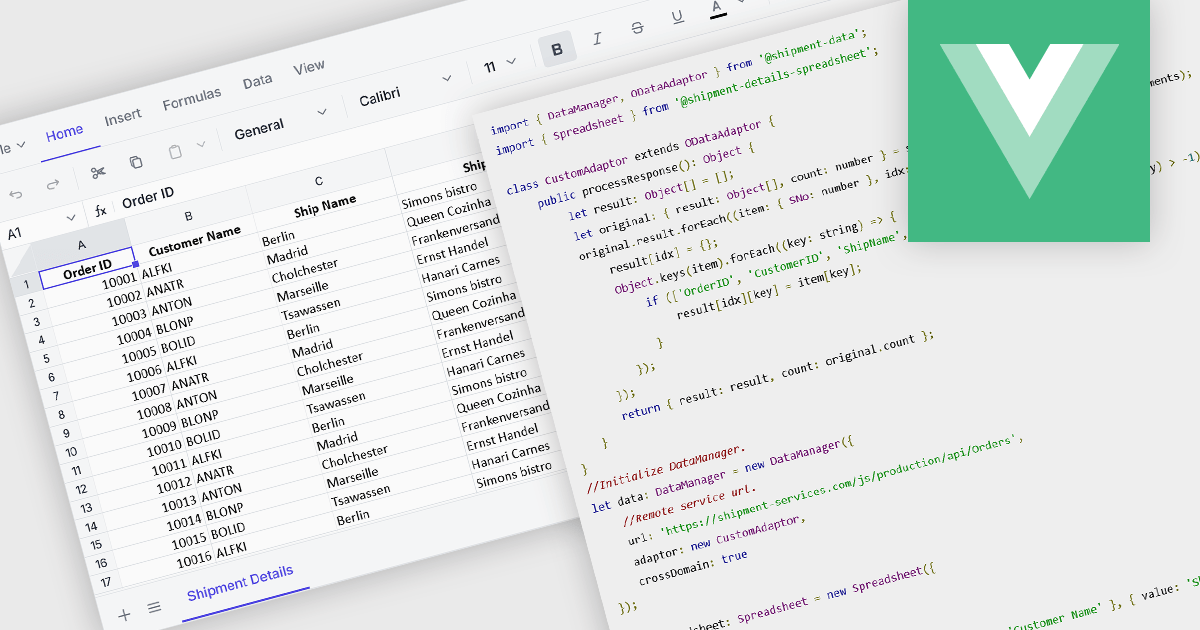
Data binding in a spreadsheet is the process of linking spreadsheet cells to external data sources, such as databases, APIs (Application Programming Interfaces), or other structured datasets, ensuring that the spreadsheet dynamically updates when the source data changes. This enables real-time synchronization, reducing manual data entry and minimizing errors. By automating data retrieval and updates, data binding enhances accuracy, supports complex calculations with live data, and improves efficiency, making it particularly useful for reporting, financial analysis, and business intelligence tasks. It also facilitates better collaboration by ensuring that all users work with the most current information, improving decision-making and overall productivity.
Several Vue.js spreadsheet components offer data binding functionality, including:
For an in-depth analysis of features and price, visit our Vue.js spreadsheet controls comparison.
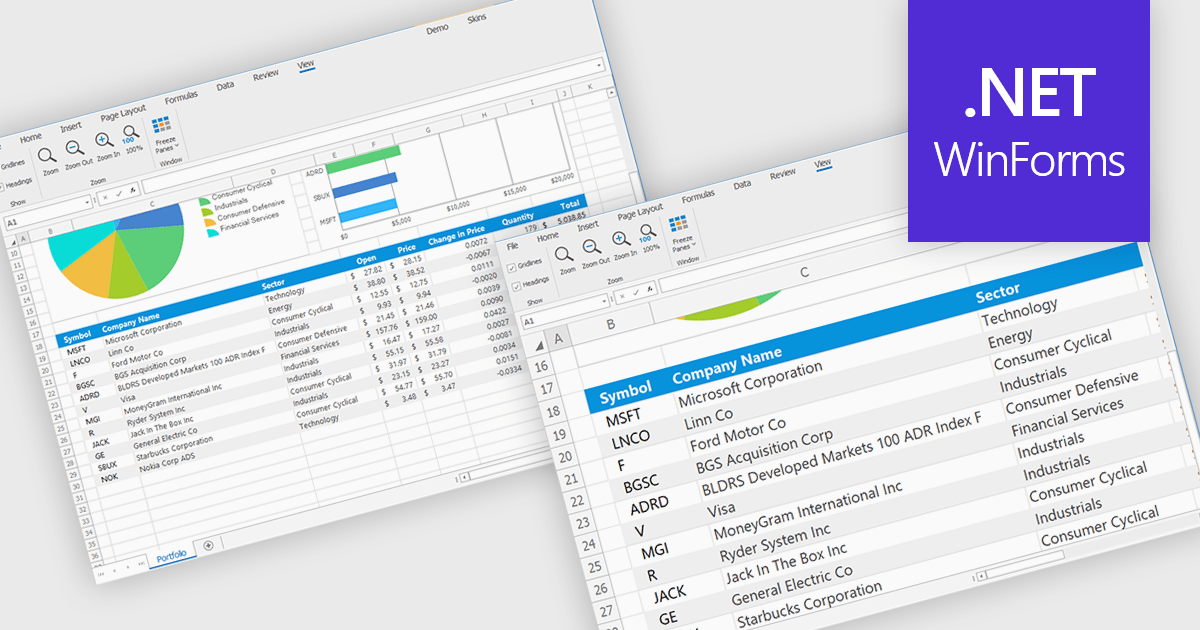
Zooming in a spreadsheet component refers to the ability to scale the displayed content, effectively increasing or decreasing the visible size of cells, data, and gridlines. This feature allows users to adjust the level of detail shown, enabling them to gain a broader overview or focus on specific data segments. Developers implement this to enhance user experience by providing flexibility in data visualization, improving accessibility for users with varying visual needs, and facilitating efficient data analysis through customized display levels.
Several WinForms spreadsheet controls offer support for zooming including:
For an in-depth analysis of features and price, visit our WinForms spreadsheets comparison.
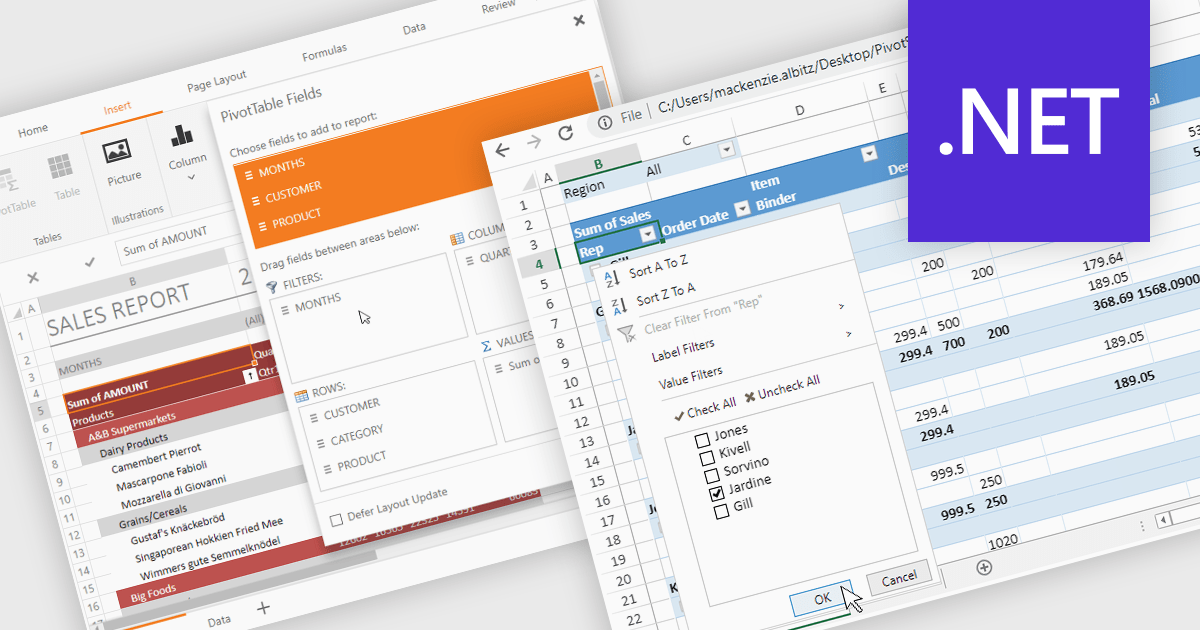
Pivot tables provide a powerful way to analyze and summarize large datasets while preserving the original data. With advanced filtering, sorting, customizable views, and seamless chart integration, they streamline data analysis with ease. By organizing and visualizing information dynamically, pivot tables transform raw data into structured, interactive reports making it easier to uncover valuable insights and drive informed decisions.
Several .NET spreadsheet controls support pivot tables including:
For an in-depth analysis of features and price, visit our .NET spreadsheet controls comparison.
The DevExpress Office File API is a robust library designed to simplify the creation, editing, and processing of popular office document formats, including Word, Excel, PowerPoint, and PDF. It allows developers to integrate advanced document management features into their applications without relying on external software like Microsoft Office. Key features include document generation, data import/export, template customization, and seamless integration with modern platforms. The API supports advanced formatting, encryption, and digital signatures, ensuring secure and professional-grade output. Ideal for enterprise applications, it streamlines workflows for reporting, data analysis, and document automation, saving time and enhancing productivity for developers and end-users alike.
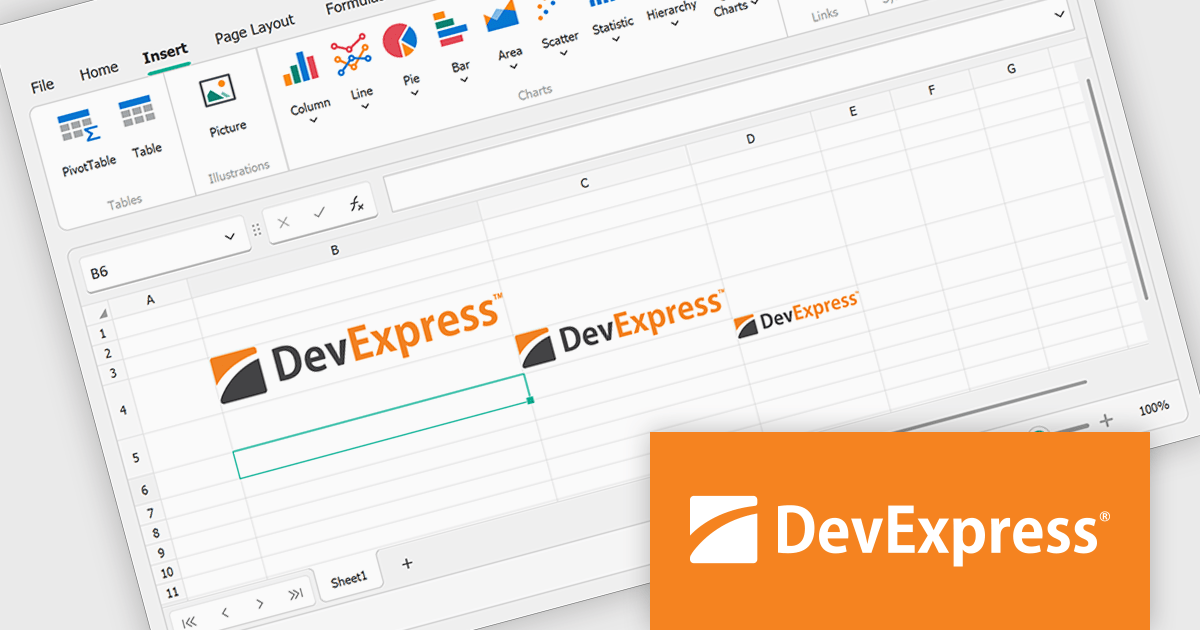
The DevExpress Office File API v24.2 update introduces the ability to embed images directly into worksheet cells, giving users enhanced control over spreadsheet design and functionality. This feature integrates with Microsoft Excel's "Place in Cell" option, allowing documents with embedded images to be imported, exported, printed, and saved without content loss. Supported programmatically through new APIs, it enables users to insert, retrieve, and manage images as cell values while accessing properties like format and bytes. This update simplifies the creation of Excel-compatible spreadsheets for modern applications.
To see a full list of what's new in version 24.2, see our release notes.
DevExpress Office File API is licensed per developer and is available as a Perpetual License with a 12 month support and maintenance subscription. See our DevExpress Office File API licensing page for full details.
DevExpress Office File API is available individually or as part of DevExpress Universal.





Tel.: (888) 850 9911
Fax: +1 770 250 6199


