








Offizieller Lieferant
Als offizieller und autorisierter Distributor beliefern wir Sie mit legitimen Lizenzen direkt von mehr als 200 Softwareherstellern.
Sehen Sie alle unsere Marken.
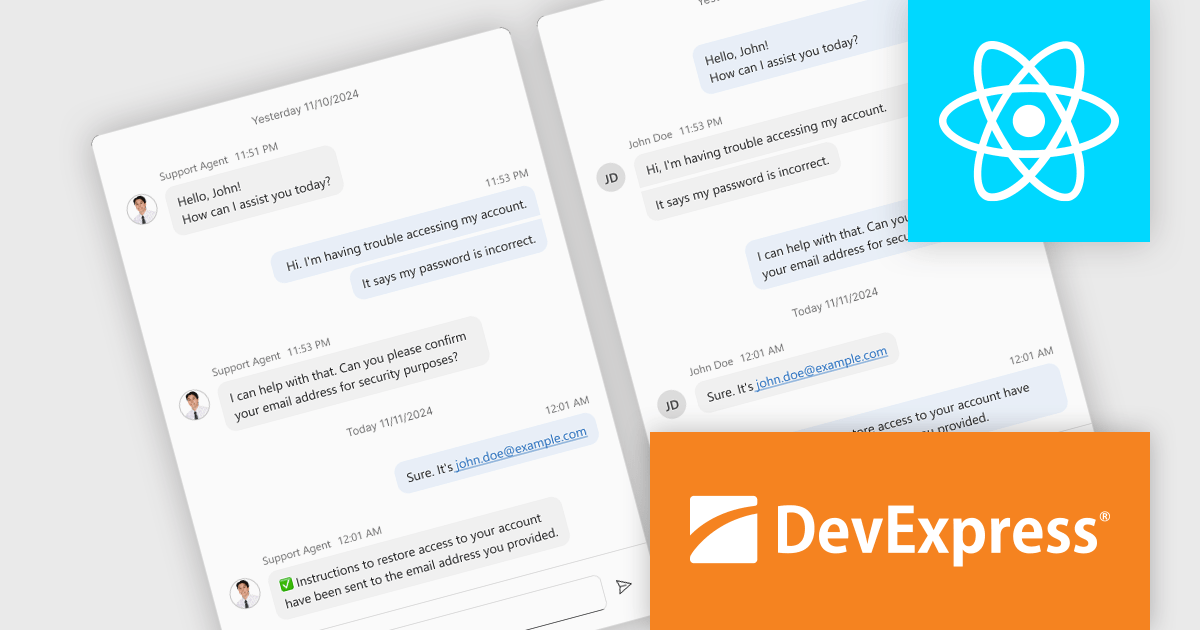
DevExtreme Complete is a robust suite of tools by DevExpress designed to streamline the development of high-performance web applications. It includes a wide range of UI components for modern frameworks such as Angular, React, Vue, and jQuery, making it ideal for developers aiming to create responsive, cross-platform applications with ease. With features like rich data visualization, interactive grids, form controls, and adaptive layouts, it empowers developers to deliver polished and user-friendly interfaces. Whether you're building enterprise dashboards or consumer-facing apps, DevExtreme Complete provides the flexibility and power to meet complex requirements while maintaining performance and usability.
The DevExtreme Chat Component (v24.2) introduces a versatile solution for integrating instant communication into web applications. It supports one-on-one and group interactions, AI and chatbot connectivity for intelligent support, and extensive customization options to create tailored user experiences. With features like typing indicators, popup integration, accessibility compliance, and internationalization, it offers a flexible and inclusive communication platform suitable for a wide range of scenarios, from customer support to team collaboration.
To see a full list of what's new in version 24.2, see our release notes.
DevExtreme Complete is licensed per developer and is available as a Perpetual License with a 12 month support and maintenance subscription. See our DevExtreme Complete licensing page for full details.
DevExtreme Complete is available to buy individually or as part of the following products:
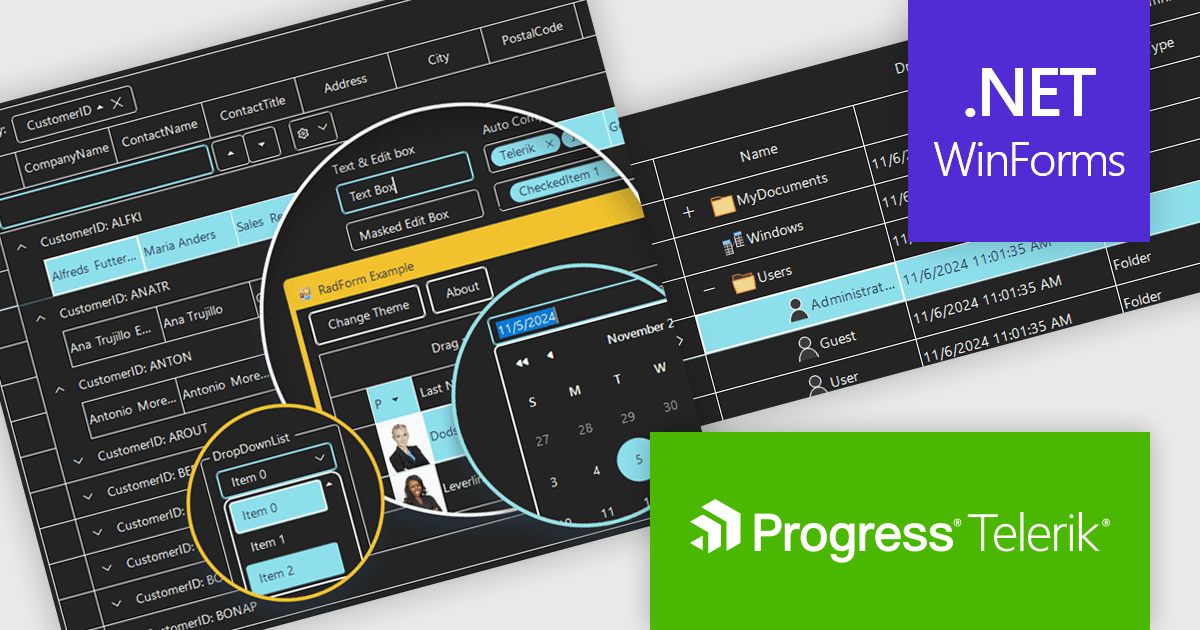
Telerik UI for WinForms is a comprehensive UI library offering over 160 versatile controls designed to streamline the development of modern, data-rich desktop applications. With features like built-in High DPI support, extensive customization options, and components ranging from grids and charts to schedulers and rich text boxes, it empowers developers to craft visually appealing and feature-packed Windows Forms applications.
The Telerik UI for WinForms 2024 Q4 update introduces the Windows 11 High Contrast Theme, providing developers with an essential tool to enhance accessibility and meet the needs of users with visual impairments or those who prefer high-contrast displays. This new theme aligns with Windows 11's modern design principles, ensuring consistency with the operating system's native appearance. By incorporating this theme, developers can create applications that are both visually appealing and inclusive, addressing diverse user requirements while maintaining seamless integration and ease of implementation within existing projects.
To see a full list of what's new in 2024 Q4, see our release notes.
Telerik UI for WinForms is licensed per developer and is available as a perpetual license with a one year support subscription, which is available in three tiers: Lite, Priority or Ultimate. See our Telerik UI for WinForms licensing page for full details.
Telerik UI for WinForms is available individually or as part of the following products:
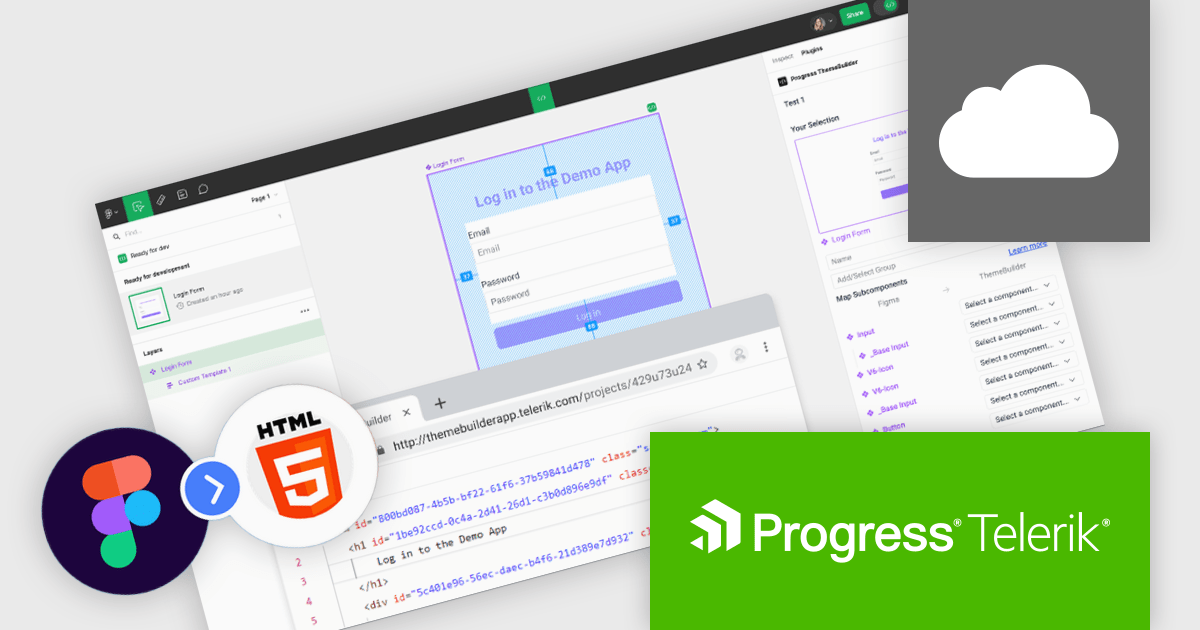
Progress ThemeBuilder by Telerik is a comprehensive visual design tool that accelerates user interface customization for Telerik and Kendo UI web components. ThemeBuilder enables you to style virtually every appearance-related property of the UI components, from top-level elements to the smallest of details, without requiring direct CSS manipulation. It integrates seamlessly with existing development workflows and allows developers to create, modify, and maintain consistent and visually appealing themes across applications. This tool significantly reduces the time and effort required for UI customization and makes it easy to align them with branding and design specifications.
The Progress ThemeBuilder update introduces the new Figma-to-HTML feature, enabling software developers to streamline their design-to-development workflow by generating clean, reusable HTML directly from Figma designs. This feature intelligently recognizes Figma components and maps them to existing code, ensuring consistency and alignment with development standards. By automating the handoff process, it reduces manual coding efforts, minimizes errors, and accelerates project timelines, all while maintaining flexibility to customize the output to meet specific requirements.
To see a full list of what's new in 2024 Q4, see our release notes.
Progress ThemeBuilder is licensed per user and is available as an annual license with a one year support subscription, which is available in three tiers: Lite, Priority or Ultimate. See our Progress ThemeBuilder licensing page for full details.
For more information, see our Progress ThemeBuilder product page.
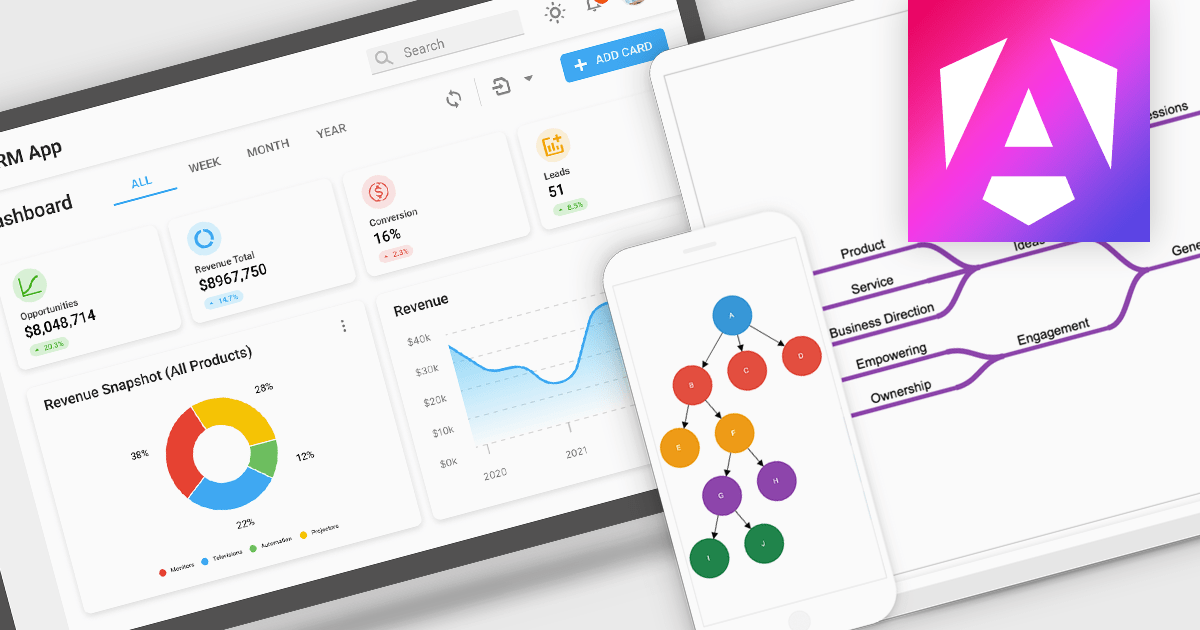
Diagrams visually represent workflows, processes, or relationships, helping users better understand and interact with complex systems. By turning abstract information into intuitive visuals, they enhance clarity and streamline team communication, making them invaluable for development and design. Diagrams are useful for prototyping, debugging, and system optimization, allowing quick identification of issues. They also foster collaboration by providing a shared visual framework for developers, designers, and stakeholders. Use cases include mapping user journeys, designing database schemas, and modeling business processes in drag-and-drop interfaces. With dynamic updates and interactivity, diagrams keep workflows accessible and actionable, driving productivity and efficiency.
Several Angular UI suites offer diagram components including:
For an in-depth analysis of features and price, visit our Angular UI suite comparison:
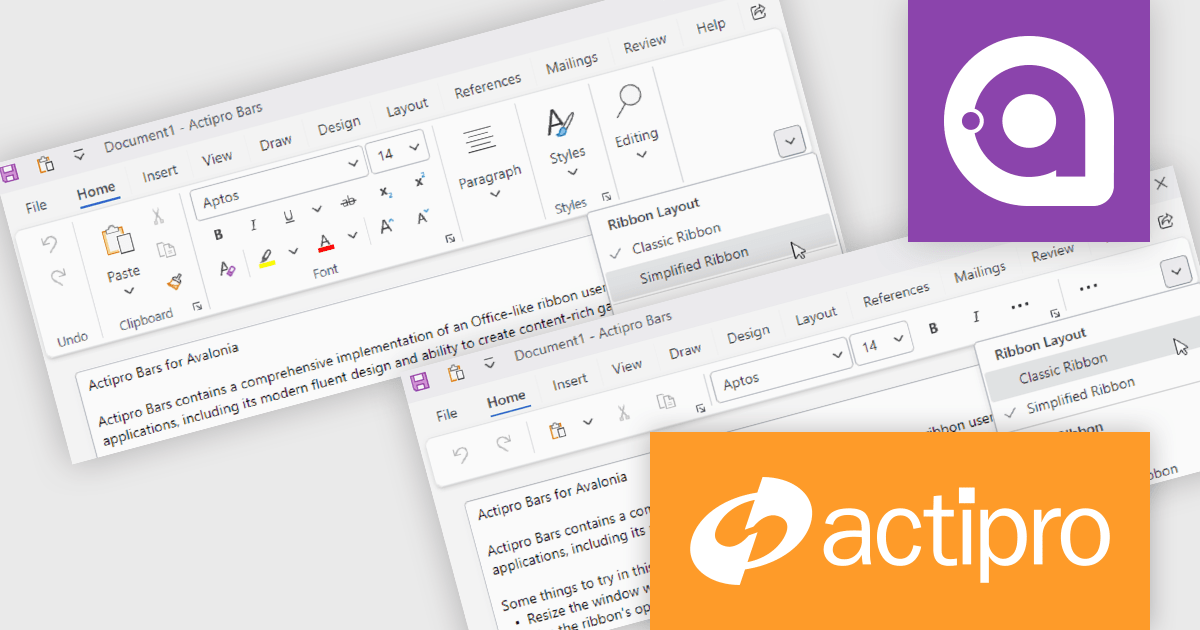
Actipro Avalonia UI Pro is a suite of professionally designed UI controls, themes, and components specifically built for the Avalonia UI framework. It empowers developers to craft beautiful, modern cross-platform applications while leveraging their existing C# and WPF skills. Actipro offers a range of controls from essential navigation and data visualization components to advanced charting and scheduling features, all adhering to its signature high-quality design and seamless integration with Avalonia.
The Actipro Avalonia UI Pro 25.1.0 release introduces new ribbon layout modes, designed to enhance user interface versatility. The Classic layout, with large buttons and multi-row controls, suits applications with numerous commands, while the streamlined Simplified layout, featuring a single row with overflow support, offers a clean, modern interface. Instant mode toggling allows developers to adapt the UI dynamically, providing users with a tailored experience. This update is ideal for applications needing both comprehensive functionality and a sleek design, benefiting both developers and end-users with greater customization and usability.
To see a full list of what's new in 25.1.0, see our release notes.
Actipro Avalonia UI Pro is licensed per developer and is available as a Perpetual license with 1 year support and maintenance. See our Actipro Avalonia UI Pro licensing page for full details.
Learn more on our Actipro Avalonia UI Pro product page.





Tel.: (888) 850 9911
Fax: +1 770 250 6199


