








Offizieller Lieferant
Als offizieller und autorisierter Distributor beliefern wir Sie mit legitimen Lizenzen direkt von mehr als 200 Softwareherstellern.
Sehen Sie alle unsere Marken.

ComponentSource has helped extend access to Froala's lightweight WYSIWYG HTML editor by making it available to developers around the world. The JavaScript-based editor integrates easily into web applications, offering straightforward rich text editing capabilities that fit well within ComponentSource's global catalog of developer tools.
The partnership between ComponentSource and Froala, now spanning five years, reflects a shared dedication to providing developers with high-quality and easily accessible software. This collaboration has created a reliable channel for developers to obtain Froala's products.
As they mark five years of working together, ComponentSource and Froala continue to support developers with accessible editing solutions. The availability of Froala Editor through ComponentSource underscores its position as a useful tool for modern web content editing, and strengthens ComponentSource’s role as a resource for trusted development components.
Froala Editor is licensed per product and domain. It is available as an annual or perpetual license with version upgrades and support. See our Froala Editor licensing page for full details.
For more information, visit our Froala Editor product page.
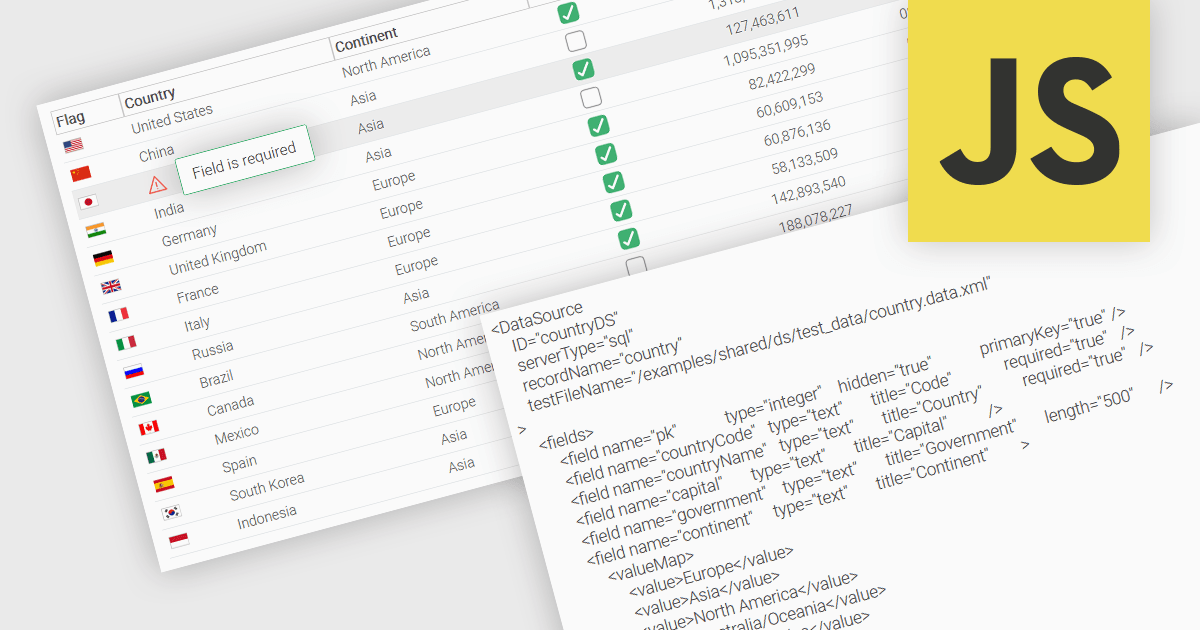
A fundamental feature in a data grid is the ability to specify that a column must be populated with values and cannot be left empty. By designating certain columns as mandatory, developers can enforce input rules that prevent users from leaving critical fields blank, such as user identifiers, product names, or timestamps. Required columns are typically enforced through validation rules that prevent the submission or processing of incomplete records, thereby ensuring the completeness and validity of data entries. This improves data integrity, reduces the likelihood of processing errors, and supports consistent business logic across applications that rely on structured datasets.
Several JavaScript grid controls allow you to set columns as required, including:
For an in-depth analysis of features and price, visit our comparison of JavaScript grid controls.
Oxygen Feedback by Syncro Soft is a modern feedback management platform designed for technical writers, software developers, and content managers seeking to streamline user interaction with documentation. It integrates seamlessly with Oxygen XML Editor and WebHelp, enabling teams to gather, manage, and act on user feedback directly within their documentation portals. Key features include intuitive comment tracking, real-time notifications, role-based moderation, and detailed analytics to monitor user engagement and content effectiveness. By simplifying collaboration and enhancing user-driven insights, Oxygen Feedback helps organizations improve documentation quality, increase user satisfaction, and foster stronger connections with their audience.
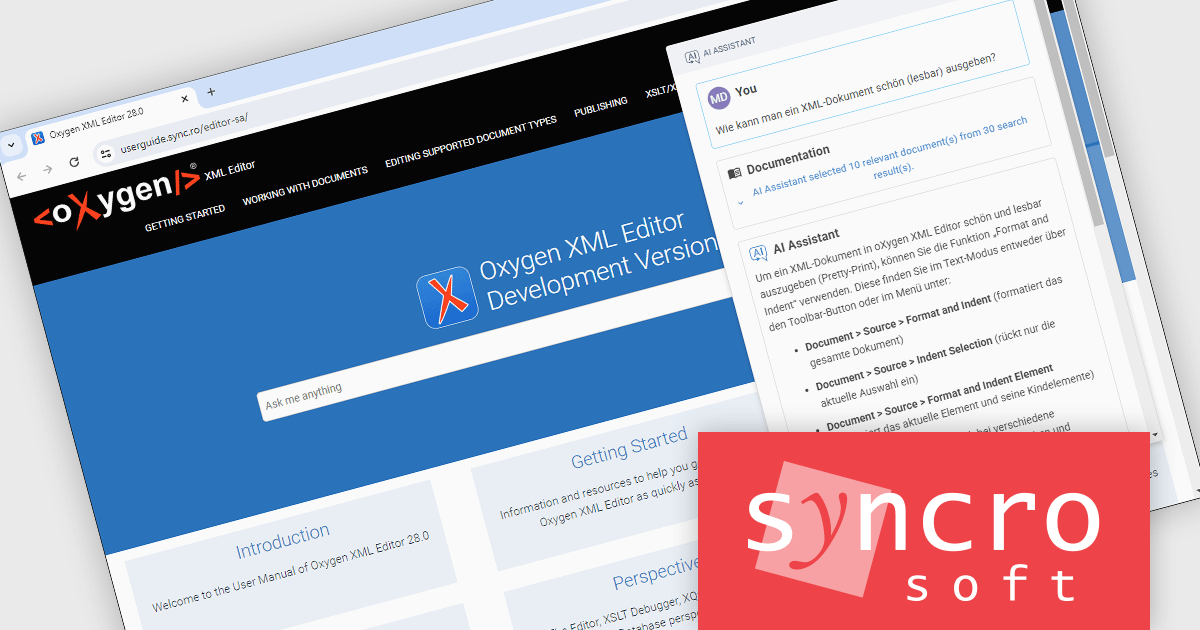
The Oxygen Feedback V5.2 release adds support for multi-lingual AI assistant responses. The responses received from the AI Assistant are now displayed in the same language as the user's input. The language of the indexed documentation is also detected, ensuring that search queries are made in the correct language to retrieve relevant results.
To see a full list of what's new in V5.2, see our release notes.
Oxygen Feedback is licensed per site configuration and is available as a Timed Subscription license. Support & Maintenance Pack (SMP) is included for the duration of your subscription. See our Oxygen Feedback licensing page for full details.
Learn more on our Oxygen Feedback product page.
ActiveReports.NET helps you deliver beautiful reports with intuitive Visual Studio integrated report designers and rich controls. It provides code-based cross-platform reporting, easy-to-use designers, and a flexible API, enabling you to design and deliver powerful reports with intuitive, reliable, and user-friendly report designers and controls.
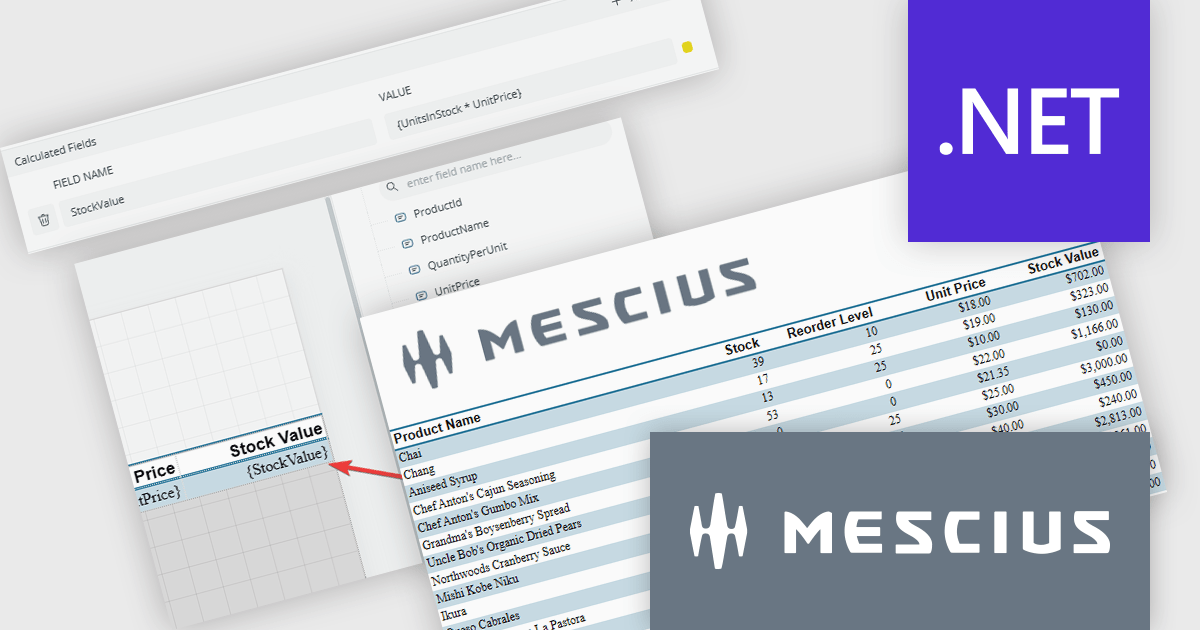
In this blog post, MESCIUS Product Manager Alec Gall shows you how to add a calculated field to your report using the ActiveReports.NET Web Designer. Steps include:
Read the complete blog to learn this simple but powerful method to extend your data inside ActiveReports.NET.
ActiveReports.NET is licensed per developer and is available with or without a 12 month support and maintenance subscription. See our ActiveReports.NET licensing page for full details.
Learn more on our ActiveReports.NET product page.
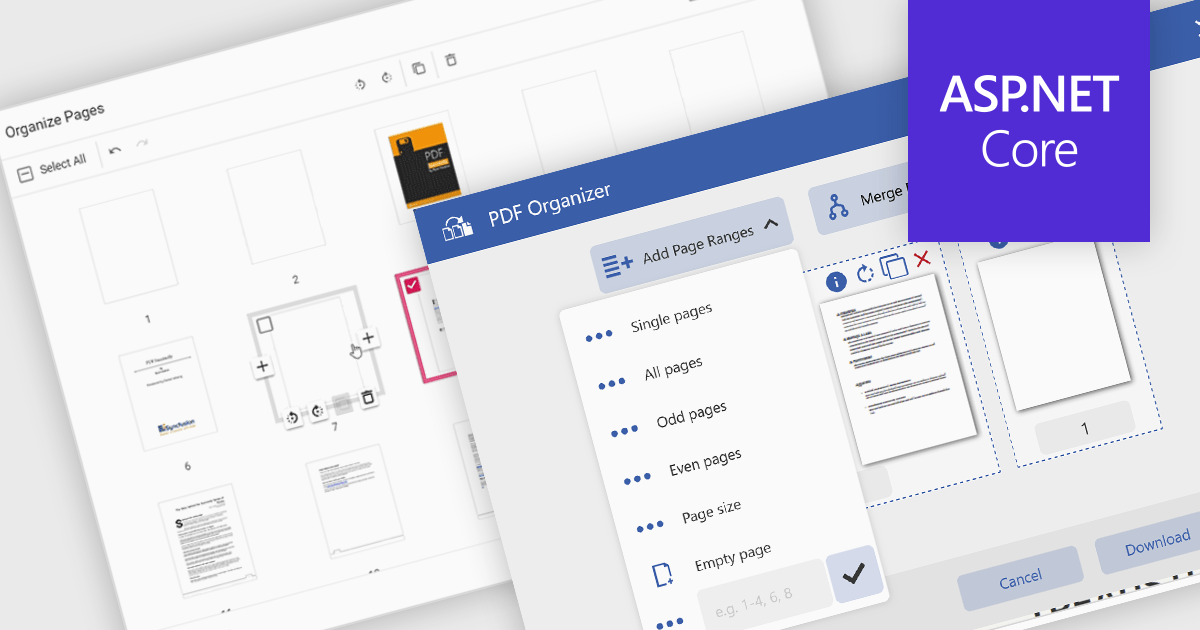
Adding a page to a PDF file is a key feature in modern PDF viewer components, enabling users to dynamically insert new content into existing documents. This capability is particularly useful in web applications that require real-time document editing or automated PDF generation, such as form processing, report building, or multi-user collaboration platforms.
Several ASP.NET Core PDF viewer controls offer the ability to add pages to a PDF file including:
For an in-depth analysis of features and price, visit our ASP.NET Core PDF viewer controls comparison.





Tel.: (888) 850 9911
Fax: +1 770 250 6199


