








Offizieller Lieferant
Als offizieller und autorisierter Distributor beliefern wir Sie mit legitimen Lizenzen direkt von mehr als 200 Softwareherstellern.
Sehen Sie alle unsere Marken.
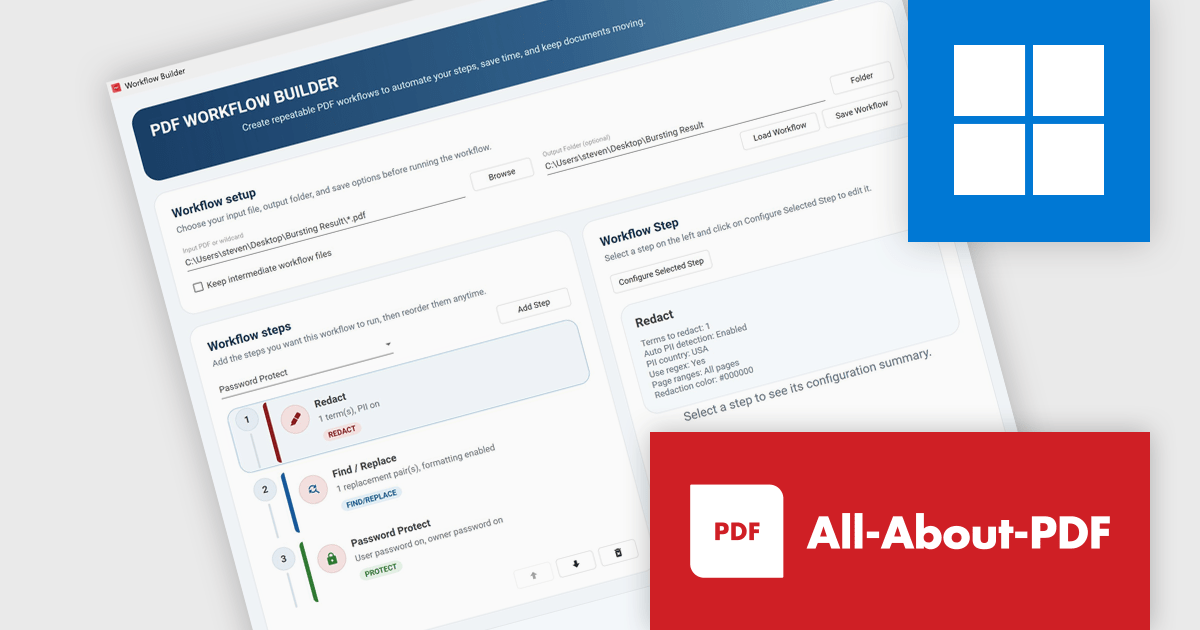
All-About-PDF is a comprehensive PDF management solution that gives users complete control over their digital documents. It allows individuals and organizations to create, protect, convert, merge, split, and compare PDFs with ease while maintaining the highest level of security. Using advanced Digital Rights Management technology, users can specify when, how, and where their shared files are accessed. Features such as password protection, expiry dates, print restrictions, and location-based locking help safeguard sensitive information. With its precision comparison tools and strong access controls, All-About-PDF is ideal for professionals who need to share documents confidently and maintain full ownership of their intellectual property.
The All-About-PDF Build 2041 update introduces PDF Workflow Automation, enabling businesses to automate and standardize multi-step document processes. By allowing multiple actions, such as redaction, content updates, password application, and document protection, to be executed within a single workflow, it helps reduce manual effort, minimize errors, and enforce consistent security and processing standards while supporting efficient handling of high volumes of PDF files.
To see a full list of what's new in Build number 2041 , see our release notes.
All-About-PDF is licensed per machine, and is available as a perpetual license. We can supply Internal, External and OEM licenses. See our All-About-PDF licensing page for full details.
For more information, visit our All-About-PDF product page.
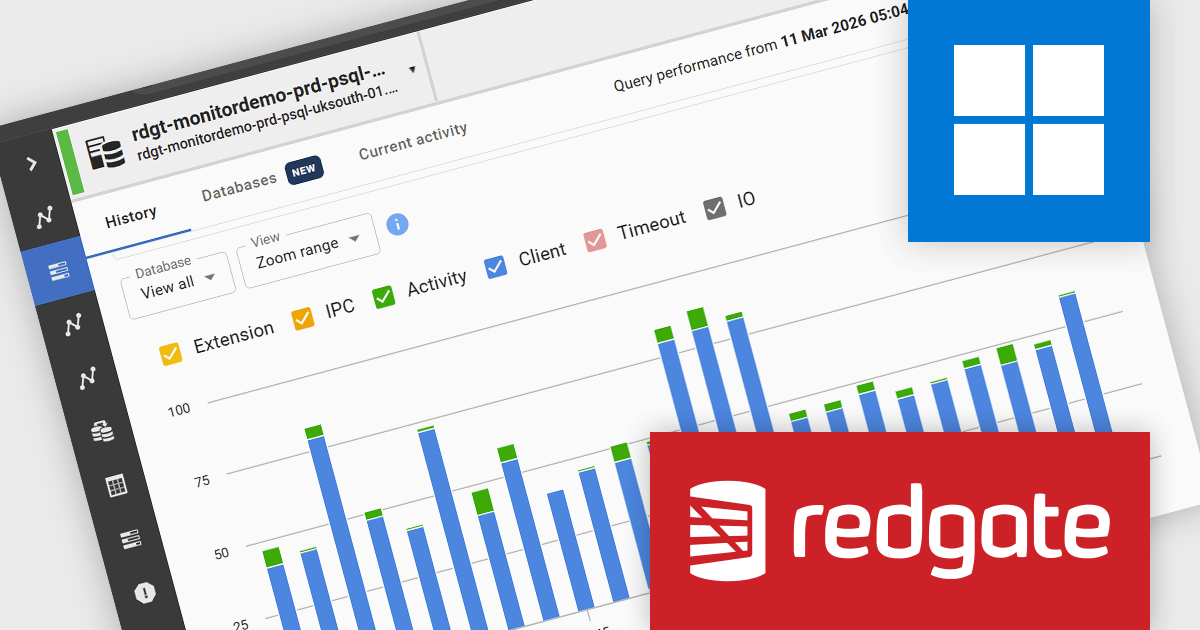
Redgate Monitor (formerly known as SQL Monitor) is a database monitoring tool that helps users quickly identify and fix performance problems on a variety of platforms, including SQL Server and PostgreSQL. It provides real-time monitoring, alerting, root cause analysis, and performance tuning recommendations. Redgate Monitor can be used by DBAs, developers, and operations teams to improve the performance of their databases.
Redgate Monitor gives developers continuous visibility into database performance by presenting wait events as a time based visualization, enabling a clearer understanding of normal system behavior and making deviations easier to identify as they occur. By showing how performance changes over time rather than at a single point, it supports faster and more accurate troubleshooting, helping developers determine when issues start and how they progress. It also allows navigation from a high level cluster view to detailed analysis of specific instances or time periods, improving both real time monitoring and retrospective investigation within PostgreSQL environments.
Redgate Monitor is licensed per server on an annual subscription basis. Each Server License will enable you to monitor either 1 Server (Multiple instances), 5 Azure SQL Databases, 1 Cloud (PaaS) instance, or 1 Cluster node. See our Redgate Monitor licensing page for full details.
For more information, visit our Redgate Monitor product page.
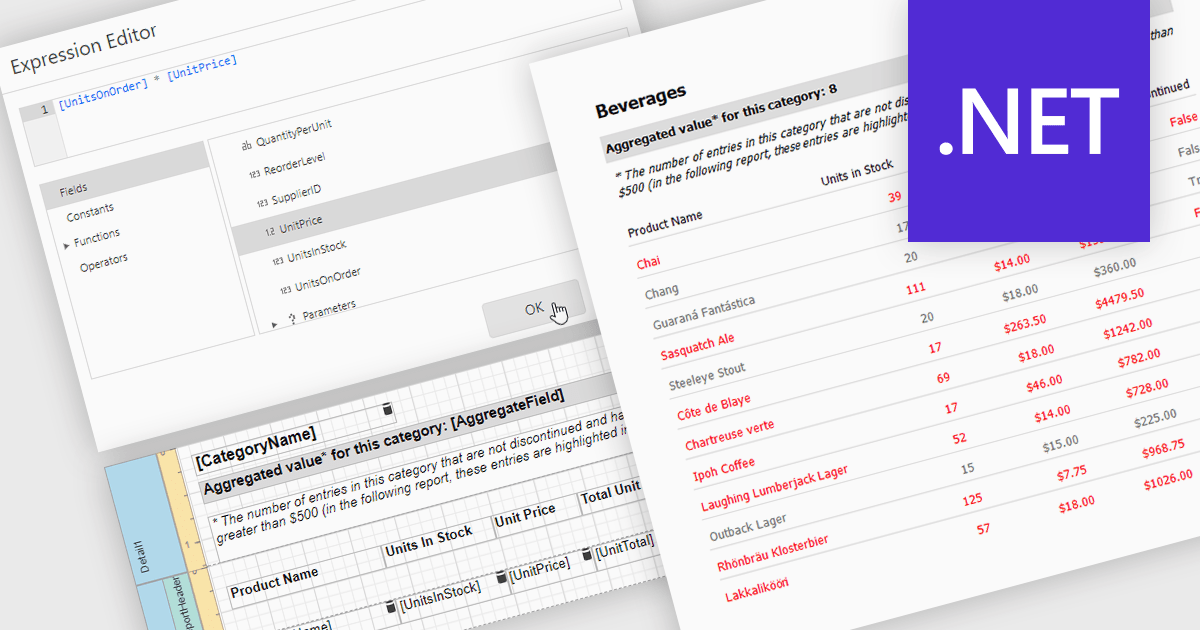
Calculated fields in reports allow you to apply custom expressions to one or more data fields, enabling data to be transformed directly within the reporting environment. This makes it possible to create new metrics such as percentages, ratios, or combined values without changing the underlying data source. As a result, reporting becomes more flexible and efficient, helping users uncover deeper insights and tailor outputs to specific needs. Calculated fields can also be used to group and sort data dynamically, improving how information is organized and presented. Common use cases include calculating profit margins, creating performance indicators, and combining fields to enhance report clarity.
Several .NET reporting controls offer calculated field functionality including:
For an in-depth analysis of features and price, visit our comparison of .NET Reporting controls.
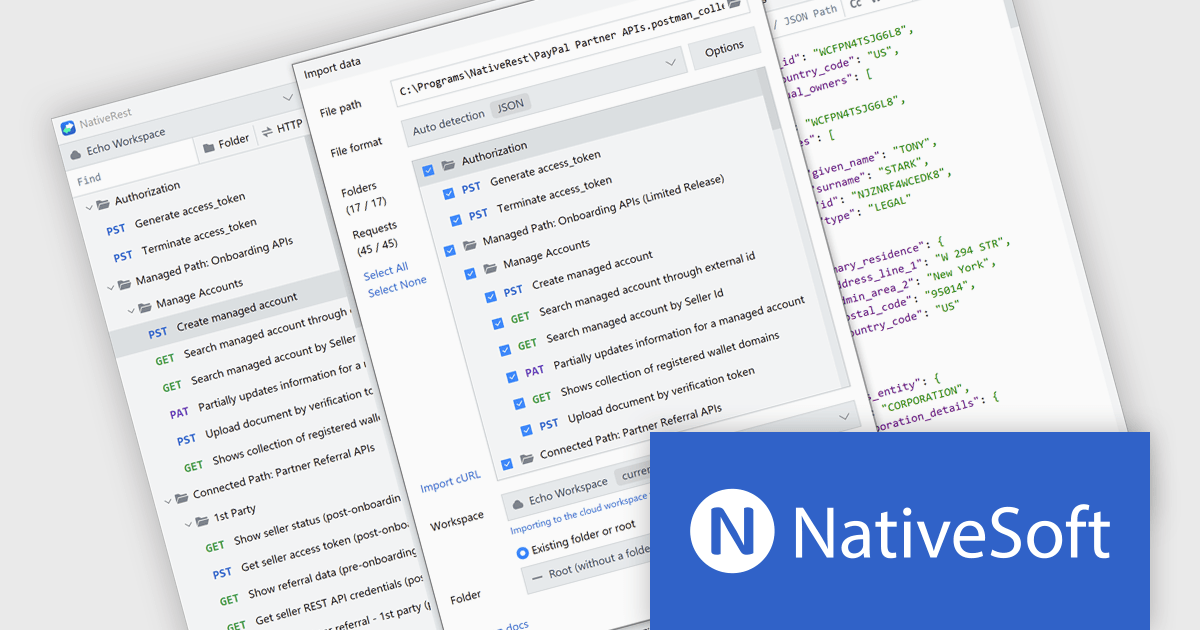
NativeRest is a high performance REST API client designed to improve API development, testing, and automation. It enables users to build complex HTTP requests, manage environments, and run automated tests using the built in Collection Runner. With support for authentication, code generation, and secure offline storage, it provides a flexible and reliable solution for handling critical API tasks. As a native application, NativeRest launches quickly and handles large datasets efficiently, making it a strong alternative to browser based tools. It is ideal for developers, testers, and teams working on enterprise APIs who need a stable and organized environment for building and maintaining integrations.
The NativeRest version 3.4.0 update introduces a fully rebuilt Postman import engine that focuses on accuracy and transparency when migrating complex workspaces. It now supports complete nested folder structures, ensuring that large-scale API projects retain their original organization. Expanded handling of request attributes and improved compatibility with testing scripts address common edge cases, reducing the need for manual adjustments after import. A new statistics dashboard provides immediate insight into the migration process, showing exactly how many requests, folders, and scripts were successfully transferred, helping teams validate their imports with confidence.
To see a full list of what's new in version 3.4.0, see our release notes.
NativeRest is licensed per developer with perpetual lifetime licenses, offering flexible Cloud and Team options that include advanced features, collaboration, and priority support. See our NativeRest licensing page for full details.
Learn more on our NativeRest product page.

ComponentSource is proud to celebrate a 5-year partnership with VisualSP, a leader in contextual learning and in-app support solutions. VisualSP provides a Visual Support Platform designed to help organizations navigate constant change by delivering bite-sized, contextual microlearning directly within enterprise web applications. Their solutions are built to reduce the impact of the forgetting curve, enabling employees to quickly access relevant guidance exactly when they need it, without disrupting their work.
VisualSP offers a range of customizable training and support tools that overlay onto existing enterprise systems, delivering targeted, role-based assistance through a cloud-based platform hosted on Microsoft Azure. Their flagship product, VisualSP Enterprise, exemplifies this approach by providing a fully integrated, plug-and-play solution that empowers users with real-time, in-context help tailored to their environment and permissions.
This collaboration enables ComponentSource to further differentiate its product offering by providing customers with innovative, user-centric training solutions that enhance productivity and user adoption. By distributing VisualSP’s solutions globally, ComponentSource helps organizations worldwide implement smarter support systems, ensuring employees can maximize the value of their enterprise applications with ease and efficiency.
Learn more about VisualSP.





Tel.: (888) 850 9911
Fax: +1 770 250 6199


