








Offizieller Lieferant
Als offizieller und autorisierter Distributor beliefern wir Sie mit legitimen Lizenzen direkt von mehr als 200 Softwareherstellern.
Sehen Sie alle unsere Marken.
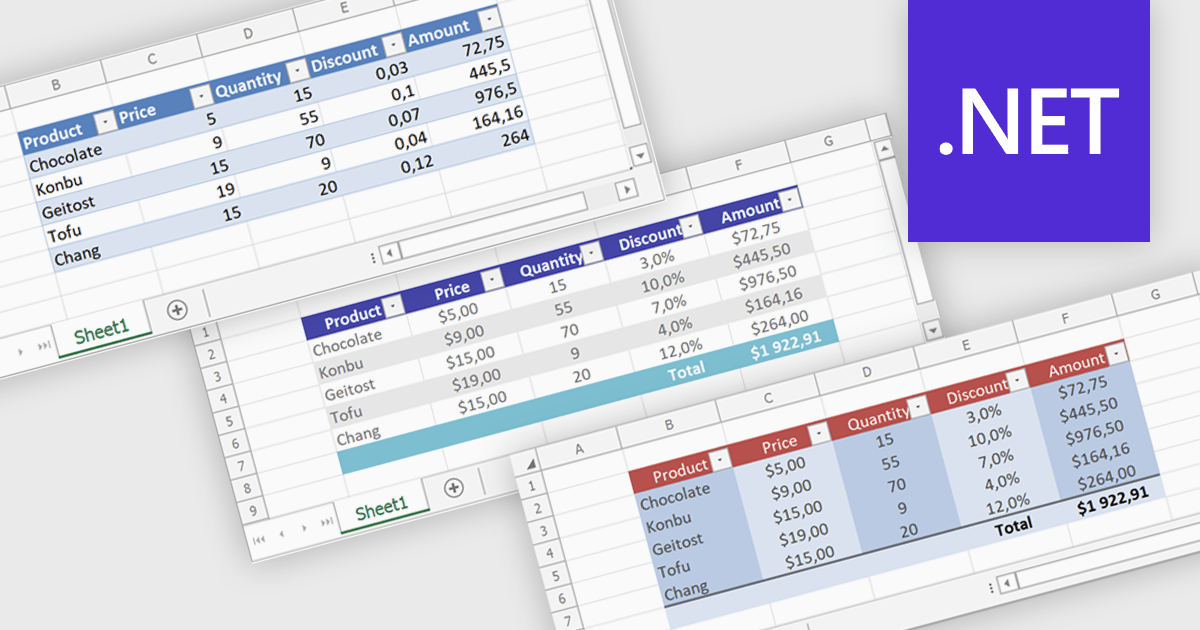
Spreadsheet tables provide a structured way to organize and manage data by grouping related information into defined rows and columns with built in functionality. They enhance usability by enabling automatic sorting and filtering, consistent formula application through calculated columns, and clearer data interpretation with structured references and styling. Tables can also expand dynamically as new data is added, reducing manual updates and errors. Common use cases include managing financial records, analyzing sales performance, tracking inventory, and working with data bound to external sources, making them a powerful tool for both everyday tasks and advanced data analysis.
Several .NET spreadsheet controls offer table support including:
For an in-depth analysis of features and price, visit our .NET spreadsheet controls comparison.
ReSharper is a productivity and code quality plugin for Visual Studio, developed by JetBrains. It helps .NET developers write cleaner, more efficient code. By analyzing code on-the-fly, ReSharper identifies potential errors and suggests fixes. It also automates code refactoring, allowing developers to safely restructure their codebase. These features improve developer productivity and maintainability of the code, making ReSharper a valuable tool for both individual developers and development teams.
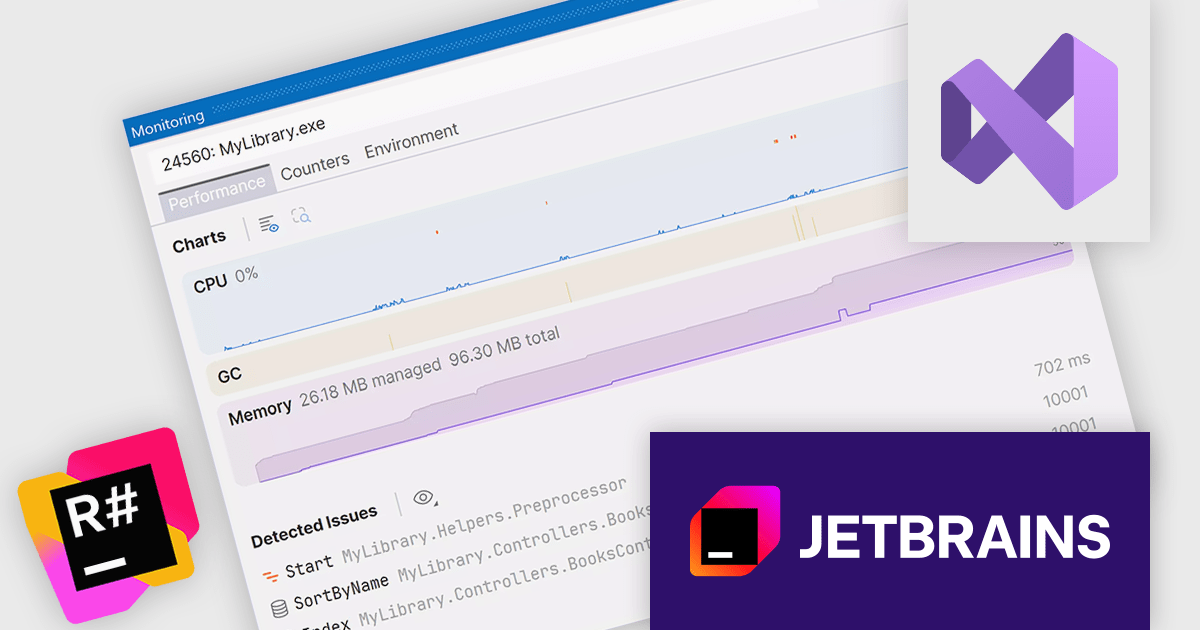
The ReSharper 2026.1 update introduces a new monitoring window that brings together runtime metrics, profiling insights, and dynamic program analysis into a single view. It allows developers to observe application performance in real time, whether running normally or under debugging, making it easier to understand system behaviour as it happens.
To see a full list of what's new in version 2026.1, see our release notes.
ReSharper is licensed per user, and is available as a commercial annual subscription license. We can supply new subscriptions, subscription renewals, lapsed renewals, and additional user licenses. See our ReSharper licensing page for full details.
ReSharper is available to buy in the following products:
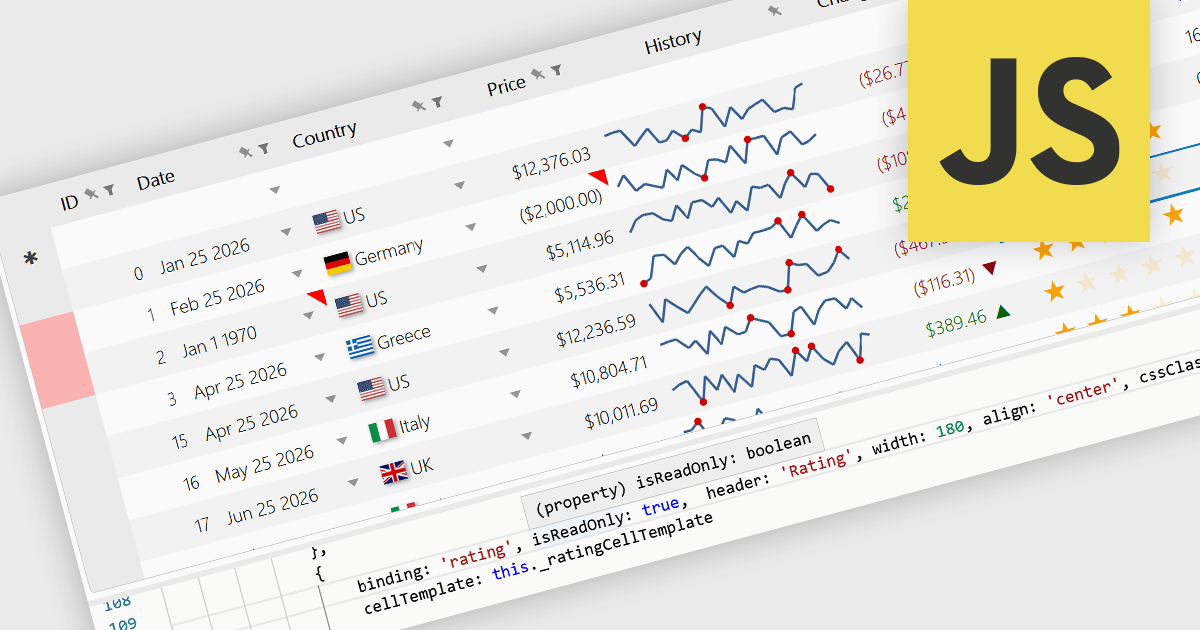
Read-only Columns are grid columns configured to display data without allowing users to edit the values directly in the interface. In a JavaScript grid control, this is typically used for fields that should remain fixed, such as calculated values, identifiers, audit data, or information controlled by business rules or backend processes. The main benefit is that it helps preserve data integrity while still making important information visible, reduces the risk of accidental changes, supports clearer editing workflows by distinguishing editable and non-editable fields, and makes it easier for developers to enforce validation and permission requirements consistently across the application.
Several JavaScript grid controls offer support for Read-only Columns including:
For an in-depth analysis of features and price, visit our comparison of JavaScript grid controls.
VersionRecall is a straightforward version control solution that simplifies the process of creating backups and managing multiple file versions. Designed with ease of use in mind, it eliminates the need for complex APIs, databases, or proprietary file formats by storing versioned files in their original form. Unlike cloud-based solutions that may automatically overwrite data, VersionRecall gives users full control over when and how versions are saved. Its quick setup and intuitive workflow make it ideal for developers, IT professionals, and teams who need a reliable, low-overhead way to track changes, safeguard important files, and easily recall previous versions when needed.
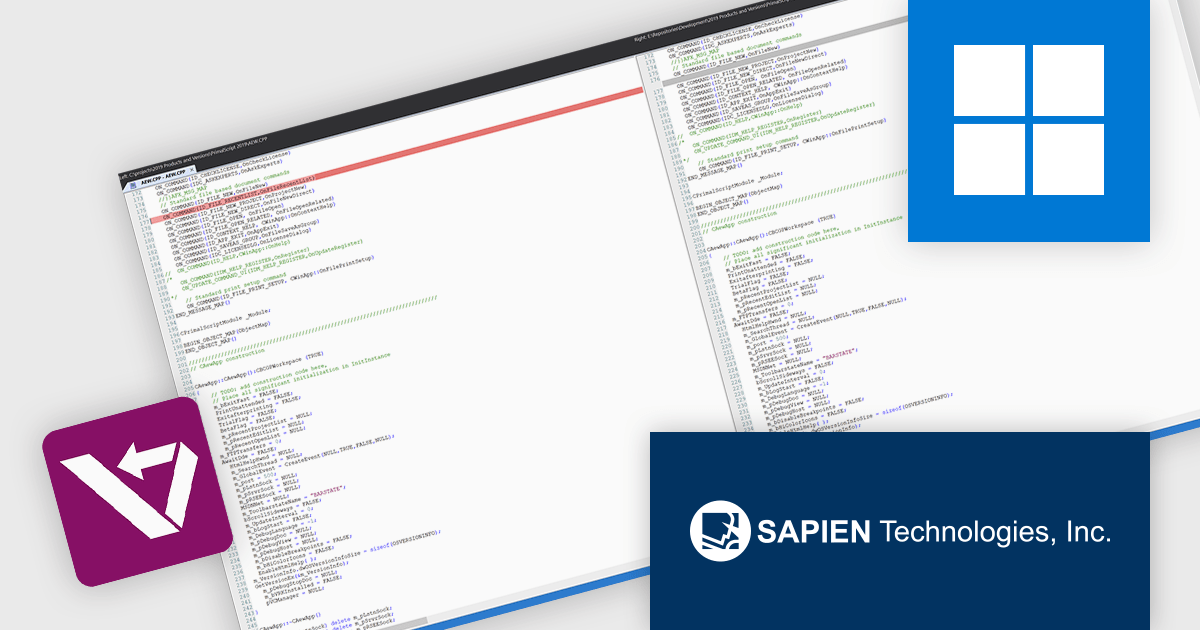
VersionRecall provides developers with a clear and efficient way to compare and merge file versions using ScriptMerge, enabling precise identification of code changes through syntax-colored differences. This improves accuracy during reviews, reduces the likelihood of merge errors, and improves the process of reconciling updates across versions. By presenting changes in a structured and readable format, it supports faster decision-making and helps maintain code quality while minimizing the effort required to manage version conflicts.
VersionRecall is licensed per user and includes one year of product maintenance which may be renewed each year thereafter to continue to receive the latest updates. See our VersionRecall licensing page for full details.
Learn more on our VersionRecall product page.
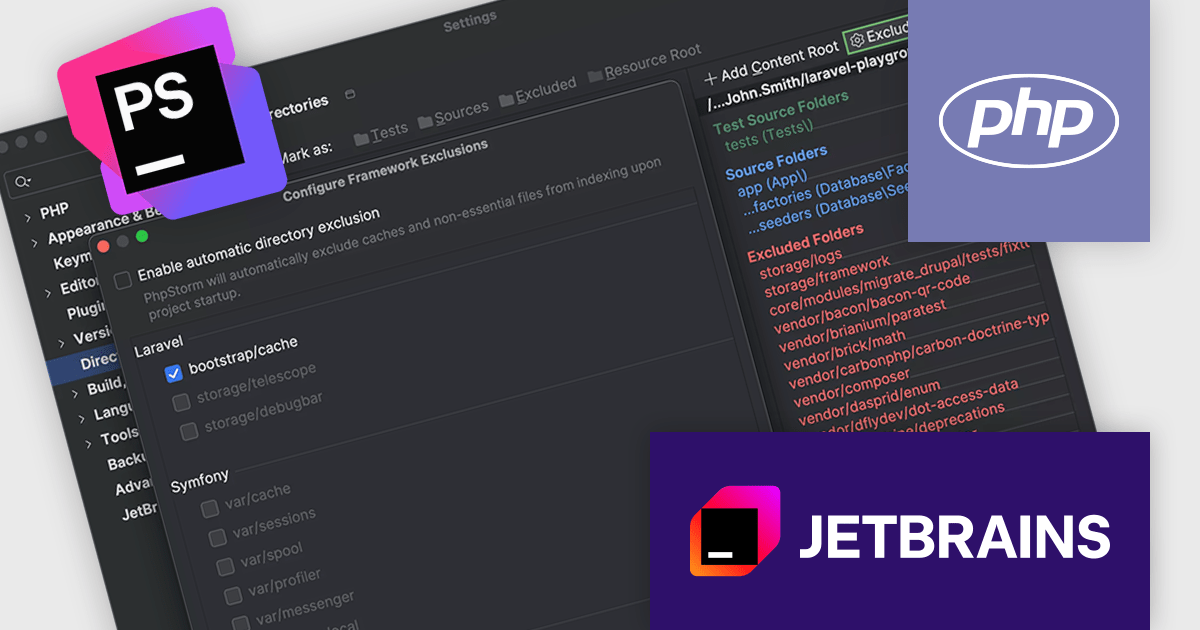
PhpStorm by JetBrains is a sophisticated Integrated Development Environment (IDE) specifically designed for PHP and web development. It offers a range of features to enhance your coding experience, including syntax highlighting, intelligent code completion, on-the-fly error detection, built-in debugging tools, and advanced code refactoring capabilities. It also supports various web technologies like HTML, CSS, and JavaScript, making it a versatile tool for building complete web applications.
The PhpStorm 2026.1 update introduces a feature that optimizes project indexing, helping maintain performance in large and complex codebases. The IDE now automatically detects framework-specific directories that contain generated files, caches, or user-uploaded content and excludes them from indexing. This reduces unnecessary processing and keeps common development tasks responsive, without requiring developers to manually configure exclusions. It is particularly useful in projects where such directories change frequently, ensuring that performance improvements are applied consistently with minimal effort.
To see a full list of what's new in version 2026.1, see our release notes.
PhpStorm is licensed per user, and is available as a commercial annual subscription license. We can supply new subscriptions, subscription renewals, lapsed renewals, and additional user licenses. See our PhpStorm licensing page for full details.
PhpStorm is available to buy in the following products:





Tel.: (888) 850 9911
Fax: +1 770 250 6199


