








Offizieller Lieferant
Als offizieller und autorisierter Distributor beliefern wir Sie mit legitimen Lizenzen direkt von mehr als 200 Softwareherstellern.
Sehen Sie alle unsere Marken.
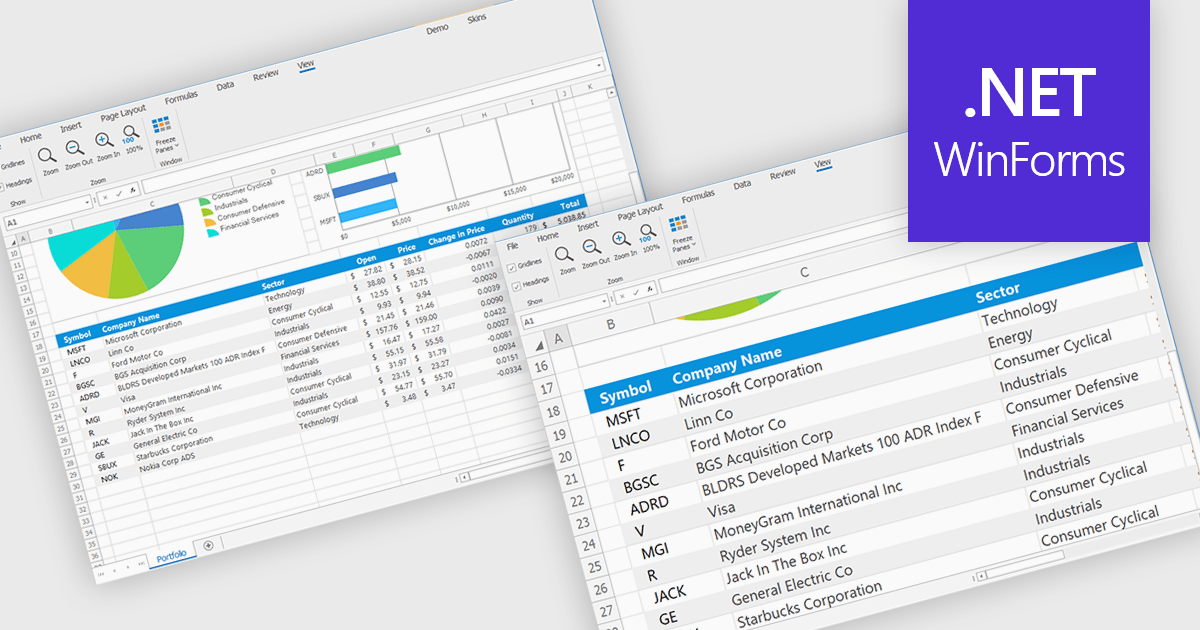
Zooming in a spreadsheet component refers to the ability to scale the displayed content, effectively increasing or decreasing the visible size of cells, data, and gridlines. This feature allows users to adjust the level of detail shown, enabling them to gain a broader overview or focus on specific data segments. Developers implement this to enhance user experience by providing flexibility in data visualization, improving accessibility for users with varying visual needs, and facilitating efficient data analysis through customized display levels.
Several WinForms spreadsheet controls offer support for zooming including:
For an in-depth analysis of features and price, visit our WinForms spreadsheets comparison.
Scriptcase is a RAD platform that simplifies PHP web application development. Its drag-and-drop interface, code generation capabilities, and database integration make it a user-friendly tool for both experienced programmers and non-technical users. By streamlining the development process, Scriptcase accelerates the time to market, reduces coding effort, enhances productivity, lowers costs, and improves user experience.
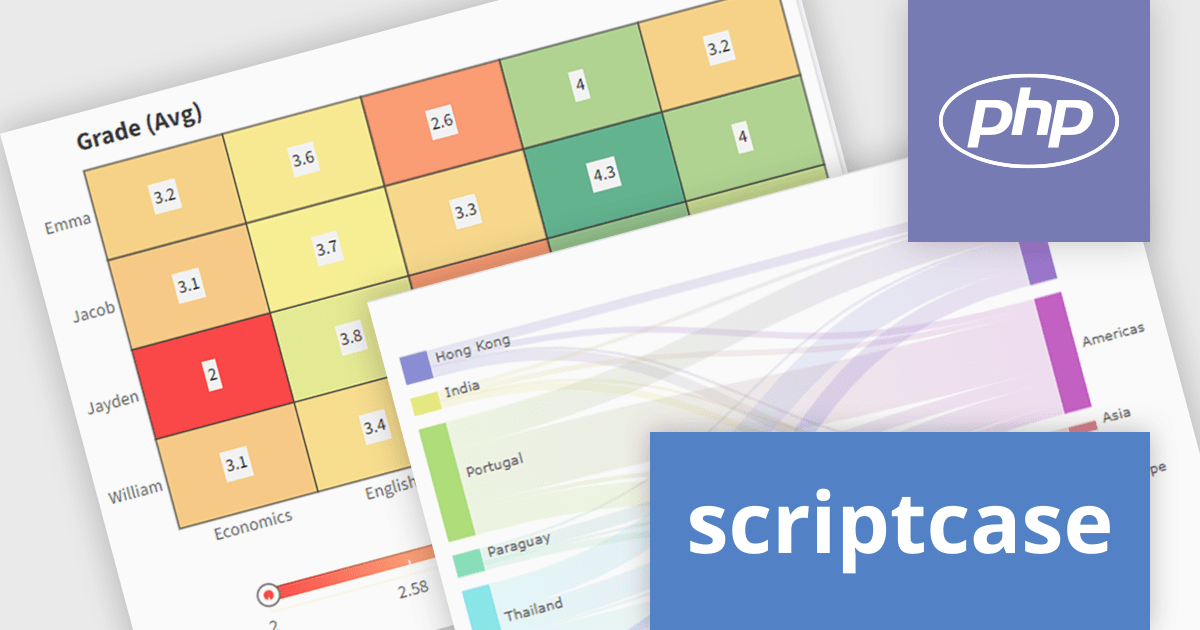
The Scriptcase 9.12 release expands charting capabilities with a suite of visualization tools designed to enhance business intelligence and analytics. The introduction of the Heat Map allows users to swiftly pinpoint data patterns and anomalies through color-coded representations, ideal for correlation analysis. The Tree Map provides a clear view of hierarchical data, enabling direct comparison of values and relationships within datasets using nested rectangles. For visualizing complex flows and resource distributions, the Sankey diagram offers an intuitive approach, clearly illustrating movements and proportions. These new chart types empower users to derive deeper insights and make more informed decisions from their data.
To see a full list of what's new in version 9.12, see our release notes.
Scriptcase is licensed per developer and is available as an Annual or Perpertual license with 1 year support and maintenance. See our Scriptcase licensing page for full details.
For more information, visit our Scriptcase product page.
Telerik UI for WinForms is a comprehensive UI library offering over 160 versatile controls designed to streamline the development of modern, data-rich desktop applications. With features like built-in High DPI support, extensive customization options, and components ranging from grids and charts to schedulers and rich text boxes, it empowers developers to craft visually appealing and feature-packed Windows Forms applications.
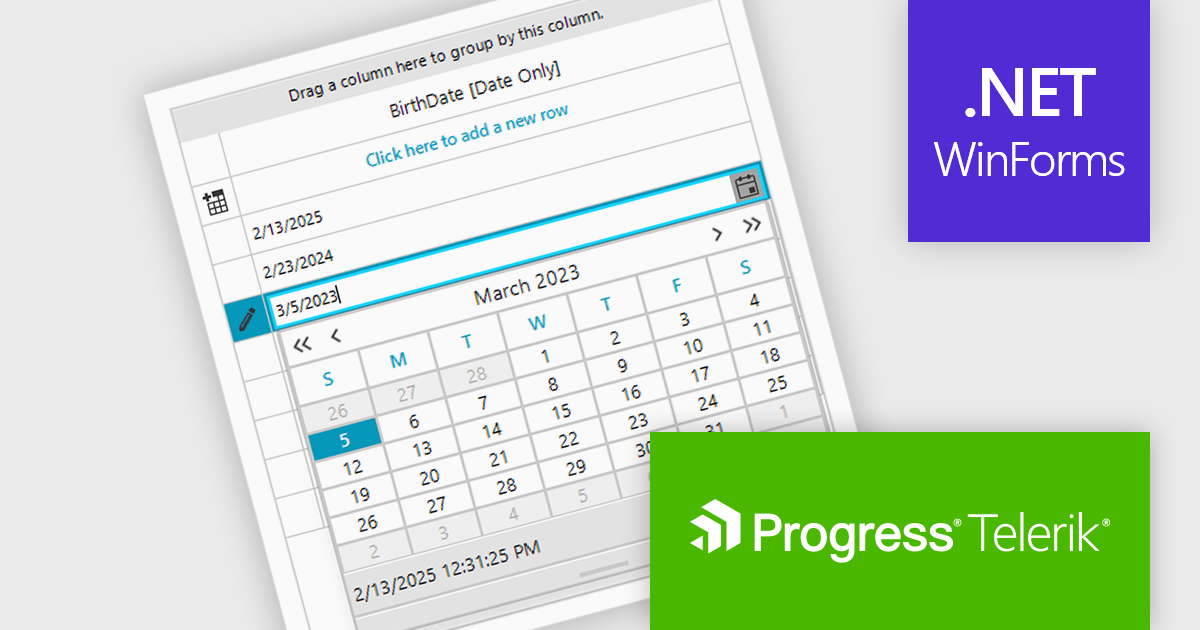
The Telerik UI for WinForms 2025 Q1 update introduces dedicated support for .NET DateOnly column types in RadDataGrid. This update enhances the precision of date handling by allowing developers to bind, format, and edit date values without dealing with unnecessary time components. As a result, applications benefit from improved data accuracy, reducing potential errors in time-sensitive operations. This streamlined approach leads to greater reliability and offers developers a more efficient way to handle date data in their applications.
To see a full list of what's new in 2025 Q1 (2025.1.211), see our release notes.
Telerik UI for WinForms is licensed per developer and has two licensing models: an annual Subscription License and a Perpetual License. The Subscription license provides access to the latest product updates, technical support, and exclusive benefits for a flat annual fee, and must be renewed to continue using the software. The Perpetual license is a one-time purchase granting access to the current released version and includes a one-year subscription for product updates and technical support. After this initial period, users can choose to renew the subscription element to continue receiving updates and support; otherwise, they may continue using the installed version available during their active subscription term but will forgo future updates and support. See our Telerik UI for WinForms licensing page for full details.
Telerik UI for WinForms is available individually or as part of the following products:
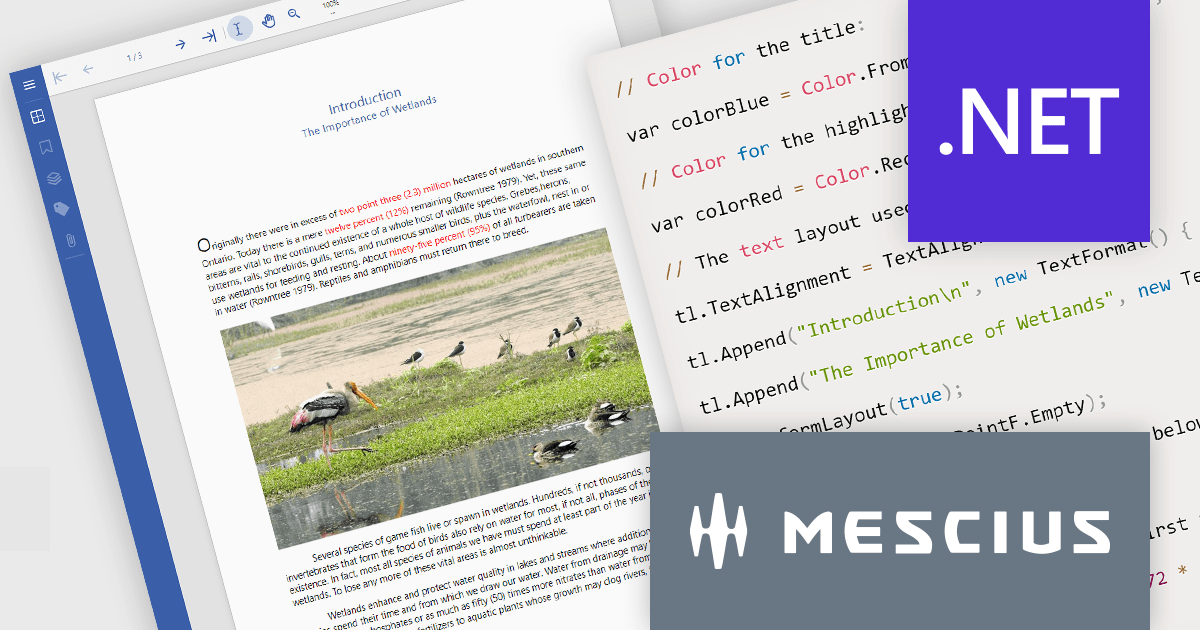
Document Solutions for PDF by MESCIUS is a high-speed, feature-rich, server-side PDF API Library for .NET with no dependencies on Adobe Acrobat. DsPdf allows developers to programmatically create, manipulate, import/export, and deploy PDF documents, including AcroForms, across desktop and web applications at scale. With full .NET support, you can generate, load, modify, and convert PDFs in your app for .NET, Mono, Xamarin.iOS, and Xamarin.Android. Apps using this .NET PDF API can be deployed to the cloud, Windows, Mac, or Linux. It also includes a fast JavaScript-based client-side viewer/editor that allows users to view/optionally edit PDF documents in desktop/web applications.
In this blog post, MESCIUS Senior Software Engineer Manpreet Kaur shows you how to use Document Solutions for PDF to add PDF creation capability to any application that targets .NET Standard 2.0 or higher - including .NET Core, .NET Framework, Mono, and Xamarin. Steps include:
Detailed code is included and there is a downloadable project - with an accompanying YouTube video - so that you can follow along in real time.
Read the complete blog and get started creating rich PDF documents from your .NET apps now!
Document Solutions for PDF is licensed per developer and is available in several license options for differing distribution needs. Team licenses are also available for multiple developers within the same organization. See our Document Solutions for PDF licensing page for full details.
Document Solutions for PDF is available to buy individually or as part of Document Solutions .NET Bundle.
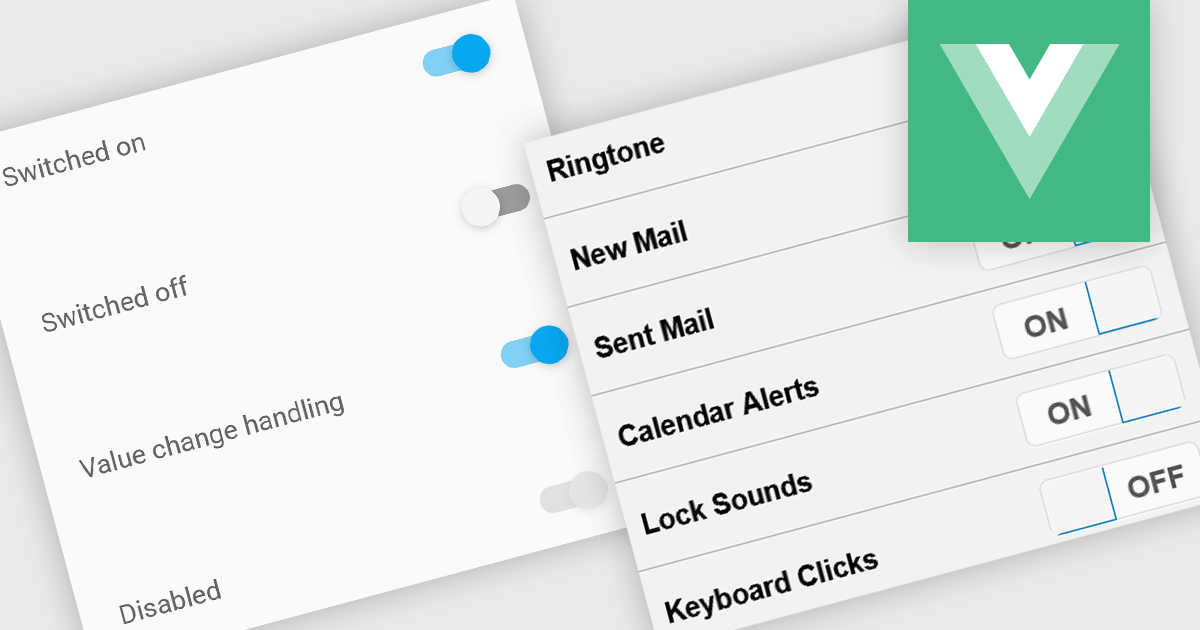
Toggle switches in data editor components provide a user-friendly way to manage boolean values, offering a clear on/off representation that enhances usability. These switches replace traditional checkboxes with a more modern and intuitive interface, making them particularly useful for mobile and web applications where quick interactions are essential. By improving clarity and reducing user errors, toggle switches contribute to a smoother and more efficient data entry experience.
Several Vue.js data editor collections offer toggle switch controls including:
For an in-depth analysis of features and price, visit our Vue.js data editors comparison.





Tel.: (888) 850 9911
Fax: +1 770 250 6199


