








Offizieller Lieferant
Als offizieller und autorisierter Distributor beliefern wir Sie mit legitimen Lizenzen direkt von mehr als 200 Softwareherstellern.
Sehen Sie alle unsere Marken.
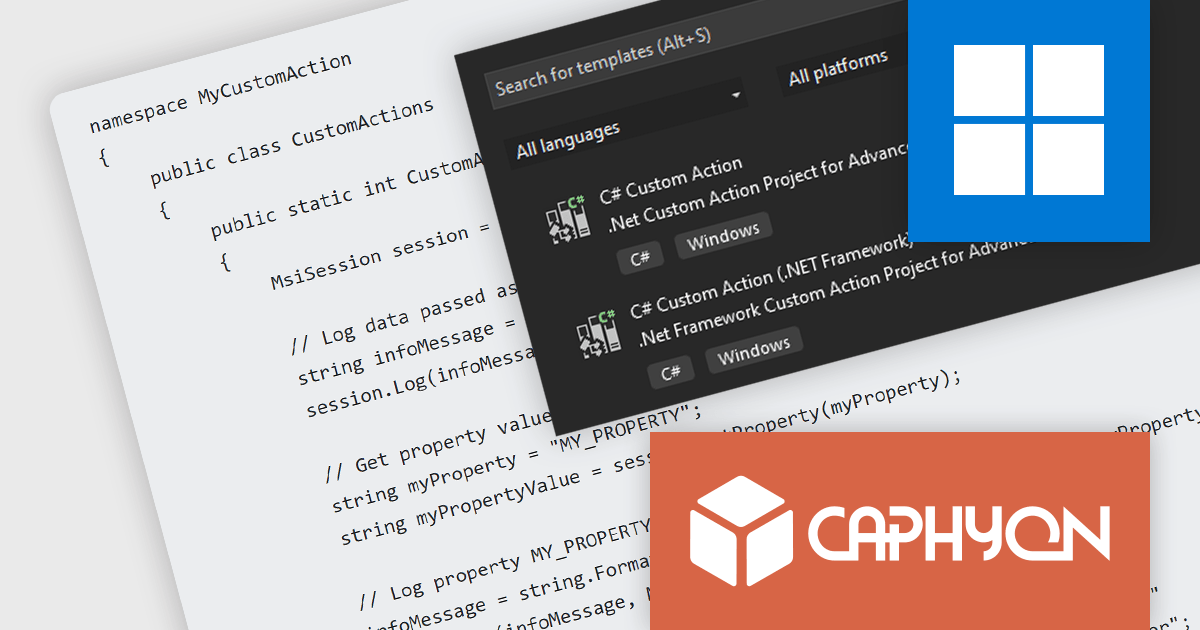
Advanced Installer by Caphyon is a powerful and versatile Windows installer authoring tool that enables developers and IT professionals to create professional-grade installation packages for their software applications. It offers a comprehensive set of features for building installers that are reliable, efficient, and compliant with industry standards.
The Advanced Installer V21.2 release adds the ability to run .NET and .NET Framework code as a predefined custom action. This allows users to automate complex configuration tasks, streamline the integration of third-party .NET components, and debug and test their installation processes.
To see a full list of what’s new in version 21.2, see our release notes
For more information, visit our Advanced Installer product pages:

JetBrains Academy is an online educational platform designed to help developers advance their programming skills. It provides a holistic approach to learning in which users study the theory and immediately put it into practice by building working applications. The project-based learning environment is integrated with JetBrains IDEs, and allows developers to learn Java, Python, and other programming languages with ease.
The November 2023 release adds a new 'Introduction to Android with Kotlin' track, which helps users acquire the fundamental skills needed to create, design and deploy simple mobile apps. Kotlin is a programming language designed to be a more concise and expressive alternative to Java, and is growing in popularity among Android developers.
To see a full list of what's new, see our release notes.
For more information, visit our JetBrains Academy for Organizations product page.
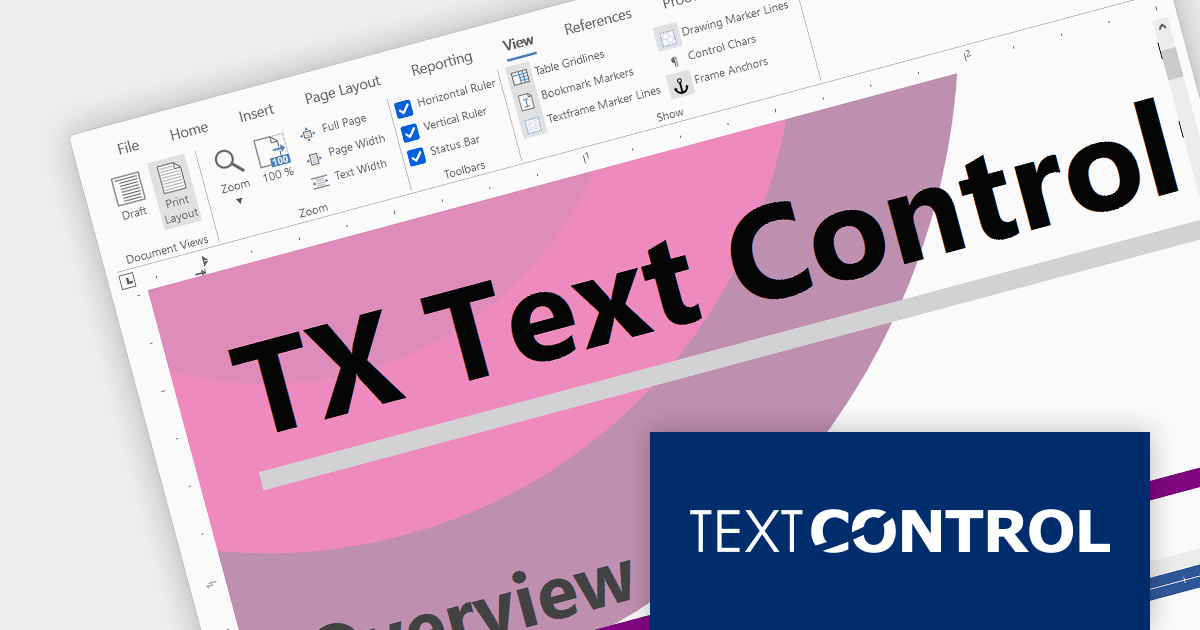
Text Control DS Server is an on-premise document services back-end for document processing. It includes a Microsoft Word compatible document editor, a lightweight document viewer, and a powerful document processing API.
Version 3.2.0 adds support for a new SVG rendering mode within the online document editor, improving performance in scenarios such as limited bandwidth or elevated ping times. By default the editor automatically determines the most suitable rendering method based on factors such as bandwidth availability.
To see a full list of what's new in version 3.2.0, see our release notes.
For more information, visit our Text Control DS Server product page.
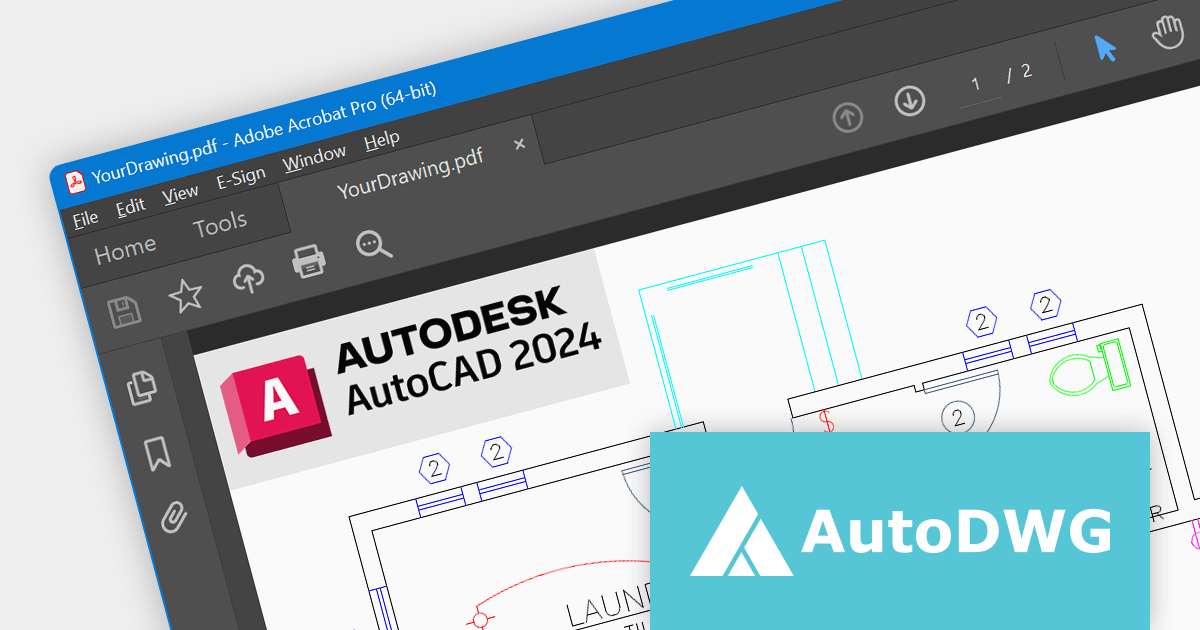
DWG to PDF Converter by AutoDWG is an easy-to-use converter for batch converting DWG, DXF, and DWF files to PDF without needing to use AutoCAD. Developed by Autodesk, AutoCAD is a widely used CAD software for creating 2D and 3D drawings and models.
The v2024 release of DWG to PDF Converter adds support for AutoCAD 2024, which means it can now interpret DWG files created with the latest version of AutoCAD, and convert them to the PDF format.
For more information, see our DWG to PDF Converter product page.

LightningChart JS is a high-performance JavaScript charting library that utilizes WebGL rendering and GPU acceleration to deliver exceptional performance for a wide range of data visualization needs. It is designed to handle large datasets and complex visualizations with ease, enabling developers to create interactive and visually appealing charts for various applications.
The LightningChart JS v5.0 release introduces WebGL context sharing, enabling the sharing of WebGL resources (e.g. textures, shaders, and buffers) across multiple WebGL contexts. This enhances the performance of multi-chart displays, minimizes memory consumption, and simplifies resource management. It optimizes the rendering of each chart, regardless of their arrangement or quantity. Developers can now employ HTML <div> elements to define chart layouts and use CSS for precise control over positioning.
To see a full list of what's new in v5.0.0, see our release notes.
For more information, see our LightningChart JS product page.





Tel.: (888) 850 9911
Fax: +1 770 250 6199


