








Fornitore ufficiale
In qualità di distributori ufficiali e autorizzati, forniamo licenze software legittime direttamente da più di 200 autori di software.
Vedi tutte le nostre marche
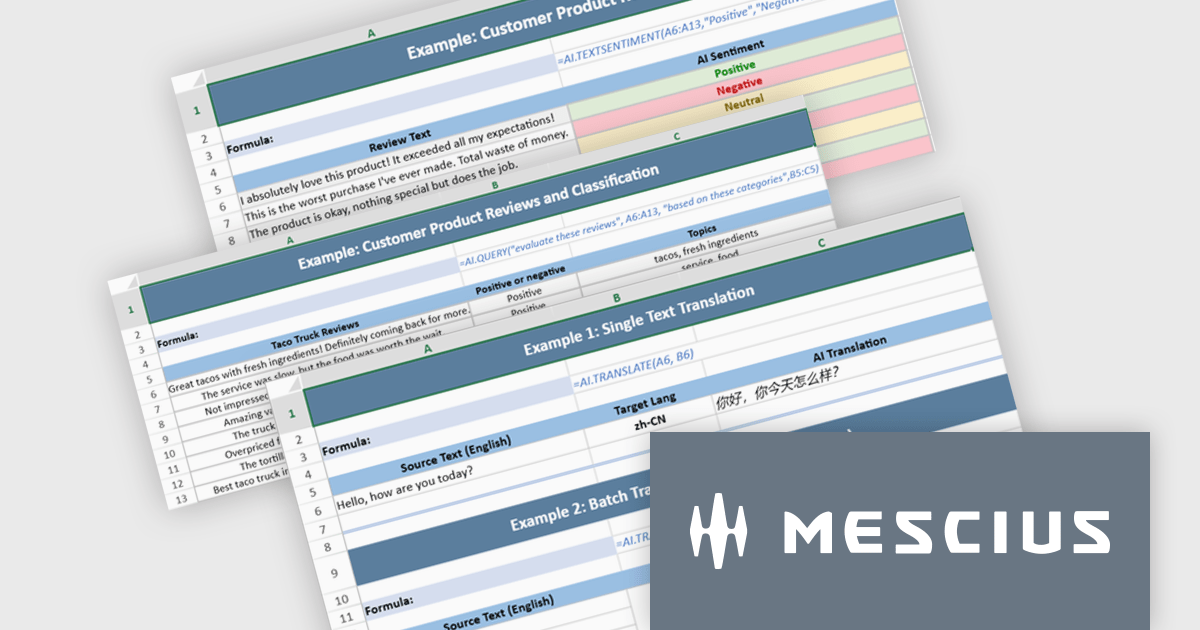
Document Solutions for Excel, .NET Edition by MESCIUS is designed to enable developers to create and manipulate Microsoft Excel documents programmatically within .NET applications. It provides a robust API for interacting with Excel spreadsheets, allowing developers to automate tasks such as data extraction, formatting, and generation of reports. The framework offers comprehensive support for various Excel features, including formulas, charts, conditional formatting, and data validation. It also provides tools for handling large datasets and optimizing performance, making it suitable for both small-scale and enterprise-level applications.
The Document Solutions for Excel, .NET Edition v9.0.0 update introduces a major new capability: AI-powered functions that integrate large language models directly into the spreadsheet formula engine. Developers can now use AI.QUERY to build dynamic prompts from cell values, AI.TRANSLATE to localize ranges into target languages, and AI.TEXTSENTIMENT to classify text as positive, negative, or neutral, all within formula syntax. These functions support both template use and automation scenarios, enabling more intelligent document workflows.
To see a full list of what's new in v9.0.0, see our release notes.
Document Solutions for Excel is licensed per developer and is available in several license options for differing distribution needs. Team licenses are also available for multiple developers within the same organization. See our Document Solutions for Excel, .NET Edition licensing page for full details.
Document Solutions for Excel, .NET Edition is available to buy in the following products:
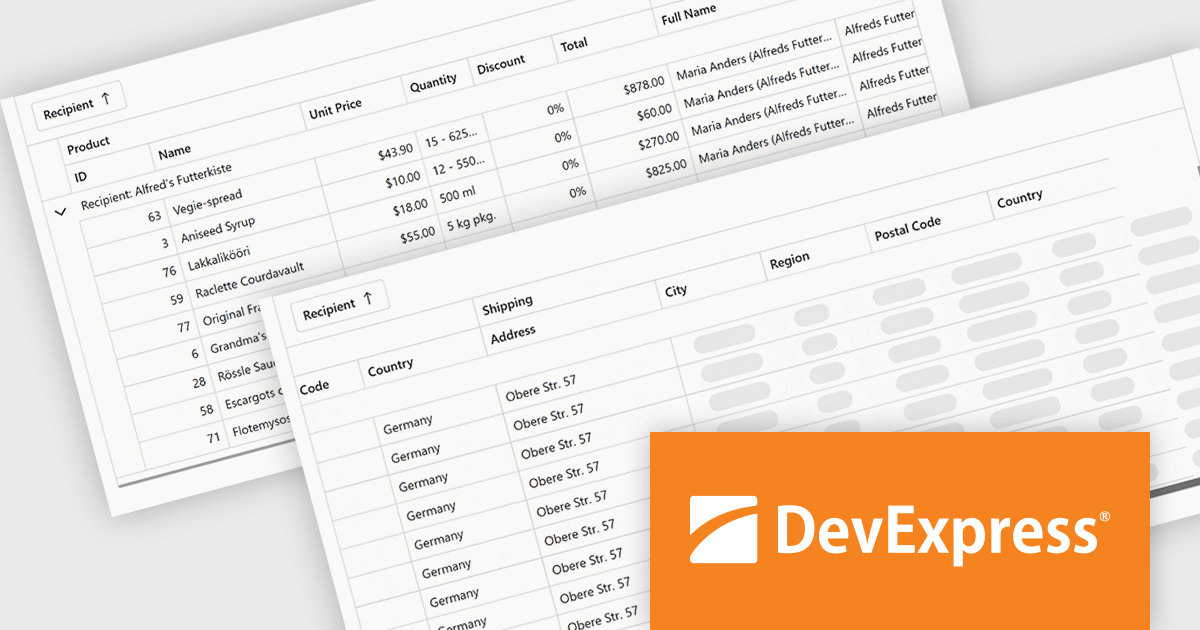
DevExpress Blazor (part of DevExpress ASP.NET and Blazor) helps you create high-impact user experiences for both Blazor Server and Blazor WebAssembly using C#. The Blazor UI Component Library ships with a comprehensive set of native components including a Grid, Pivot Table, Scheduler, Chart, Data Editors and Reporting.
The DevExpress Blazor 25.2 update introduces column virtualization to its Grid, TreeList and Pivot Table UI components, significantly enhancing performance for large datasets. When this feature is enabled, only the columns visible in the user's current viewport are rendered, reducing the Document Object Model (DOM) size and speeding up initial load times. This new approach can be combined with existing row virtualization, allowing both horizontal and vertical data to render efficiently, even in tables with hundreds of fields. Users can smoothly navigate across cells using scrollbars or keyboard shortcuts, maintaining a responsive and fluid experience throughout.
To see a full list of what's new in version 25.2, see our release notes.
DevExpress ASP.NET and Blazor is licensed per developer and is available as a Perpetual License with a 12 month support and maintenance subscription. See our DevExpress ASP.NET and Blazor licensing page for full details.
DevExpress Blazor is available in the following products:
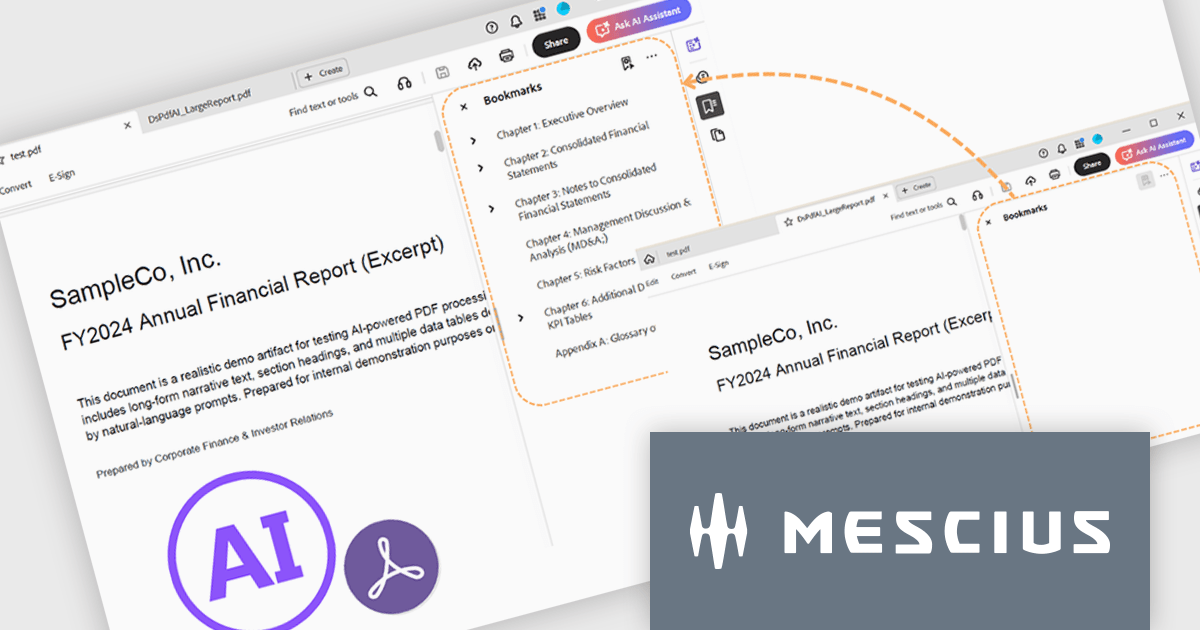
Document Solutions for PDF (DsPdf, formerly GcPdf) is a high-speed, feature-rich, server-side PDF API Library for .NET with no dependencies on Adobe Acrobat. It allows developers to programmatically create, manipulate, import/export, and deploy PDF documents, including AcroForms, across desktop and web applications at scale. Apps using this .NET PDF API can be deployed to the cloud, Windows, Mac, or Linux. It also includes a fast JavaScript-based client-side viewer/editor that allows users to view or optionally edit PDF documents in desktop/web applications.
To go along with the release of v9.0.0, MESCIUS is presenting a CodeClinic Live Webinar on January 20th at 11:00 AM EST. Led by Product Manager Hunter Haaf and Technical Engagement Engineer Tye Glenz, this Code Clinic will dive into the newest AI-powered capabilities included in Document Solutions for PDF .NET. They’ll walk you through creating a .NET project from scratch, generating PDFs programmatically in C#, and then enhancing them with AI-driven summarization, outline generation, and table extraction.
Register for the Live Webinar today, and mark your calendar for January 20.
To see a full list of what's new in v9.0.0, see our release notes.
Document Solutions for PDF is licensed per developer and is available in several license options for differing distribution needs. Team licenses are also available for multiple developers within the same organization. See our Document Solutions for PDF licensing page for full details.
Document Solutions for PDF is available to buy individually or as part of Document Solutions .NET Bundle.
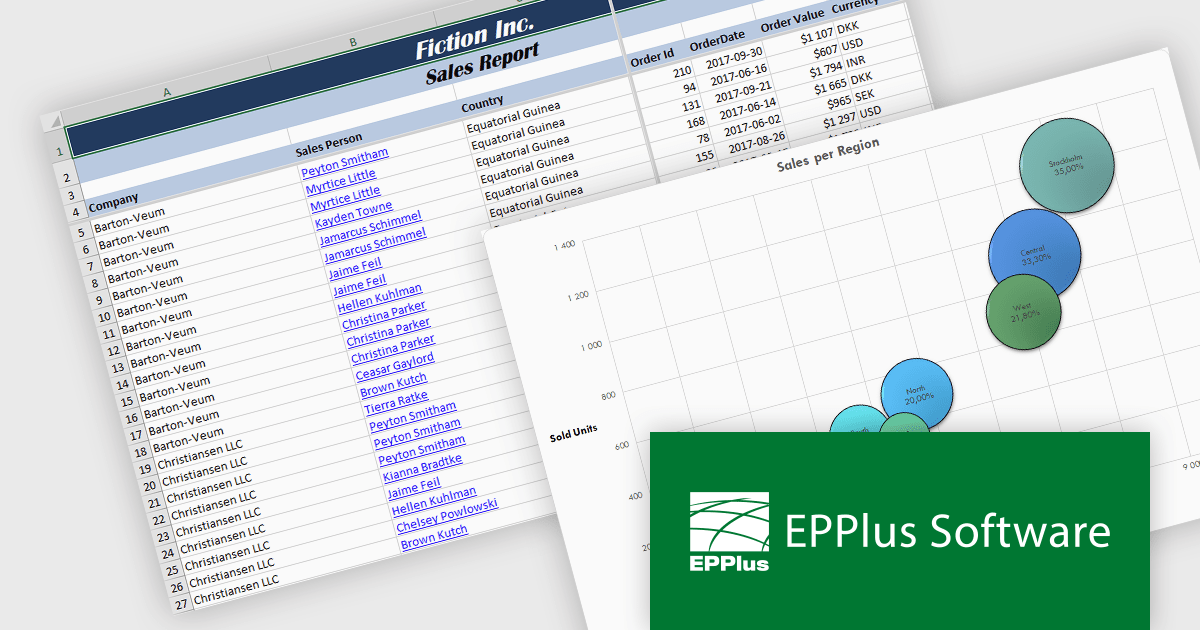
EPPlus is a powerful and versatile .NET library for managing and manipulating Microsoft Excel files using the Office Open XML (OOXML) format. It is a lightweight and efficient library that is easy to use and can be integrated into a wide range of applications. It allows developers to create, read and modify spreadsheets without dependencies on any other library. Features include pivot tables, styling, VBA/Form controls, conditional formatting, charts, tables, formula calculation, data validation, pictures/shapes, and more.
The EPPlus v8.4 update adds support for targeting Microsoft's .NET 10, allowing developers to use a version of the library that is compatible with the latest .NET runtime. This update ensures that EPPlus can be directly referenced in projects built on .NET 10 without relying on compatibility with earlier framework targets, helping maintain consistency with current development environments and tooling.
To see a full list of what's new in v8.4, see our release notes.
EPPlus is licensed per developer and is available as both perpetual licenses and subscription based licenses with periods of 1 year and 2 years, which include support and upgrades. See our EPPlus licensing page for full details.
For more information, see our EPPlus product page.
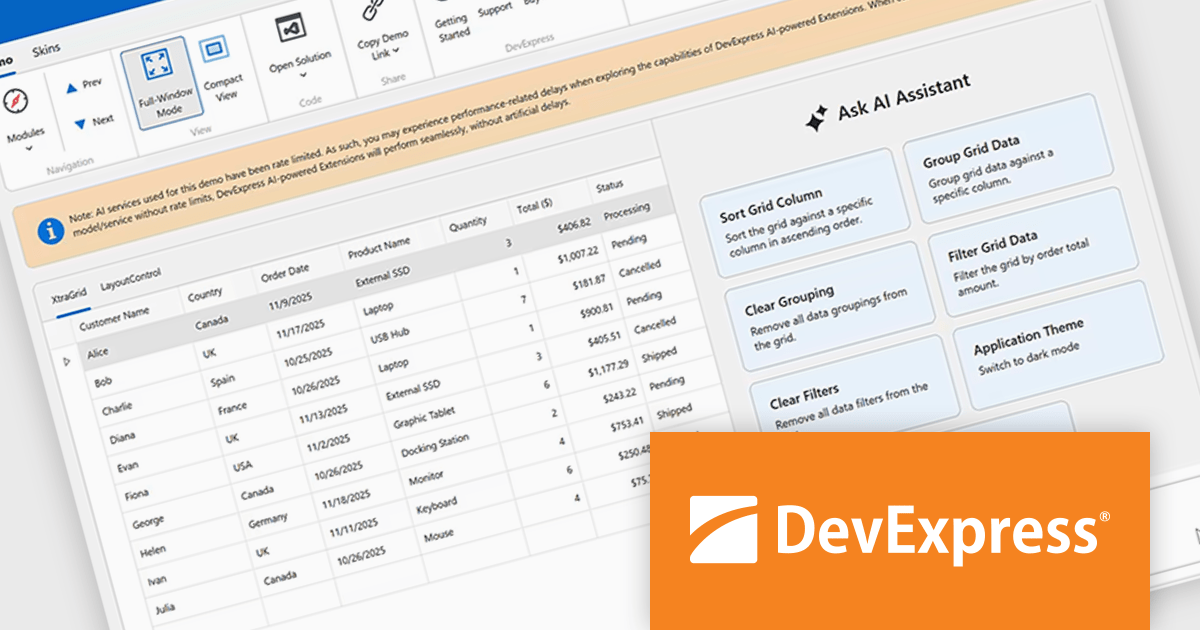
DevExpress Universal is a comprehensive suite of UI components and developer tools that supports the creation of feature-rich applications across web, desktop, and mobile platforms, including .NET, JavaScript, Blazor, ASP.NET, WinForms, WPF, and MAUI. It focuses on delivering consistent user interfaces, advanced data visualization, reporting, dashboards, and productivity features that help teams design, build, and maintain complex applications using a unified set of technologies and patterns.
DevExpress Universal v25.2 introduces AI Tool Calling (Natural Language Control for UI Components), a cross-platform feature that extends Microsoft.Extensions.AI tool-calling to enable natural-language interaction with application UI and logic. Developers can expose UI components, ViewModels, and business services as AI-invokable tools, grouped into dynamic toolsets that adapt to the application’s current context. When users interact through the DevExpress AI Chat Control, the language model interprets their request, selects the appropriate tool, resolves the target instance, and executes the action in real time, making applications easier to use while giving developers full control over what the AI can see and do.
DevExpress Universal is licensed per developer and is available as a Perpetual License with a 12 month support and maintenance subscription. See our DevExpress Universal licensing page for full details.
For more information, visit our DevExpress Universal product page.





Tel: (888) 850 9911
Fax: +1 770 250 6199


