








Fornitore ufficiale
In qualità di distributori ufficiali e autorizzati, forniamo licenze software legittime direttamente da più di 200 autori di software.
Vedi tutte le nostre marche

DevExtreme Complete is a robust suite of tools by DevExpress designed to streamline the development of high-performance web applications. It includes a wide range of UI components for modern frameworks such as Angular, React, Vue, and jQuery, making it ideal for developers aiming to create responsive, cross-platform applications with ease. With features like rich data visualization, interactive grids, form controls, and adaptive layouts, it empowers developers to deliver polished and user-friendly interfaces. Whether you're building enterprise dashboards or consumer-facing apps, DevExtreme Complete provides the flexibility and power to meet complex requirements while maintaining performance and usability.
The DevExtreme Chat Component (v24.2) introduces a versatile solution for integrating instant communication into web applications. It supports one-on-one and group interactions, AI and chatbot connectivity for intelligent support, and extensive customization options to create tailored user experiences. With features like typing indicators, popup integration, accessibility compliance, and internationalization, it offers a flexible and inclusive communication platform suitable for a wide range of scenarios, from customer support to team collaboration.
To see a full list of what's new in version 24.2, see our release notes.
DevExtreme Complete is licensed per developer and is available as a Perpetual License with a 12 month support and maintenance subscription. See our DevExtreme Complete licensing page for full details.
DevExtreme Complete is available to buy individually or as part of the following products:
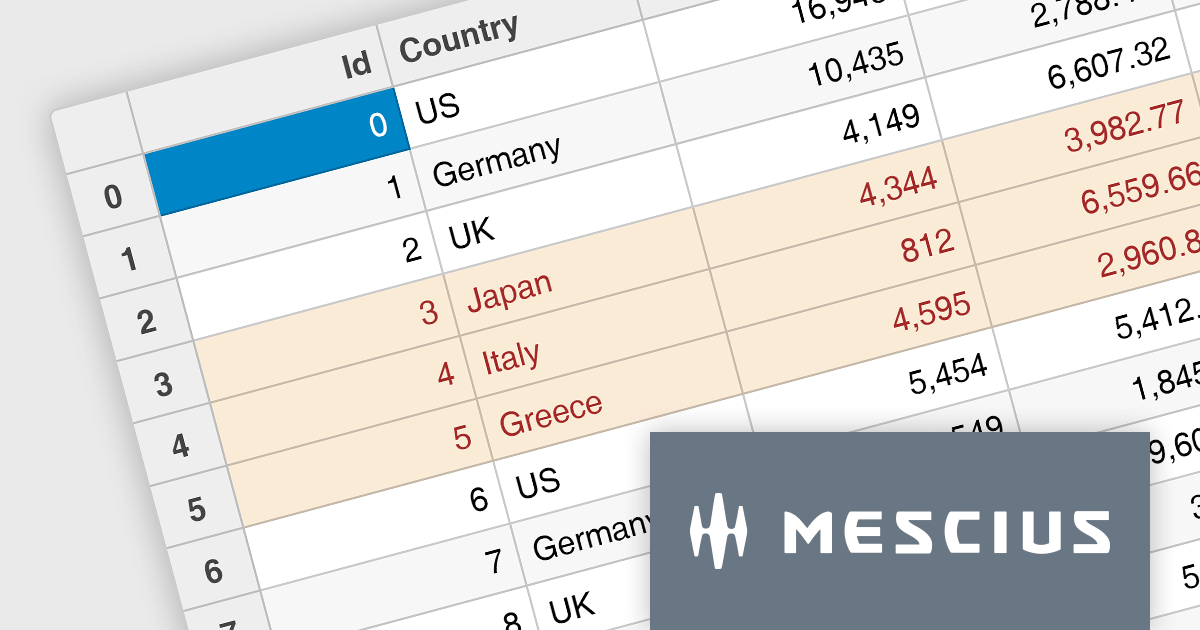
Wijmo by MESCIUS is a comprehensive suite of JavaScript UI components designed for building high-performance, enterprise-grade applications. With its lightweight, modular architecture, Wijmo provides developers with a rich set of tools, including data grids, charts, input controls, and advanced features such as PivotGrid and FinancialChart. Optimized for modern frameworks like React, Angular, and Vue, Wijmo offers seamless integration, flexibility, and extensive customization options.
The Wijmo 2024 v2 Build 5.20242.30 update introduces a new API for cell styling in FlexGrid, providing developers with greater control and precision in customizing grid appearance. This enhancement allows developers to dynamically apply styles at the cell level based on data or state, ensuring a tailored and context-aware presentation of grid content. The API streamlines the process of defining and managing styles, reducing complexity and enabling cleaner, more maintainable code. By leveraging this capability, developers can create visually engaging and functionally responsive grids that align with specific application requirements, enhancing both user experience and application performance.
To see a full list of what's new in 2024 v2 Build 5.20242.30, see our release notes.
Wijmo is licensed per developer. Developer licenses are perpetual and include 1 year subscription which provides upgrades, including bug fixes and new features. See our Wijmo licensing page for full details.
Learn more on our Wijmo product page.
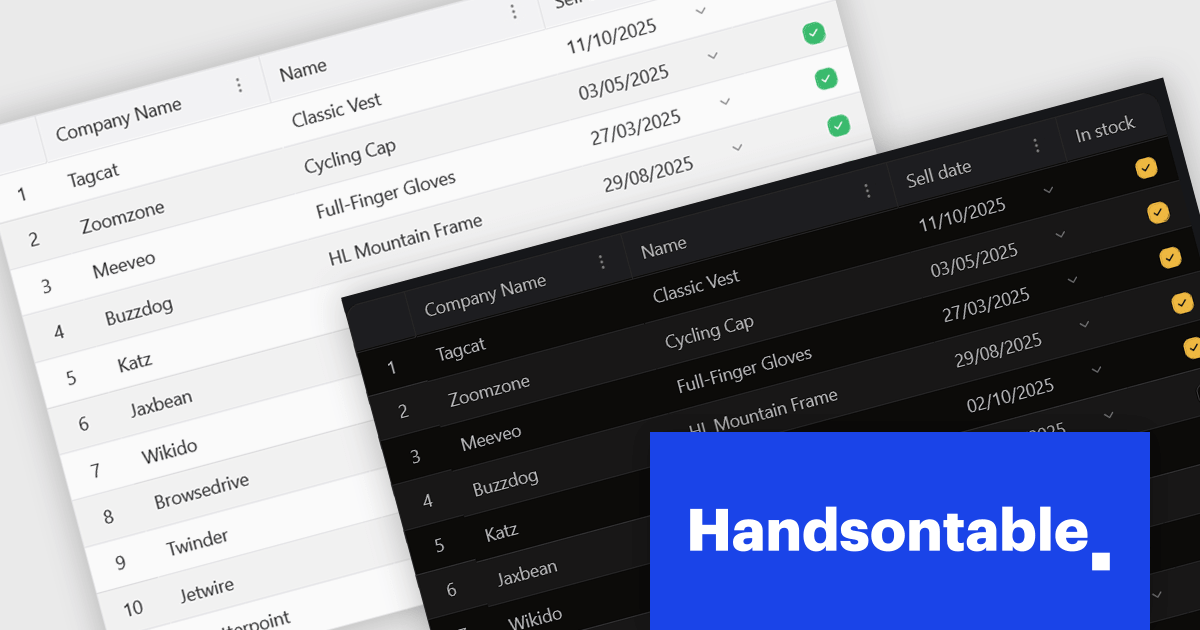
Handsontable is a JavaScript library designed to help developers build interactive data grids into their web applications. Offering a familiar spreadsheet-like interface, it allows users to edit, sort, and filter data with ease. Highly customizable and compatible with popular frameworks like React and Angular, Handsontable empowers developers to build robust data manipulation features into their web applications.
The 15.0.0 release introduces a significant enhancement in terms of styling flexibility. The underlying CSS framework has been entirely overhauled, granting developers unprecedented control over the visual presentation of their grids. This update boasts a comprehensive library of over 180 CSS variables, allowing for meticulous customization of every visual aspect. From subtle adjustments to font sizes and colors to more radical transformations of borders, cell padding, and overall layout, users can seamlessly align the table's appearance with their specific design preferences and branding guidelines. This level of granular control empowers designers and developers to create truly unique and visually compelling data tables that seamlessly integrate with their existing user interfaces.
To see a full list of what's new in version 15.0.0, see our release notes.
Handsontable is licensed per developer and is available as an Annual or Perpetual license with 1 year support and maintenance. See our Handsontable licensing page for full details.
For more information, visit our Handsontable product page.

The ONLYOFFICE Connector for Confluence Cloud seamlessly integrates professional document editing and collaboration tools into the Atlassian Confluence ecosystem. It allows users to create, edit, and co-author documents, spreadsheets, and presentations in real-time without leaving their Confluence workspace. Designed to support a variety of file formats, the connector provides robust tools for team collaboration, including simultaneous editing, version control, and advanced formatting options. With its intuitive interface and integration capabilities, the ONLYOFFICE Connector streamlines workflows, enhances communication, and boosts productivity for teams managing projects, sharing knowledge, or collaborating on documents.
The ONLYOFFICE Connector for Confluence Cloud v1.2.0 update introduces powerful PDF annotation features designed to enhance document collaboration within development teams. These features enable precise feedback and efficient reviews by allowing users to highlight, underline, and strike through text, add comments, and create freehand drawings directly within PDFs. By centralizing annotation capabilities in Confluence, the update eliminates the need for external tools, streamlining workflows and maintaining version control. This functionality is particularly valuable for developers working with technical documentation, contracts, or design specifications, as it ensures clarity, fosters collaboration, and accelerates project timelines.
To see a full list of what's new in ONLYOFFICE Docs Enterprise Edition v8.0.1 with Confluence Connector v8.2.2 (1.2.0), see our release notes.
ONLYOFFICE Docs Enterprise Edition with Confluence Connector is licensed per server and is available as an annual license with 1 year of support and updates, or as a perpetual license with 3 years of support and updates. See our ONLYOFFICE Confluence connector licensing page for full details.
For more information, see our ONLYOFFICE Confluence Connector product page.
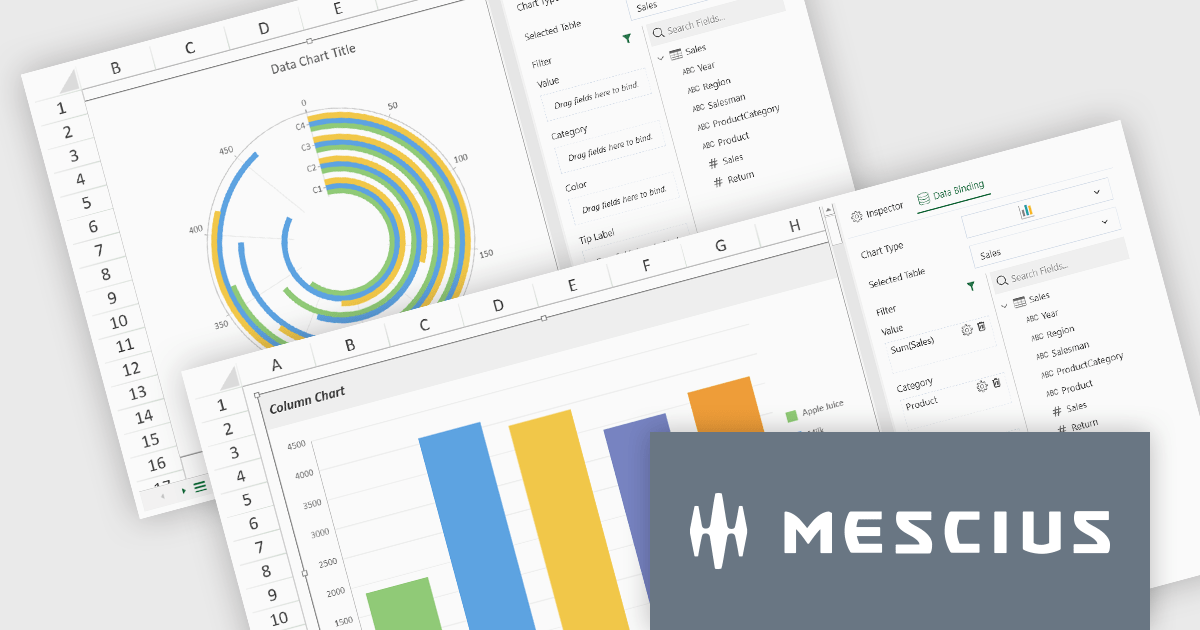
SpreadJS by MESCIUS is a high-performance JavaScript spreadsheet component designed to seamlessly integrate Excel-like functionality into web applications. It empowers developers to deliver robust spreadsheet experiences within their applications, complete with features like data import/export, complex formulas, conditional formatting, and extensive customization options. To extend its capabilities, SpreadJS offers a variety of optional add-ons, such as tools for reporting, charting, and data management. SpreadJS caters to a wide range of use cases, from financial modeling and data analysis to project management and interactive dashboards, ultimately allowing developers to build feature-rich and user-friendly web applications.
SpreadJS v18 introduces the DataCharts Add-On, a powerful new feature that lets you bind charts directly to external data managed by the Data Manager, eliminating the need to embed data within the workbook. This innovation streamlines workflows by reducing redundancy, simplifying updates, and enabling dynamic charting for both standalone spreadsheets and reports. For users of the ReportSheets Add-On, the DataCharts Add-On is seamlessly integrated, enhancing report creation with interactive, data-driven visuals. Developers seeking a flexible solution for external data visualization in other contexts can license the DataCharts Add-On separately, making it ideal for projects that demand adaptable, visually engaging charts.
For more information see our release notes.
SpreadJS is licensed per developer and includes 1 Year Maintenance (major and minor version releases and unlimited support phone calls). SpreadJS requires an Annual or Perpetual Deployment License. The optional Add-ons are available at an additional cost, and require a SpreadJS license. See our SpreadJS licensing page for full details.
For more information, visit our SpreadJS product page.





Tel: (888) 850 9911
Fax: +1 770 250 6199


