








Fornitore ufficiale
In qualità di distributori ufficiali e autorizzati, forniamo licenze software legittime direttamente da più di 200 autori di software.
Vedi tutte le nostre marche
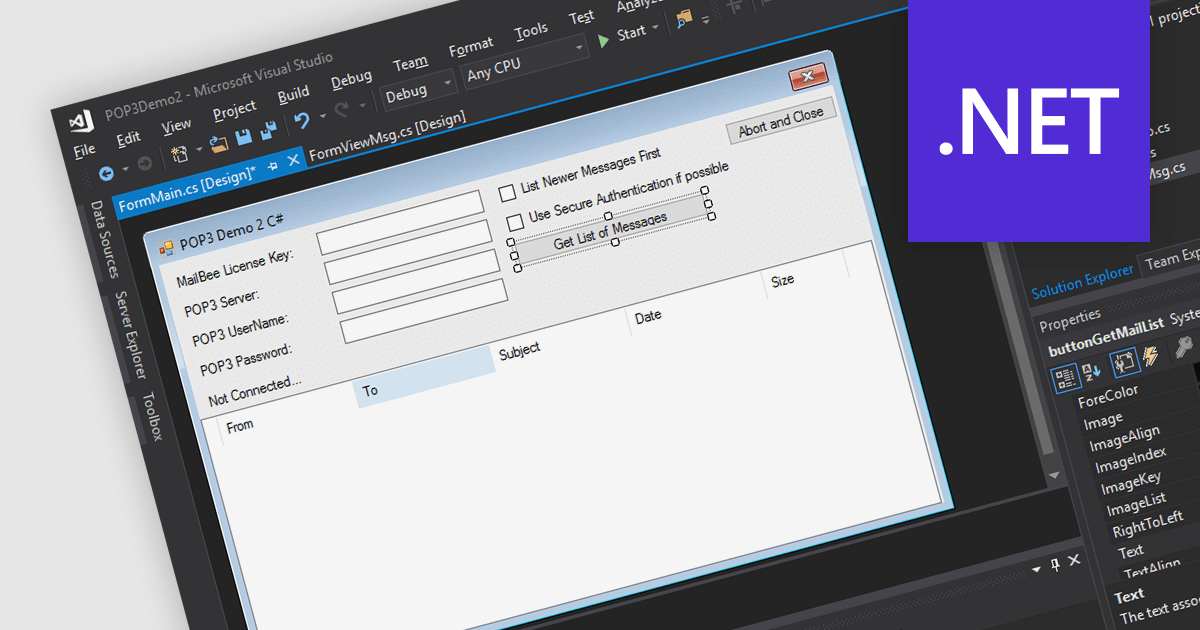
POP3, short for Post Office Protocol version 3, is a standard internet protocol used by email clients to download emails from a remote server. Unlike IMAP, POP3 operates in a one-way download and delete fashion, meaning retrieved emails are stored locally on the user's device and can be accessed offline, but are typically removed from the server. POP3 offers several advantages for users who prioritize managing their email on a single device and value offline access.
Several .NET communications and messaging components support POP3 including:
For an in-depth analysis of features and price, visit our .NET communications and messaging components comparison.

pdf2cad, PDF FLY, and pdf2picture are all software tools from Visual Integrity that address different aspects of PDF conversion for technical users. pdf2cad tackles converting editable vector-based PDFs into usable CAD formats (*.dwg, *.dxf) for engineers and architects. PDF FLY focuses on general PDF manipulation, allowing for page extraction and potentially aiding in the conversion process. pdf2picture specializes in extracting vector graphics or images from PDFs, making them suitable for use in design applications like Microsoft Office or Visio.
The latest releases add the ability to extract pages from PDF files, allowing you to share specific sections, modify or edit targeted content without affecting the whole document, and organize information more effectively by creating individual files from relevant pages.
To see a full list of what's new in v14.2024, see our pdf2cad, PDF FLY, and pdf2picture release notes.
pdf2cad, pdf2picture, and PDF FLY are licensed per user. They are available as an Annual or Perpetual license and can be purchased with or without 1 year support and maintenance. See our licensing pages for pdf2cad, PDF FLY, and pdf2picture for full details.
Learn more on our pdf2cad, PDF FLY, and pdf2picture product pages.
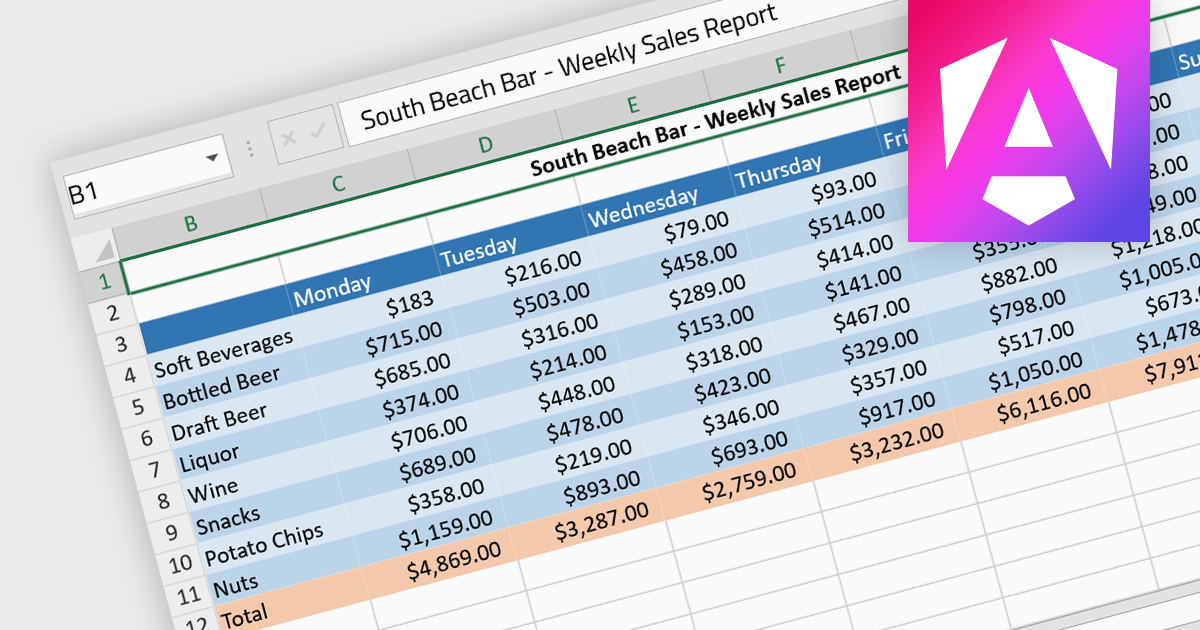
Cell formatting allows you to customize of the appearance and behavior of individual cells within a spreadsheet or data table to improve readability, comprehension, and accuracy of data presentation. This can encompass adjustments to font style, size, and color, as well as the inclusion of borders, shading, numeric or date formatting, cell alignment and so on. By employing cell formatting, users can significantly enhance the readability and organization of their spreadsheets, allowing for quicker data comprehension and clearer communication of the information they contain. It also helps in distinguishing different types of data, emphasizes important figures, and maintains consistency across related documents, thereby reducing the likelihood of errors and misinterpretations.
Several Angular spreadsheet components support cell formatting, including:
For an in-depth analysis of features and price, visit our comparison of Angular spreadsheet controls.

FastReport Online Designer by FastReports is a web-based report designer tool that allows users to create, edit, and view reports directly in their browser on any device. This cross-platform designer integrates seamlessly with FastReport .NET, FastReport Core, and FastReport Open Source, making it a valuable tool for developers who want to empower their end users to customize report layouts and data visualization.
The FastReport Online Designer 2024.2 update introduces Custom SQL Query functionality, which significantly enhances the tool's versatility. It allows developers to write and execute tailored SQL queries directly within the report designer, enabling the integration of complex SQL views and custom data manipulations as standard tables in reports. This capability facilitates more precise data retrieval and manipulation, streamlining the reporting process by reducing the need for pre-processing data externally. Consequently, developers can now create more dynamic, data-rich reports that better meet specific business requirements, ultimately improving the efficiency and effectiveness of reporting solutions within their applications.
To see a full list of what's new in 2024.2, see our release notes.
FastReport Online Designer* is available in a number of license options: SCL may be used in a single application within one organization. SaaS allows embedding within a Cloud platform for your SaaS subscribers. OEM can be integrated into a distributed solution to your customers. Unlimited is also available for custom distributions. See our FastReport Online Designer licensing page for full details.
Learn more on our FastReport Online Designer product page.
* FastReport Online Designer requires FastReport.NET, FastReport Core or FastReport Open Source to work.
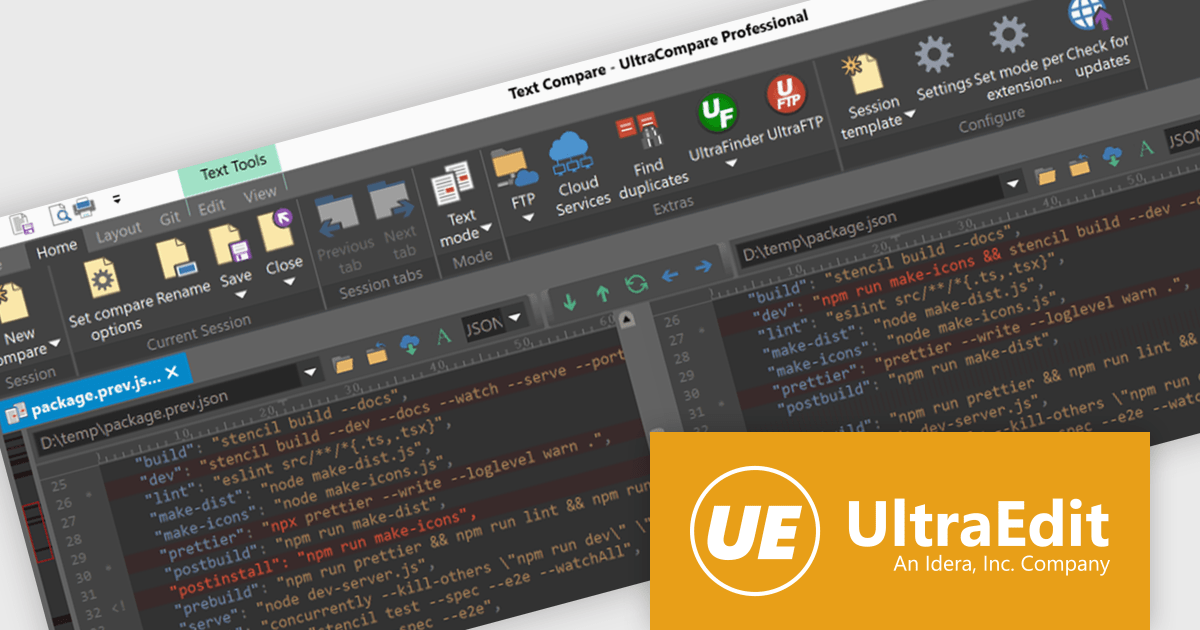
UltraCompare is a versatile file and folder comparison tool that enables users to quickly identify and merge differences between two or more files or folders. It offers a wide range of features for comparing a variety of file types, including text, binary, images, and Microsoft Office documents. Additionally, UltraCompare can compare files stored on local drives, FTP servers, and network shares, making it a valuable tool for software developers, IT professionals, and anyone who needs to compare and synchronize files.
UltraCompare 2024.0 empowers you to ditch manual downloads and streamline your cloud-based file comparison workflow. With the introduction of Google Drive, Microsoft OneDrive, Amazon S3, and Dropbox integration, you can now seamlessly access, compare, and merge cloud files directly within the application. This eliminates the need for time-consuming downloads and ensures you are always working with the most up-to-date versions stored in your cloud accounts, fostering a more efficient and collaborative editing experience.
To see a full list of what's new in version 2024.0, see our release notes.
UltraCompare is licensed per user and is available as a Perpetual or Annual Subscription License. See our UltraCompare licensing page for full details.
UltraCompare is available to buy in the following products:





Tel: (888) 850 9911
Fax: +1 770 250 6199


