













공식 공급 업체
200 이상의 소프트웨어 개발처와 판매 계약을 맺은 공인 디스트리뷰터로서 합법적인 라이선스를 제공합니다.
모든 브랜드 보기.
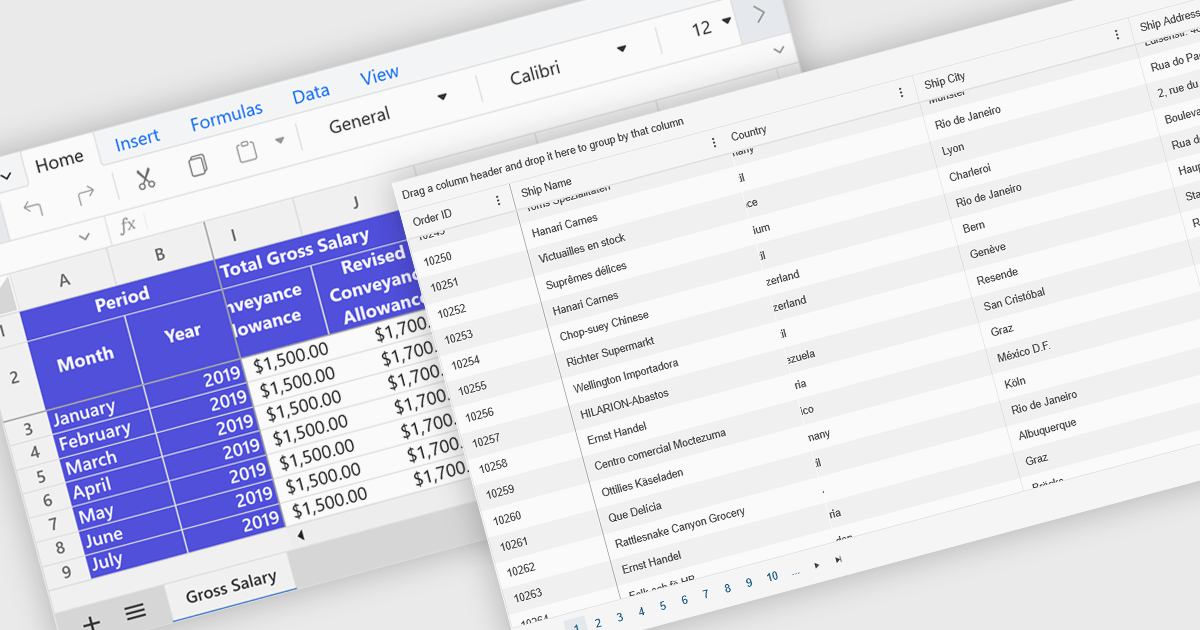
Freeze Panes in spreadsheets is a feature that keeps selected rows or columns visible while you scroll through your data. This helps maintain context in large spreadsheets by keeping headers or labels in view, making it easier to read, analyze, and enter information accurately. Common use cases include freezing the top row in a budget sheet to keep month names visible, or locking the first column to see item names while reviewing data across many columns. It is especially valuable in financial reports, sales tracking, and project management tools where clarity and precision are essential.
Several ASP.NET Core spreadsheet controls offer freeze pane support including:
For an in-depth analysis of features and price, visit our ASP.NET Core spreadsheet controls comparison.
List & Label by combit is a software development toolkit that empowers developers to integrate comprehensive reporting functionalities into their desktop, web, and cloud applications. It offers features such as data binding, complex data visualization, and a user-friendly report designer, along with printing, exporting, and previewing capabilities. List & Label operates independently of programming languages and data sources, providing developers with the flexibility to design and deliver informative reports within their development environment.
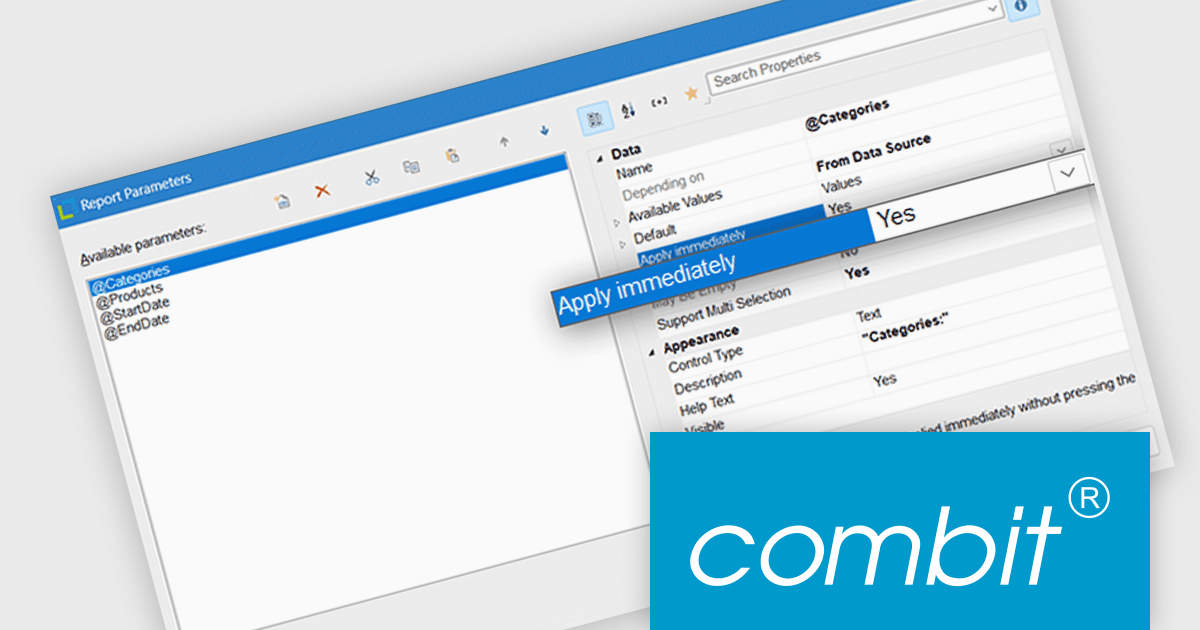
List & Label now includes an "Apply immediately" property for report parameters, which when set, automatically re-renders the report immediately after the property in question is changed. This feature removes the need to manually refresh the report when updating the parameters, making it particularly useful in interactive reporting scenarios where users need to see updated results as they adjust filters or settings in real time.
List & Label is licensed per developer and is available as a Perpetual License with a 12 month support and maintenance subscription. See our List & Label licensing page for full details.
List & Label is available in the following products:
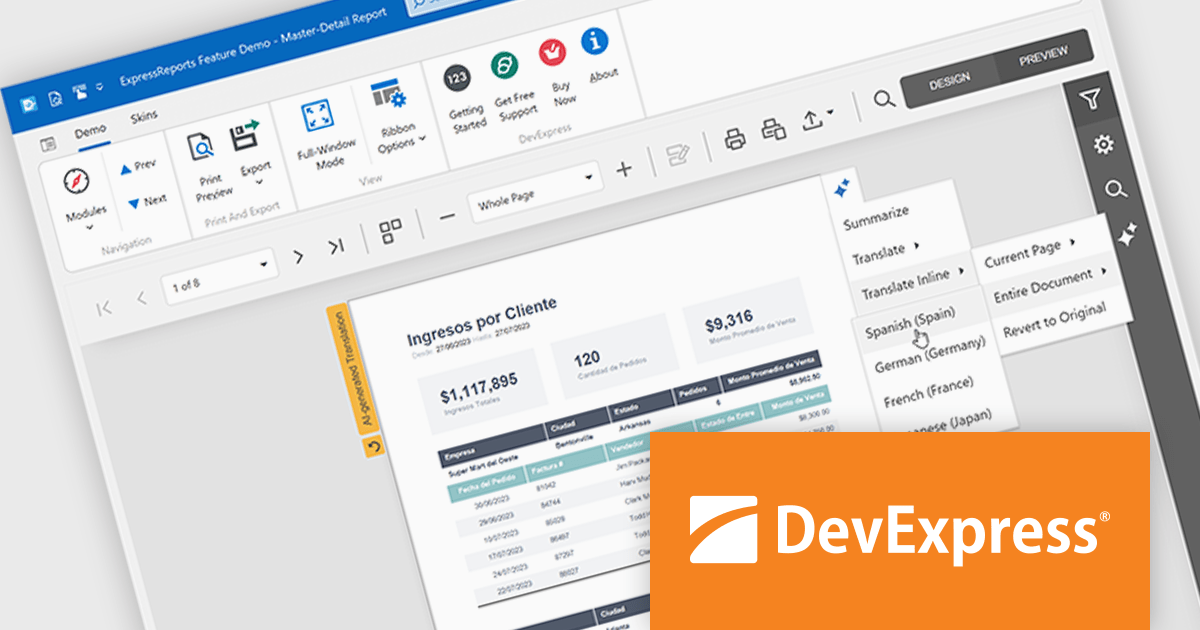
DevExpress (Developer Express) is an award-winning software development company based in the United States. It produces coding assistance tools and components for Delphi, C++ Builder and Microsoft Visual Studio developers. The major part of its product line is VCL, .NET WinForms and ASP.NET components that replicate the UI of Microsoft Windows and Microsoft Office applications.
With the recent release of version 25.1, the entire DevExpress product line has undergone significant changes:
This powerful new functionality comes at a higher price. DevExpress has implemented price raises across all product lines for both new licenses and renewals. To view all of the current, updated prices, see the comprehensive product list on the DevExpress Brand Page.
**Note: If you have a current, valid quote from ComponentSource at the previous pricing, the price will be honored up to that quote's expiration date.
The DevExpress VCL Subscription + (DevExpress VCL Subscription Plus) includes:
DevExpress Reporting is available to buy in the following products:
DevExpress VCL Subscription + (DevExpress VCL Subscription Plus) is an enhanced offering for Delphi and C++Builder developers, combining its traditional VCL components with a comprehensive suite of web UI libraries. The subscription includes access to DevExpress's JavaScript, ASP.NET Core, and Blazor UI components, enabling developers to build both native Windows applications and modern web applications under a single license.
The VCL Subscription provides a robust set of native Windows UI components designed for high-performance desktop development. It includes popular controls such as the Grid, TreeList, Rich Edit, Scheduler, and Pivot Grid, which are optimized for responsiveness and a consistent Windows look and feel. These components support advanced features like data grouping, filtering, charting, and document editing, giving developers the tools to create sophisticated, business-grade applications. Designed specifically for VCL (Visual Component Library), this suite ensures deep integration with the Windows API and RAD Studio environment, offering speed, stability, and ease of customization.
The "+" in VCL Subscription + expands this toolkit with access to DevExpress JavaScript, ASP.NET Core, and Blazor UI libraries. These include support for modern web frameworks like Angular, React, and Vue through the JavaScript UI suite, which features controls such as DataGrid, Scheduler, Charts, and Dashboard. The ASP.NET Core and Blazor components bring server-side and client-side capabilities, allowing developers to use C# and Razor for web development while leveraging rich UI elements. For those accustomed to building with VCL, these additions offer a path to web development without sacrificing familiar design patterns or DevExpress quality. It opens the door to hybrid applications and future-proof solutions that span both desktop and web environments.
DevExpress VCL Subscription + is licensed per developer and is available as a Perpetual License with a 12 month support and maintenance subscription. See our DevExpress VCL Subscription + licensing page for full details.
For more information, visit our DevExpress VCL Subscription + product page.
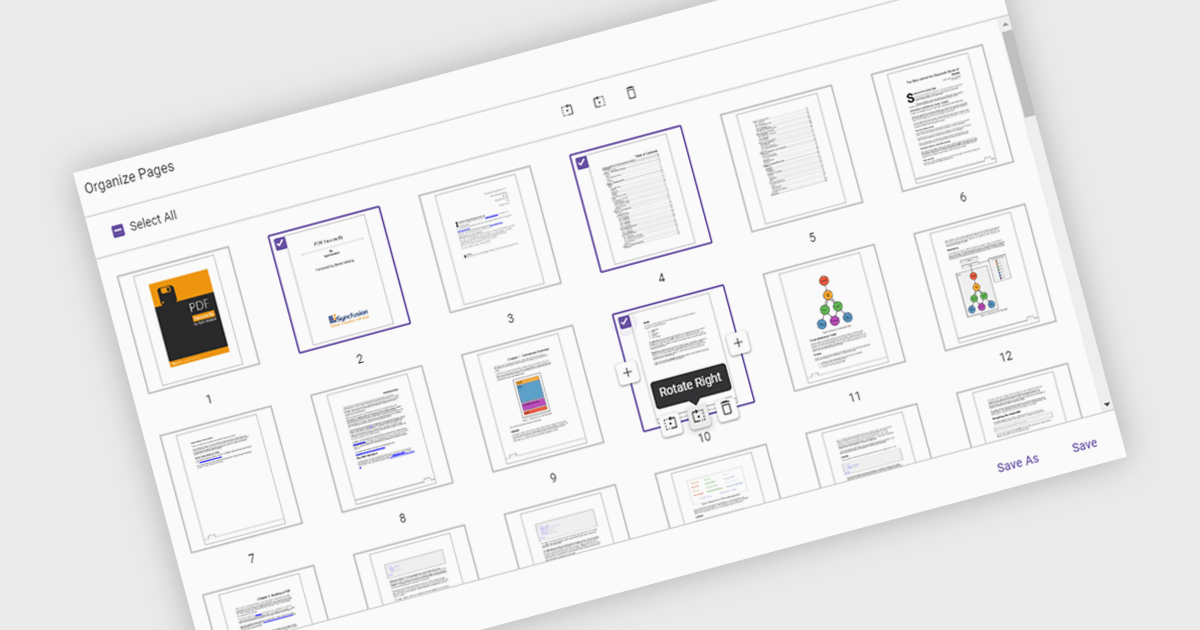
Moving pages in a PDF Viewer refers to the ability to change the order of pages within a document to better organize content, improve readability, or tailor the structure for specific purposes. This feature is especially useful when compiling reports, combining multiple documents, or correcting the sequence of scanned pages. By simply dragging and dropping pages into the desired order, users can streamline workflows without the need for re-creating or re-exporting files. Benefits include enhanced document clarity, improved presentation flow, and increased efficiency in content management. For example, a marketing team can reorder proposal sections for greater impact, or a legal department can organize case files by relevance.
Several ASP.NET Core PDF Viewer components allow you to move pages within a PDF file, including:
For an in-depth analysis of features and price, visit our comparison of ASP.NET Core PDF Viewer components.
전화 : 00798 14 800 6332
팩스 : +1 770 250 6199


