













공식 공급 업체
200 이상의 소프트웨어 개발처와 판매 계약을 맺은 공인 디스트리뷰터로서 합법적인 라이선스를 제공합니다.
모든 브랜드 보기.
DevCraft by Telerik is a comprehensive suite of more than 1,250 UI components and development tools designed for building modern web, desktop, and mobile applications using .NET and JavaScript frameworks. It includes reporting and report management solutions, automated testing and mocking tools, and document processing libraries, as well as a wide range of professionally designed user interface controls from the Telerik and Kendo UI suites. DevCraft enables developers to create feature-rich, high-performance applications with consistent design and user experience, delivering enterprise-level, scalable, and maintainable software solutions.
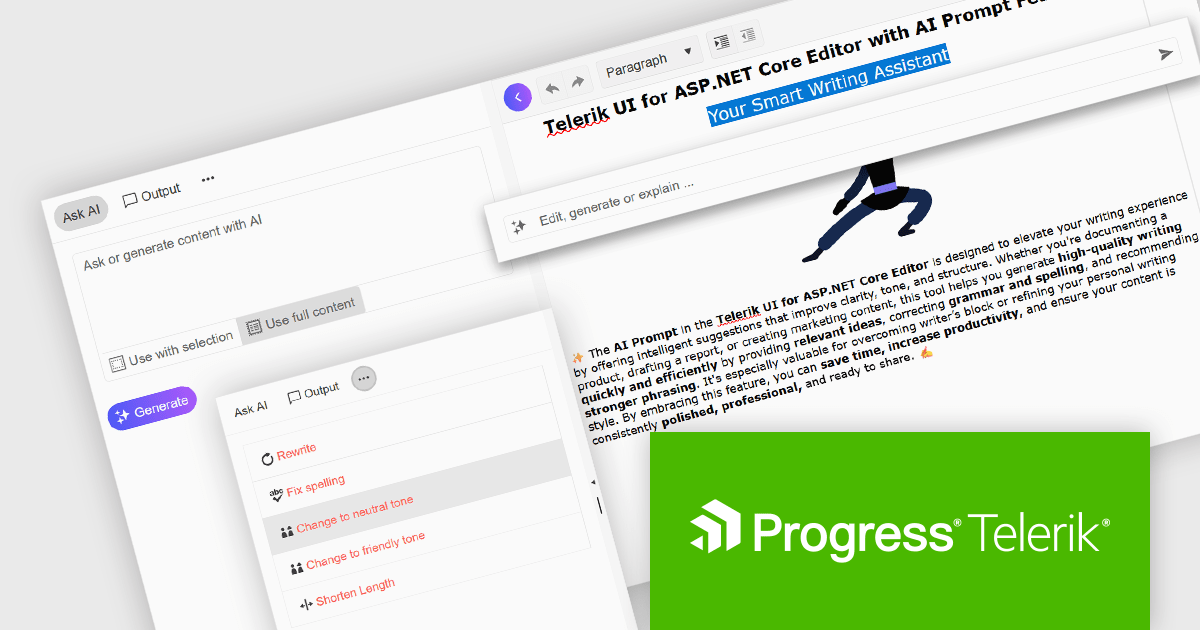
The Telerik DevCraft 2025 Q2 update adds an AI Prompt helper to the Editor control in Blazor, ASP.NET Core/MVC and jQuery, integrating AI-assisted content editing directly into the user interface. This feature provides both inline and side-panel interactions, allowing users to perform tasks such as grammar correction, tone adjustment, text rewriting, and translation without leaving the editor. By leveraging context-aware AI capabilities, the content creation and editing processes become much simpler, enabling developers to deliver more refined and effective user experiences within their applications.
To see what else is new in 2025 Q2, see our release notes.
Telerik DevCraft is licensed per developer and has two licensing models: an annual Subscription License and a Perpetual License. The Subscription license provides access to the latest product updates, technical support, and exclusive benefits for a flat annual fee, and must be renewed to continue using the software. The Perpetual license is a one-time purchase granting access to the current released version and includes a one-year subscription for product updates and technical support. After this initial period, users can choose to renew the subscription element to continue receiving updates and support; otherwise, they may continue using the installed version available during their active subscription term but will forgo future updates and support. See our Telerik DevCraft Ultimate licensing page for full details.
Telerik DevCraft is available in the following editions:
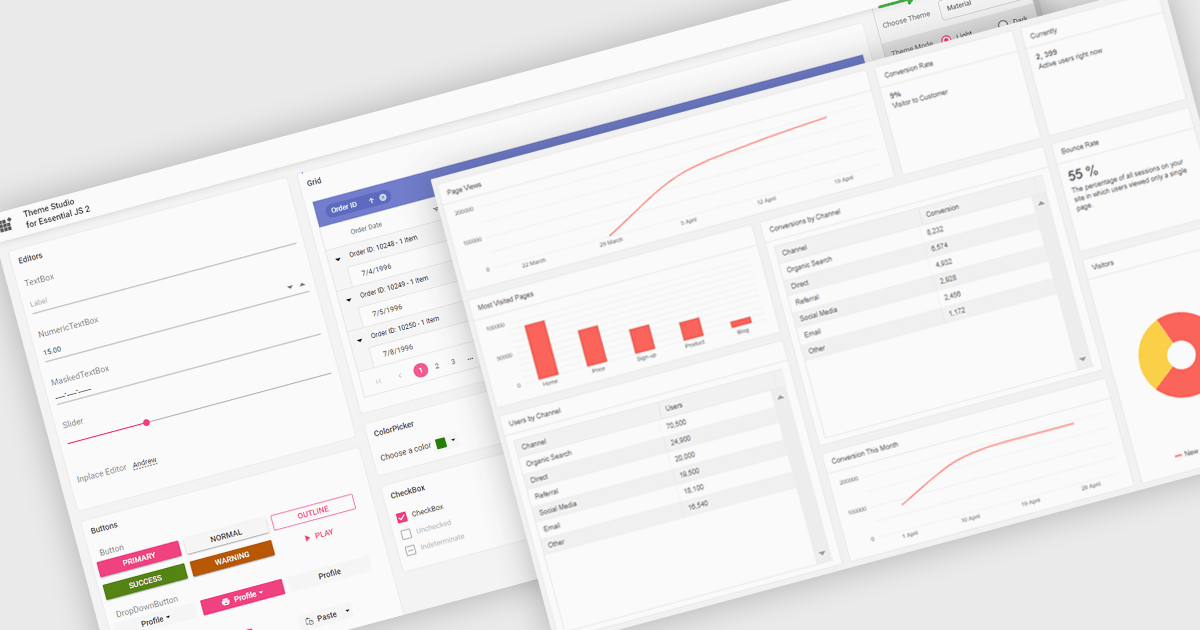
Theming in UI suites involves managing an application’s look and feel by centralizing colors, fonts and spacing in one location so every button, form and page maintains a familiar, polished appearance. This approach ensures customers experience a consistent brand presence on web, mobile and desktop, enables instant rollout of style updates without searching through code and provides end users with convenient light, dark and high contrast modes. In practice, theming accelerates design releases, reduces repetitive work and fosters collaboration between design and engineering teams to deliver smooth, accessible, high performance interfaces .
Several ASP.NET Core UI suites offer theming controls including:
For an in-depth analysis of features and price, visit our ASP.NET Core UI suites comparison.
FastReport Online Designer is a cross platform visual report designer for FastReport .NET that enables users to create, edit and view reports on any device running Android, iOS or Windows through a modern web browser on computers, tablets, smartphones, game consoles or TV sets. Common use cases include remote collaboration on operational dashboards, embedding interactive reporting in web applications and empowering business users to customize and share up to date analyses without installing additional software.
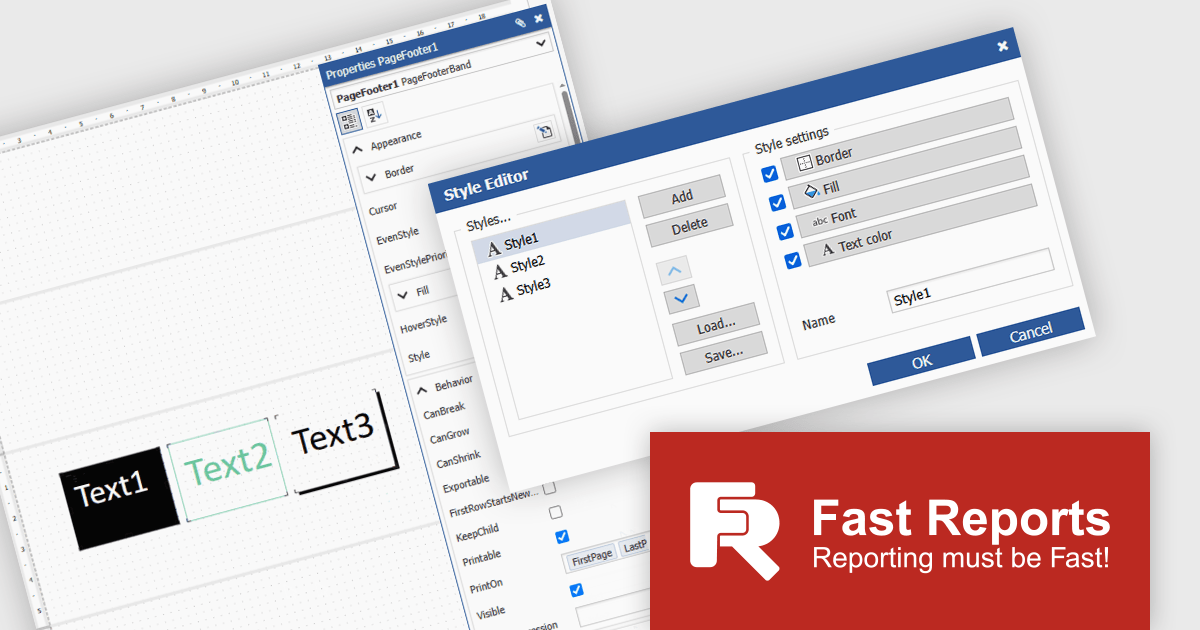
FastReport Online Designer 2025.2 introduces a new style editor that enables users to define and manage report styles in one place. By allowing customization of fill colors, fonts, borders, and more, the feature removes the need for repetitive manual formatting. Users can now create a single style and apply it across multiple components, ensuring visual consistency and reducing formatting time.
To see a full list of what's new in v2025.2, see our release notes.
FastReport Online Designer is available as a license option in the FastReport .NET Components Packages. It is included in FastReport Ultimate .NET and FastReport Web .NET. See our FastReport Online Designer licensing page for full details.
For more information, see our FastReport Online Designer product page.
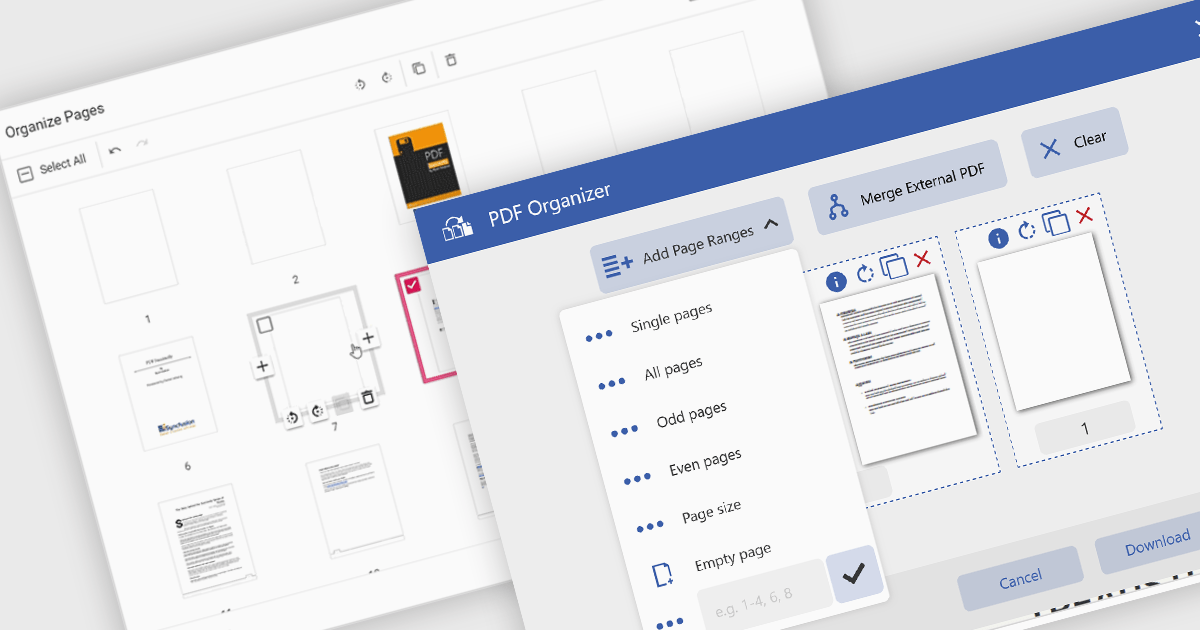
Adding a page to a PDF file is a key feature in modern PDF viewer components, enabling users to dynamically insert new content into existing documents. This capability is particularly useful in web applications that require real-time document editing or automated PDF generation, such as form processing, report building, or multi-user collaboration platforms.
Several ASP.NET Core PDF viewer controls offer the ability to add pages to a PDF file including:
For an in-depth analysis of features and price, visit our ASP.NET Core PDF viewer controls comparison.
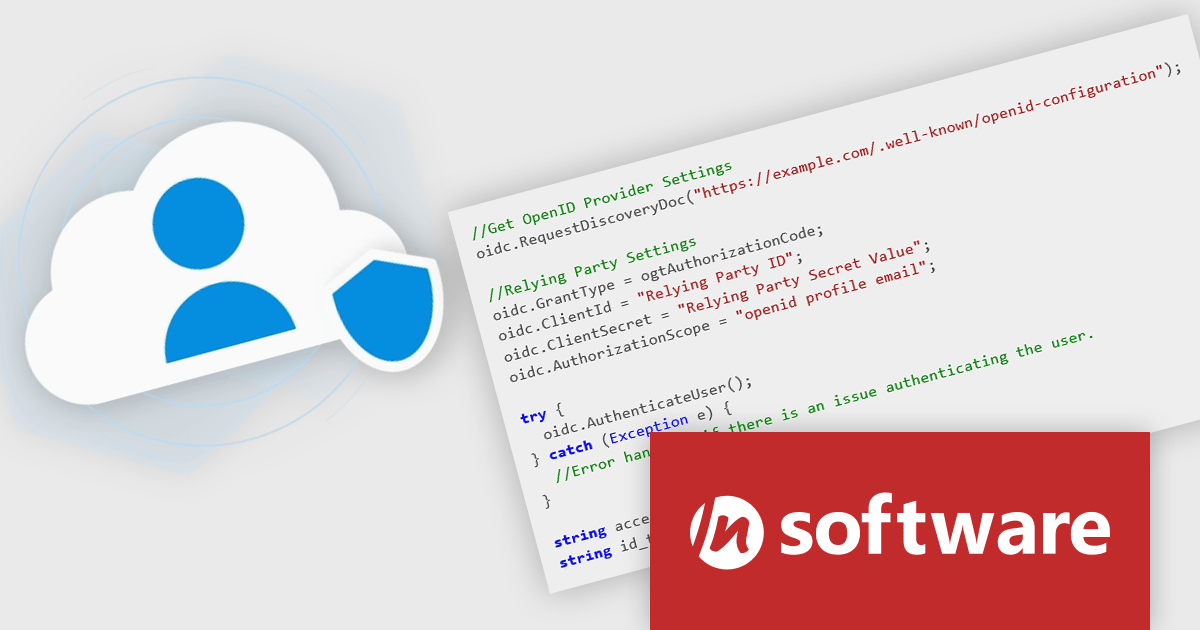
Cloud SSO, a new product in the Red Carpet Subscription Vol. 2 2025 update, dramatically simplifies the implementation of Single Sign-On (SSO) in modern applications. By supporting widely adopted standards like SAML (Security Assertion Markup Language) and OpenID Connect, this toolkit ensures seamless integration with virtually any major identity provider - including Microsoft, Google, Apple, GitHub, GitLab, Okta, and others. Developers can now enable centralized authentication without writing custom code for each provider, making it easier to build secure, scalable, and user-friendly login flows across cloud, mobile, and desktop applications.
To see a full list of what's new in Red Carpet Subscription Vol. 2 2025, see our release notes.
Red Carpet Subscription is licensed per developer and is available as a Perpetual License with a 12 month support and maintenance subscription. See our Red Carpet Subscription licensing page for full details.
For more information, visit our /n software Red Carpet Subscription product page.
전화 : 00798 14 800 6332
팩스 : +1 770 250 6199


