













공식 공급 업체
200 이상의 소프트웨어 개발처와 판매 계약을 맺은 공인 디스트리뷰터로서 합법적인 라이선스를 제공합니다.
모든 브랜드 보기.

Stimulsoft offers a comprehensive suite of tools for creating interactive data visualizations. Stimulsoft Dashboards excels at crafting engaging dashboards for web and desktop applications, while Stimulsoft BI Designer provides a powerful platform for designing both reports and dashboards. Developers can seamlessly integrate these tools into their projects using platform-specific components or a centralized cloud designer, supporting .NET, JavaScript, PHP, and more. With rich data analysis capabilities, extensive customization options, and pre-built templates, Stimulsoft empowers you to transform complex data into clear, actionable insights for any audience.
The 2024.3.3 release adds a new Scale Mode option when exporting dashboards. This feature enables users to precisely adjust dashboard elements to fit specific output formats, maintain aspect ratios, or optimize for print or digital media.
To see a full list of what's new in 2024.3.3, see our release notes for Ultimate, BI Designer, Dashboards.WEB, and Dashboards.WIN.
Stimulsoft Ultimate is licensed per developer and is available as a Perpetual license with 1 year support and maintenance. See our Stimulsoft Ultimate licensing page for full details.
This update is available in the following products:
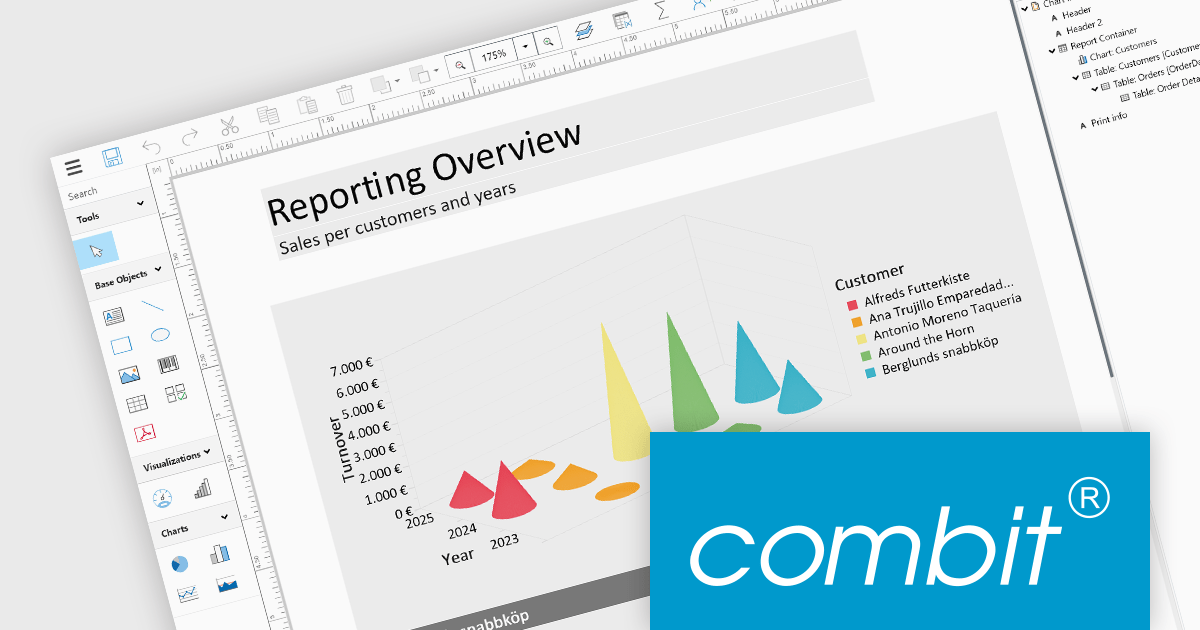
List & Label by combit is a software development toolkit that empowers developers to integrate comprehensive reporting functionalities into their desktop, web, and cloud applications. It offers features such as data binding, complex data visualization, and a user-friendly report designer, along with printing, exporting, and previewing capabilities. List & Label operates independently of programming languages and data sources, providing developers with the flexibility to design and deliver informative reports within their development environment.
The List & Label 29.003 service pack introduces multiple caching mechanisms to optimize performance during operations involving large data structures within the Web Designer. With these mechanisms, the system significantly reduces the frequency of resource-intensive web server requests, thereby decreasing the load on the server. This approach optimizes resource utilization by storing frequently accessed data in temporary storage, thus decreasing the need for repeated data retrieval from the server. The result is faster data processing and improved response times, which is especially beneficial when handling complex design scenarios that demand extensive data processing.
To see a full list of what's new in 29.003, see our release notes.
List & Label is licensed per developer and is available as a Perpetual License with a 12 month support and maintenance subscription. See our List & Label licensing page for full details.
List & Label is available in the following products:
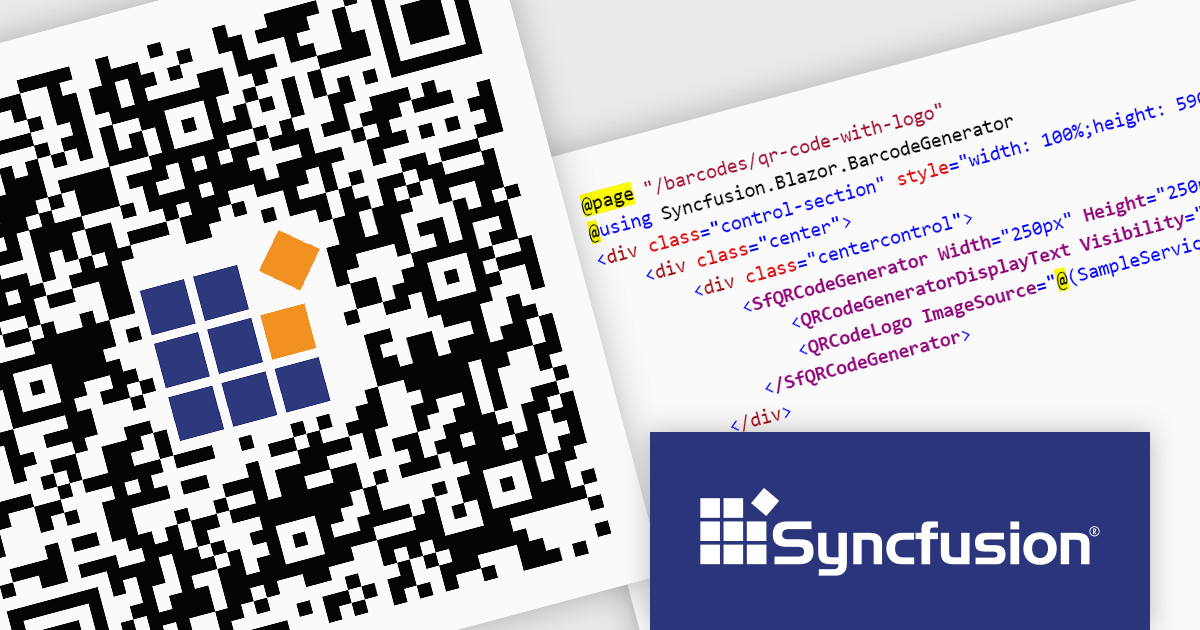
Syncfusion Essential Studio Enterprise provides a comprehensive collection of UI components and frameworks for building modern cross-platform applications. It offers over 1,800 components compatible with .NET WinForms, WPF, ASP.NET Core & MVC, WinUI, MAUI, JavaScript, Xamarin, Blazor, and more, enabling seamless application development across diverse devices and operating systems.
The Syncfusion Essential Studio Enterprise 2024 Volume 2 SP1 (26.2.4) release introduces the ability to embed a custom logo within generated QR codes, empowering businesses to enhance brand recognition and user engagement. By seamlessly integrating company branding into these ubiquitous codes, organizations can create a more distinctive and memorable user experience, fostering stronger brand recall and driving increased interaction with marketing materials and digital content.
To see a full list of what's new in 2024 Volume 2 SP1 (26.2.4), see our release notes for ASP.NET Core, ASP.NET MVC, Blazor, and JavaScript.
Syncfusion Essential Studio ASP.NET Core, ASP.NET MVC, Blazor and JavaScript are available as part of Syncfusion Essential Studio Enterprise which is licensed per developer starting with a Team License of up to five developers. It is available as a 12 Month Timed Subscription License which includes support and maintenance. See our Syncfusion Essential Studio Enterprise licensing page for full details.
Learn more on our ASP.NET Core, ASP.NET MVC, Blazor, and JavaScript product pages.
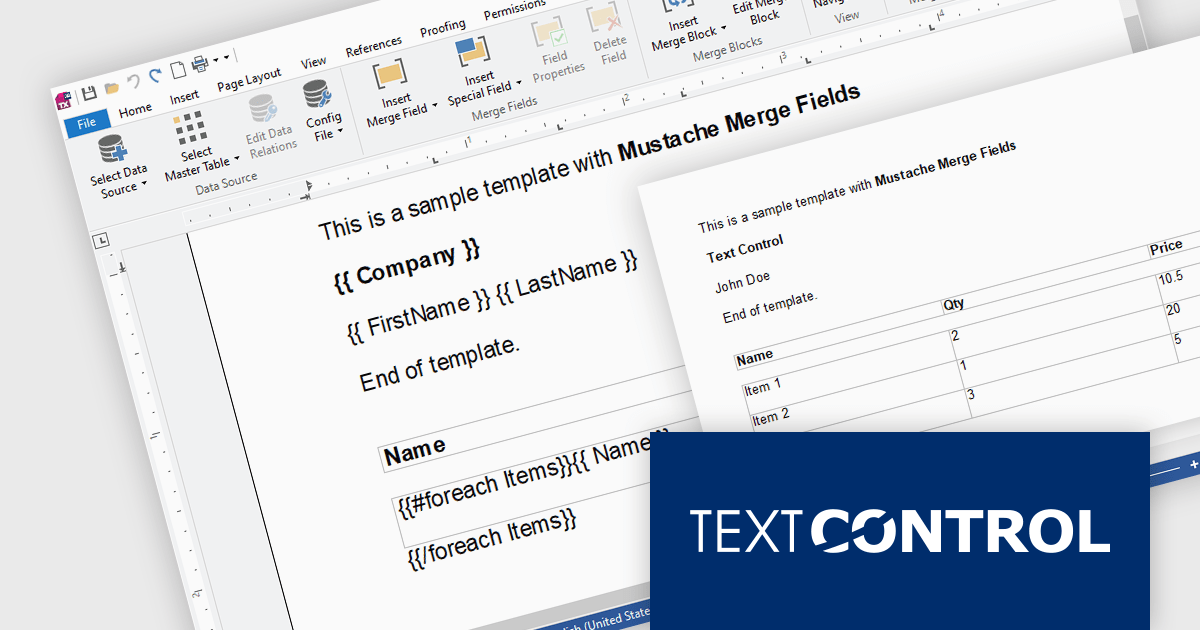
TX Text Control .NET Server for ASP.NET is a server-side component that equips developers with a powerful word processing engine for web applications. It integrates seamlessly with ASP.NET, ASP.NET Core, popular frameworks like Angular and React, and JavaScript, allowing you to build dynamic document editing and generation features directly within your web applications. This empowers you to create documents on the fly using data from various sources, edit existing documents in the browser, and handle functionalities like PDF processing and form filling, all on the server-side.
Mail Merge is a fundamental requirement for word processing applications. In this blog post, Text Control's Bjoern Meyer shows you to use Mustache Syntax with your TX Text Control web applications to insert merge fields into templates in formats that do not support MS Word merge fields, such as TXT or HTML. He also demonstrates how to use merge block to repeat content based on a collection of items. Detailed code is included to get you on your way.
Read the full blog and discover the power of using mustache syntax along with TX Text Control's MailMerge engine.
TX Text Control .NET Server for ASP.NET is licensed per Developer and includes Run-time licensing for up to 5 Servers. Licensing is perpetual, and include a 1-year subscription. See our TX Text Control .NET Server for ASP.NET licensing page for more details.
Learn more about TX Text Control .NET Server for ASP.NET.
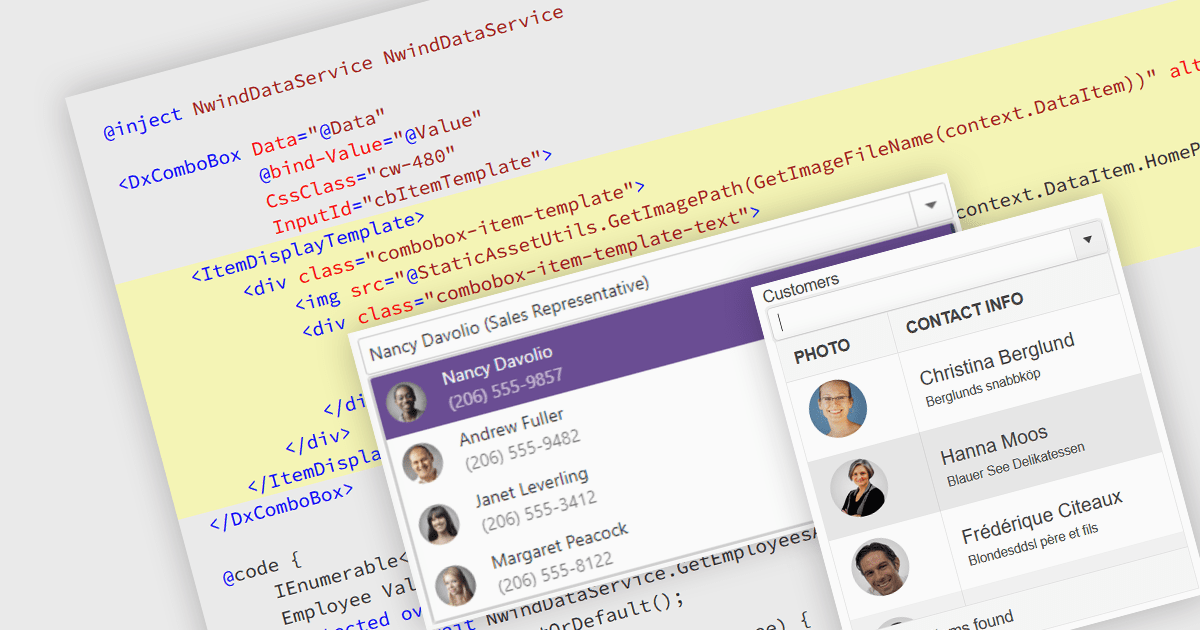
An image combobox is a custom UI component that combines a traditional dropdown menu with the ability to display an image alongside each item. Image comboboxes can enhance user experience by providing a more intuitive way to identify and select options, especially for items that benefit from visual representation. This approach can be particularly useful for non-text-based data or for catering to users who prefer visual cues. Image comboboxes are valuable for tasks like selecting product variations based on color or choosing countries with a flag icons.
Several ASP.NET Core data editor controls support image combobox functionality, including:
For an in-depth analysis of features and price, visit our ASP.NET Core data editors comparison.
전화 : 00798 14 800 6332
팩스 : +1 770 250 6199


