













공식 공급 업체
200 이상의 소프트웨어 개발처와 판매 계약을 맺은 공인 디스트리뷰터로서 합법적인 라이선스를 제공합니다.
모든 브랜드 보기.
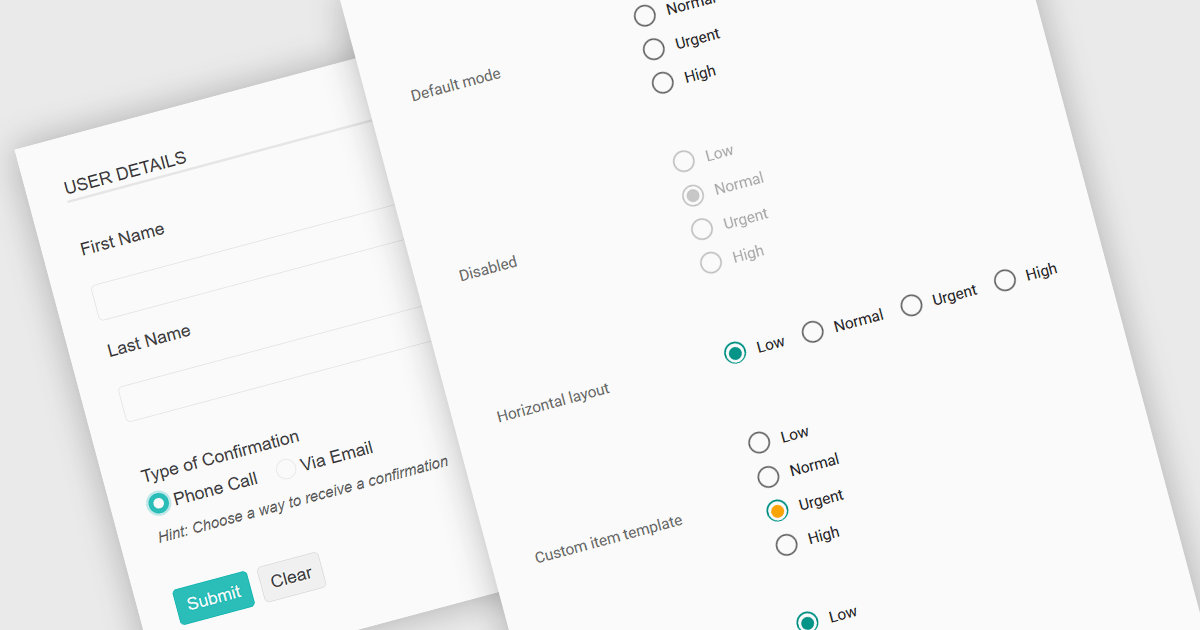
A radio group in data editing refers to a set of mutually exclusive options presented as selectable buttons, where only one option can be active at a time. It is typically used in user interfaces to enforce a single selection from a predefined set of values, which helps reduce input errors and ensures data consistency. By visually grouping related choices and clearly indicating the selected value, a radio group simplifies decision-making for users and speeds up data entry. This control is especially useful in forms and configuration settings where a user must choose one valid option from several possibilities.
Several JavaScript data editor collections provide support for radio groups, including:
For an in-depth analysis of features and price, visit our comparison of JavaScript data editors.
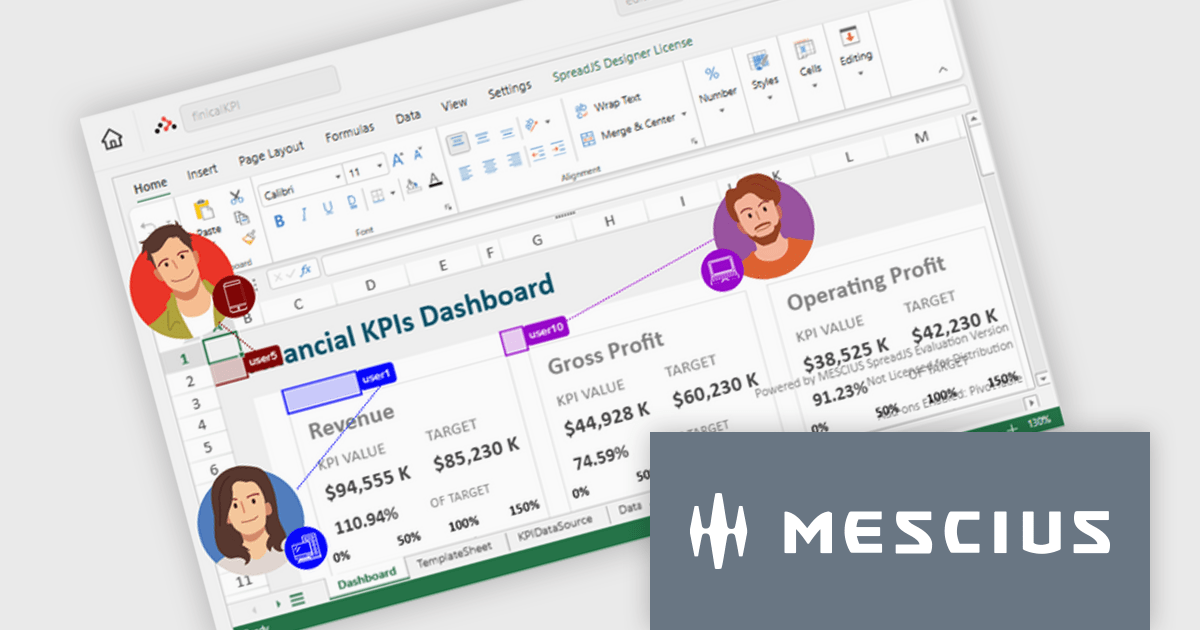
SpreadJS is a JavaScript spreadsheet and data visualization component built to deliver Excel-compatible functionality within web applications. It provides a flexible, high-performance interface for displaying and manipulating tabular data, supporting advanced features such as formulas, pivot tables, charts, conditional formatting, and data binding. SpreadJS integrates smoothly with popular frameworks like React, Angular, and Vue, and includes robust import and export capabilities for Microsoft Excel files. It is commonly used in enterprise applications where users need a responsive, interactive spreadsheet experience directly in the browser.
The SpreadJS 19.0.0 update introduces a new Collaboration Server Add‑on that enables real‑time, multi‑user editing of the same spreadsheet within web applications by integrating the collaboration framework and server infrastructure directly into SpreadJS. This add‑on lets developers build functionality where multiple clients see and apply changes instantly to workbook data with consistent state across users, supports conflict‑free concurrent edits using Operational Transformation logic, and includes features such as live user presence and permission controls.
To see a full list of what's new in 19.0.0, see our release notes.
SpreadJS is licensed per developer and includes 1 Year Maintenance (major and minor version releases and unlimited support phone calls). SpreadJS requires an Annual or Perpetual Deployment License. The optional Add-ons are available at an additional cost, and require a SpreadJS license. See our SpreadJS licensing page for full details.
For more information, visit our SpreadJS product page.
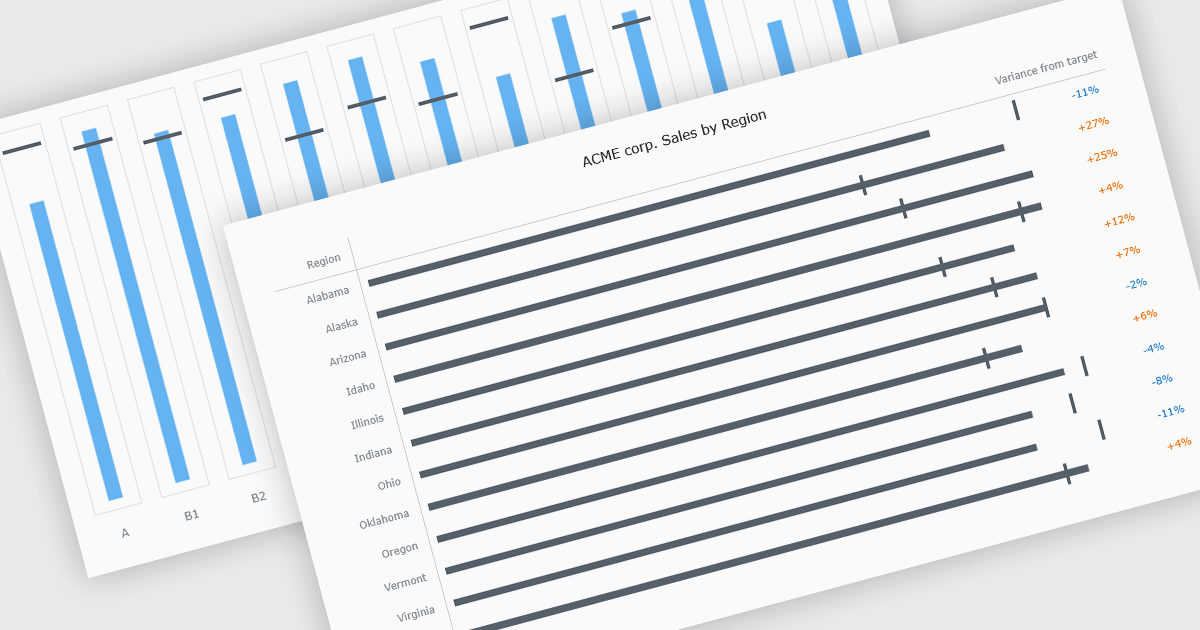
Bullet charts are goal-oriented visualizations that compare actual performance against targets and benchmarks such as budget and forecast values in a single, easy-to-read view. They offer a clear alternative to gauges and meters by showing progress toward goals while making variances and shortfalls immediately obvious. By presenting multiple reference points together, bullet charts help stakeholders interpret performance quickly and consistently across metrics. Common use cases include financial reporting, sales and margin tracking, KPI dashboards, operational scorecards, and executive summaries where fast, reliable comparisons support better decision-making.
Several JavaScript chart controls offer bullet chart support including:
For an in-depth analysis of features and price, visit our JavaScript bullet chart controls comparison.
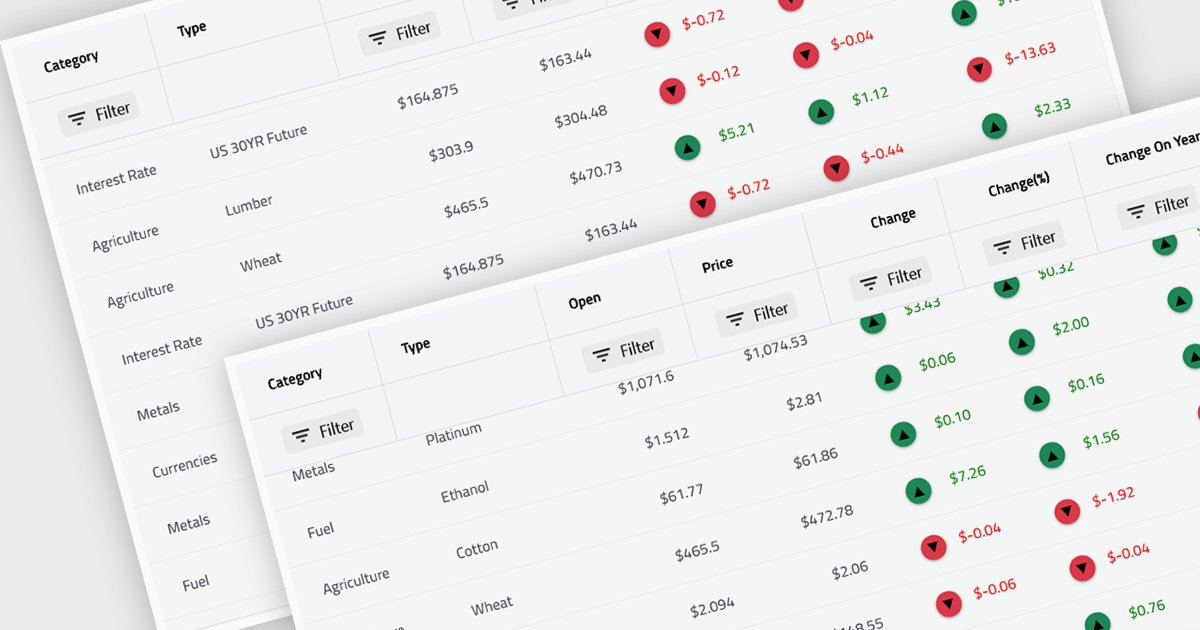
Virtual scroll support in a grid component is a rendering strategy that displays only the rows and columns currently visible in the viewport while dynamically loading and unloading data as the user scrolls. It minimizes DOM size and memory usage by avoiding the creation of off-screen elements, which improves rendering speed, reduces layout thrashing, and maintains smooth interaction even with very large datasets. This approach enables grids to handle millions of records efficiently without requiring pagination, lowers CPU and GPU load, and delivers consistent performance across a wide range of devices.
Several React grid controls offer virtual scroll capability including:
For an in-depth analysis of features and price, visit our React grid controls comparison.
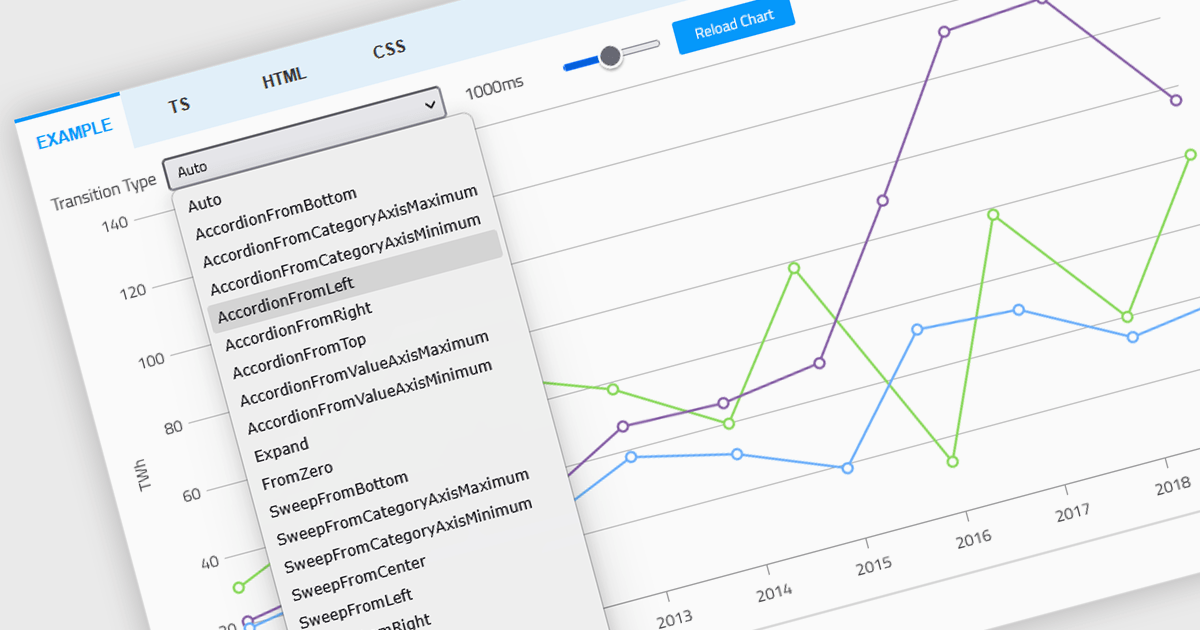
Animation in a Web Components Chart control refers to the visual transitions applied to chart elements as data is rendered, updated, or interacted with. It enhances the user experience by making changes in the data more perceptible and easier to follow, particularly when dealing with dynamic or real-time datasets. For developers, animation helps improve data readability and provides a more engaging and polished interface, especially when charts are updated frequently or involve user interaction. It also makes it easier for users to track what’s changed in the chart, even when the visuals are complex.
Several Web Components chart controls offer animation including:
For an in-depth analysis of features and price, visit our comparison of Web Components Chart Controls.
전화 : 00798 14 800 6332
팩스 : +1 770 250 6199


