













공식 공급 업체
200 이상의 소프트웨어 개발처와 판매 계약을 맺은 공인 디스트리뷰터로서 합법적인 라이선스를 제공합니다.
모든 브랜드 보기.
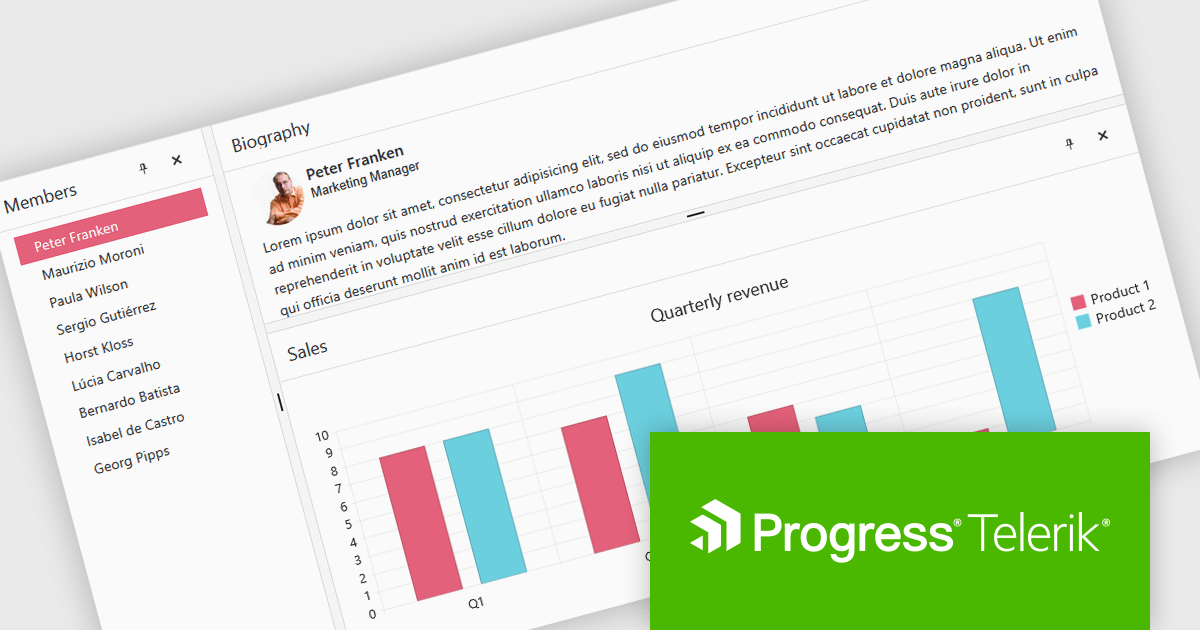
Telerik UI for Blazor is a comprehensive UI library that provides over 110 native and customizable Blazor components for building modern and feature-rich web applications. This professional-grade solution offers a complete set of components to satisfy all user interface requirements, saving time and effort in UI design.
The Telerik UI for Blazor 2025 Q1 update introduces the DockManager UI component, enabling developers to create desktop-like experiences within web applications. This new component allows users to efficiently manage multiple panes within a single container by supporting docking, undocking, resizing, and repositioning. It provides a flexible and customizable layout system, optimizing workspace organization for complex applications designed for larger screens.
To see a full list of what's new in 2025 Q1 (v8.0.0), see our release notes.
Telerik UI for Blazor is licensed per developer and has two licensing models: an annual Subscription License and a Perpetual License. The Subscription license provides access to the latest product updates, technical support, and exclusive benefits for a flat annual fee, and must be renewed to continue using the software. The Perpetual license is a one-time purchase granting access to the current released version and includes a one-year subscription for product updates and technical support. After this initial period, users can choose to renew the subscription element to continue receiving updates and support; otherwise, they may continue using the installed version available during their active subscription term but will forgo future updates and support. See our Telerik UI for Blazor licensing page for full details.
Telerik UI for Blazor is available individually or as part of the following products:
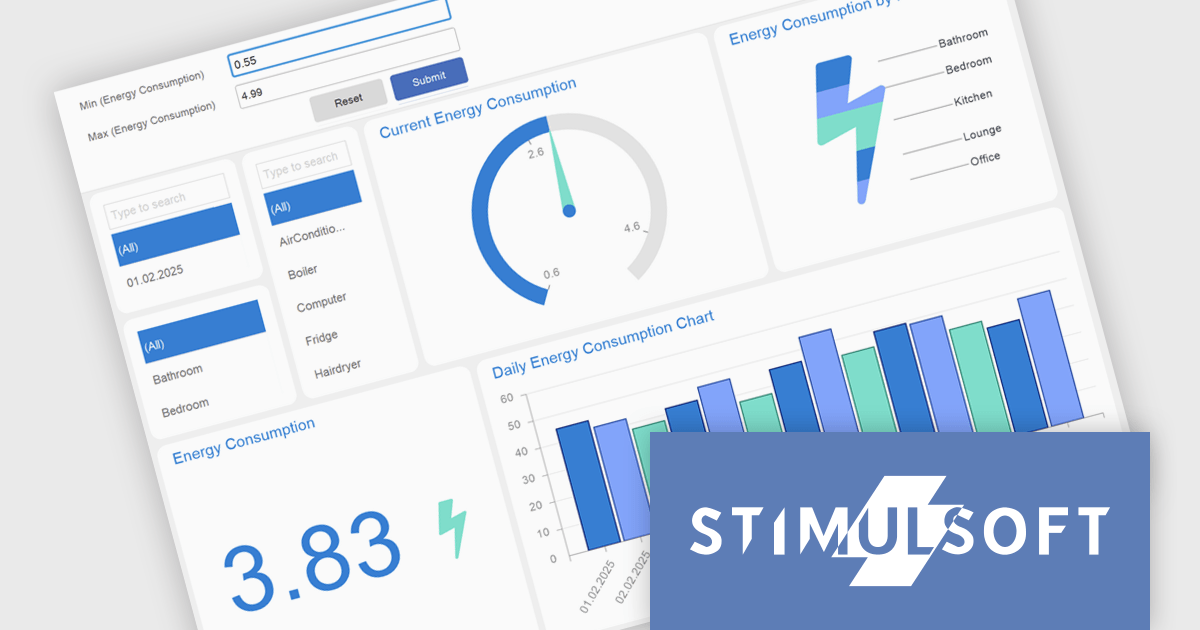
Stimulsoft Dashboards.WEB is a versatile suite of tools for crafting interactive data visualizations for web and desktop applications. It empowers developers to embed intuitive dashboards across various platforms, using the platform-specific components or a centralized cloud designer. With rich data analysis elements, extensive customization options, and pre-built templates, Stimulsoft Dashboards helps you transform complex data into clear, actionable insights for any audience.
The Stimulsoft Dashboards.WEB 2025.2.1 update introduces support for expressions in Gauge range fields, enabling developers to calculate minimum and maximum range bounds dynamically based on underlying data. This enhancement allows for greater flexibility in building responsive dashboards, as Gauge elements can now reflect real-time values without requiring manual adjustments. By integrating expressions directly into the range logic, developers can implement more sophisticated data visualizations that adapt to changing inputs and business logic. This feature streamlines development and supports more efficient maintenance of dynamic reporting scenarios.
To see a full list of what's new in 2025.2.1, see our release notes.
Stimulsoft Dashboards.WEB is licensed per developer and is available as a perpetual license with 1 year support and maintenance. See our Stimulsoft Dashboards.WEB licensing page for full details.
Stimulsoft Dashboards.WEB is available individually or as part of Stimulsoft Ultimate.
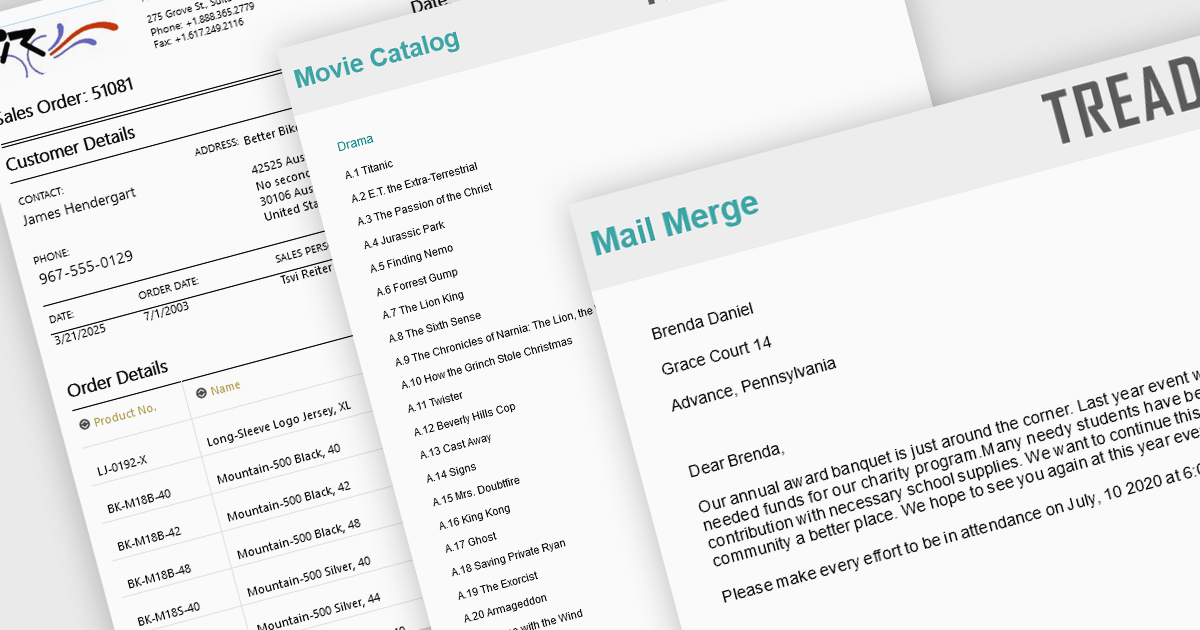
Advanced layout and formatting features are essential for producing professional, polished reports that align with both technical and business requirements. These capabilities enhance the structure and presentation of report content, supporting better readability, navigation, and customization. Whether delivering print-ready documents or dynamic digital reports, advanced formatting tools ensure consistency and flexibility in how data and visual elements are displayed.
Common features include:
For an in-depth analysis of features and price, visit our Blazor Reporting components comparison.

ActiveReports.NET helps you deliver beautiful reports with intuitive Visual Studio integrated report designers and rich controls. It provides code-based cross-platform reporting, easy-to-use designers, and a flexible API, enabling you to design and deliver powerful reports with intuitive, reliable, and user-friendly report designers and controls.
In this blog post, MESCIUS Product Manager Alec Gall shows you how to use ActiveReports to drill through from one report to another in your .NET application. Steps include:
Detailed source code is completed and there is even a video that you can watch as you go through the steps.
Read the complete blog and begin providing a seamless way to navigate between related datasets in your .NET applications.
ActiveReports.NET is licensed per developer and is available with or without a 12 month support and maintenance subscription. See our ActiveReports.NET licensing page for full details.
Learn more on our ActiveReports.NET product page.
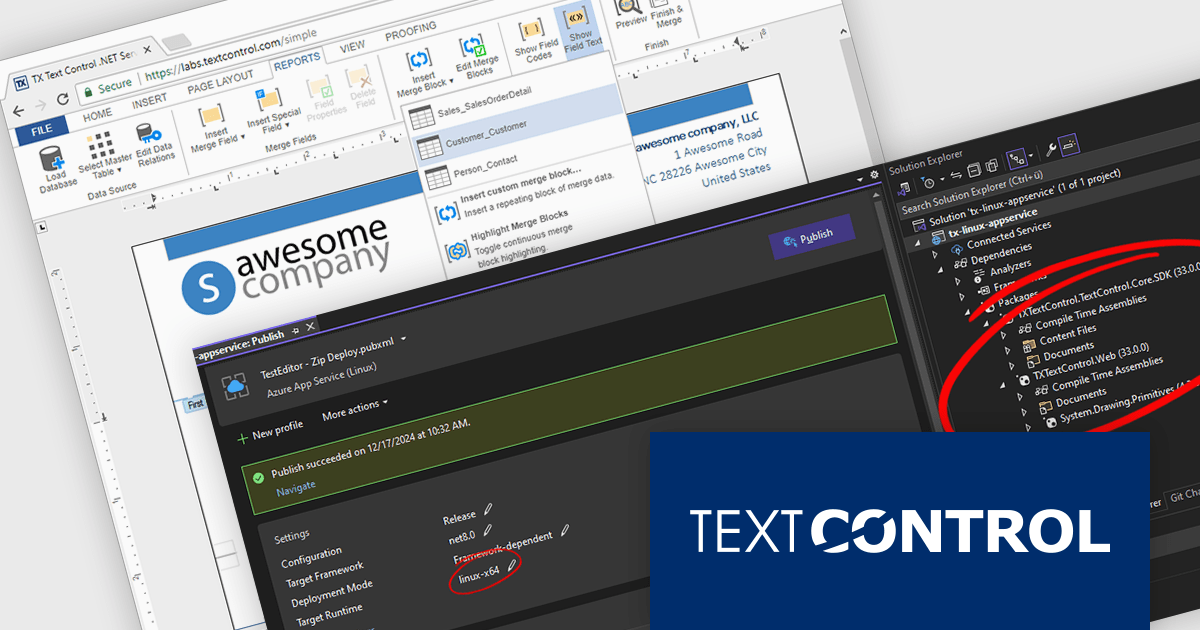
TX Text Control .NET Server for ASP.NET is a server-side component that equips your web applications with a powerful, Microsoft Word-compatible document editor. This allows you to develop applications that generate and edit various document formats (RTF, DOCX, PDF, etc.) on the fly, using data from databases or files. It also boasts features like PDF generation and a browser-based editor with a familiar MS Word-inspired interface, ultimately enhancing the document processing capabilities of your ASP.NET web applications.
The TX Text Control .NET Server for ASP.NET 33.0 release introduces powerful and flexible document processing capabilities for Linux, allowing developers to seamlessly integrate advanced editing, viewing, and processing features into their applications. With a focus on cross-platform compatibility, the software has been carefully optimized to deliver high-quality rendering, robust performance, and a smooth user experience on Linux systems. This new capability ensures a consistent and reliable workflow, making it easier than ever to build sophisticated, document-driven applications across diverse operating environments.
For a full list of changes in TX Text Control .NET Server for ASP.NET 33.0, see our release notes.
TX Text Control .NET Server for ASP.NET is licensed per developer and is available as a Perpetual License with a 12 month support and maintenance subscription. Run time licenses are required for the deployment to production servers. See our TX Text Control .NET Server for ASP.NET licensing page for full details.
For more information, visit our TX Text Control .NET Server for ASP.NET product page.
전화 : 00798 14 800 6332
팩스 : +1 770 250 6199


