













공식 공급 업체
200 이상의 소프트웨어 개발처와 판매 계약을 맺은 공인 디스트리뷰터로서 합법적인 라이선스를 제공합니다.
모든 브랜드 보기.
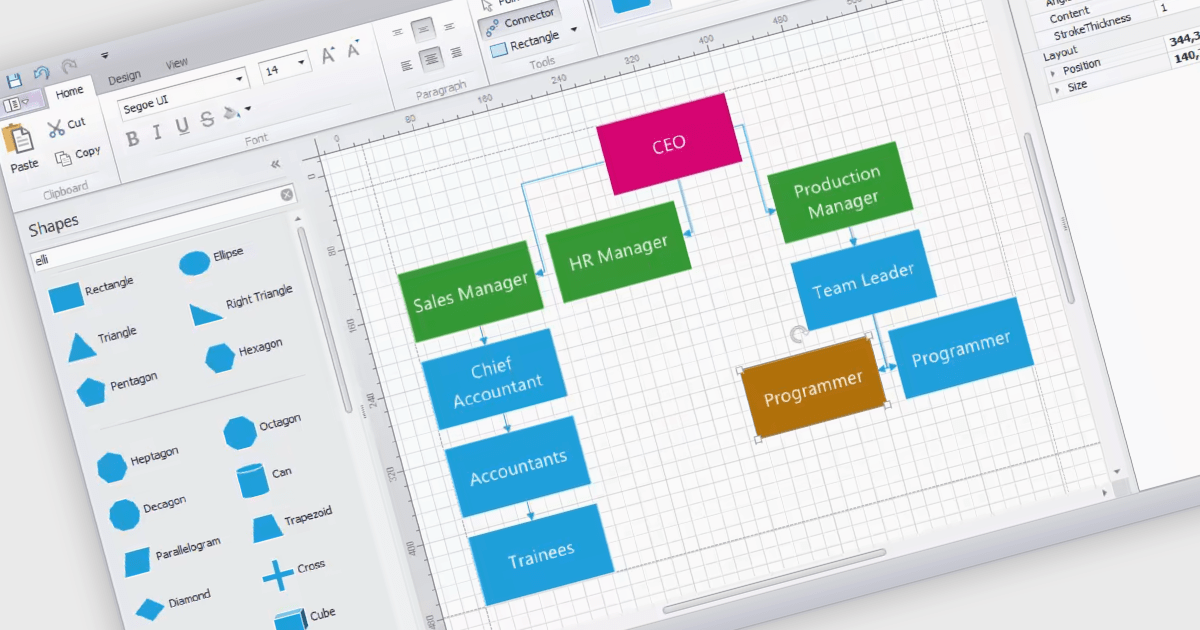
WinForms diagram controls provide a dedicated canvas for users to create and manipulate visual representations. These controls offer functionalities like displaying and editing various shapes, connectors, and text elements. They often come equipped with features for automatic layout, allowing for efficient organization of complex diagrams. Diagrams are commonly used to simplify and communicate complex ideas, processes, or data. They can show relationships between elements, illustrate steps in a sequence, or represent structures and hierarchies.
Several WinForms UI suites feature diagramming components including:
For an in-depth analysis of features and price, visit our WinForms UI Suites comparison.
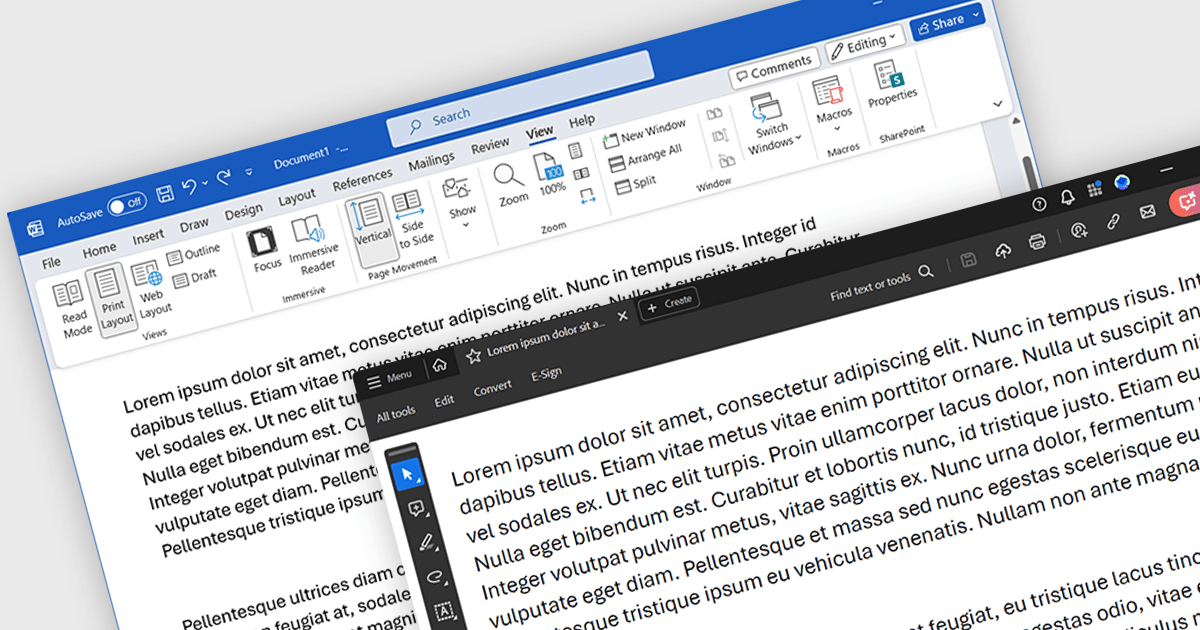
Word to PDF functionality within a PDF component refers to the ability to convert Microsoft Word documents (.docx) into Portable Document Format (PDF) files directly within your software application. This embedded conversion capability offers developers several advantages. It streamlines the document handling process by eliminating the need for external tools or libraries. It also ensures compatibility, as the conversion occurs entirely within your program. This can be particularly useful for applications where users interact with both Word documents and PDFs.
Several .NET PDF components allow you to convert Word files to PDF including:
For an in-depth analysis of features and price, visit our comparison of .NET PDF components.
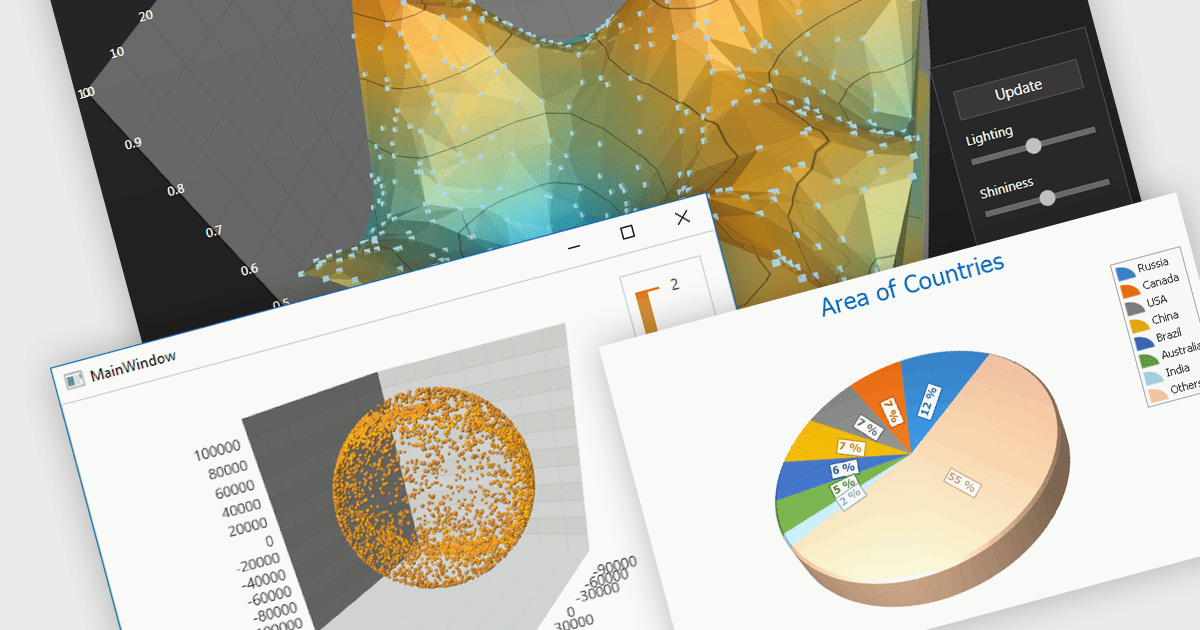
3D charts excel at showcasing complex datasets with three variables. By adding depth, they allow viewers to grasp intricate relationships between these variables that might be difficult to decipher in a flat, 2D format. This enhanced visualization can reveal patterns and trends that would otherwise remain hidden, leading to a deeper understanding of the data.
Several WinForms Chart controls offer 3D charts including:
For an in-depth analysis of features and price, visit our WinForms Chart controls comparison.
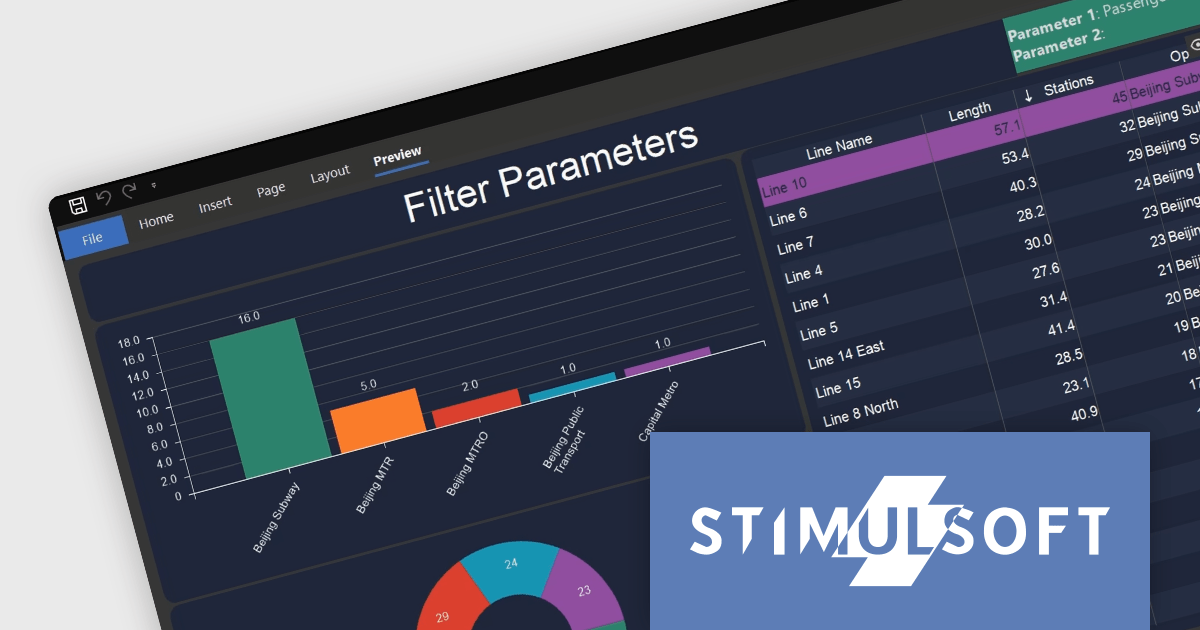
Stimulsoft Dashboards is a versatile suite of tools for crafting interactive data visualizations for web and desktop applications. It empowers developers to embed intuitive dashboards across various platforms, using platform-specific components or a centralized cloud designer. With rich data analysis elements, extensive customization options, and pre-built templates, Stimulsoft Dashboards helps you transform complex data into clear, actionable insights for any audience.
The Stimulsoft Dashboards.WIN 2024.2 release adds new functionality for working with filters in your dashboards. You can now include parameters when applying filters, allowing those parameters to capture the chosen filter values. This means you can access these filter values directly within report variables or other dashboard elements, creating a more dynamic and interconnected user experience.
To see a full list of what's new in version 2024.2, see our release notes.
Stimulsoft Dashboards.WIN is licensed per developer and is available as a Perpetual license with 1 year support and maintenance. See our Stimulsoft Dashboards.WIN licensing page for full details.
Stimulsoft Dashboards.WIN is available to buy in the following products:
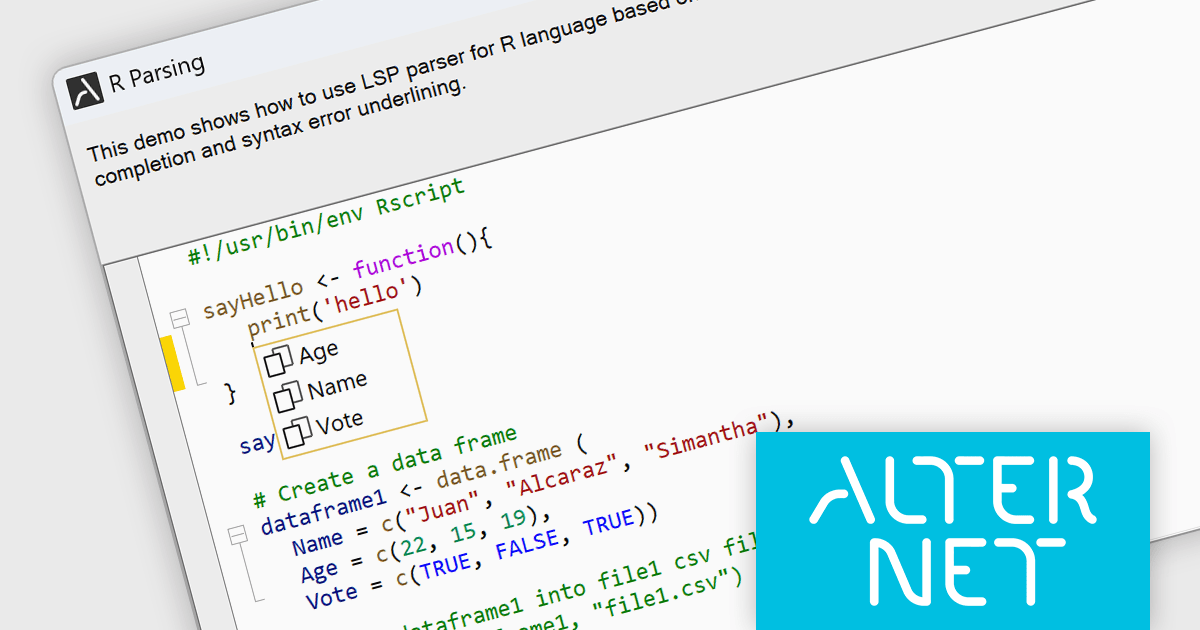
AlterNET Studio is a development toolkit designed specifically for .NET developers building Windows Forms or WPF applications. It provides a suite of components that integrate seamlessly into your applications, offering functionalities like advanced code editing with features akin to Microsoft Visual Studio, scripting capabilities in various languages for extending application logic, and a visual form designer for crafting user interfaces.
The AlterNET Studio v9.5.2 update brings a significant improvement for developers working with C/C++, Java, Lua, PowerShell, and R code with the introduction of smart indentation support for their respective LSP parsers. This new feature ensures that indentation is automatically adjusted based on the code structure, enhancing readability and maintainability. By automating indentation, developers can focus on writing logic and functionality rather than manually managing indentation levels, which can be especially time-consuming and error-prone in complex codebases.
To see a full list of what's new in v9.5.2, see our release notes.
AlterNET Studio is licensed per developer. A license is only required when developing and compiling applications that use AlterNET Studio; end-users or testers of compiled applications do not require a license. The perpetual license includes a one-year subscription which entitles you to free updates to all new versions during the subscription period. See our AlterNET Studio licensing page for full details.
Learn more on our AlterNET Studio product page.
전화 : 00798 14 800 6332
팩스 : +1 770 250 6199


