













공식 공급 업체
200 이상의 소프트웨어 개발처와 판매 계약을 맺은 공인 디스트리뷰터로서 합법적인 라이선스를 제공합니다.
모든 브랜드 보기.
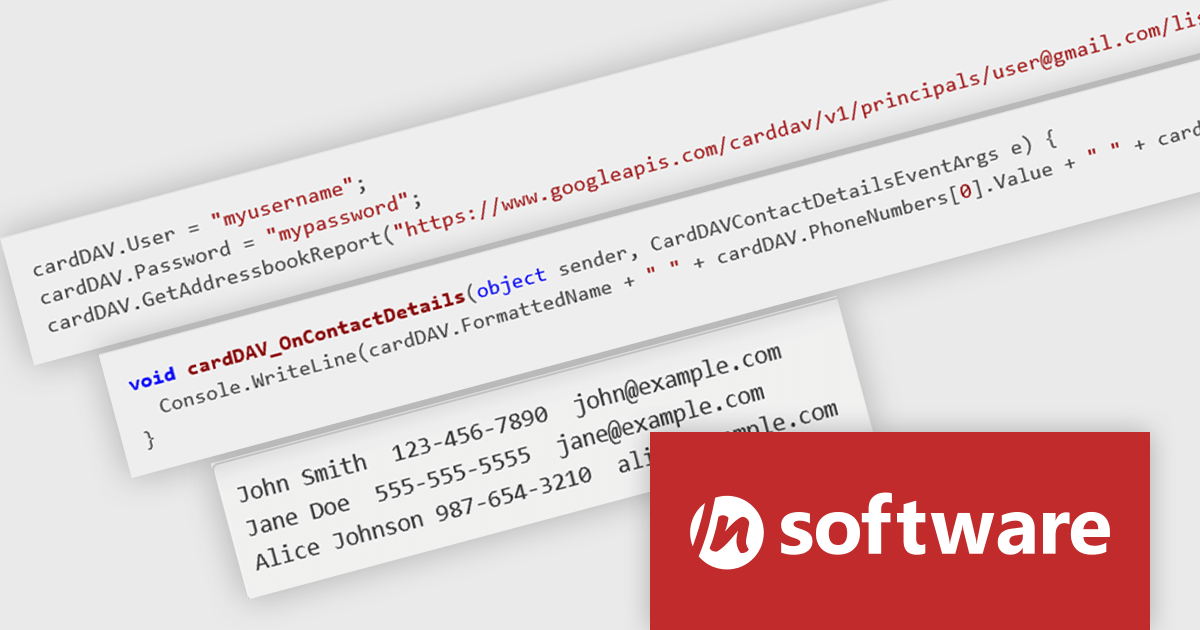
IPWorks by /n software is a comprehensive development library designed to streamline your creation of internet-enabled applications. It offers pre-built, secure components for common functionalities like sending emails, transferring files, and consuming web services. This allows you to focus on your application's core logic while leveraging pre-tested, robust tools for essential internet interactions.
The IPWorks 2024 release streamlines contact management with its all-new CardDAV component. This integration empowers applications to seamlessly create, edit, and synchronize contacts across devices and platforms. Users can effortlessly manage address books, add, delete, copy, or move entries, all while centralizing data on a CardDAV server. This ensures everyone stays in sync and fosters improved collaboration across an organization.
To see a full list of what's new in IPWorks 2024, see our release notes.
IPWorks is licensed per developer and is available as a Perpetual License with a 12 month support and maintenance subscription. See our IPWorks licensing page for full details.
IPWorks is available to buy in the following products:
ComponentOne Studio WinForms by MESCIUS is a comprehensive toolkit offering over 120 advanced UI components to streamline Windows Forms application development. It empowers you to build visually appealing and feature-rich applications with functionalities like data visualization through charts and reports, intuitive data editing with performant grids, and modern UI elements including ribbons and docking for a user-friendly experience.
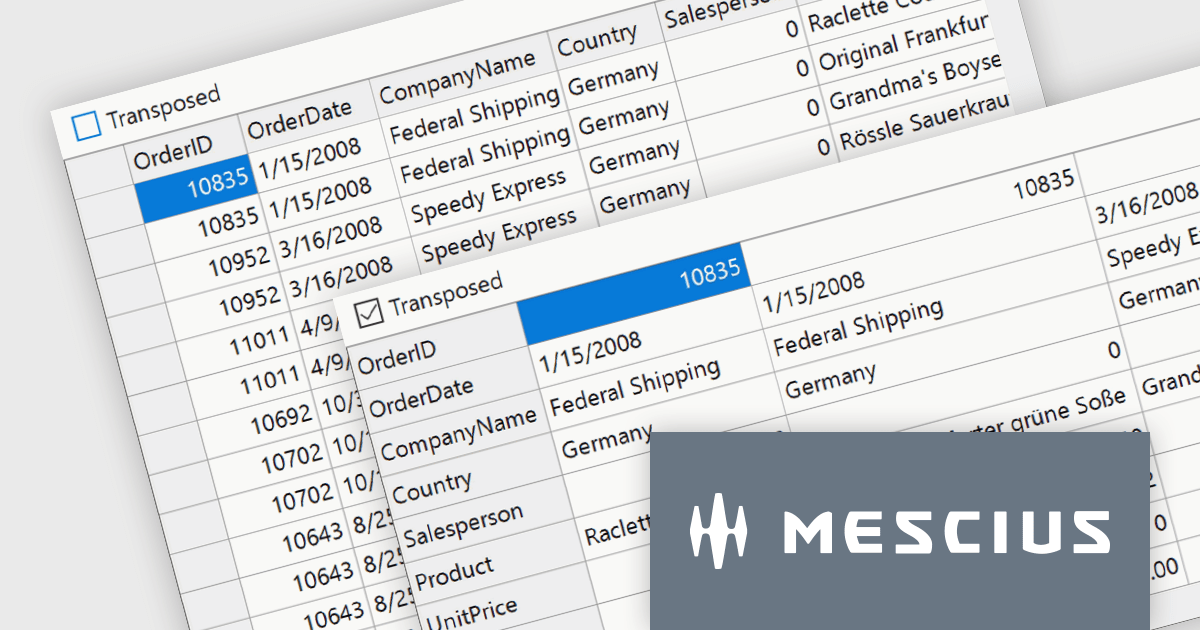
The ComponentOne Studio WinForms 2024 v1 update introduces a new Transposed datagrid view for FlexGrid, enhancing its data presentation capabilities. This feature allows you to display data with rows as columns and columns as rows, providing an alternative view for scenarios where you have many columns or want to prioritize specific data points. This can improve data readability and analysis, especially for wide datasets or when focusing on specific attributes across multiple records.
To see a full list of what's new in 2024 v1, see our release notes.
ComponentOne Studio WinForms is licensed per developer on a perpetual basis and includes a 12 month subscription. See our ComponentOne Studio WinForms licensing page for full details.
Learn more on our ComponentOne Studio WinForms product page.
Red Carpet Subscription by /n software is an all-inclusive developer toolkit offering a comprehensive library of development tools, network management utilities, and enterprise adapters. This subscription grants access to all products and updates, including new releases, for a flat fee per developer, streamlining your workflow and ensuring your team has the latest resources to tackle any communication or security protocol challenge.
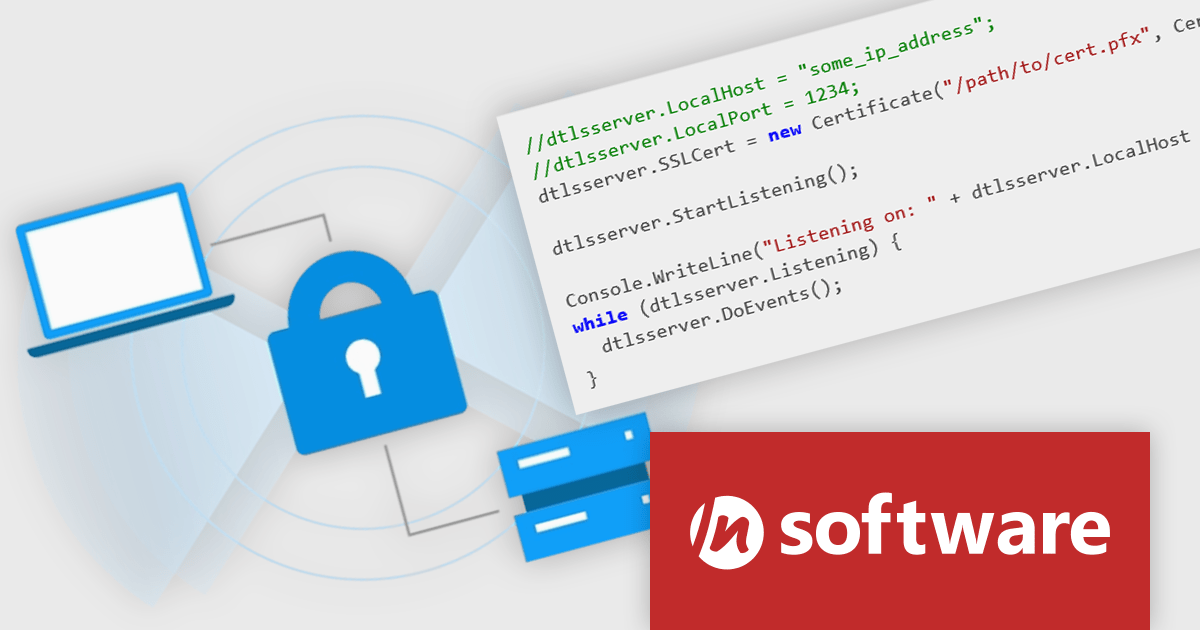
The Red Carpet Subscription Vol. 2 2024 release adds IPWorks DTLS client and server component that allows for secure communication and streaming with Datagram Transport Layer Security. This new compatibility is perfect for time-sensitive applications such as video or audio streaming, gaming, and VPNs. IPWorks DTLS upports all modern TLS versions and integrates well with a variety of development technologies. Benefits include low overhead, making it efficient for time-sensitive applications, a uniform and extensible design, and fully integrated components. IPWorks DTLS is available for a broad range of platforms including .NET, Java, C++, macOS, JavaScript, Node.js, Delphi, C++ Builder, PHP, Python, Android, iOS, Swift, Linux, and Qt. DTLS support is available in the following /n software toolkits and components:
To see a full list of what's new in Red Carpet Subscription Vol. 2 2024, see our release notes.
Red Carpet Subscription is licensed per developer and is available as a Perpetual License with a 12 month support and maintenance subscription. See our Red Carpet Subscription licensing page for full details.
For more information, visit our /n software Red Carpet Subscription product page.
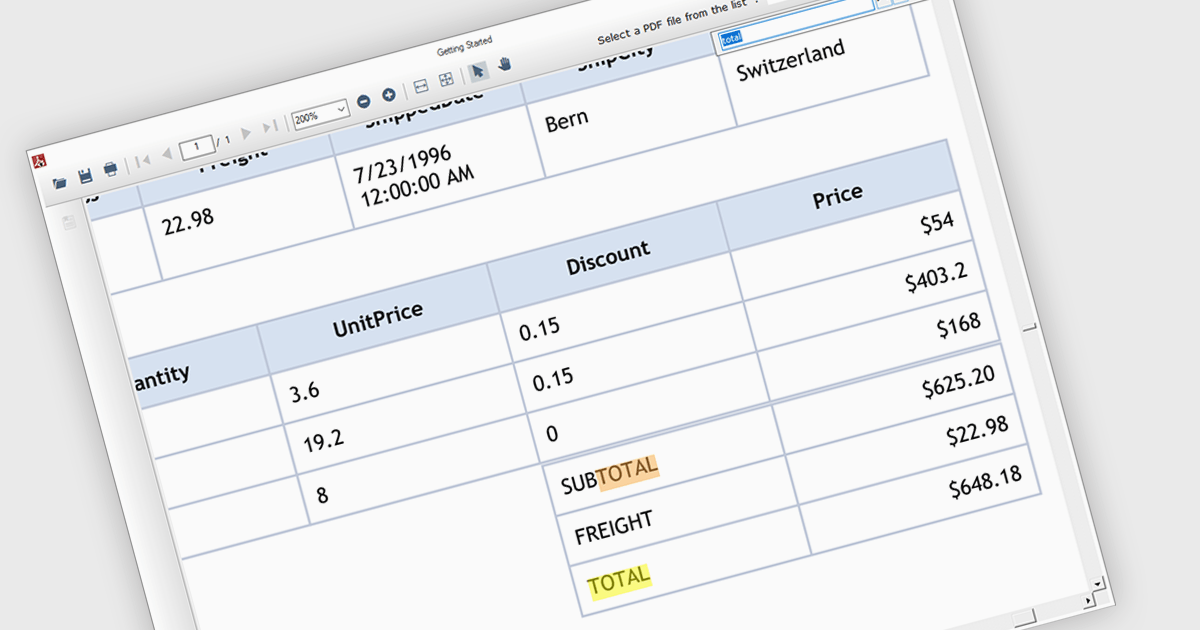
Text search functionality in PDF components enables developers to integrate a search bar or button within their application, allowing users to find specific terms or phrases within a loaded PDF document. This empowers users to quickly locate relevant information, improving efficiency and user experience. Text search is particularly beneficial for applications dealing with large or complex PDFs, such as legal documents, research papers, or technical manuals.
Several .NET WinForms PDF components offer support for text searching including:
For an in-depth analysis of features and price, visit our WinForms PDF Components comparison.

Trend lines are essential tools in data visualization and financial analysis, used to identify and interpret the direction and strength of trends in data sets. A trend line is a line that best represents the data on a chart, highlighting the general direction over a specified period. This is beneficial for making informed decisions, predicting future price movements, and validating the strength of ongoing trends. In stock market analysis, a trend line can help investors determine optimal entry and exit points, while moving averages can signal buy or sell opportunities, enhancing the effectiveness of trading strategies.
Several .NET WinForms chart controls offer trend lines and indicators including:
For an in-depth analysis of features and price, visit our comparison of .NET WinForms chart controls.
전화 : 00798 14 800 6332
팩스 : +1 770 250 6199


