













공식 공급 업체
200 이상의 소프트웨어 개발처와 판매 계약을 맺은 공인 디스트리뷰터로서 합법적인 라이선스를 제공합니다.
모든 브랜드 보기.
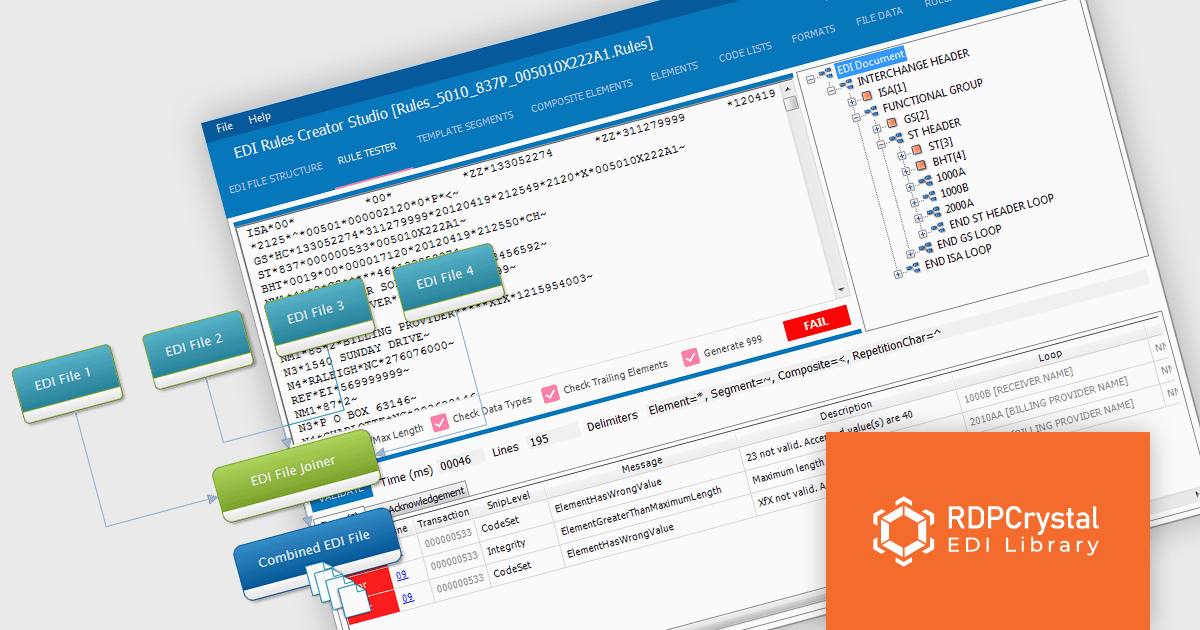
RDPCrystal EDI Library by Crystal Universe Software is a robust suite of components for .NET and .NET Core that simplifies working with X12 standard EDI files. Designed for developers, it enables seamless creation, manipulation, parsing, splitting, joining, and validation of EDI files. With cross-platform support, it runs on Windows, Linux, and macOS, making it versatile for modern development environments. The library integrates smoothly with WPF, WinForms, and Java applications (via Javonet) and supports any .NET language.
The RDPCrystal EDI Library enhances productivity for software developers by providing robust tools for creating, managing, and validating X12 EDI files with precision and efficiency. Its advanced features, including parsing, joining, and RDPScript-based validation, streamline complex EDI workflows while ensuring data accuracy and compliance. With cross-platform compatibility across Windows, Linux, and macOS, and seamless integration into .NET, .NET Core, WPF, WinForms, and Java applications, the library supports diverse development environments. This update delivers improved functionality and flexibility, enabling developers to optimize their applications for industries requiring reliable electronic data interchange.
The RDPCrystal EDI Library is licensed per developer, per year and includes technical support, component updates and upgrades. You must renew your license each year to continue to use the product. See our RDPCrystal EDI Library licensing page for full details. See our RDPCrystal EDI Library licensing page for full details.
For more information, visit our RDPCrystal EDI Library product page.

ONLYOFFICE Docs Enterprise Edition with Alfresco Connector combines an online document editor with a seamless integration for Alfresco Share, which is a content management platform that allows users to store, organize, and collaborate on documents and other digital assets. This integration allows teams to create, view, edit, and collaborate on spreadsheets, presentations, and text files online, directly within Alfresco Share using ONLYOFFICE editors, boosting efficiency and eliminating the need for file switching.
The ONLYOFFICE Connector for Alfresco v8.0 update introduces interactive PDF forms, enabling developers to create structured, fillable documents directly within Alfresco. This enhancement streamlines data collection and document automation by allowing users to add text fields, dropdowns, checkboxes, signature fields, and other interactive elements without requiring external tools. With native support for digital signatures and standardized input fields, the update improves workflow efficiency, reduces manual data entry, and ensures seamless integration into existing document management processes.
To see a full list of what's new in ONLYOFFICE Docs Enterprise Edition v8.2.2 with Alfresco Connector 8.0, see our release notes.
ONLYOFFICE Docs Enterprise Edition with Alfresco Connector is licensed per server as an annual license with 1 year of support and updates, or as a perpetual license with 3 years of support and updates. See our ONLYOFFICE Alfresco connector licensing page for full details.
For more information, see our ONLYOFFICE Alfresco connector product page.
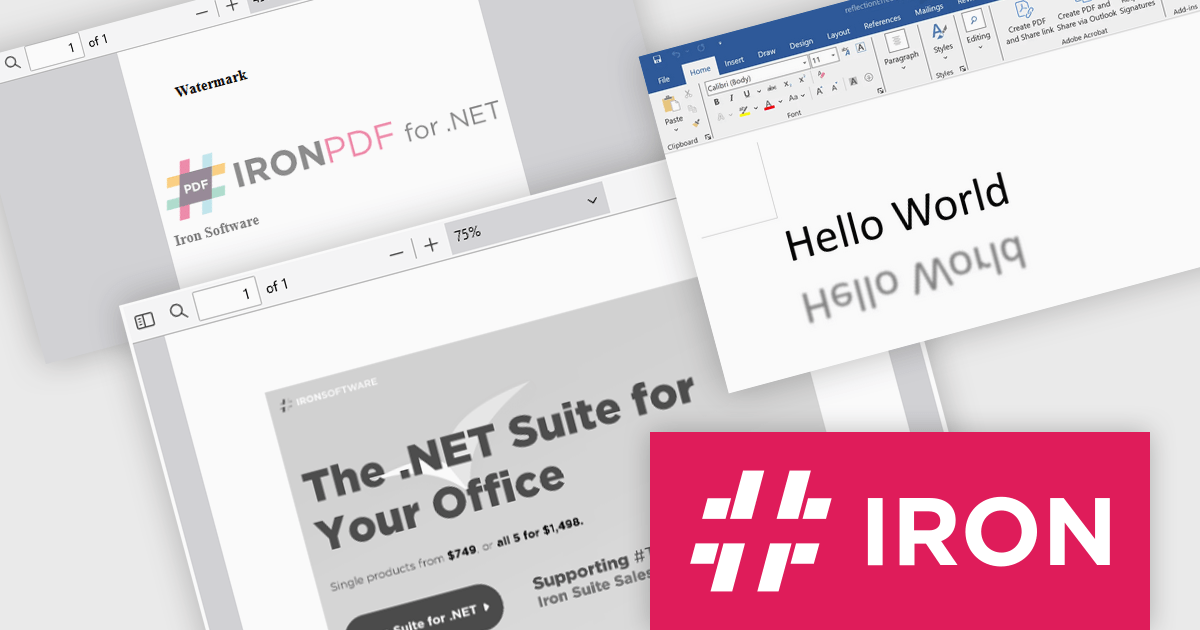
Iron Software offers a versatile suite of C# libraries specifically designed to enhance developer productivity. Its solutions empower developers to effortlessly tackle tasks like PDF manipulation, data extraction from websites and images (OCR), and seamless Excel automation, eliminating the need for external dependencies.
Iron Software products now support .NET 9, bringing enhanced performance, security, and efficiency to modern application development. This update ensures that Iron Suite for .NET remains a powerful solution for modern application development. Developers can benefit from faster execution speeds, reduced resource consumption, and improved cross-platform capabilities. With .NET 9’s enhanced features and optimizations, developers can build high-performance applications while maintaining compatibility with the evolving .NET ecosystem.
Iron Software products are licensed based on the number of developers, developer locations, and projects. They are available as perpetual licenses with 1 year of support and product updates. See our Iron Suite for .NET licensing page for full details.
For more information, visit our Iron Software product pages:
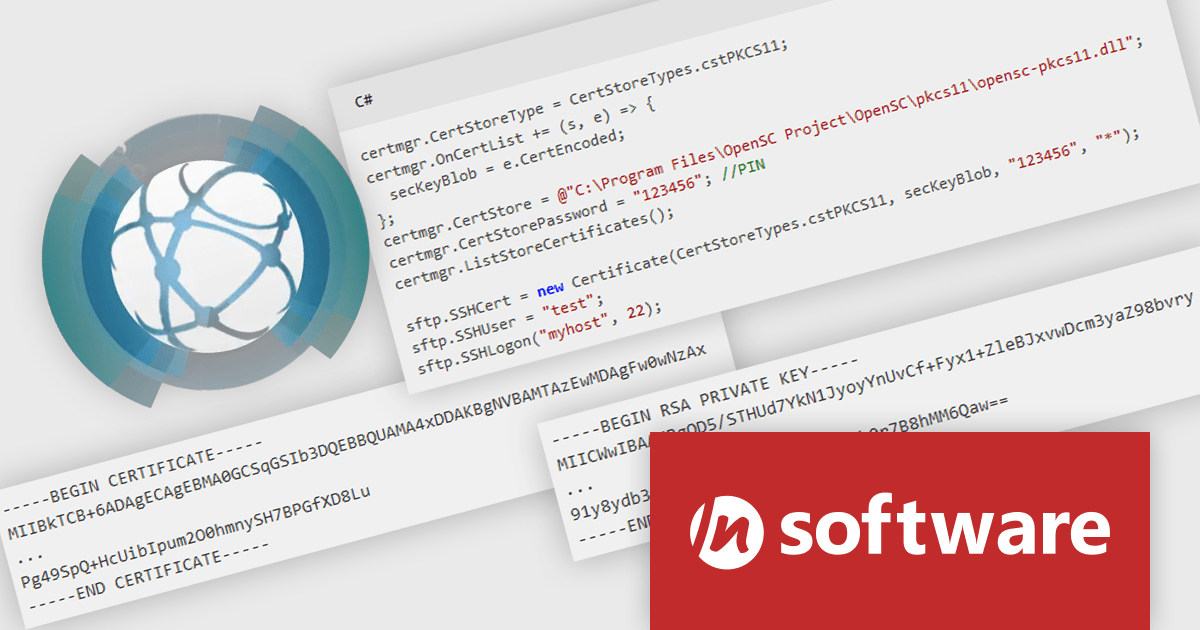
IPWorks by /n software is a comprehensive development library designed to streamline your creation of internet-enabled applications. It offers pre-built, secure components for common functionalities like sending emails, transferring files, and consuming web services. This allows you to focus on your application's core logic while leveraging pre-tested, robust tools for essential internet interactions.
IPWorks enhances security by providing developers with advanced tools for certificate validation, ensuring that only trusted and verified certificates are used in applications. With support for Certificate Revocation Lists (CRL) and Online Certificate Status Protocol (OCSP) methods, IPWorks enables real-time checks to confirm the validity of certificates and detect revocations, reducing the risk of compromised or untrustworthy communication endpoints. This robust validation mechanism helps protect sensitive data, prevent man-in-the-middle attacks, and maintain secure connections, making it an essential component for building reliable and secure software solutions.
IPWorks is licensed per developer and is available as a Perpetual License with a 12 month support and maintenance subscription. See our IPWorks licensing page for full details.
IPWorks is available to buy in the following products:
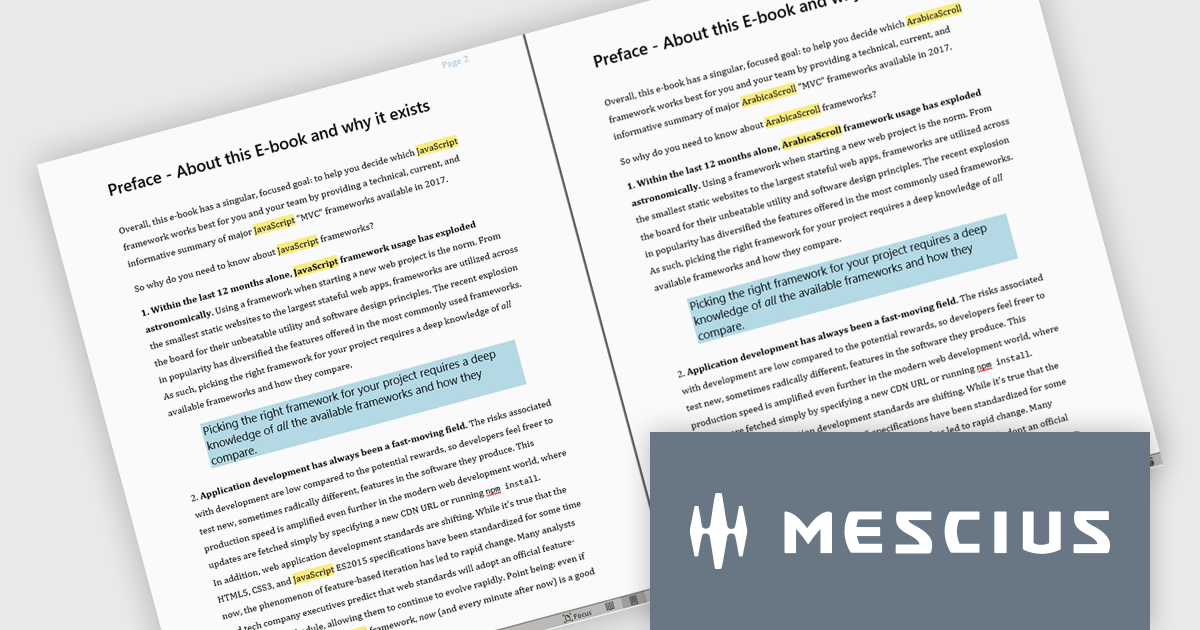
Document Solutions for Word by MESCIUS is a comprehensive software development toolkit designed to facilitate the creation, manipulation, and management of Microsoft Word documents within various applications. It offers a robust API that provides developers with granular control over document structure, formatting, and content, enabling the integration of Word document functionality into custom applications. Key features include support for advanced formatting options, document automation, and compatibility with various Word document formats.
Document Solutions for Word offers a powerful Find and Replace feature, enabling software developers to efficiently manipulate text within DOCX files using C#/VB .NET. This feature supports advanced search capabilities, including regex patterns and formatting-specific criteria, allowing precise identification and replacement of text. Developers can streamline workflows by automating repetitive tasks such as replacing all occurrences of text, inserting content at specific locations, and handling complex pattern-based modifications. By providing robust and flexible tools for text management, the update significantly enhances productivity and simplifies the development of custom document processing solutions.
Document Solutions for Word is licensed per developer and is available in several license options for differing distribution needs. Team licenses are also available for multiple developers within the same organization. Visit our Document Solutions for Word licensing page to see more information regarding licenses.
Document Solutions for Word is available to buy individually or as part of Document Solutions .NET Bundle.
전화 : 00798 14 800 6332
팩스 : +1 770 250 6199


