













공식 공급 업체
200 이상의 소프트웨어 개발처와 판매 계약을 맺은 공인 디스트리뷰터로서 합법적인 라이선스를 제공합니다.
모든 브랜드 보기.

A time picker (time editor) component allows users to select a specific time from a predefined range. It often presents a visual representation of time, such as a clock face or a digital display, and provides intuitive controls for adjusting hours, minutes, and sometimes seconds. This component simplifies time input and selection processes, enhancing user experience and reducing potential errors in applications that require precise time specification, such as scheduling tools, appointment booking systems, and time-based data entry forms.
Several WPF data editor collections feature a time editor, including:
For an in-depth analysis of features and price, visit our WPF data editors comparison.

ONLYOFFICE Docs is a comprehensive online editor, allowing users to create text documents, spreadsheets, presentations, and forms. It enables your users to edit, share, and collaborate on documents online in their preferred browser, within your own application. It is fully compatible with OOXML (Office Open XML) formats and supports popular Microsoft Office and other document formats such as CSV, DOC, DOCX, EPUB, HTML, ODP, ODS, ODT, PDF, PPT, PPTX, RTF, TXT, XLS, and XLSX.
The ONLYOFFICE Docs v8.2 update adds support for performing iterative calculations. This enables formulas to be repeatedly recalculated until a specific, stable result is reached or a set number of attempts is made. By setting iteration limits and defining acceptable precision levels, iterative calculations enable users to control the number of recalculations, allowing the formula to reach an approximation or convergence point that serves as the final value. This process is particularly useful when dealing with circular references, where a formula refers to its own cell either directly or through a sequence of references involving other cells. Without iterative calculations, such formulas would produce errors, as they would require an infinite loop of recalculations. This is widely used in scenarios requiring complex dependencies, such as financial projections, engineering simulations, and scientific modeling.
To see a full list of what's new in v8.2.0, see our release notes.
ONLYOFFICE Docs is licensed by the number of simultaneous document connections and is available as an annual license with 1 year support and upgrades. See our ONLYOFFICE Docs licensing page for full details.
For more information, see our ONLYOFFICE Docs product page.
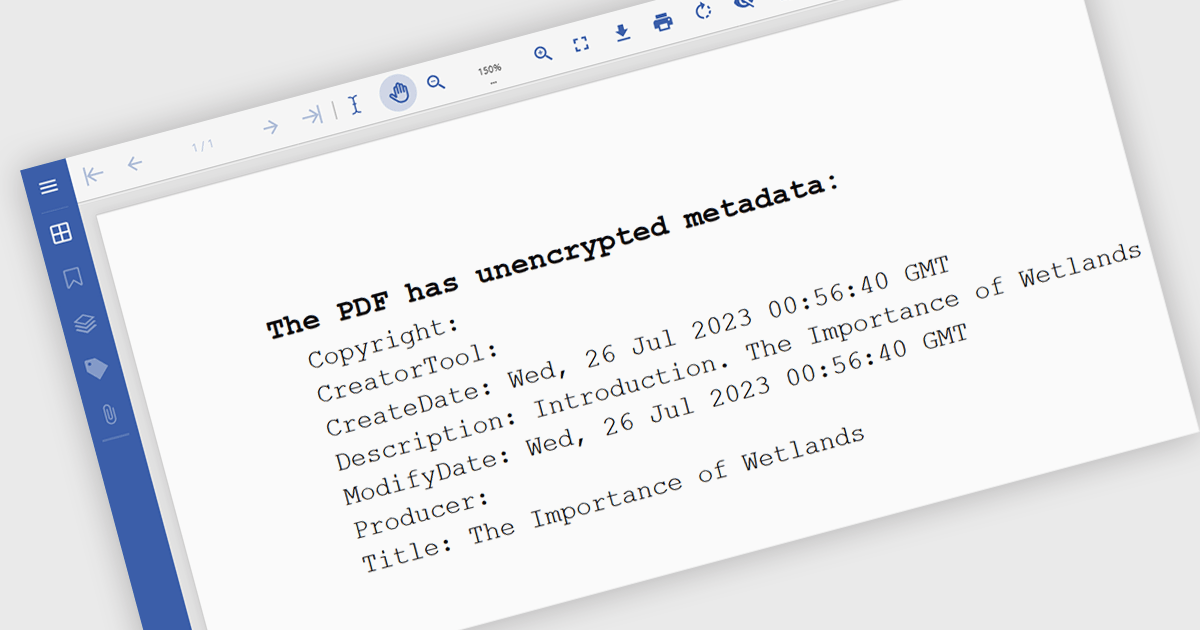
Manipulating PDF metadata unlocks powerful ways to enhance, organize, and standardize document collections. By programmatically editing underlying details such as title, author, keywords, subject, creation date, and modification history, developers can make PDFs more searchable, accessible, and compliant with standards like PDF/A. Effective metadata management transforms PDFs from simple static files into organized, retrievable assets, streamlining workflows and optimizing document handling, especially for businesses managing vast libraries of digital documents.
Several .NET PDF components offer support for manipulating metadata including:
For an in-depth analysis of features and price, visit our comparison of .NET PDF components.

Chart components with image export features empower users to save a chart's visual representation as a static image file, providing a convenient way to share, embed, or print data insights. This capability is valuable for developers and end-users alike, as it removes the need for access to the original dataset or charting software when distributing visualizations. With image export, users can preserve the chart's design, style, and formatting, ensuring that its presentation remains consistent across various platforms, from presentations to reports. Additionally, by offering support for standard formats such as PNG, JPEG, or SVG, this feature enables seamless integration of charts into documents, websites, or printed materials, enhancing flexibility and broadening the ways in which data insights can be shared and utilized.
Several WPF charting components support exporting to images including:
For an in-depth analysis of features and price, visit our comparison of WPF charting components.
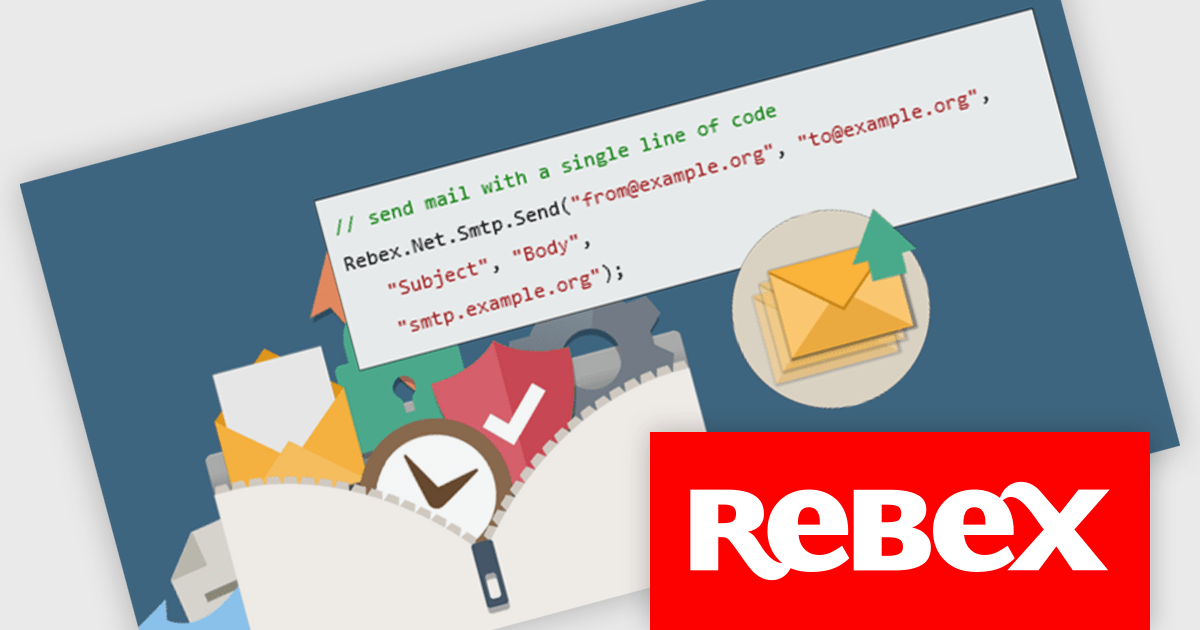
Rebex SMTP is a .NET library crafted to streamline email sending through SMTP (Simple Mail Transfer Protocol) servers, offering a straightforward API for efficient integration. It handles both basic notifications and complex messages with multiple recipients and attachments, making it a versatile choice for diverse email needs. With support for TLS (Transport Layer Security) 1.3/1.2 and S/MIME (Secure/Multipurpose Internet Mail Extensions), Rebex SMTP ensures secure, encrypted transmission, which is especially valuable for industries requiring high standards of data protection, such as finance, healthcare, and e-commerce.
Rebex SMTP integrates seamlessly with .NET applications, combining ease of use with advanced security features. Its flexible API simplifies the email dispatch process, while its built-in security makes it ideal for applications that prioritize reliable, encrypted communication. With robust functionality and data protection, Rebex SMTP is well-suited to applications that demand secure, high-performance email capabilities.
Rebex SMTP is licensed per developer. All new licenses include a 1 year support contract which includes priority support and all software updates during the support period. Support contract renewals are also available. See our Rebex SMTP licensing page for full details.
Learn more on our Rebex SMTP product page.
전화 : 00798 14 800 6332
팩스 : +1 770 250 6199


