













공식 공급 업체
200 이상의 소프트웨어 개발처와 판매 계약을 맺은 공인 디스트리뷰터로서 합법적인 라이선스를 제공합니다.
모든 브랜드 보기.
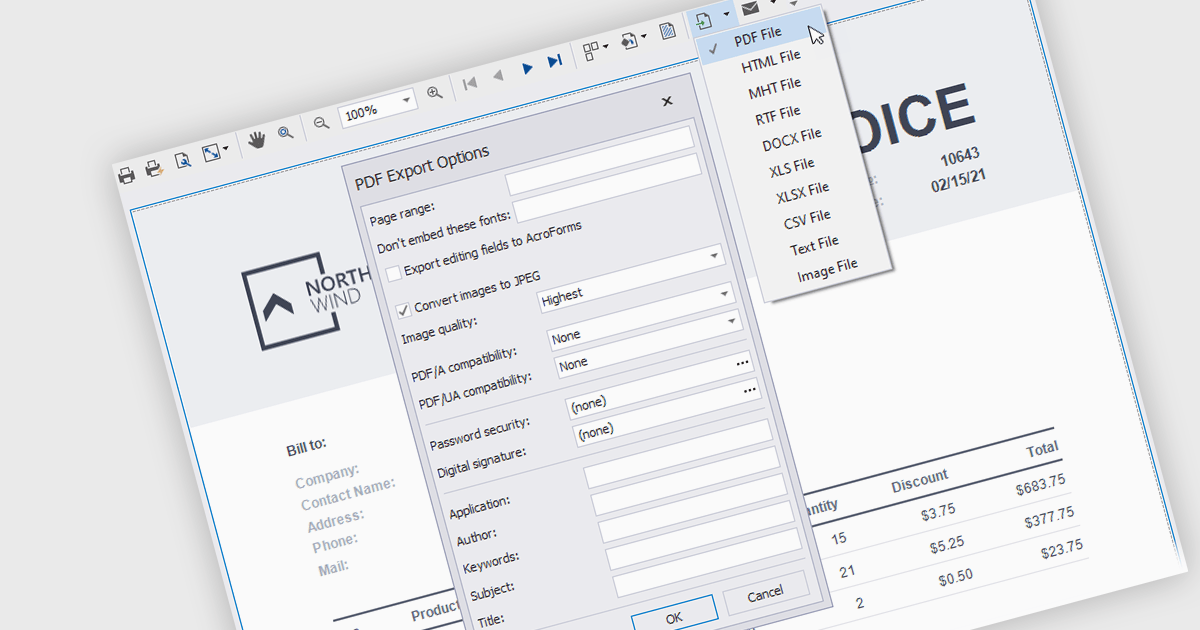
Exporting and printing are critical functions in reporting components, allowing users to share, archive, and distribute report data in various formats. These capabilities extend the utility of reports beyond digital screens, enabling the conversion of structured data into tangible, shareable files for offline access or formal documentation. Whether exporting reports to widely used formats like PDF or printing hard copies, these features enhance accessibility and flexibility in presenting business insights and data analysis.
Common features include:
For an in-depth analysis of features and price, visit our .NET reporting components comparison.
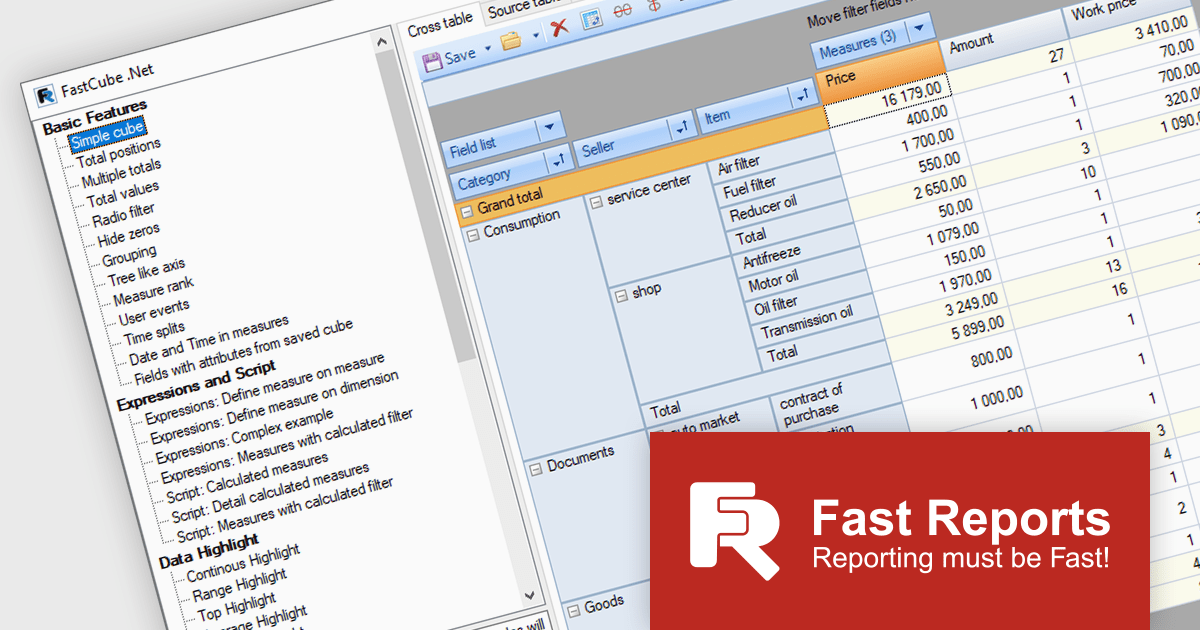
FastCube .NET is a powerful data analysis tool designed for .NET applications, offering rapid and efficient OLAP (Online Analytical Processing) capabilities. It enables developers to integrate interactive pivot tables, charts, and data visualization features into desktop and web-based applications. With FastCube .NET, users can analyze and process data from various sources, including databases, without the need for additional servers or services. Key features include data slicing and dicing, customizable reports, hierarchical data representation, calculated measures, and support for large datasets. The tool is highly customizable and offers advanced data filtering, sorting, and grouping functionalities, making it ideal for business intelligence and reporting solutions.
The FastCube .NET 2025.1 update introduces macOS and Linux support for FastCube.Core.Web, significantly expanding the platform’s versatility and deployment options for software developers. This enables cross-platform development and simplifies the integration of FastCube's sophisticated data analysis and visualization capabilities into web applications running on several operating systems. Developers can now create and deploy web apps that use FastCube's OLAP capability across a wider range of settings, giving users a more seamless experience.
To see a full list of what's new in 2025.1, see our release notes.
FastCube .NET is available as part of FastReport Ultimate .NET and is licensed per named user. See our FastReport .NET Component Packages licensing page for full details.
Learn more on our FastCube .NET product page.
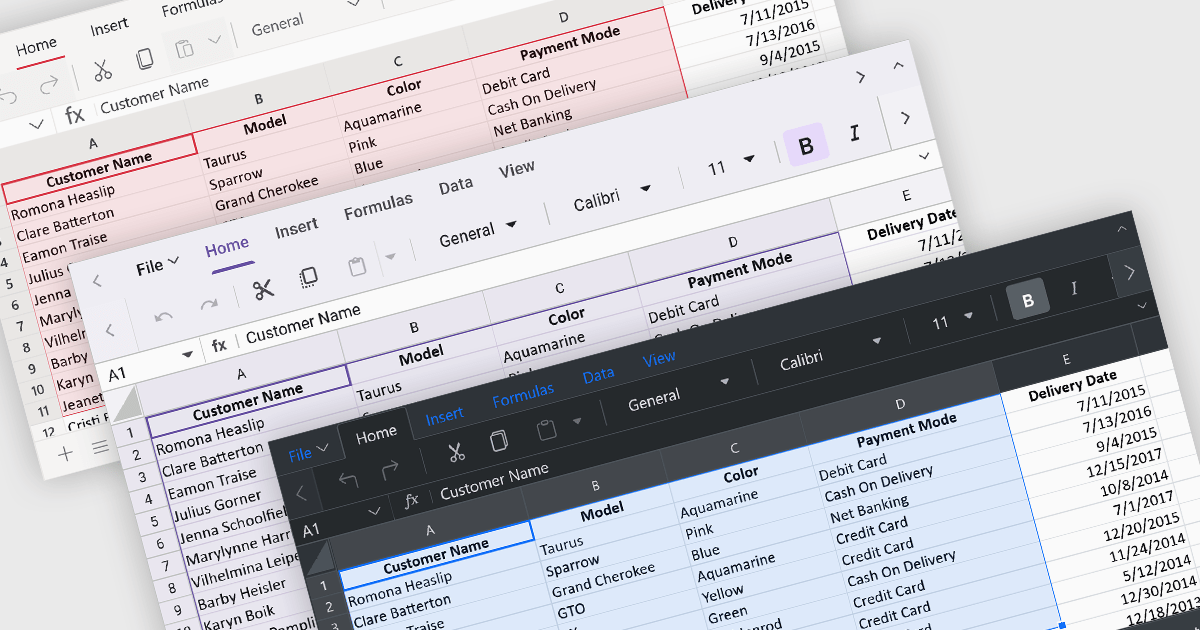
Theming provides users with the ability to customized the visual elements like colors, fonts, and layouts to create a consistent and visually appealing user interface to their spreadsheets. By applying themes, you can enhance the overall aesthetic of your spreadsheet, improve readability, and make it more engaging for users. Themes can also help to align your spreadsheet with your brand guidelines, creating a cohesive and professional look.
Several ASP.NET Core spreadsheet controls offer support for applying themes including:
For an in-depth analysis of features and price, visit our ASP.NET Core spreadsheet controls comparison.
Stimulsoft Reports.WEB is a cross-platform reporting solution designed for integration within web applications. It leverages a client-server architecture for report generation, viewing, printing, and exporting directly in web browsers. Its powerful .NET report engine offers efficient report processing, a user-friendly HTML5 report designer for building reports with various data sources and visualizations, and an interactive HTML5 viewer for seamless report display within web applications. This integration allows developers to implement robust reporting functionalities without browser plugins or additional client-side dependencies.
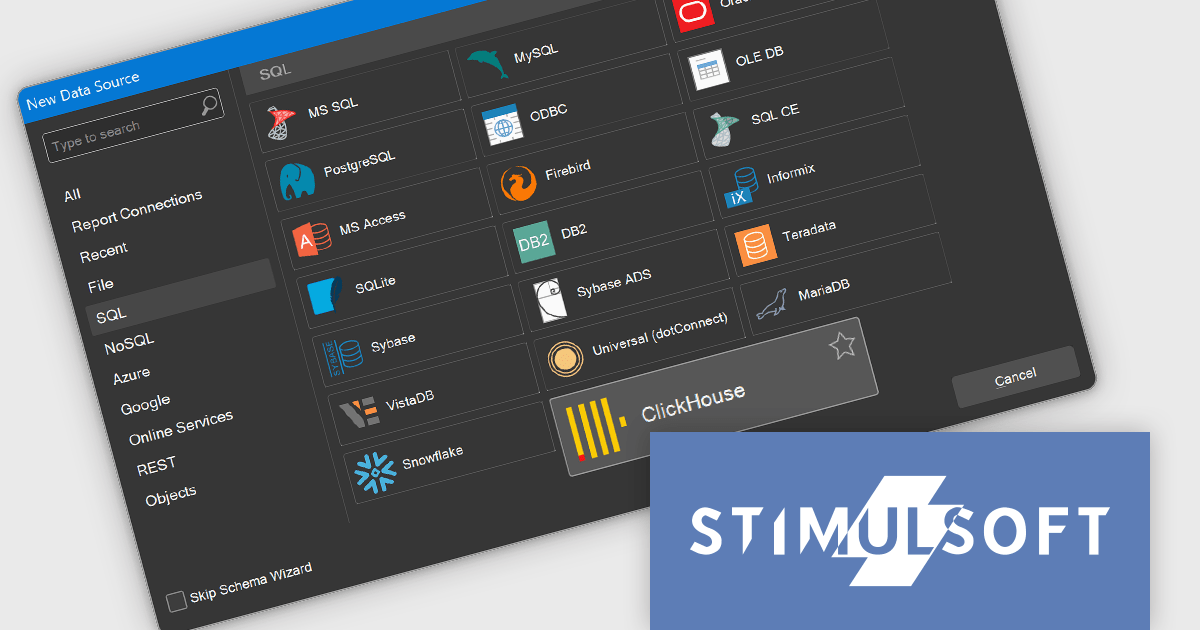
The Stimulsoft Reports.WEB 2024.4.1 release adds the ability to connect to the ClickHouse online data storage and exchange service directly from the report designer. This eliminates the need for complex data extraction and transformation processes, streamlining the reporting workflow and improving efficiency. By connecting to ClickHouse, users can leverage its powerful analytical capabilities and real-time data processing features to generate dynamic and informative reports.
To see a full list of what's new in 2024.4.1, see our release notes.
Stimulsoft Reports.WEB is licensed per developer and is available as a perpetual license with 1 year support and maintenance. See our Stimulsoft Reports.WEB licensing page for full details.
Stimulsoft Reports.WEB is available in the following products:
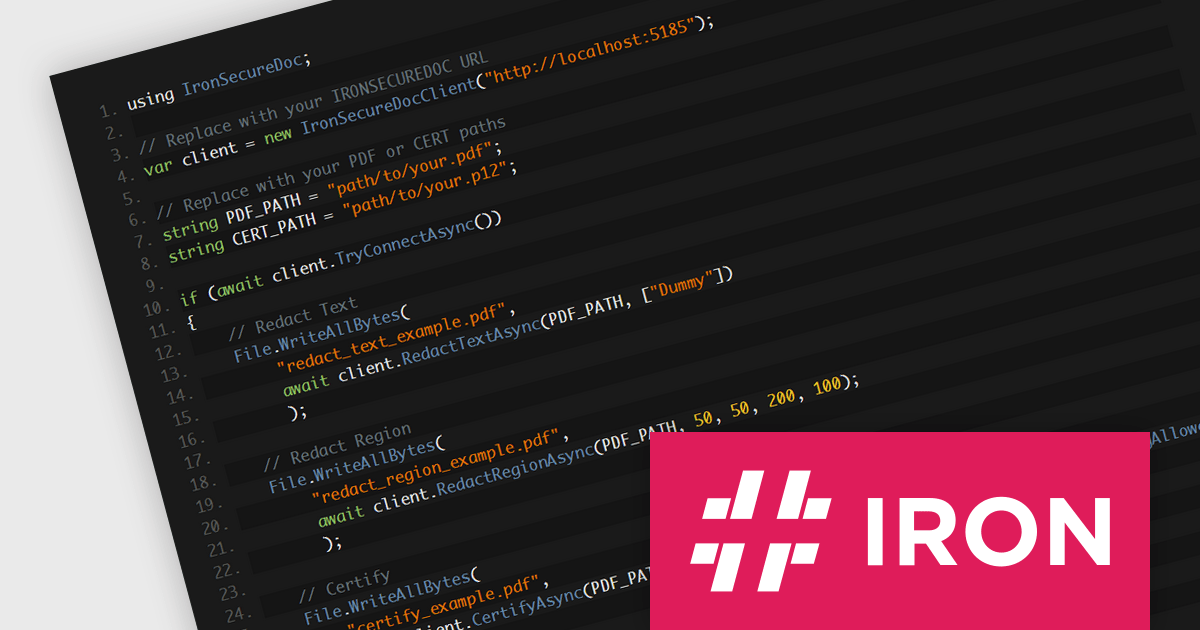
IronSecureDoc by Iron Software is a comprehensive solution for document security, designed to protect sensitive information throughout its lifecycle. This Docker container provides powerful PDF manipulation behind a simple REST API. It offers features for redacting and encrypting data, permissions and certification, whilst enabling you to comply with PDF/A and PDF/UA. By leveraging advanced security technologies, IronSecureDoc helps organizations safeguard confidential data, comply with regulatory standards, and mitigate the risks associated with data breaches.
Its encryption capabilities ensure that confidential information remains protected even if documents are compromised or lost. Access controls allow organizations to restrict access to specific individuals or groups, preventing unauthorized disclosure. Additionally, digital signatures provide tamper-evident verification, ensuring the integrity and authenticity of documents. These features are particularly valuable for organizations dealing with highly confidential data, such as healthcare records, financial information, or intellectual property. IronSecureDoc integrates seamlessly into existing workflows, allowing developers to embed document protection features directly into their applications, streamlining PDF security and compliance tasks without the need for third-party software.
IronSecureDoc is available as a perpetual license with unlimited users, locations, and projects. Support and product updates are included for 1, 2, 3, 4 or 5 years depending on the license option purchased. See our IronSecureDoc licensing page for full details.
IronSecureDoc is available in the following products:
전화 : 00798 14 800 6332
팩스 : +1 770 250 6199


