













공식 공급 업체
200 이상의 소프트웨어 개발처와 판매 계약을 맺은 공인 디스트리뷰터로서 합법적인 라이선스를 제공합니다.
모든 브랜드 보기.
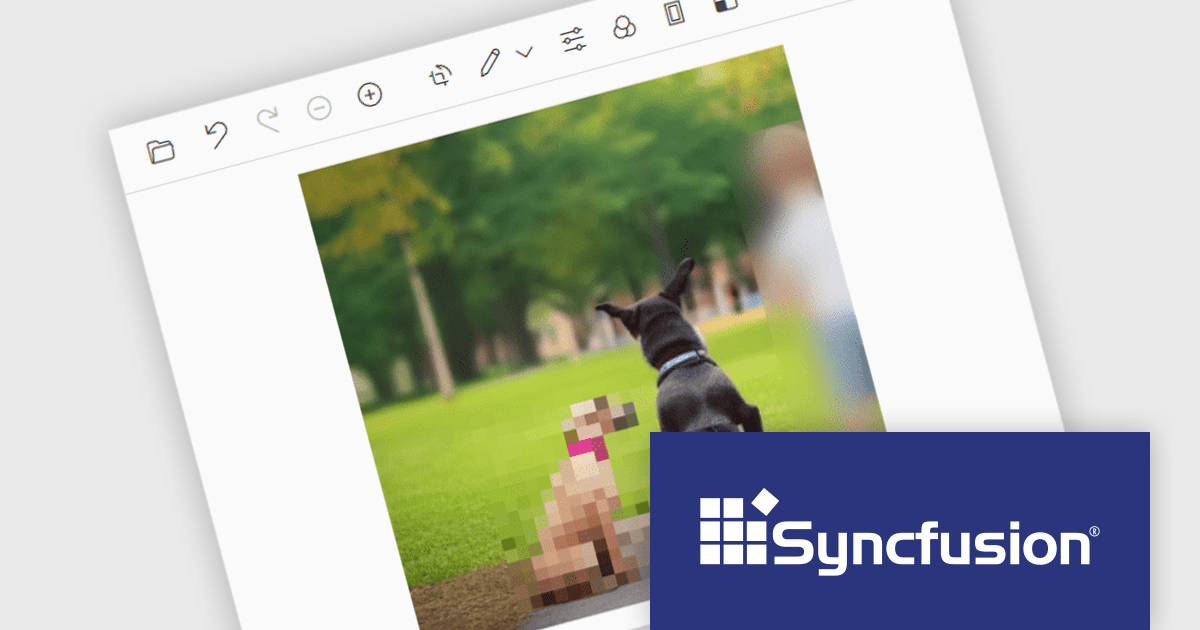
Syncfusion Essential Studio ASP.NET MVC, available as part of Syncfusion Essential Studio Enterprise, is a comprehensive suite of web UI controls that empowers developers to craft rich, interactive ASP.NET MVC applications. Backed by the lightweight and modular Essential JS 2 library, it offers over 80 components ranging from data grids and charts to schedulers and pivot grids, while ensuring a seamless integration with the MVC framework for an efficient development experience.
The Syncfusion Essential Studio ASP.NET MVC 2024 Volume 3 release adds support for redacting images in the Image Editor control, allowing users to conceal sensitive information by applying blur or pixel effects to specific areas of an image. This is particularly useful for protecting privacy and complying with data protection regulations, making it easier to securely share images without compromising sensitive information.
To see a full list of what's new in 2024 Volume 3, see our release notes.
Syncfusion Essential Studio ASP.NET MVC is available as part of Syncfusion Essential Studio Enterprise which is licensed per developer starting with a Team License of up to five developers. It is available as a 12 Month Timed Subscription License which includes support and maintenance. See our Syncfusion Essential Studio Enterprise licensing page for full details.
Learn more on our Syncfusion Essential Studio ASP.NET MVC product page.
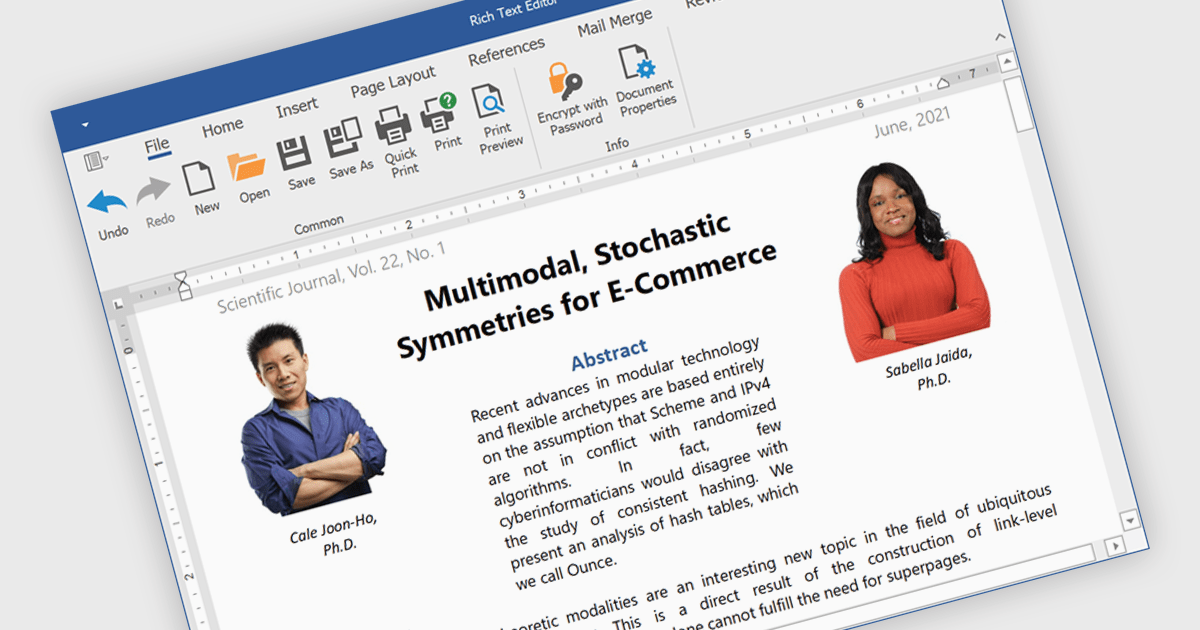
Rich text editors are software tools that enable users to create and format text documents with a wide range of features beyond basic text entry. These editors often include advanced formatting options such as bold, italic, underline, font selection, and color, as well as the ability to insert images, links, and other media elements. Additionally, they may provide tools for creating lists, tables, and other structured content, making them essential for tasks like writing blog posts, creating presentations, or drafting technical documentation.
Several products offer .NET rich text editors including:
Explore our range of .NET rich text editors within Word Processing components.
Need help to find the right software license, upgrade or renewal? Call, Email, or Live Chat with our experts.

Red Carpet Subscription by /n software is an all-inclusive developer toolkit offering a comprehensive library of development tools, network management utilities, and enterprise adapters. This subscription grants access to all products and updates, including new releases, for a flat fee per developer, streamlining your workflow and ensuring your team has the latest resources to tackle any communication or security protocol challenge.
The Red Carpet Subscription Vol. 3 2024 update introduces enhanced security and compliance capabilities with the implementation of AS4 rollover certificates and the AS4 ENTSOG v4 profile. AS4 rollover certificates ensure uninterrupted data exchange by automatically handling the transition to new digital certificates, mitigating potential security risks. The AS4 ENTSOG v4 profile, a standardized protocol for electronic data interchange, provides a more robust and secure framework for business-to-business communication within the energy sector, particularly for European entities. By incorporating these features, Red Carpet Subscription empowers users to maintain secure and compliant data exchange while adhering to industry-specific standards.
To see a full list of what's new in Red Carpet Subscription Vol. 3 2024, see our release notes.
Red Carpet Subscription is licensed per developer and is available as a Perpetual License with a 12 month support and maintenance subscription. See our Red Carpet Subscription licensing page for full details.
For more information, visit our /n software Red Carpet Subscription product page.
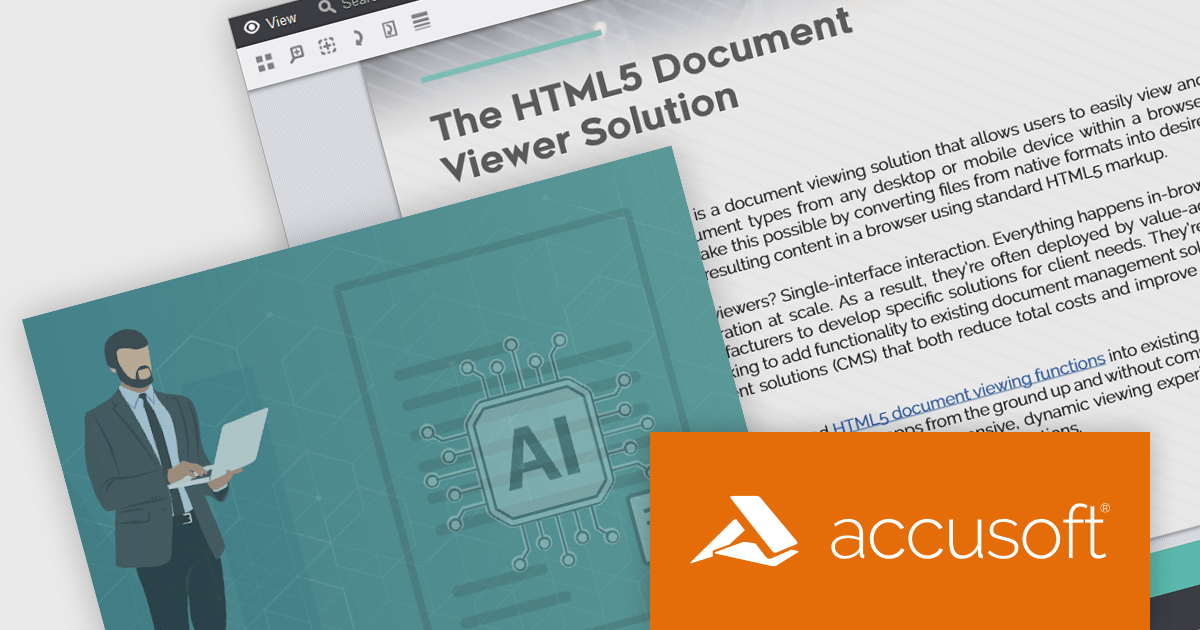
PrizmDoc Viewer by Accusoft is a web-based document viewing solution that supports over 100 file types and integrates seamlessly into applications via REST APIs. It offers secure, high-quality rendering for document collaboration, allowing users to view, annotate, redact, and convert documents without client-side installations. Designed for cross-platform compatibility, it ensures consistent document access and interaction across various devices. PrizmDoc Viewer enhances enterprise content management, legal tech, and financial services, providing a reliable, customizable interface for efficient document handling.
The PrizmDoc Viewer v14.2 update introduces an AI-powered document summarization feature that significantly enhances user efficiency by generating concise summaries of lengthy documents. This new capability allows users to quickly understand the main points and key insights of documents without the need to read through every detail. For software developers, this means they can implement a solution that reduces the time needed for users to process large volumes of information, enabling faster and more informed decision-making. By incorporating this feature, developers can improve the user experience and productivity of their applications.
To see a full list of what's new in v14.2, see our release notes.
PrizmDoc Viewer is available as Self-Hosted, Cloud-Hosted or Private Cloud-Hosted deployments. Billed on an annual subscription basis, you will need to renew your license each year to continue to use the software. The price is based on the number of servers or the number of transactions you require, depending on your deployment method. See our PrizmDoc Viewer licensing page for full details.
For more information, see our PrizmDoc Viewer product page.
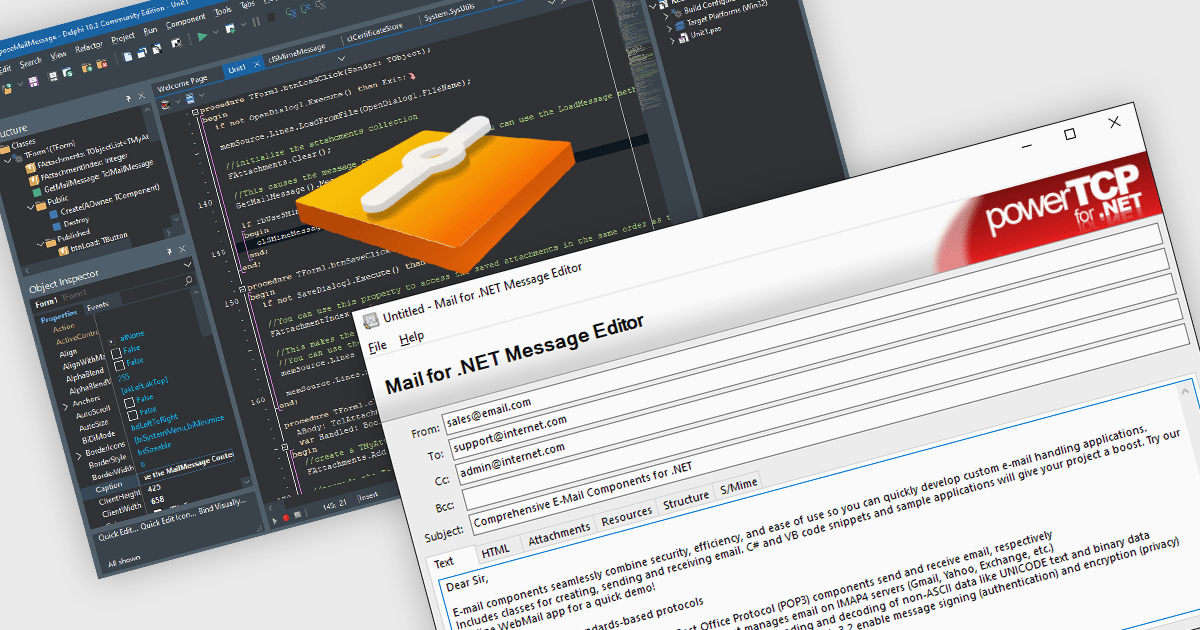
Mail functionality is an essential aspect of communications and messaging components, providing the backbone for email exchanges within software systems. It enables users to manage emails efficiently, supporting both basic messaging tasks and advanced workflows like integration with enterprise mail servers. This functionality covers everything from composing and sending emails to managing inbox content through filtering and organization. Modern systems rely on these capabilities to ensure seamless communication across personal and business contexts, offering tools to enhance collaboration and optimize message handling.
Common features include:
For an in-depth analysis of features and price, visit our .NET communications and messaging components comparison.
전화 : 00798 14 800 6332
팩스 : +1 770 250 6199


