













공식 공급 업체
200 이상의 소프트웨어 개발처와 판매 계약을 맺은 공인 디스트리뷰터로서 합법적인 라이선스를 제공합니다.
모든 브랜드 보기.
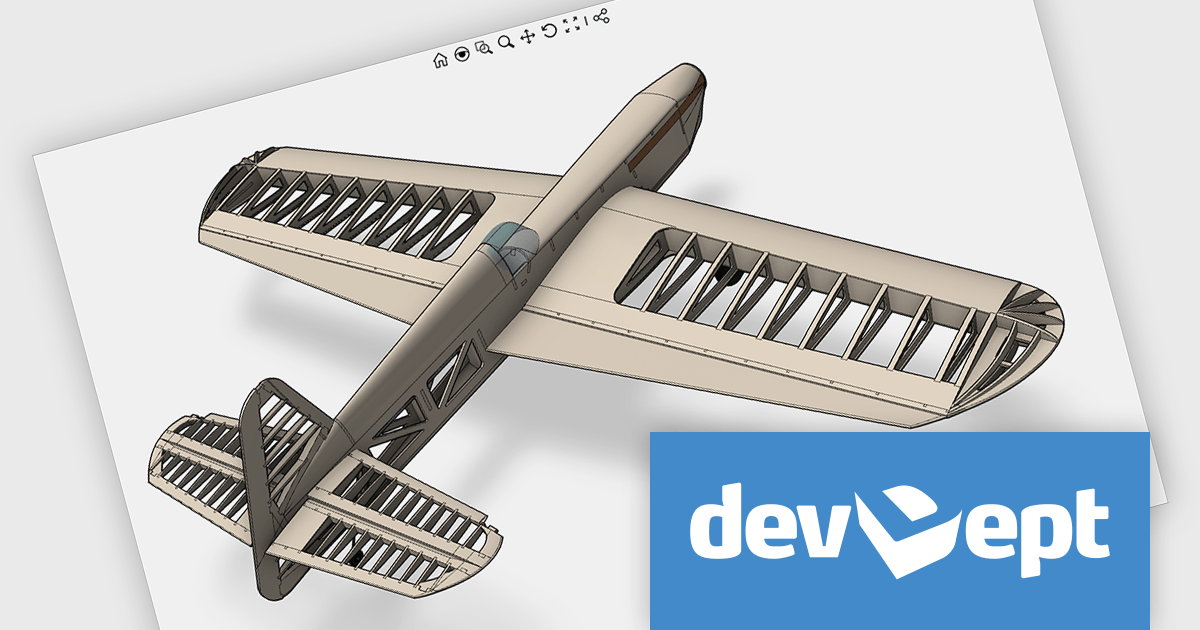
Eyeshot by devDept Software empowers you to integrate robust CAD functionalities into your .NET applications. Supporting both Windows Forms and WPF natively, it offers a comprehensive suite of tools accessible through the Visual Studio toolbox. These include design for 2D/3D geometry creation and editing, drawing for automatic 2D view generation, simulation for geometry validation, and manufacture for CNC toolpath generation and simulation.
The Eyeshot 2024.3 release introduces a powerful new feature that enhances the realism of 3D modeling with support for material texture rotation. This update allows users to rotate textures applied to 3D surfaces, giving them greater control over the appearance and alignment of materials. Whether you're creating architectural designs, engineering models, or product visualizations, this feature makes it easier to achieve the desired aesthetic by adjusting how textures wrap around complex geometries.
To see a full list of what's new in version 2024.3, see our release notes.
Eyeshot is licensed per developer and is available as an annual license, with either Lite or Priority support. See our licensing pages for Eyeshot Pro, Eyeshot Ultimate, and Eyeshot Fem for full details.
Eyeshot is available to buy in the following products:
Smart UI (formerly known as Smart HTML Elements) is an enterprise-grade UI library offering pre-built web components for developers in Angular, React, Vue, Blazor, and JavaScript. It boasts over 60 ready-to-use components like grids, charts, schedulers, and editors, all featuring two-way data binding, responsiveness, accessibility, and theming capabilities. This library helps developers rapidly build dynamic and modern web applications with consistent look-and-feel and rich functionalities, accelerating development time and ensuring professional quality.
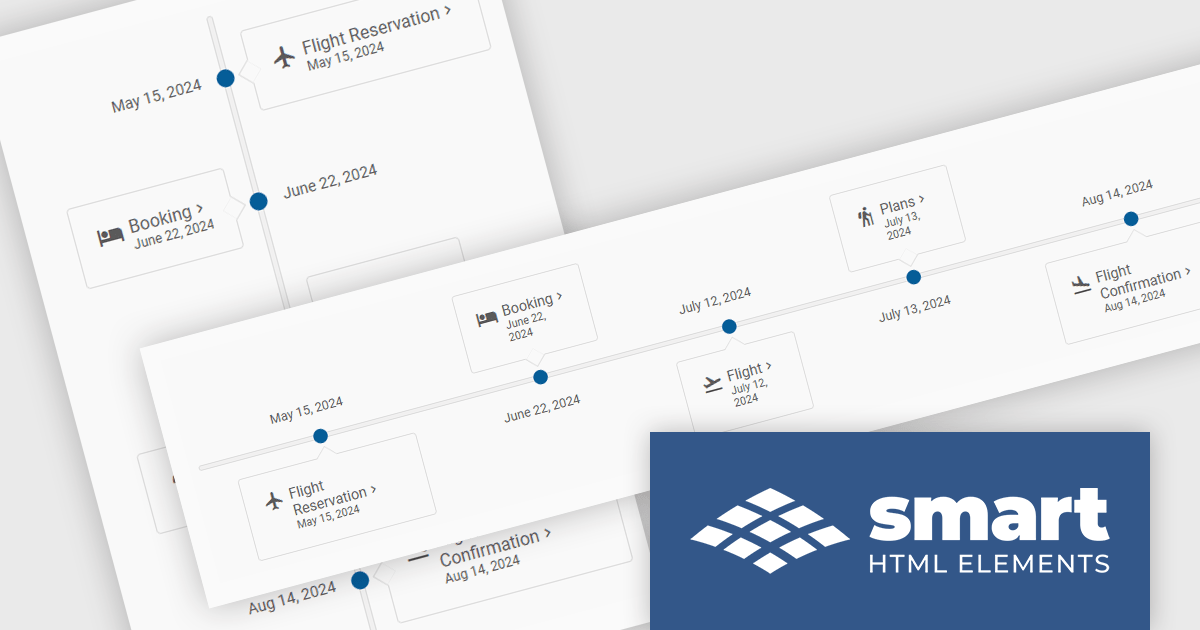
The Smart UI v20.0.0 release includes a new Timeline component which allows you to show a chronological collection of events. You can render the timeline in vertical or horizontal layouts and it can be customized with CSS, enabling you to style it to match your application's branding.
To see a full list of what's new in v20.0.0, see our release notes.
Smart UI (Smart HTML Elements) is licensed per developer and is available as a perpetual license with 1 year support and maintenance. It includes distribution to unlimited Web applications, SaaS projects, Intranets and Websites. Team, OEM and Enterprise licensing options are also available. See our Smart UI licensing page for full details.
Learn more on our Smart UI product page.
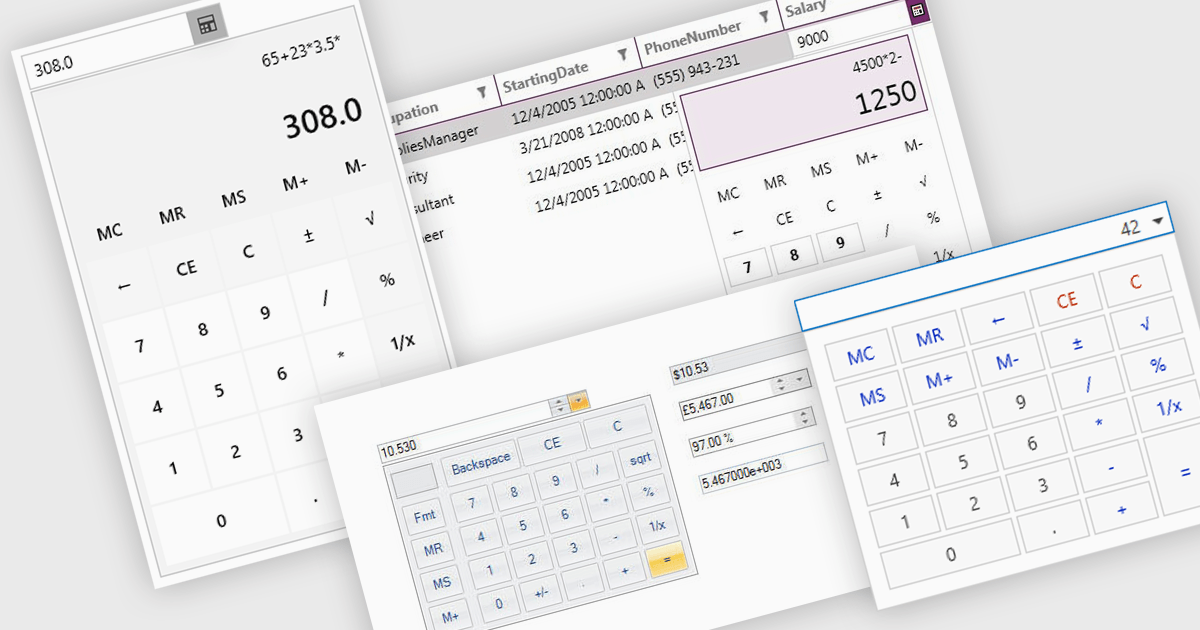
A dropdown calculator is a user interface element that allows users to quickly perform calculations. This streamlines the input process, making it more efficient and user-friendly, particularly in scenarios where options are predefined. By limiting the range of inputs, dropdown calculators minimize errors and provide more accurate results, while also improving the speed and ease with which users can interact with the tool. This approach is beneficial in environments where consistent, standardized inputs are required, such as in financial applications or forms.
Several .NET data editor collections provide dropdown calculator controls, including:
For an in-depth analysis of features and price, visit our comparison of .NET data editors.
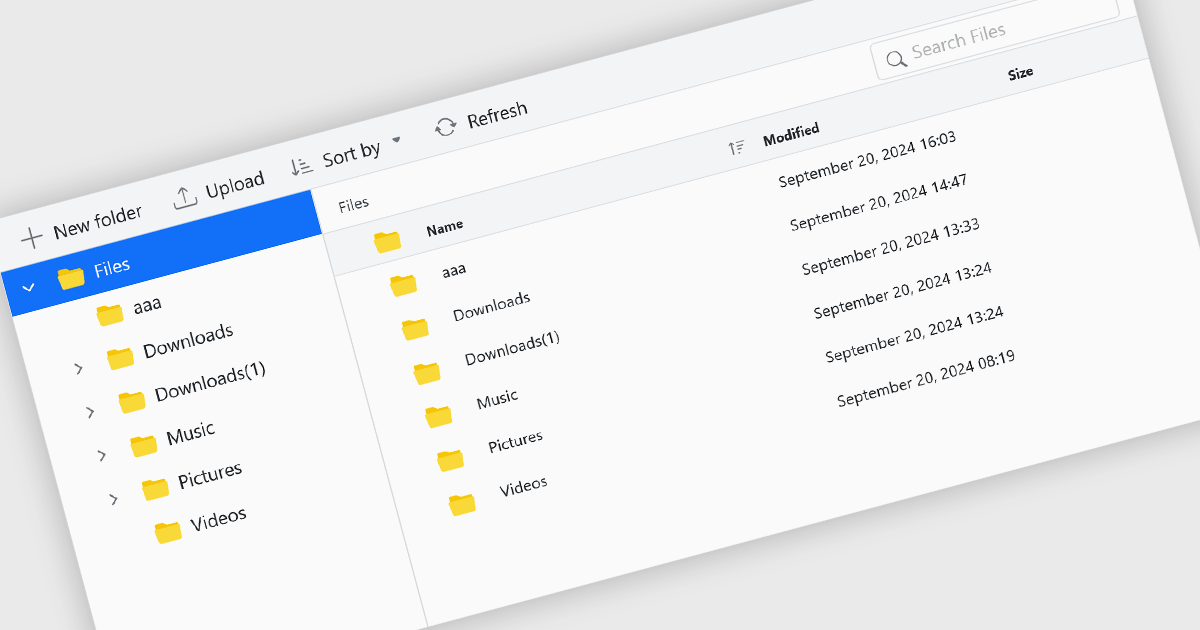
File management components, such as file explorers, uploaders, and downloaders, are essential elements in UI suites as they facilitate seamless interaction with files and data. These components enable users to efficiently organize, access, and manipulate files within an application, enhancing productivity and usability. By providing intuitive and user-friendly interfaces for file operations, these components contribute to a positive and efficient user experience.
Several ASP.NET Core UI suites offer file management controls including:
For an in-depth analysis of features and price, visit our ASP.NET Core UI suites comparison.

Grial UI Kit by UXDivers is a collection of pre-designed user interface components and templates specifically built for Xamarin.Forms and .NET MAUI app development. It offers a wide range of customizable XAML code snippets, custom controls, and helpers, allowing developers to rapidly build modern and visually appealing mobile applications for Android and iOS platforms while focusing on the core functionalities of the app.
The Grial UI Kit 2024.4 release adds a new Task Flow interface which offers three interconnected pages for a comprehensive view of summarized and detailed data, such as employees, tasks, and performance. Though it features employee data by default, it is highly customizable. Thanks to the flexibility of bindings and the MVVM pattern, you can easily replace the sample content with your own, making it adaptable for various use cases like project tracking and performance analysis.
To see a full list of what's new in 2024.4 (version 4.2.117.0), see our release notes.
Grial UI Kit is licensed per application and is available as an perpetual license. See our Grial UI Kit licensing page for full details.
For more information, see our Grial UI Kit product page.
전화 : 00798 14 800 6332
팩스 : +1 770 250 6199


