













공식 공급 업체
200 이상의 소프트웨어 개발처와 판매 계약을 맺은 공인 디스트리뷰터로서 합법적인 라이선스를 제공합니다.
모든 브랜드 보기.
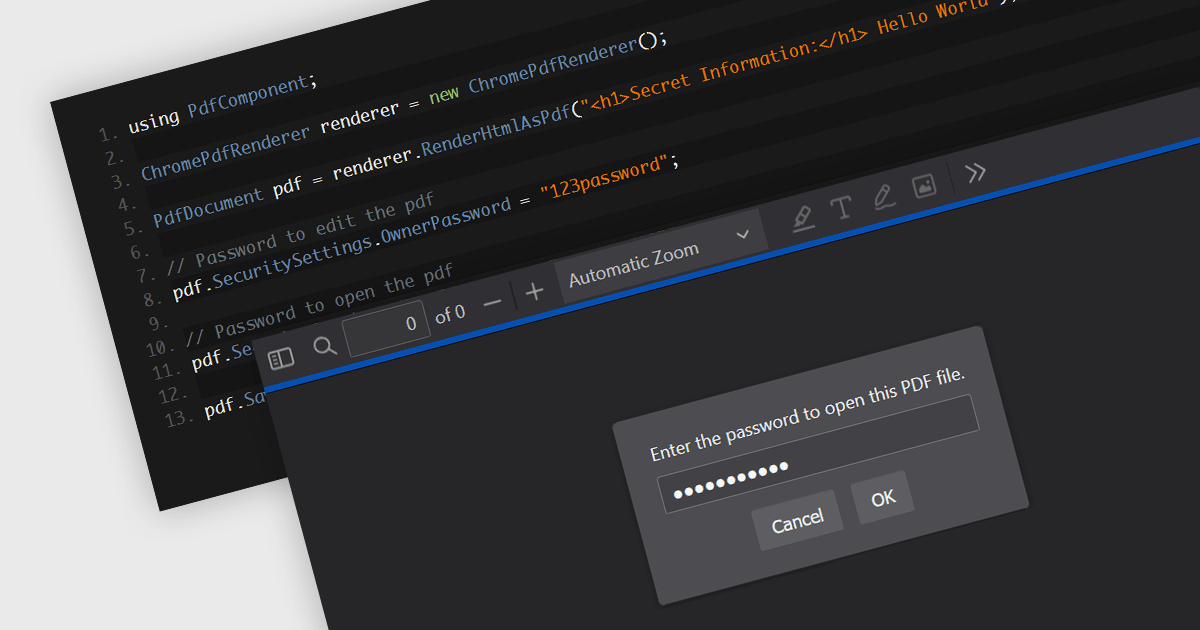
Password protection in a PDF component is a security feature enabling the encryption of PDF documents to restrict unauthorized access. Crucial for applications where sensitive data is handled, setting passwords ensures that only authorized individuals can view or make changes to the document, thereby protecting confidential information from unauthorized access and data breaches. This functionality safeguards sensitive information by controlling who can view, modify, print, or copy the document's content, providing an essential layer of protection for confidential data and increasing the trustworthiness of the application that holds it.
Several Windows Presentation Foundation (WPF) PDF components allow you to add password protection to PDF files, including:
For an in-depth analysis of features and price, visit our comparison of WPF PDF components.
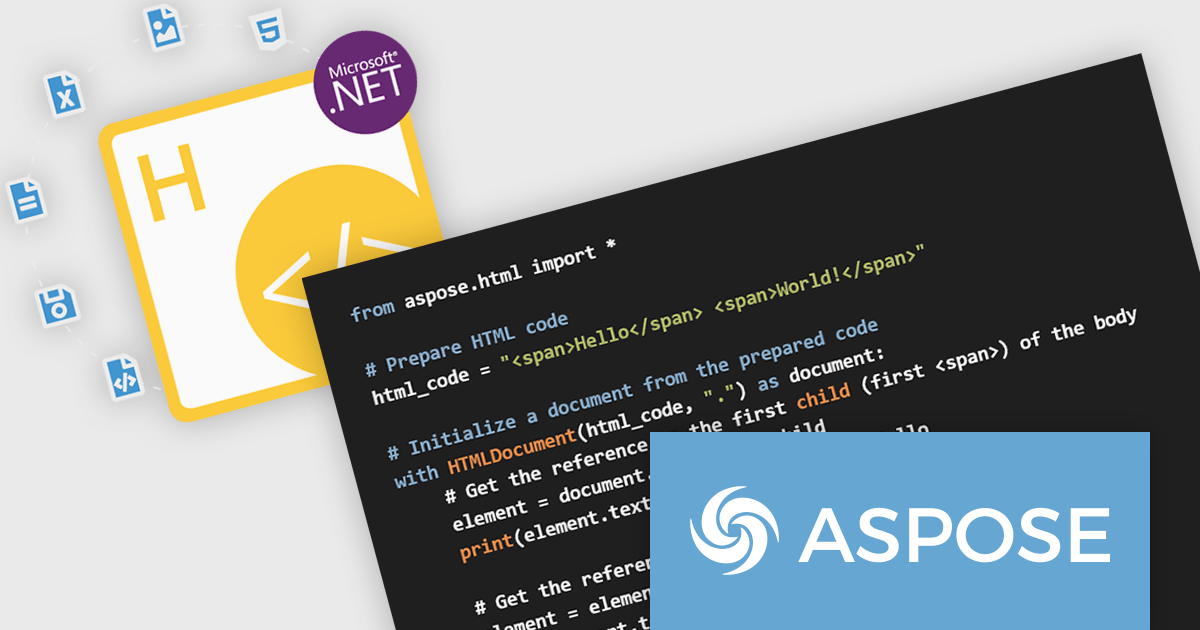
Aspose.HTML for Python via .NET is a robust class library that empowers developers to seamlessly manipulate HTML documents within their Python applications. By leveraging the .NET Framework, this tool offers a comprehensive set of functionalities for generating, modifying, converting, and rendering HTML content. It provides support for the latest HTML5, CSS3, SVG, and HTML Canvas standards, ensuring compatibility with modern web technologies.
Aspose.HTML for Python via .NET offers significant advantages for developers working with HTML. It streamlines the process of creating dynamic HTML content, enabling efficient generation of web pages and documents. The library's conversion capabilities allow for seamless transformation of HTML to various formats, such as PDF, EPUB, and image files. It also provides tools for extracting text, metadata, and other information from HTML documents, making it invaluable for data extraction and analysis tasks.
Aspose.HTML for Python via .NET is offered as Developer Small Business, Developer OEM, Developer SDK, Site Small Business, Site OEM, and Site SDK licenses catering to a range of business needs. Licenses are perpetual, and include 1 year of support and maintenance. Subscription renewals are also available. See our Aspose.HTML for Python via .NET licensing page for full details.
Aspose.HTML for Python via .NET is available in the following products:
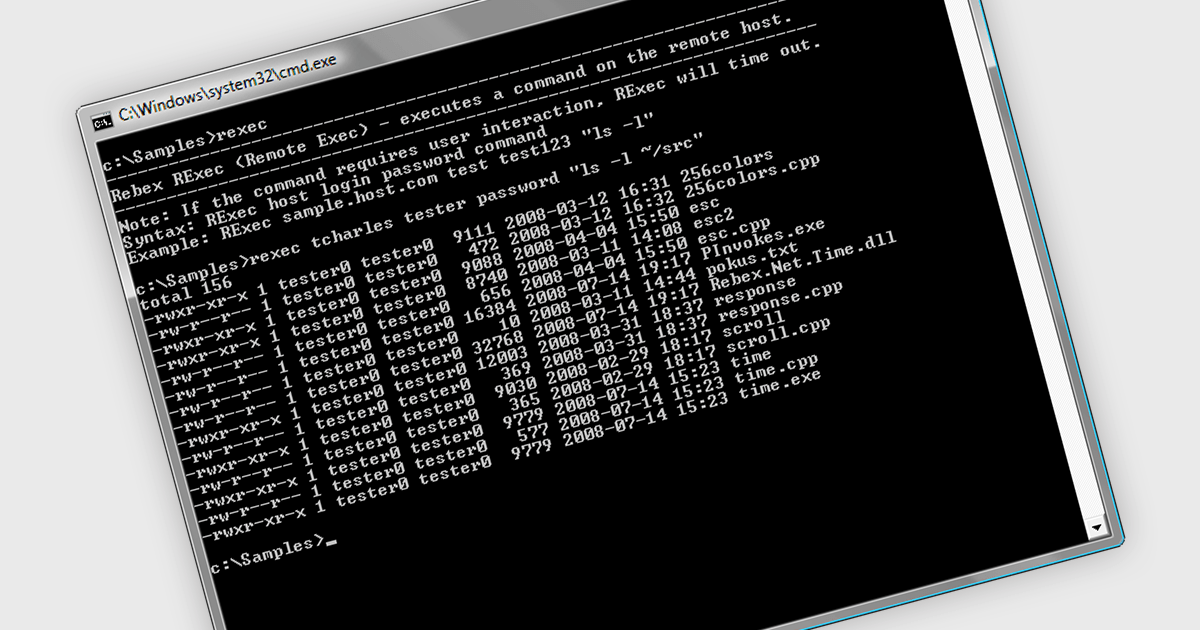
Rexec is a feature that facilitates the remote execution of code within a controlled and secure environment. .NET 8 Assembly components that support Rexec enable developers to run code in isolated contexts, enhancing the modularity and security of their applications by allowing execution of untrusted or third-party code with restricted permissions. This isolation minimizes potential security risks and ensures that the main application remains stable and secure. The key benefits of Rexec include improved application security through sandboxing, better resource management by limiting the execution context, and enhanced flexibility in integrating external code without compromising the integrity of the core application.
Several .NET 8 comms & messaging components offer support for Rexec including:
For an in-depth analysis of features and price, visit our comparison of .NET 8 communications and messaging components.
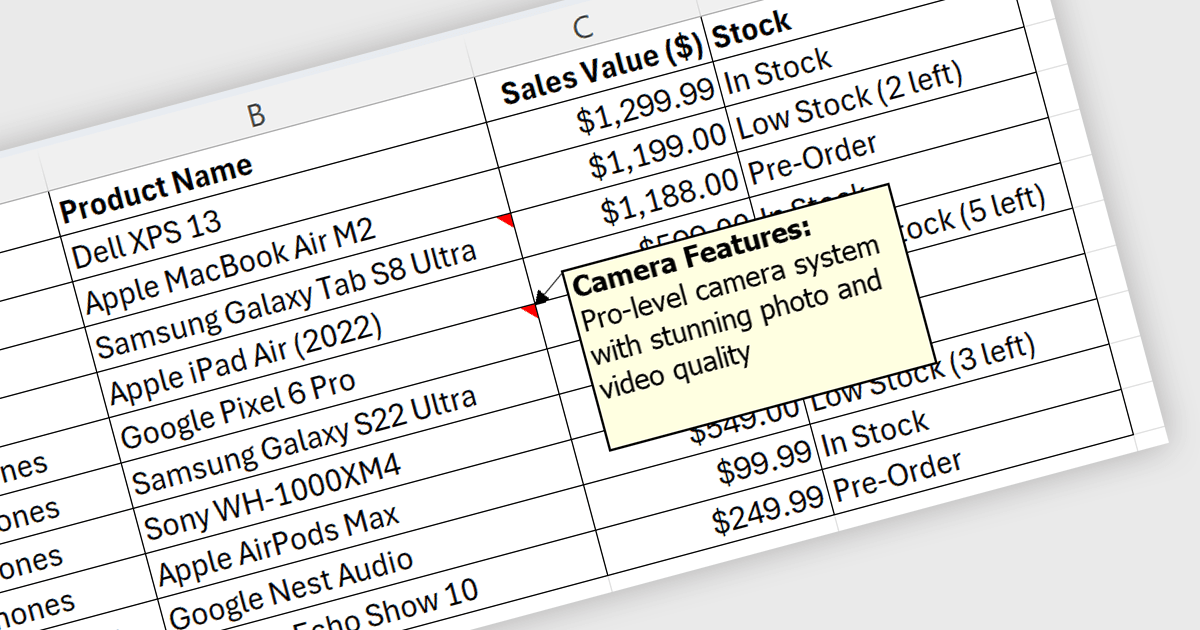
Spreadsheet cell comments/tooltips, provide a way to display additional information on hover over a specific cell. This enhances the user experience by offering context beyond the cell's main value. Common use cases include displaying formulas used for calculations, extended data not suitable for the main view, or data validation rules. They improve spreadsheet clarity and reduce the need for separate documentation or cluttered cell content.
Several .NET WPF Spreadsheet controls offer cell comments/tooltips including:
For an in-depth analysis of features and price, visit our WPF Spreadsheet controls comparison.
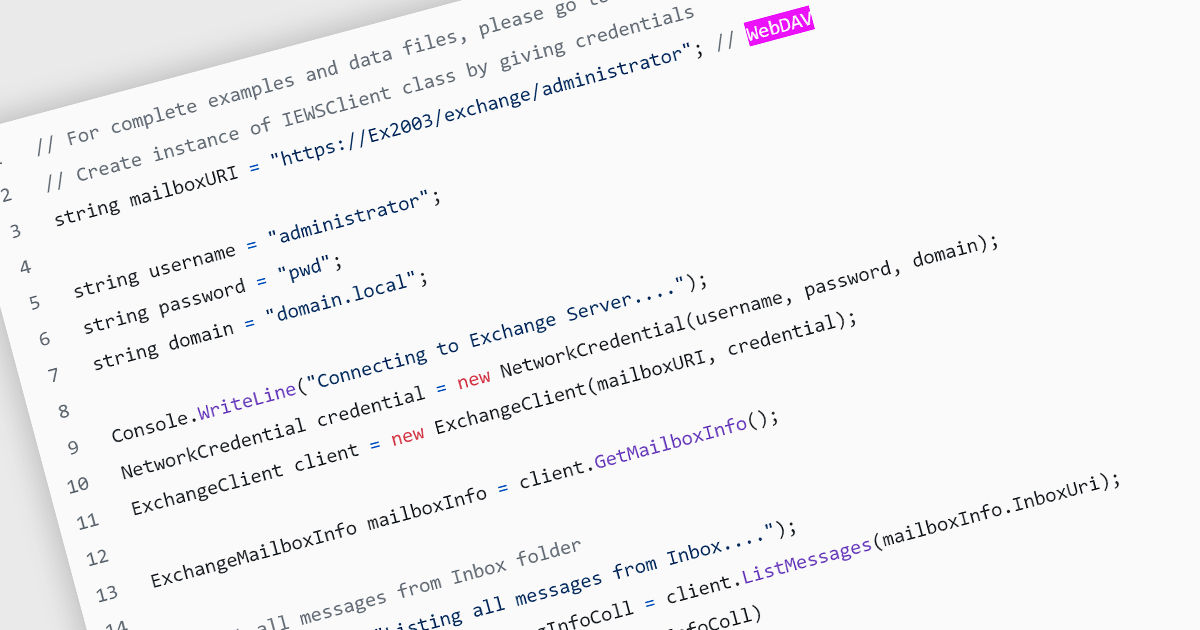
Web Distributed Authoring and Versioning (WebDAV) is an open-standard extension to HTTP (Hypertext Transfer Protocol). Its basic functionality enables file management through a web server, allowing users to share, copy, move, and edit files over the internet. As well as resource locking and other features, WebDAV also supports metadata handling and namespace management, which improves the organization and retrieval of documents. This protocol eliminates the need to download and upload files constantly, facilitating collaborative editing and file management on remote web servers.
Several .NET communications and messaging components support the WebDAV internet protocol, including:
For an in-depth analysis of features and price, visit our comparison of .NET communications and messaging components.
전화 : 00798 14 800 6332
팩스 : +1 770 250 6199


