













공식 공급 업체
200 이상의 소프트웨어 개발처와 판매 계약을 맺은 공인 디스트리뷰터로서 합법적인 라이선스를 제공합니다.
모든 브랜드 보기.

Devart dotConnect for Zoho Books and dotConnect for Zoho Desk are software tools designed to facilitate seamless integration of these CRM and accounting solutions into custom .NET applications. By functioning as ADO.NET providers, they enable developers to leverage familiar ADO.NET interfaces and Entity Framework for interacting with Zoho Books and Zoho Desk data. This eliminates the need to learn and utilize complex APIs, simplifying the development process.
These dotConnect products offer numerous advantages for businesses that rely on Zoho Books and Zoho Desk. They facilitate seamless data synchronization between these applications and external databases, ensuring real-time access to crucial information for optimized workflows. Their advanced security features safeguard sensitive data, while robust functionality empowers users with reporting tools, data analytics, and dashboarding for informed decision-making.
The dotConnect ADO.NET Data Providers are licensed per developer and are available as a Perpetual License with a 12 month support and maintenance subscription. See our dotConnect licensing pages for Zoho Books and Zoho Desk.
For more information about the dotConnect ADO.NET Data Providers visit our product pages:
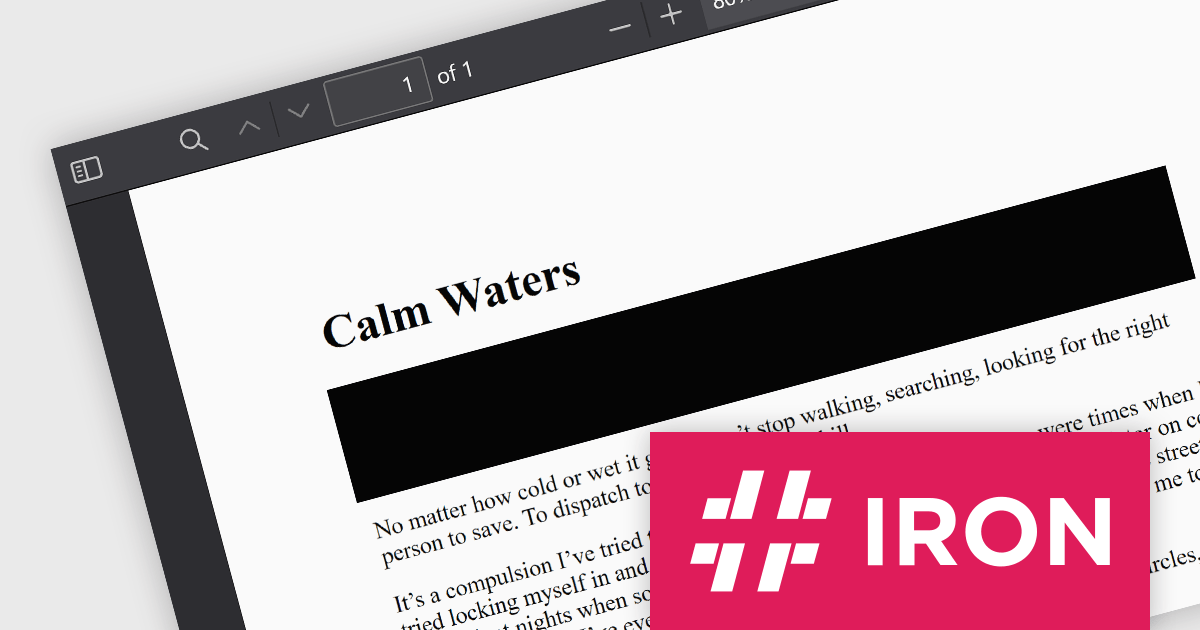
IronPDF for .NET empowers developers with a user-friendly C# library to generate, edit, and manage PDFs. It leverages a familiar HTML/CSS foundation for effortless PDF creation, while also offering robust features like text extraction, OCR, signing, and more. This comprehensive solution simplifies complex PDF development tasks, saving time and boosting productivity for .NET projects.
The IronPDF for .NET 2024.6.1 update significantly bolsters its document processing with a new region redaction API. This API empowers developers to programmatically remove sensitive information from specific areas within PDFs. Whether redacting regions within entire documents, multiple pages, or an individual page, this functionality ensures compliance with data protection regulations by facilitating the creation of redacted documents that safeguard sensitive data like personal information.
To see a full list of what's new in 2024.6.1, see our release notes.
IronPDF for .NET is licensed based on the number of developers, organization locations and projects, and is available as a Perpetual license with one free year of product updates and support services. See our IronPDF for .NET licensing page for full details.
IronPDF for .NET is available to buy in the following products:
ActiveReports.NET from MESCIUS (formerly GrapeCity) is a comprehensive reporting solution for developers building applications in the .NET framework. It empowers you to design and deliver visually appealing reports through user-friendly designers and a wide range of controls. ActiveReports simplifies report creation and distribution with a versatile API, rich data source connectivity, and support for multiple export formats. This translates to increased developer productivity and improved end-user experience with powerful reporting functionalities within your .NET applications.
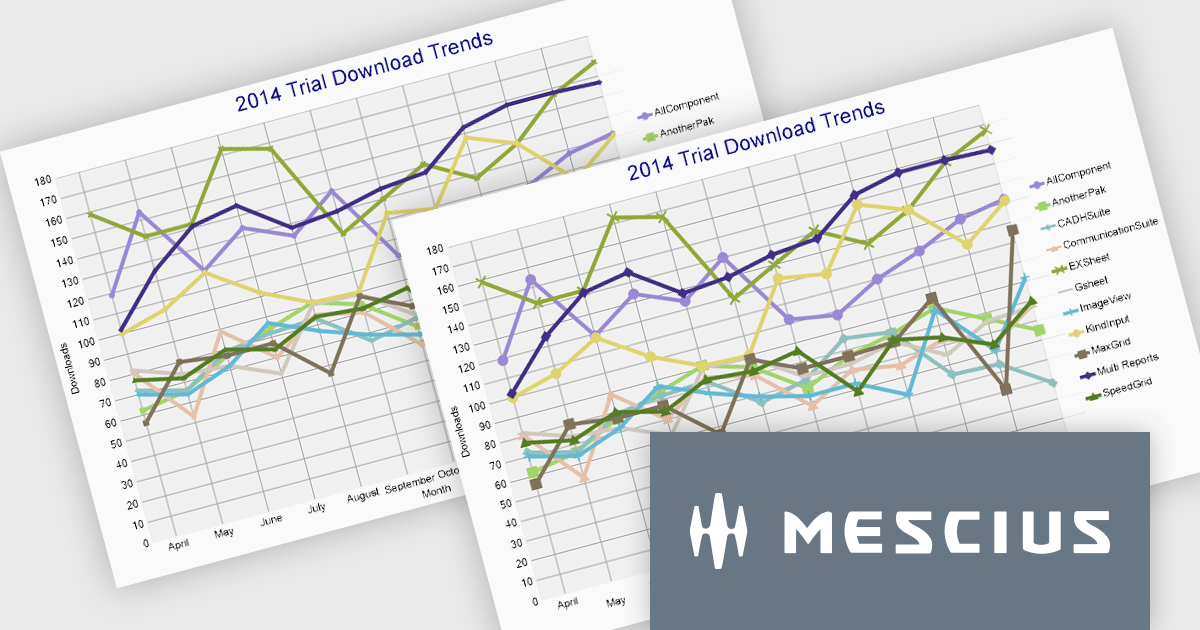
The ActiveReports.NET 18.1 update adds additional attributes to improve the customization and visual representation of charts in RDLX, Page, and Dashboard reports. The new LabelRowCount property, applies to the X-axis of charts and allows you to choose the number of rows for axis labels, enabling multi-row layouts for improved label display and organization. The new SymbolSize property allows you to change the size of plot symbols, giving you more control over chart data presentation. It is compatible with the following chart types: Line chart, Radar line chart, Radar scatter chart, Radar bubble chart, Scatter chart, and Bubble chart. These modifications are intended to improve the clarity and adaptability of chart displays within your .NET Report applications.
To see a full list of what's new in 18.1, see our release notes.
ActiveReports.NET is licensed per developer and is available with or without a 12 month support and maintenance subscription. See our ActiveReports.NET licensing page for full details.
Learn more on our ActiveReports.NET product page.
Syncfusion Essential Studio Blazor (available as part of Syncfusion Essential Studio Enterprise) is a comprehensive UI component library designed to accelerate the development of high-performance, modern web applications using the Blazor framework. It boasts over 85+ responsive, lightweight, and modular components spanning various categories such as data visualization, data editing, document processing, and interactive UI elements. This rich repertoire empowers developers to rapidly build user-friendly, feature-rich web interfaces, with seamless integration of both server-side and client-side Blazor applications.
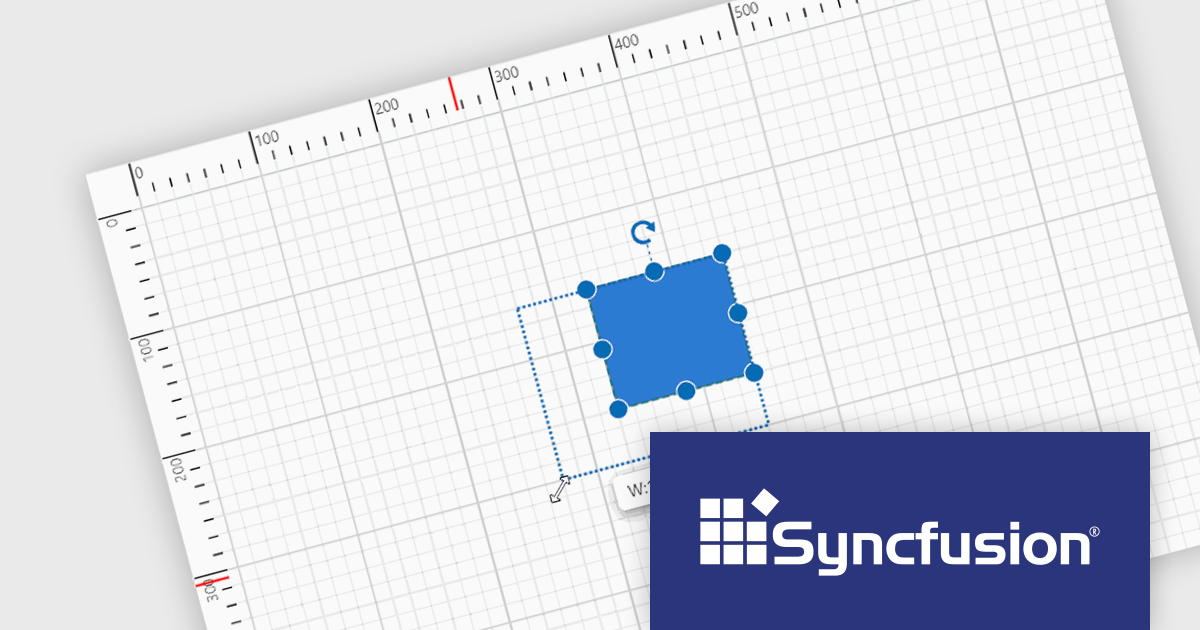
The Syncfusion Essential Studio Blazor 2024 Volume 2 (26.1.35) release introduces a ruler for the Diagram component, enhancing precision and simplifying element arrangement. This ruler provides both horizontal and vertical guides, allowing for visual measurement of object dimensions, indication of element positions, and alignment of various components. This significantly streamlines the creation of accurate and well-proportioned diagrams, particularly for tasks like crafting scale models.
To see a full list of what's new in 2024 Volume 2 (26.1.35), see our release notes.
Syncfusion Essential Studio Blazor is available as part of Syncfusion Essential Studio Enterprise which is licensed per developer starting with a Team License of up to five developers. It is available as a 12 Month Timed Subscription License which includes support and maintenance. See our Syncfusion Essential Studio Enterprise licensing page for full details.
Learn more on our Syncfusion Essential Studio Blazor product page.
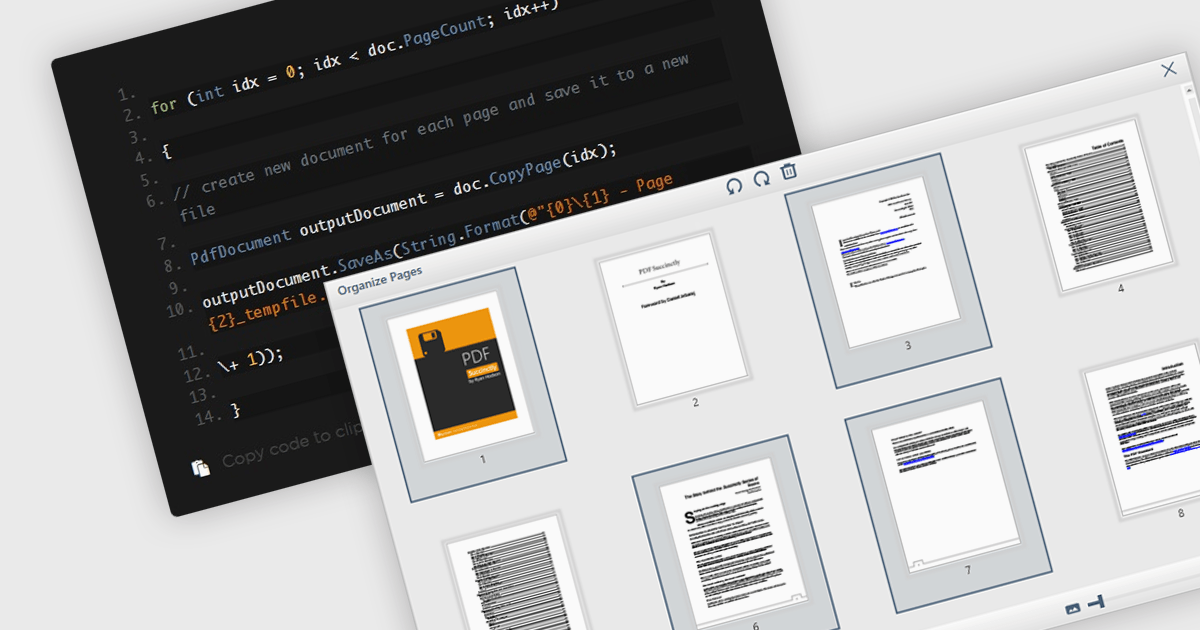
Extracting pages from PDFs offers significant advantages for streamlined workflows and information management. It allows users to focus on specific sections of a document for targeted reading or sharing, reduces file size when sending only relevant content, and simplifies the creation of new documents from existing PDFs, ultimately boosting productivity and enhancing document organization.
Several WPF PDF components offer the ability to extract pages from a PDF file including:
For an in-depth analysis of features and price, visit our WPF PDF Components comparison.
전화 : 00798 14 800 6332
팩스 : +1 770 250 6199


