













공식 공급 업체
200 이상의 소프트웨어 개발처와 판매 계약을 맺은 공인 디스트리뷰터로서 합법적인 라이선스를 제공합니다.
모든 브랜드 보기.
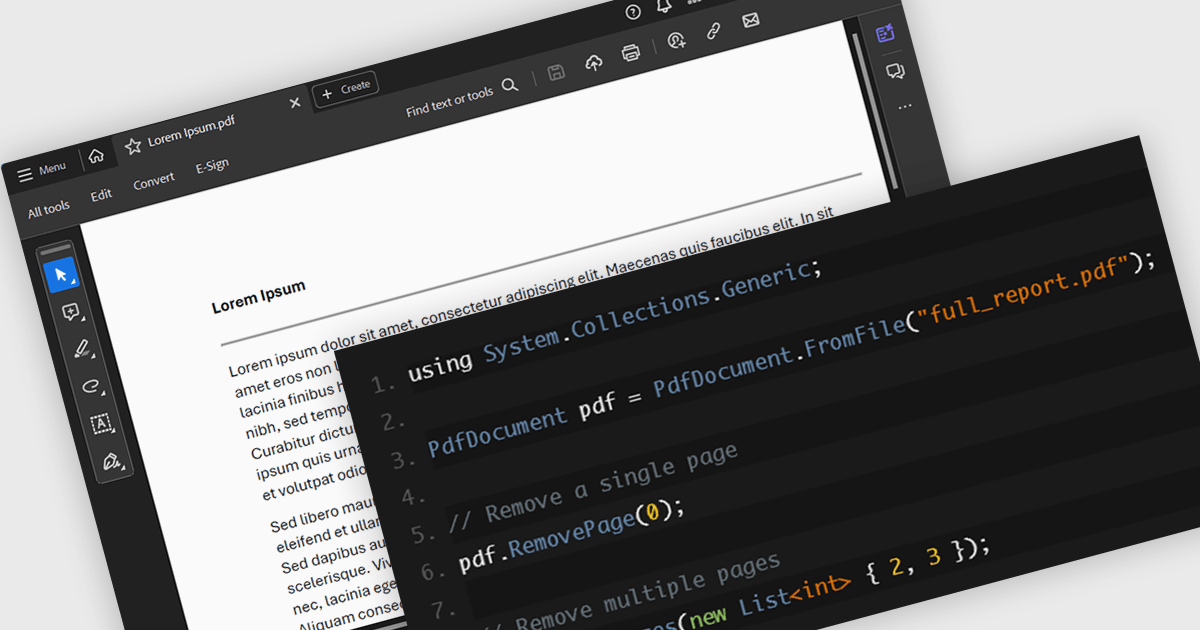
PDF page deletion functionality allows developers to remove specified pages from PDFs programmatically. This can provide significant efficiency gains, particularly when dealing with large batches of documents. It automates a repetitive task, saving time and minimizing the risk of human error. This functionality can be integrated into workflows for tasks like redacting sensitive information, creating customized reports, or preparing presentations, streamlining document management processes. This functionality simplifies PDF manipulation by eliminating the need for external tools or libraries.
Several .NET PDF components provide support for deleting pages including:
For an in-depth analysis of features and price, visit our .NET PDF component comparison.
Syncfusion Essential Studio WPF, available as part of Syncfusion Essential Studio Enterprise, is a powerful suite of over 95 UI controls, 50+ charts, and document processing libraries designed to boost the development of high-performance line-of-business applications for the Windows Presentation Foundation (WPF) framework. With built-in themes, touch-friendly interfaces, and seamless Visual Studio integration, it empowers developers to craft modern, feature-rich, and cross-platform experiences with ease.
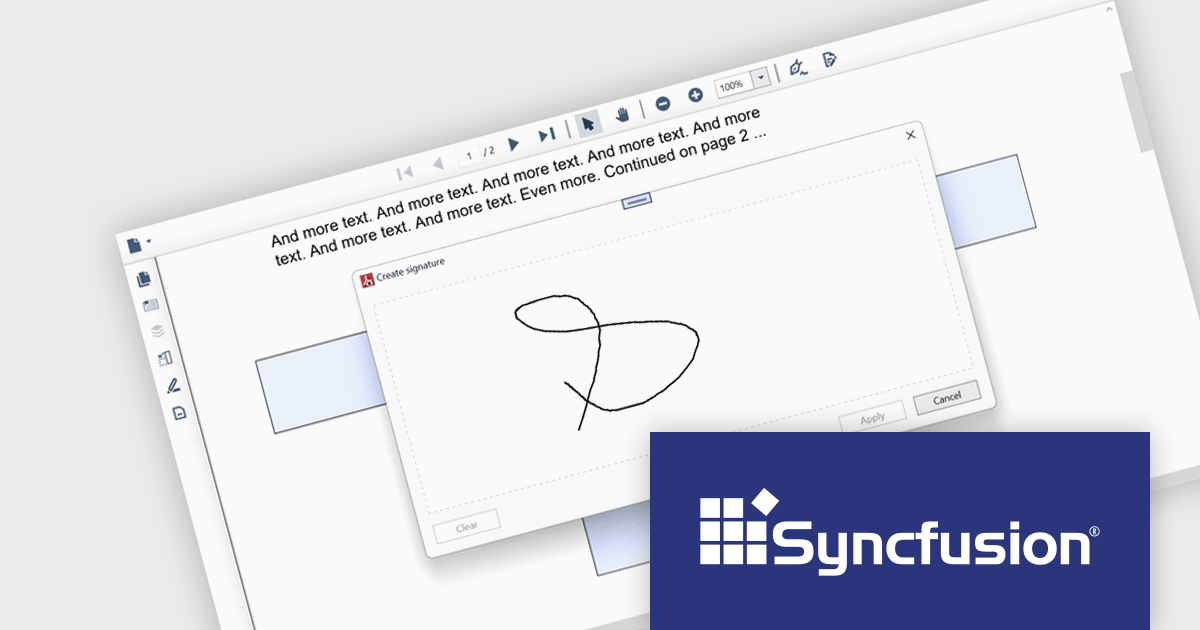
The Syncfusion Essential Studio WPF 2024 Volume 1 (25.1.35) release adds support for signature form fields in the PDF Viewer component. This empowers users to effortlessly view, add, or remove signatures directly within PDFs, eliminating the need for physical printing and scanning, thereby saving time and improving efficiency. The addition of signature form fields ensures a clear audit trail, fostering trust and accountability in collaborative environments.
To see a full list of what's new in version 2024 Volume 1 (25.1.35), see our release notes.
Syncfusion Essential Studio WPF is available as part of Syncfusion Essential Studio Enterprise which is licensed per developer starting with a Team License of up to five developers. It is available as a 12 Month Timed Subscription License which includes support and maintenance. See our Syncfusion Essential Studio Enterprise licensing page for full details.
For more information, visit our Syncfusion Essential Studio WPF product page.
Aspose.ZIP offers comprehensive ZIP archive management capabilities for developers and users alike. This versatile solution empowers you to create, encrypt, extract, and manipulate ZIP archives with granular control, eliminating the complexities of underlying compression formats. Aspose.ZIP streamlines your workflow and ensures efficient ZIP archive interaction. It gives you the power to compress files and folders, unzip archives, encrypt them for security, and even convert them to other archive formats like RAR or 7Z.
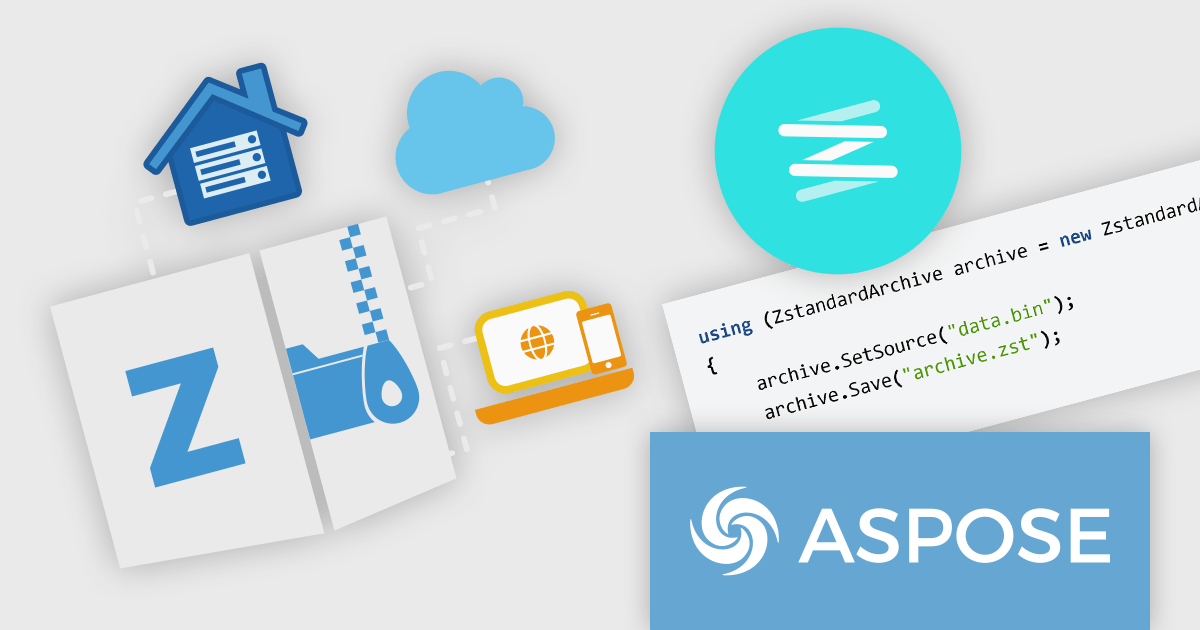
The Aspose.ZIP for .NET and Aspose.ZIP for Python via .NET 24.3 releases add Zstandard archive support. Zstandard (Zstd) is a fast lossless data compression algorithm designed by Facebook, with the aim to balance compression speed with efficiency. It offers comparable compression to older algorithms like DEFLATE (used in ZIP) but boasts faster decompression and supports various compression levels for a fine-tuned approach. Zstandard is open-source and available in multiple implementations, making it a versatile and popular choice for real-time data compression tasks. The addition of Zstandard support enables developers to create smaller archives faster, improving efficiency in data storage and transmission.
To see a full list of what's new in Aspose.ZIP version 24.3, see our .NET and Python via .NET release notes.
Aspose.ZIP is offered as Developer Small Business, Developer OEM, Site Small Business, and Site OEM licenses catering to a range of business needs. Licenses are perpetual, and include 1 year of support and maintenance. Subscription renewals are also available. See our Aspose.ZIP licensing pages for .NET and Python via .NET for full details.
Aspose.ZIP for .NET is available to buy in the following products: Aspose.ZIP for .NET, Aspose.ZIP Product Family, Aspose.Total for .NET, Aspose.Total Product Family, Conholdate.Total for .NET, and Conholdate.Total Product Family.
Aspose.ZIP for Python via .NET is available to buy in the following products: Aspose.ZIP for Python via .NET, Aspose.ZIP Product Family, Aspose.Total for Python via .NET, and Aspose.Total Product Family.
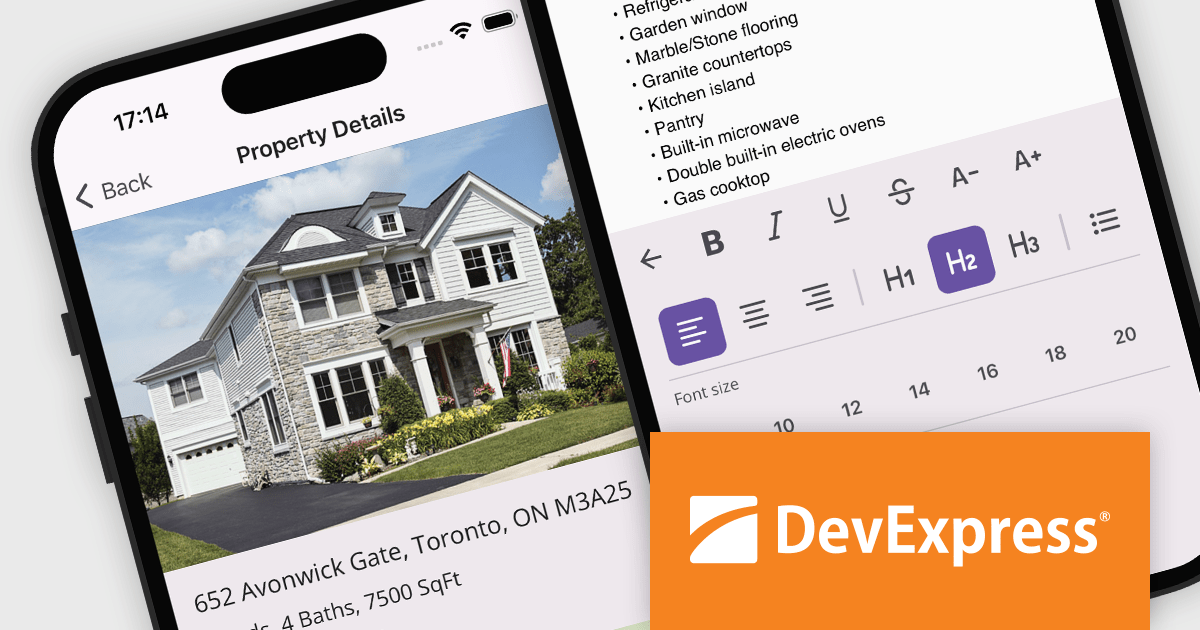
DevExpress .NET MAUI is a UI component library specifically designed to enhance the development of native mobile applications for iOS and Android using .NET MAUI and C#. It offers a rich set of pre-built controls like data grids, charts, schedulers, and various data editors, allowing developers to focus on application logic and deliver feature-rich mobile experiences with a faster development cycle.
In this blog post, DevExpress' Anthony Sameishchev shows you how to add HTML editing to your mobile development strategy by utilizing the DevExpress .NET MAUI HTML Edit Control, thus enabling you to address a variety of usage scenarios, including:
Comprehensive documentation and an accompanying video tutorial provide clear guidance throughout the process.
Read the complete blog and unlock the capabilities of the DevExpress .NET MAUI Edit Control.
DevExpress .NET MAUI is included as part of DevExpress Universal which is licensed per developer and is available as a Perpetual License with a 12 month support and maintenance subscription. See our DevExpress Universal licensing page for full details.
For more information, visit our DevExpress .NET MAUI product page.

ONLYOFFICE Docs Enterprise Edition with ownCloud Connector combines an online document editor with seamless integration for ownCloud, a real-time content collaboration platform. This allows teams to create, view, edit, and collaborate on spreadsheets, presentations, and text files directly within ownCloud, boosting efficiency and eliminating the need for file switching.
The ONLYOFFICE ownCloud Connector v9.1.1 release (available as part of ONLYOFFICE Docs Enterprise Edition with ownCloud Connector v8.0.1) introduces the ability to specify which users can access certain protected ranges, enhancing the granularity of permissions management within documents. By allowing administrators to define access at a more detailed level, it ensures that only designated users can view or modify specific parts of a document. This not only bolsters security by minimizing the risk of unauthorized access but also aids in compliance with stringent data protection standards. For developers, it simplifies the task of integrating advanced security measures into applications, providing a robust framework for managing document access in a collaborative setting.
To see a full list of what's new in ONLYOFFICE Docs Enterprise Edition v8.0.1 with ownCloud Connector v9.1.1, see our release notes.
ONLYOFFICE Docs Enterprise Edition with ownCloud Connector is licensed per server and is available as an annual license with 1 year of support and updates, or as a perpetual license with 3 years of support and updates. See our ONLYOFFICE ownCloud connector licensing page for full details.
For more information, see our ONLYOFFICE ownCloud connector product page.
전화 : 00798 14 800 6332
팩스 : +1 770 250 6199


