













공식 공급 업체
200 이상의 소프트웨어 개발처와 판매 계약을 맺은 공인 디스트리뷰터로서 합법적인 라이선스를 제공합니다.
모든 브랜드 보기.
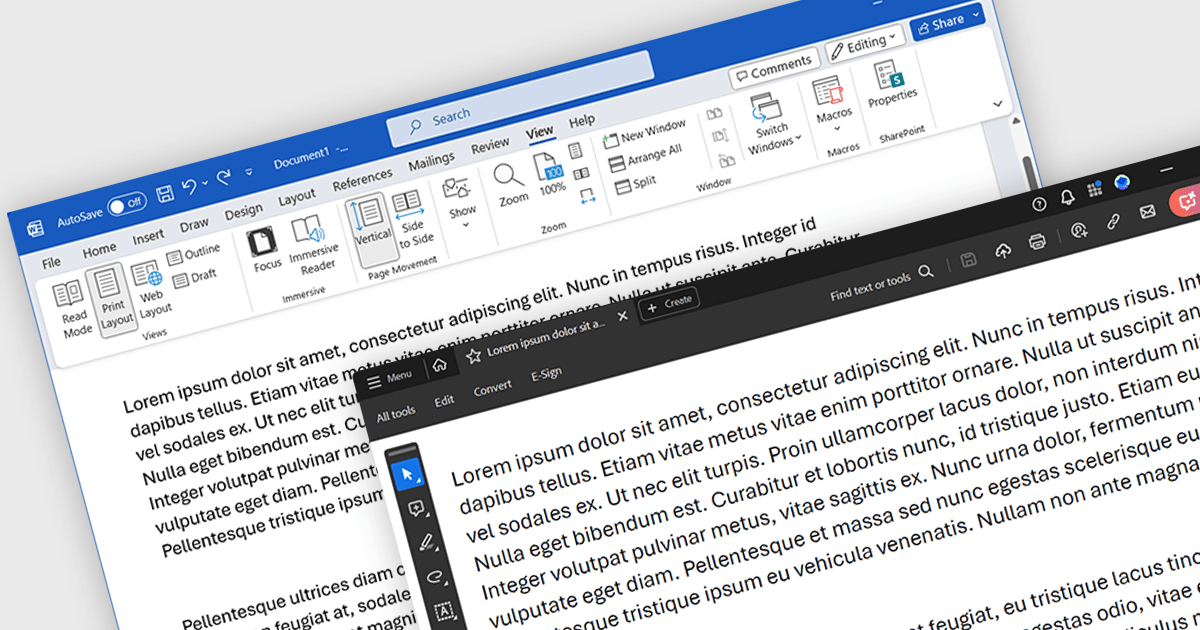
Word to PDF functionality within a PDF component refers to the ability to convert Microsoft Word documents (.docx) into Portable Document Format (PDF) files directly within your software application. This embedded conversion capability offers developers several advantages. It streamlines the document handling process by eliminating the need for external tools or libraries. It also ensures compatibility, as the conversion occurs entirely within your program. This can be particularly useful for applications where users interact with both Word documents and PDFs.
Several .NET PDF components allow you to convert Word files to PDF including:
For an in-depth analysis of features and price, visit our comparison of .NET PDF components.
Syncfusion Essential Studio Blazor (available as part of Syncfusion Essential Studio Enterprise) is a comprehensive UI component library designed to accelerate the development of high-performance, modern web applications using the Blazor framework. It boasts over 85+ responsive, lightweight, and modular components spanning various categories like data visualization, data editing, document processing, and interactive UI elements. This rich repertoire empowers developers to rapidly build user-friendly, feature-rich web interfaces, all with the advantage of seamless integration with both server-side and client-side Blazor applications.
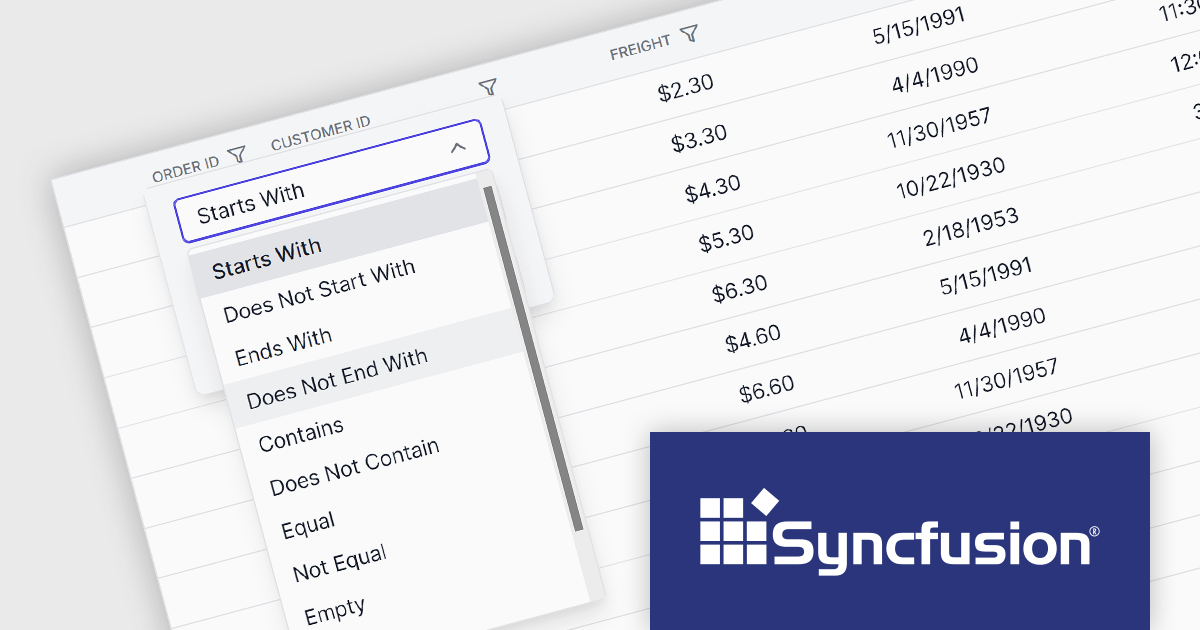
The Syncfusion Essential Studio Blazor 2024 Volume 1 (25.1.35) release introduces a new operator for its search and filter functionality. This addition empowers users with the ability to conduct more precise and targeted searches on their data. This enhanced functionality expands filtering capabilities to include options like "Does Not Contain," "Is Null," and "Does Not Start With," granting users greater flexibility and control over how they search and filter data within the DataGrid.
To see a full list of what's new in version 2024 Volume 1 (25.1.35), see our release notes.
Syncfusion Essential Studio Blazor is available as part of Syncfusion Essential Studio Enterprise which is licensed per developer starting with a Team License of up to five developers. It is available as a 12 Month Timed Subscription License which includes support and maintenance. See our Syncfusion Essential Studio Enterprise licensing page for full details.
For more information, visit our Syncfusion Essential Studio Blazor product page.
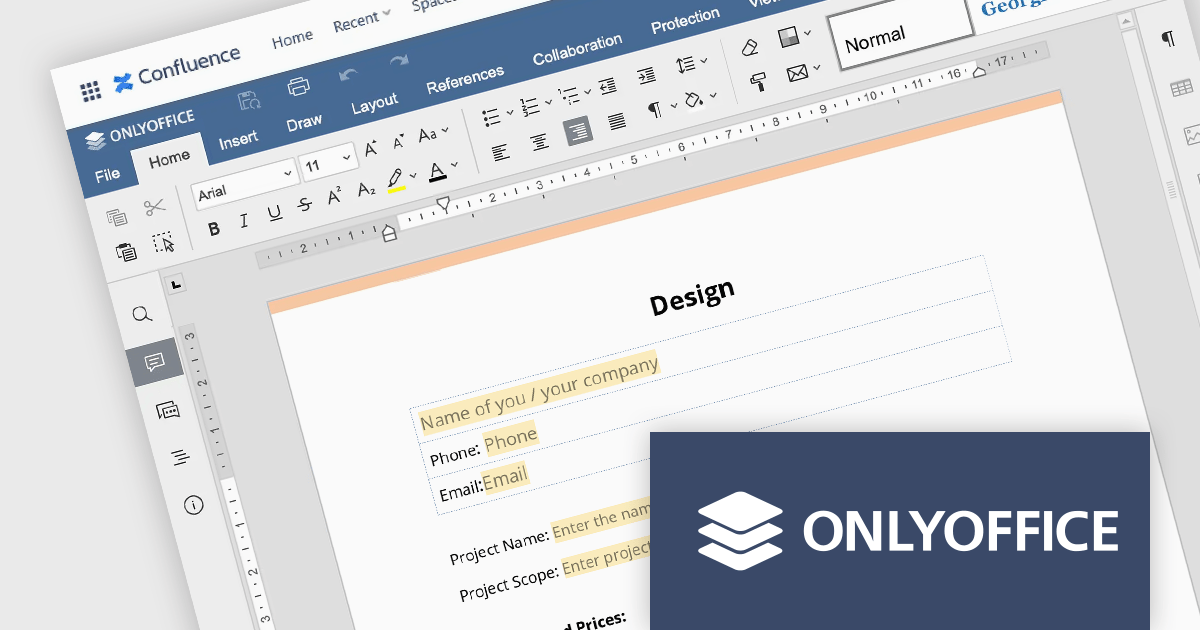
ONLYOFFICE Docs Enterprise Edition with Confluence Connector combines an online document editor with a seamless integration for Confluence, a centralized platform for project management and collaboration. This allows teams to create, view, edit, and collaborate on spreadsheets, presentations, and text files online, directly within Confluence, boosting efficiency and eliminating the need for file switching.
The ONLYOFFICE Confluence Connector v5.0.0 release (available as part of ONLYOFFICE Docs Enterprise Edition with Confluence Connector v8.0.1) adds functionality allowing you to create complex PDF forms with interactive fields and fill them out online, directly within your Confluence platform. This ability empowers teams to design and distribute easily fillable PDF forms seamlessly within Confluence, collecting valuable data from their users and fostering a more collaborative and productive work environment.
To see a full list of what's new in ONLYOFFICE Docs Enterprise Edition v8.0.1 with Confluence Connector 5.0.0, see our release notes.
ONLYOFFICE Docs Enterprise Edition with Confluence Connector is licensed per server and is available as an annual license with 1 year of support and updates, or as a perpetual license with 3 years of support and updates. See our ONLYOFFICE Confluence connector licensing page for full details.
For more information, see our ONLYOFFICE Confluence Connector product page.
Infragistics Professional includes 100+ beautifully styled, high-performance grids, charts, & other UI controls, plus time-saving productivity tools for developers. In addition to controls for Angular, React, jQuery, Web Components, Blazor, ASP.NET MVC, ASP.NET Core, Windows Forms, and Xamarin, it also includes the powerful Infragistics Ultimate UI for WPF which encompasses a wide range of fast, touch-friendly WPF controls designed to help you bring modern, engaging apps for desktop and touch-screen devices.
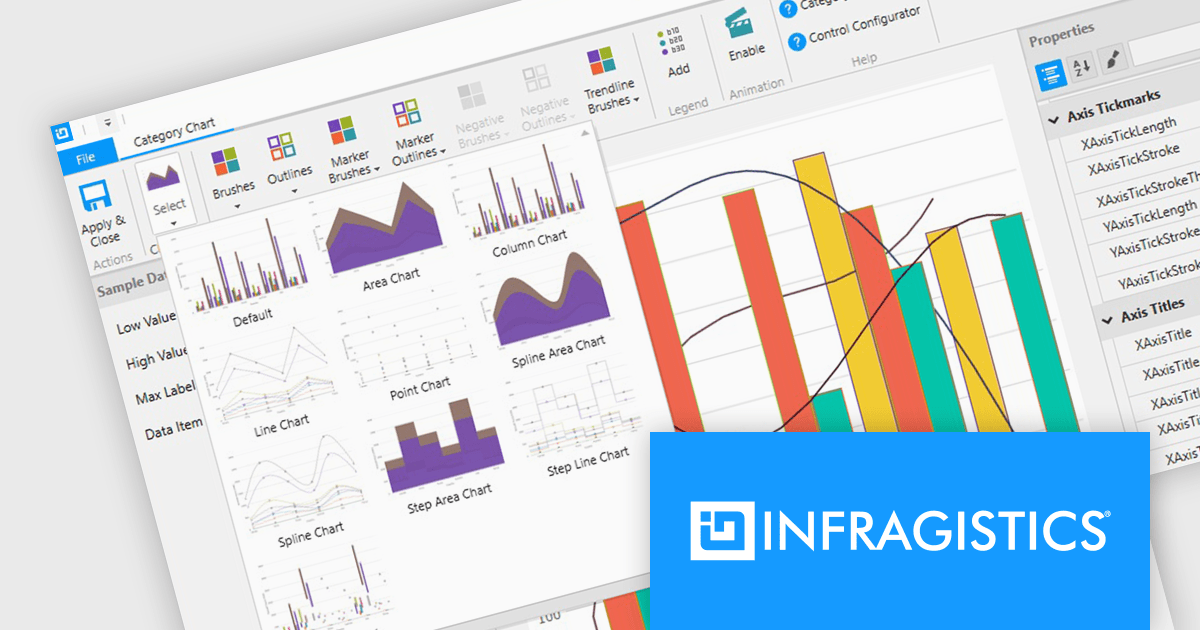
Infragistics Professional empowers you to create informative and visually appealing data visualizations within your WPF applications. Its chart component library offers a vast selection of chart types, from bar and line charts to pie and scatter charts, ensuring you can effectively communicate your data insights. This functionality goes beyond aesthetics, featuring intelligent data binding, customizable styles, and interactive elements like callouts and crosshair lines for a truly comprehensive charting experience.
Infragistics Professional is licensed per developer and is available as a Perpetual License with a 1, 2 or 3 year support and maintenance subscription. See our Infragistics Professional licensing page for full details.
The Infragistics WPF Chart Components are available in the following products:
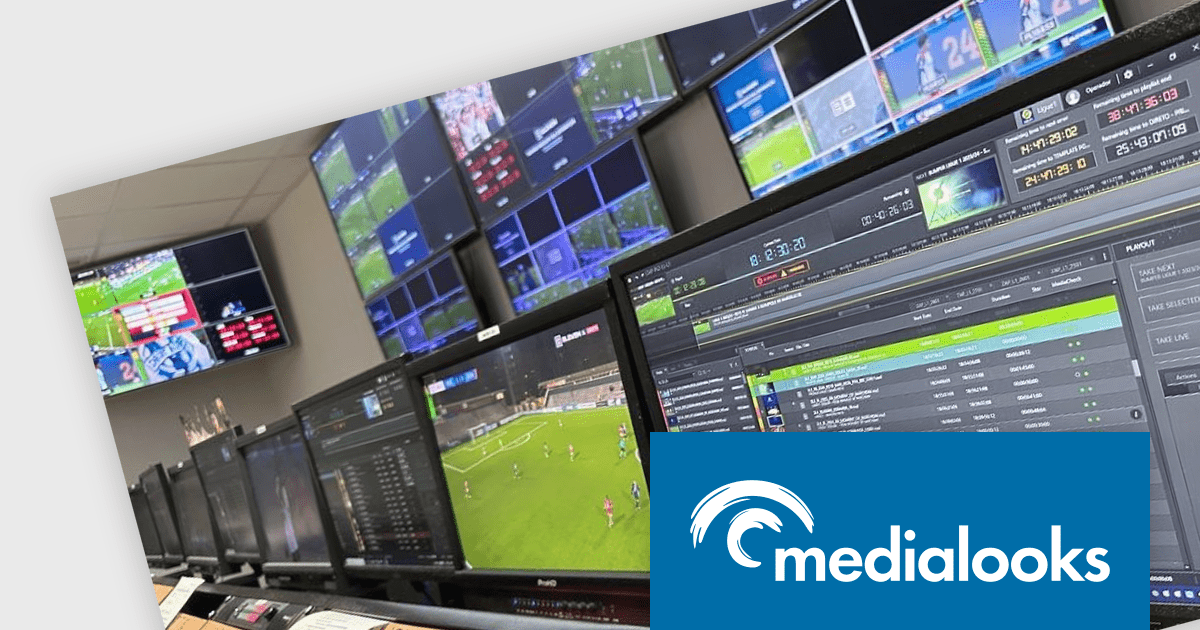
MPlatform SDK by Medialooks is a professional multimedia software development kit with native support for C#, VB.NET, VB6, Visual C++ and Delphi. MPlatform includes direct integration with hardware I/O from AJA, BlueFish444, Blackmagic Design, Deltacast & Stream Labs. MPlatform makes it easy to create broadcast-quality live streaming, ingest, vision mixing and playout automation software.
This case study features Daniel Gonçalves, Innovation Officer at wTVision, a company that builds powerful integrated broadcast solutions for TV stations worldwide. In it, he discusses how the company built wTVision Media Server Streaming Edition, a 100% software-based video playout solution. Utilizing the Medialooks SDK enabled wTVision to quickly replace the video management core of their software enabled the company to save time and deliver more of the comprehensive features that the broadcast business requires.
Read the full Medialooks blog post to see how wTVision leveraged MPlatform SDK to accomplish this impressive task.
MPlatform SDK is licensed per company - with support for up to 4 developers - and is available as a perpetual license with annual subscription. See our MPlatform SDK licensing page for full details.
For more information, visit our MPlatform SDK product page.
전화 : 00798 14 800 6332
팩스 : +1 770 250 6199


