













공식 공급 업체
200 이상의 소프트웨어 개발처와 판매 계약을 맺은 공인 디스트리뷰터로서 합법적인 라이선스를 제공합니다.
모든 브랜드 보기.
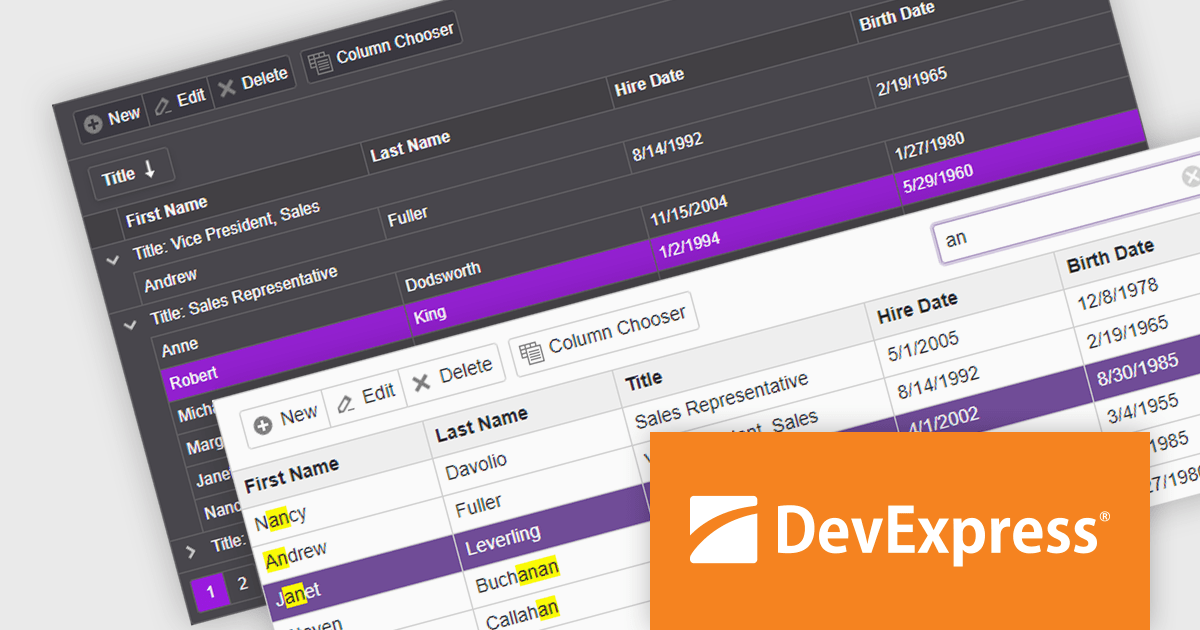
DevExpress ASP.NET and Blazor includes 110+ UI controls for ASP.NET (including Reporting), server-side MVC extensions or client-side controls with everything you need to build Office-inspired applications, over 70 high-performance ASP.NET Core UI controls, ASP.NET Bootstrap Controls for Office-inspired and Data Visualization apps, Blazor Components (including a Data Grid and Pivot Grid) so you can design rich user experiences for both server-side (Razor Components) and client-side (Blazor) platforms and the DevExtreme JavaScript component suite for responsive web development.
The DevExpress Blazor Grid UI component includes a new toolbar section for displaying custom content. In this blog post, DevExpress's Svetlana Mikheeva describes how to use this powerful component to create rich UIs displaying icons, text, or both. Steps include:
Read the complete blog and get started creating rich Blazor Grid applications.
DevExpress ASP.NET and Blazor is licensed per developer and includes a 12 month subscription for minor and major updates. Subscription renewals are also available. See our DevExpress ASP.NET and Blazor licensing page for full details.
Learn more about DevExpress ASP.NET and Blazor.
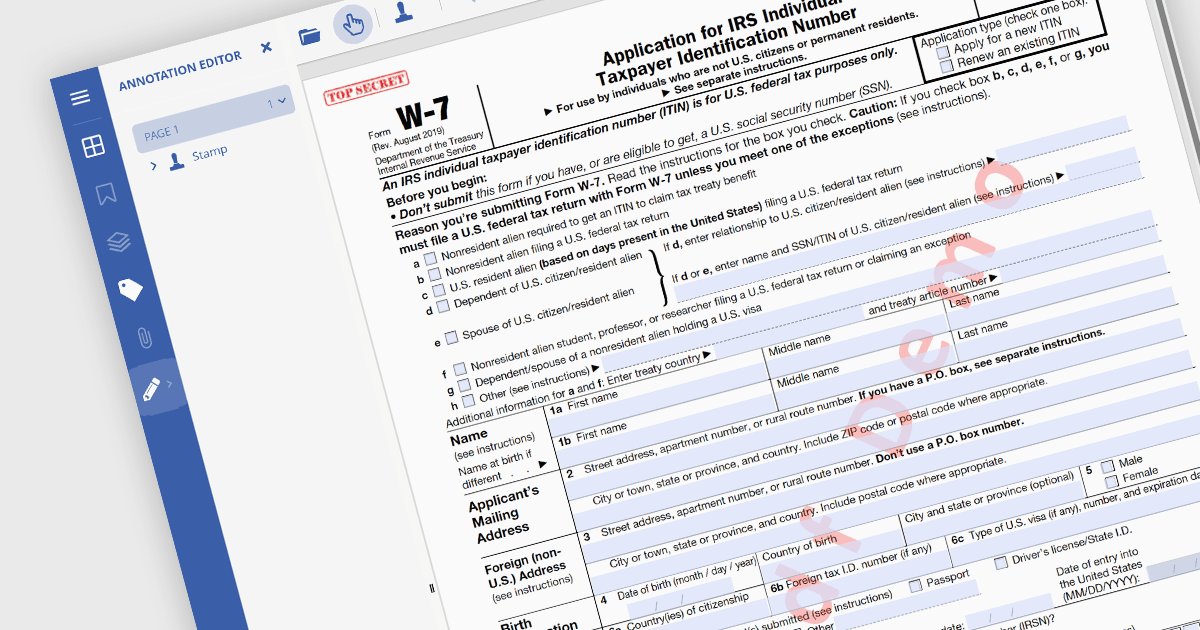
PDF watermarking is the process of embedding a semi-transparent text or image overlay onto a PDF document. This visual identifier, often used for copyright protection or branding, sits behind the main content, subtly preventing unauthorized copying or modification while still allowing the document's message to be conveyed. Watermarks can be applied to all pages or specific ranges, offering versatility for various use cases.
Several .NET PDF viewer components allow you to add watermarks to a PDF, including:
For an in-depth analysis of features and price, visit our comparison of .NET PDF viewer components.

Red Carpet Subscription by /n software is an all-inclusive package offering developers access to its entire library of development tools. This includes communication and security libraries for various protocols and platforms, network management tools, enterprise adapters, and any new products released during the subscription period.
Red Carpet Subscription Vol. 1 2024 adds IPWorks VoIP, empowering you to seamlessly manage inbound and outbound calls, host audio conferences, incorporate pre-recorded audio, and even leverage text-to-speech functionalities. Its seamless integration with Session Initiation Protocol (SIP), Session Description Protocol (SDP), and Real-time Transport Protocol (RTP) guarantees streamlined communication establishment and maintenance. The included IPPhone component allows you to construct a software-based phone replicating the functionality of traditional handsets. Design customized Interactive Voice Response (IVR) menus using the IVR component, facilitating automation and granting complete control over design and menu customization.
To see a full list of what's new in Red Carpet Subscription Vol. 1 2024, see our release notes.
Red Carpet Subscription is licensed per developer and is available as a Perpetual License with a 12 month support and maintenance subscription. See our Red Carpet Subscription licensing page for full details.
For more information, visit our /n software Red Carpet Subscription product page.
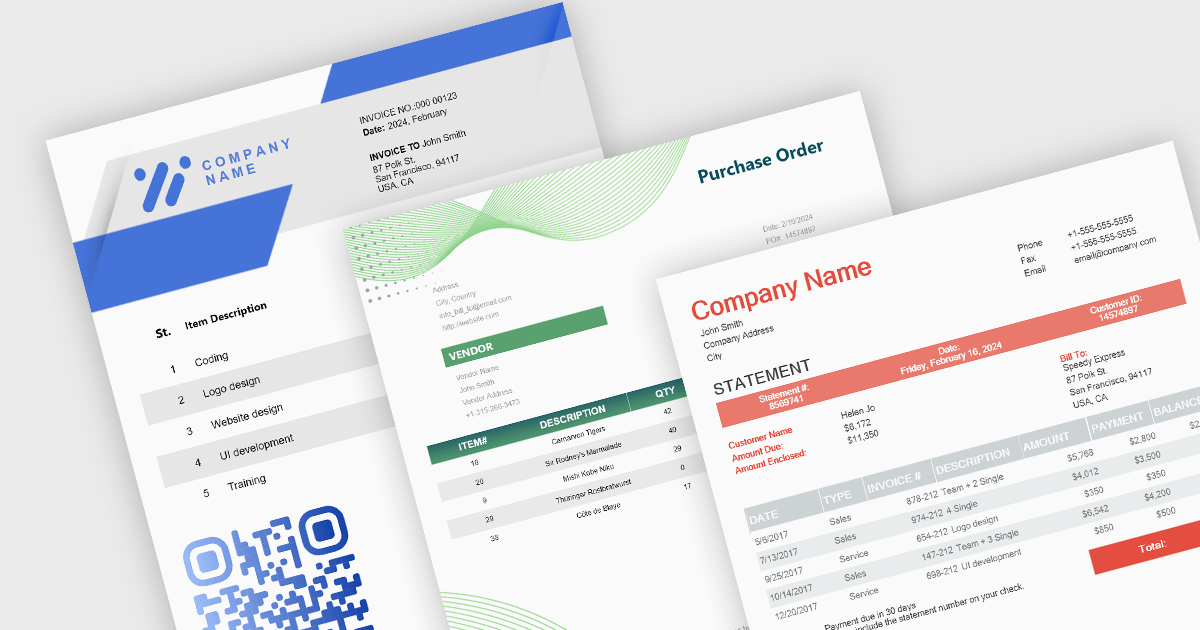
Theme support in reporting controls allows you to customize the visual appearance of your reports without directly modifying individual elements. It works by applying pre-defined themes or creating custom ones, affecting aspects like fonts, colors, backgrounds, and layout. This simplifies report design, ensures brand consistency, and improves accessibility by adhering to user interface guidelines. Theme support is particularly valuable for generating multiple reports with a cohesive look and feel, catering to different audiences, or complying with specific accessibility standards.
Several WinForms reporting controls offer theme support including:
For an in-depth analysis of features and price, visit our WinForms reporting controls comparison.
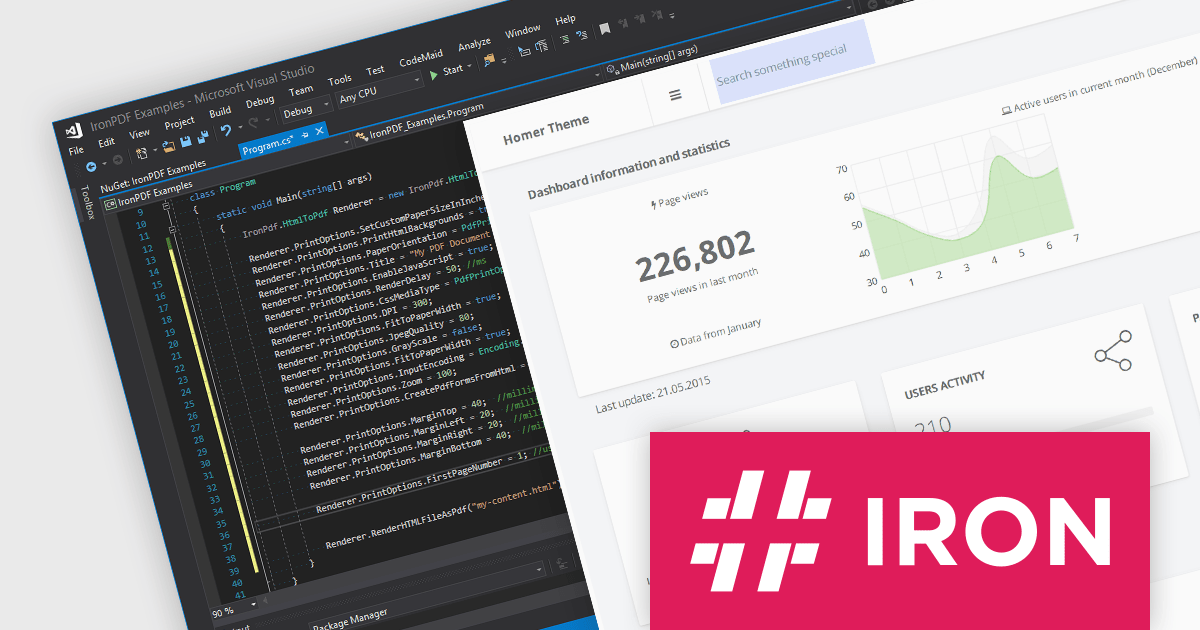
Iron Software offers a versatile suite of C# libraries specifically designed to enhance developer productivity. Its solutions empower developers to effortlessly tackle tasks like PDF manipulation, data extraction from websites and images (OCR), and seamless Excel automation, eliminating the need for external dependencies.
Iron Software products now support .NET 8, offering developers a seamless transition to the latest advancements in .NET. With this support, Iron Suite for .NET continues to be a comprehensive solution for modern application development. As an LTS release, .NET 8 offers long-term stability and security for mission-critical applications, receiving guaranteed support and patches from Microsoft until November 2026.
Iron Software products are licensed based on the number of developers, developer locations, and projects. They are available as perpetual licenses with 1 year of support and product updates. See our Iron Suite for .NET licensing page for full details.
For more information, visit our Iron Software product pages:
전화 : 00798 14 800 6332
팩스 : +1 770 250 6199


