













공식 공급 업체
200 이상의 소프트웨어 개발처와 판매 계약을 맺은 공인 디스트리뷰터로서 합법적인 라이선스를 제공합니다.
모든 브랜드 보기.
The ComPDFKit Conversion SDK is used to convert PDF files to a variety of other formats such as Microsoft Word, Excel, PowerPoint, HTML, TXT, CSV, RTF, and JSON. Instead of having server-side dependencies, it uses its own built-in conversion engine with no dependency on external apps. This is more secure than traditional converters as it doesn't need to transmit sensitive data to external servers. It has advanced PDF parsing capabilities, can analyze a PDF's logical structure to accurately recreate the original document, and can handle complex and irregular tables.
ComPDFKit Conversion SDK v1.10.0 (Windows and Mac editions) further enhances its OCR capabilities by adding the ability to convert scanned documents into PDFs that you can edit and search. This empowers users to modify existing content, conduct efficient text searches within the document, and streamline information retrieval, significantly enhancing document workflow and accessibility.
To see a full list of what's new in v1.10.0, see our release notes for Windows or Mac.
ComPDFKit Conversion SDK is licensed per application per platform and is available as an annual license. See our ComPDFKit Conversion SDK for Windows licensing page for full details.
ComPDFKit Conversion SDK for Windows/Mac is available to buy in the following products:
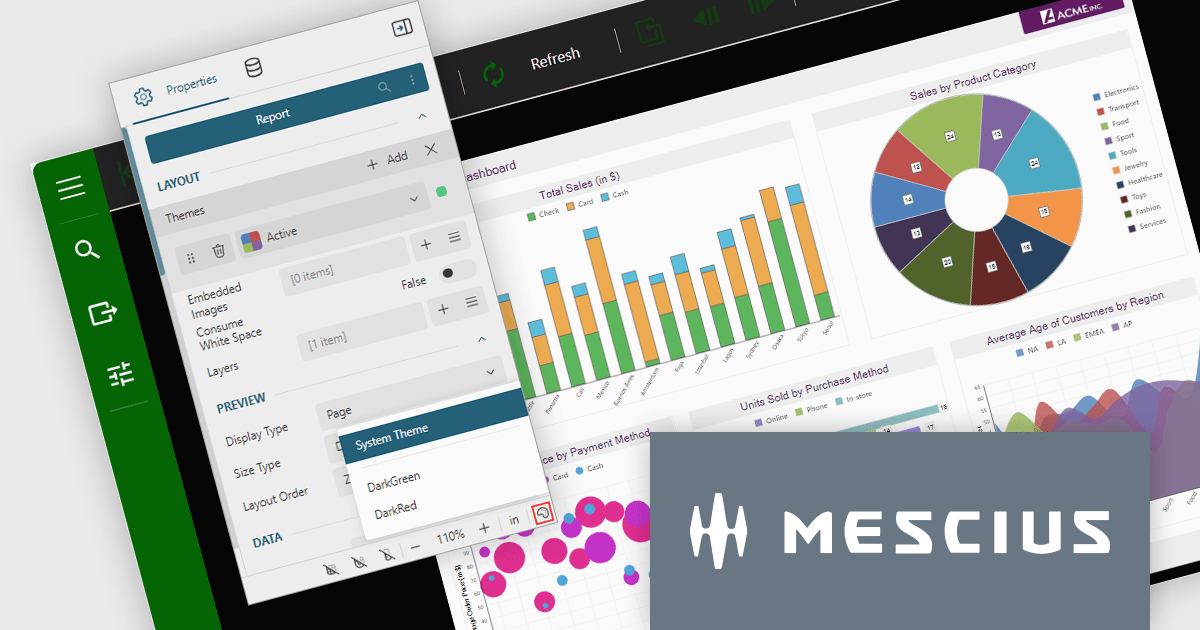
ActiveReports.NET is a reporting tool that allows developers to design and deliver reports with intuitive, reliable, and user-friendly report designers and controls. Features include the ability to create reports in a variety of formats, such as PDF, Excel, and HTML. ActiveReports.NET is also highly customizable, with an extensive API and advanced feature library.
ActiveReports.NET v18 brings robust theme support to its JS Viewer and Web Designer components, granting you extensive control over the user interface. Choose from a diverse selection of built-in UI themes for instant customization, or exercise fine-grained control by creating your own theme. This allows you to precisely match the components' appearance with your application's unique branding, ensuring a visually cohesive and professional user experience.
To see a full list of what's new in version 18, see our release notes.
ActiveReports.NET is licensed per developer and is available with or without a 12 month support and maintenance subscription. See our ActiveReports.NET licensing page for full details.
For more information, visit our ActiveReports.NET product page.
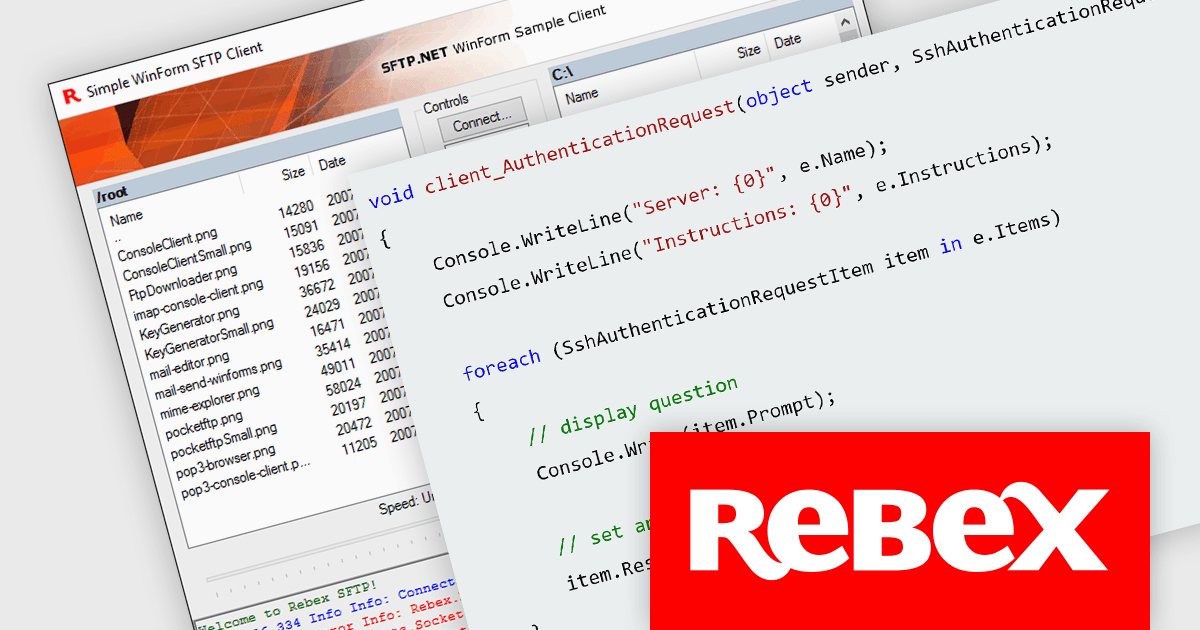
Rebex designs and develops high-quality software components for .NET developers. Its core products are libraries that enable developers to integrate various functionalities like secure file transfer protocols (SFTP, FTP), email communication (IMAP, POP3, SMTP), and network communication (SSH, Telnet) into their applications. Rebex products are used by thousands of developers at more than 10,000 ISVs, corporations, and educational, governmental and non-profit organizations around the world.
The latest releases from Rebex add support for both password and keyboard-interactive authentication. By adding a layer of interaction beyond just a password, keyboard-interactive authentication helps to reduce the risk of unauthorized access. The following Rebex products have been updated:
Rebex products are licensed per developer and are available as a Perpetual License with a 1 Year Support Contract which includes priority support and all software updates. See our Rebex licensing page for full details.

Barcode components in UI Suites offer software developers a pre-built solution for integrating barcode generation into applications. These components typically handle the encoding of various barcode formats, streamlining development time and effort. By leveraging barcode components, developers can quickly implement features like product lookups, inventory management, and asset tracking, without needing to delve into the complexities of low-level barcode processing. This not only saves development resources but also ensures consistent and reliable barcode handling within the application.
Several WPF UI Suites feature a barcode component including:
For an in-depth analysis of features and price, visit WPF UI Suites comparison.
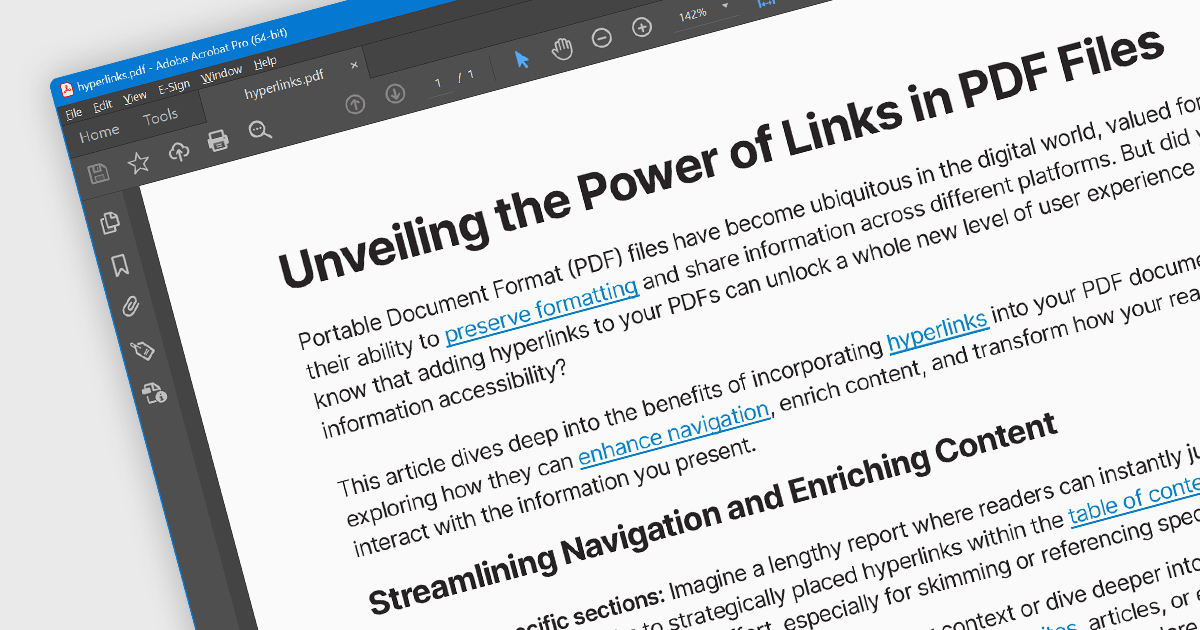
Hyperlink navigation allows users to seamlessly jump to different sections of the document, external websites, or other files by clicking on embedded hyperlinks. These links are typically highlighted or underlined, and clicking them triggers actions based on their type, such as navigating to a specific page within the PDF, opening a web page, or launching an external application. This functionality enhances user experience by enabling easy exploration of related information and resources directly from within the PDF document.
Several WinForms PDF Viewer components offer hyperlink navigation, including:
For an in-depth analysis of features and price, visit our WinForms PDF Viewer components comparison.
전화 : 00798 14 800 6332
팩스 : +1 770 250 6199


