













공식 공급 업체
200 이상의 소프트웨어 개발처와 판매 계약을 맺은 공인 디스트리뷰터로서 합법적인 라이선스를 제공합니다.
모든 브랜드 보기.
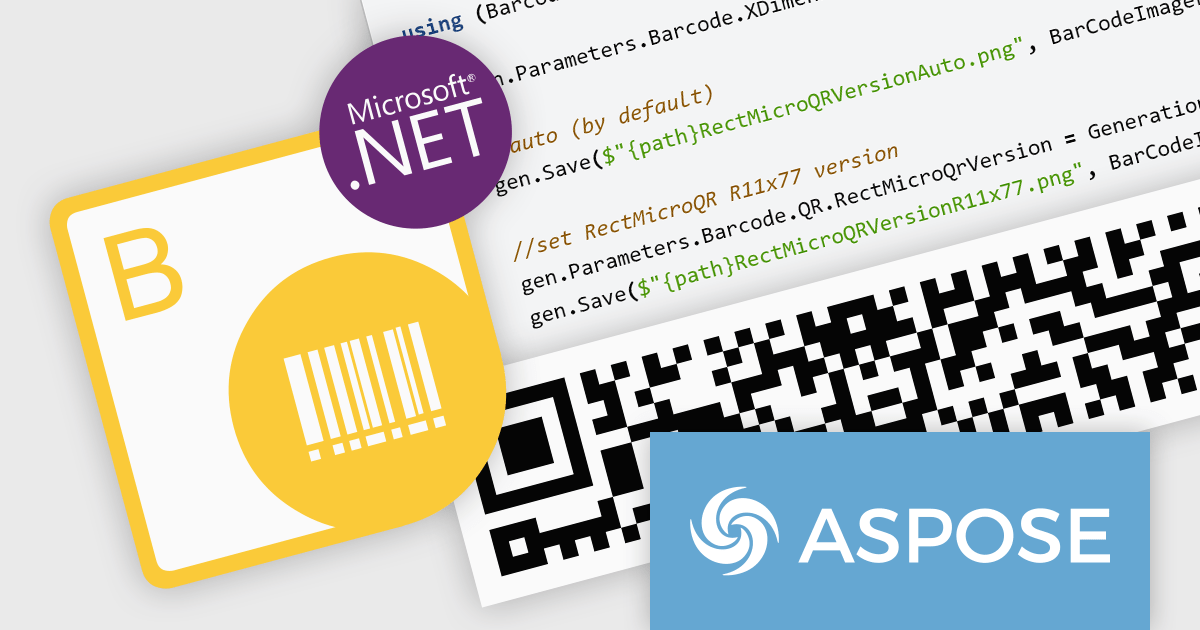
Aspose.BarCode for Python via .NET empowers your Python applications with robust barcode functionality. This versatile library seamlessly integrates into your development workflow, enabling effortless generation and scanning of diverse barcode symbologies. Enjoy granular control over barcode appearance, customizing colors, size, captions, and more to suit your precise requirements. Efficient multi-threading ensures swift and accurate recognition of single or multiple barcodes within images, optimizing your productivity and data processing efficiency.
The Aspose.BarCode for Python via .NET V24.1 release adds support for rMQR barcodes. This expands its utility in industries employing high-volume data transmission and real-time tracking. rMQR's high density and error correction capabilities excel in encoding large datasets within compact barcodes, ideal for product authentication, logistics, and supply chain management.
To see a full list of what's new in V24.1, see our release notes.
Aspose.BarCode for Python via .NET is offered as Developer Small Business, Developer OEM, Developer SDK, Site Small Business, Site OEM, and Site SDK licenses catering to a range of business needs. Licenses are perpetual, and include 1 year of support and maintenance. Subscription renewals are also available. See our Aspose.BarCode for Python via .NET licensing page for full details.
Aspose.BarCode for Python via .NET is available in the following products:
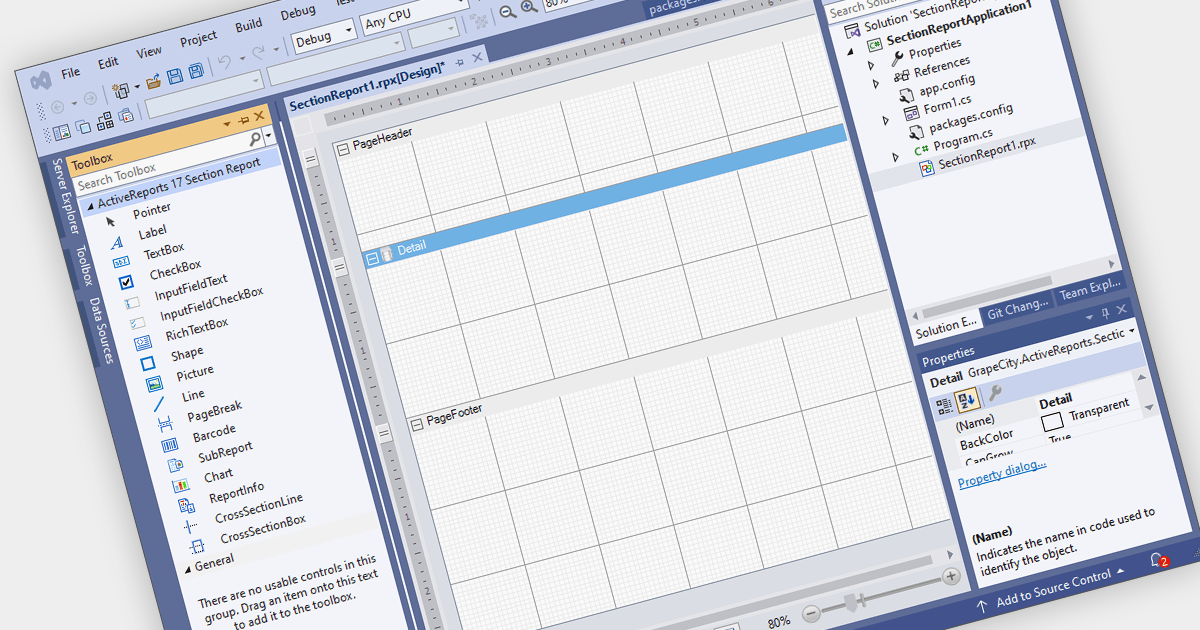
Visual Studio integrated report designers are comprehensive tools integrated into the Visual Studio development environment that enable software developers to design, create, and customize reports seamlessly within their projects. This feature streamlines the report creation process by providing a user-friendly interface for designing layout, formatting data, and integrating data sources directly within Visual Studio. Its benefits include increased productivity through the elimination of the need for external tools, enhanced collaboration among development teams, and improved efficiency in report development workflows, ultimately leading to faster delivery of high-quality reporting solutions in software applications.
Several .NET WinForms reporting controls offer Visual Studio integrated designers, including:
For an in-depth analysis of features and price, visit our WinForms reporting controls comparison.

A range trackbar component, also known as a range slider, expands upon the standard trackbar by allowing users to select a range of values within a predefined minimum and maximum, instead of just a single point. This is achieved through two independent sliders or markers that define the lower and upper bounds of the chosen range. Range trackbars are commonly used in applications requiring filter selection, price range specification, or any scenario where choosing a continuous segment within a broader spectrum is necessary.
Several Blazor Data Editor controls offer range trackbars including:
For an in-depth analysis of features and price, visit our Blazor data editors comparison.
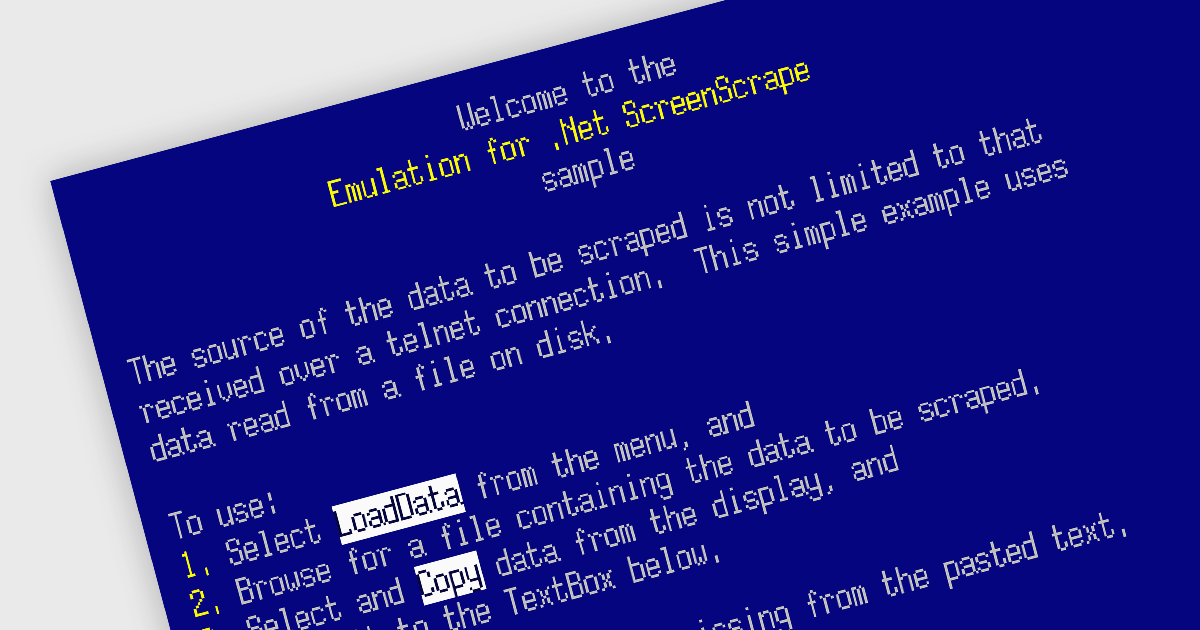
Emulation in internet communications components allows software developers to mimic the behavior of older protocols or systems over modern networks. It helps breathe new life into outdated systems by exposing their functionality through modern interfaces, extending their lifespan and avoiding costly replacements.
Several .NET communications and messaging components offer emulation functionality including:
For an in-depth analysis of features and price, visit our .NET comms & messaging components comparison.
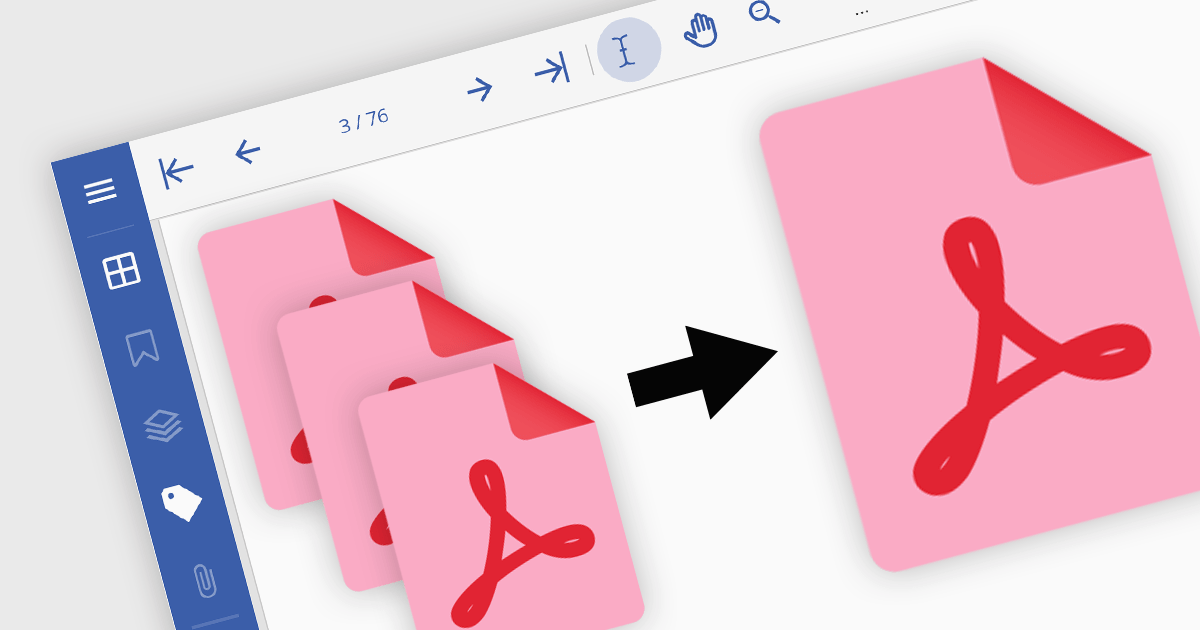
PDF merging combines multiple Portable Document Format (PDF) files into a single, cohesive document. Merging empowers developers to programmatically assemble dynamic documents based on user input or data extraction, unlocking new possibilities for interactive applications. By efficiently managing and consolidating related PDF information, PDF merging offers developers a powerful tool for building robust and user-friendly software solutions.
Several .NET components offer PDF merging including:
For an in-depth analysis of features and price, visit our comparison of .NET PDF components.
전화 : 00798 14 800 6332
팩스 : +1 770 250 6199


