













공식 공급 업체
200 이상의 소프트웨어 개발처와 판매 계약을 맺은 공인 디스트리뷰터로서 합법적인 라이선스를 제공합니다.
모든 브랜드 보기.
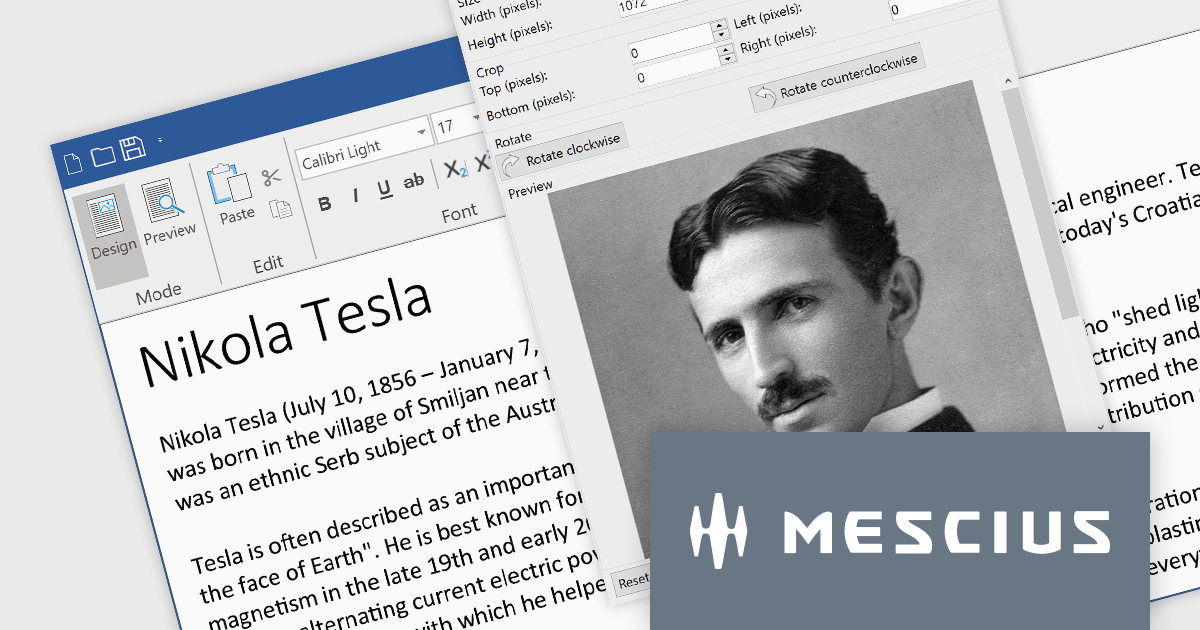
ComponentOne Studio WinForms delivers a comprehensive set of high-performance, adaptable controls that simplify the development of intuitive and visually appealing Windows Forms applications. Users can enhance data presentation with efficient datagrids and input controls, and explore data visualization with versatile charts and reporting components.
The 2023 v3 release includes an updated Rich Text Editor which now supports .NET 8. The C1Editor control offers improved image editing with features including image rotation, cropping, and sizing, with the option to preserve aspect ratio.
To see a full list of what's new in version 2023 v3, see our release notes.
For more information, visit our ComponentOne Studio WinForms product page.
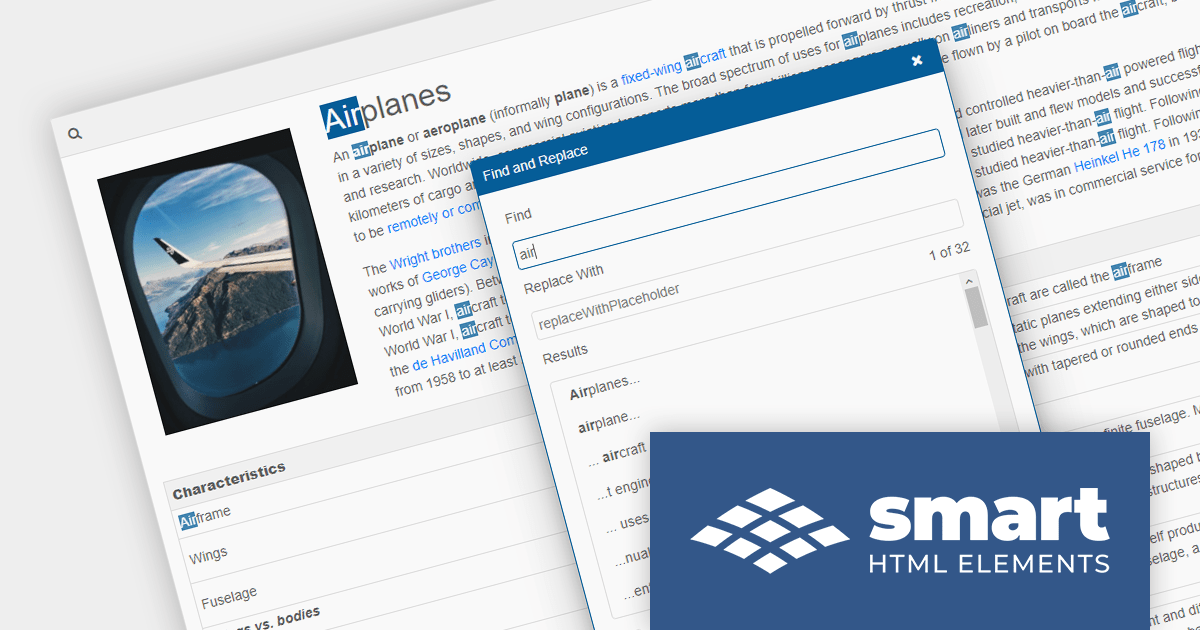
Smart HTML Elements is a JavaScript and Blazor web components UI library that provides over 50 components, including charts, grids, schedulers, Gantt charts, Kanban boards, docking layouts and pivot tables.
Version 17.2.0 adds support for .NET 8, allowing developers to build Blazor applications in the latest release of Microsoft's popular .NET ecosystem.
To see a full list of what's new in version 17.2.0, see our release notes.
For more information, visit our Smart HTML Elements product page.
The ComponentOne Studio range by MESCIUS (formerly GrapeCity) is a comprehensive suite of UI controls for building rich, responsive, and cross-platform applications. It provides a wide range of components for desktop, web, and mobile development including high performance datagrids, charts, reporting components, dashboards, and other UI controls.
The release of .NET 8 has brought significant performance enhancements, and MESCIUS has announced that its extensive library of components is now updated with support for the latest .NET release. This ensures that developers can reap the benefits of the framework's performance improvements. For example, layout and scrolling performance in the Blazor FlexGrid are up to five times faster than in .NET 6 thanks to AOT (Ahead-of-Time) compilation in WebAssembly.
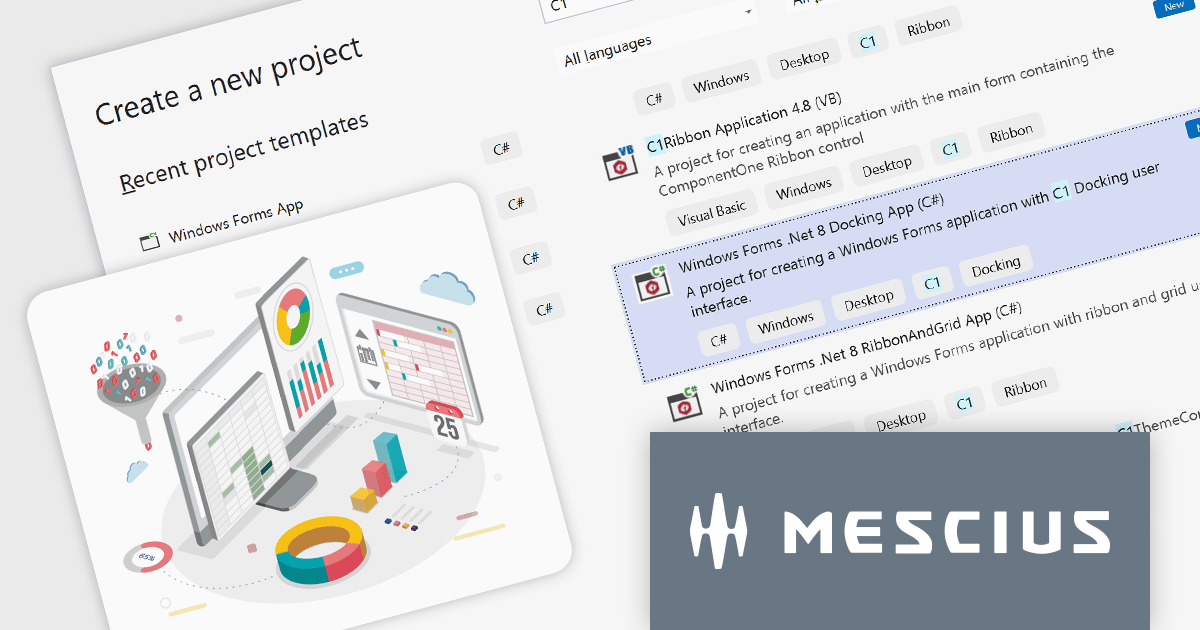
Developers can now effortlessly embark on their .NET 8 projects with the introduction of pre-configured templates for WinForms, WPF, ASP.NET MVC, WinUI, and MAUI. These templates, tailored for both C# and VB, provide a seamless path to building high-performance applications in the latest version of .NET.
To see a full list of what's new in version 2023 v3, see our release notes.
For more information, visit our ComponentOne Studio product pages:
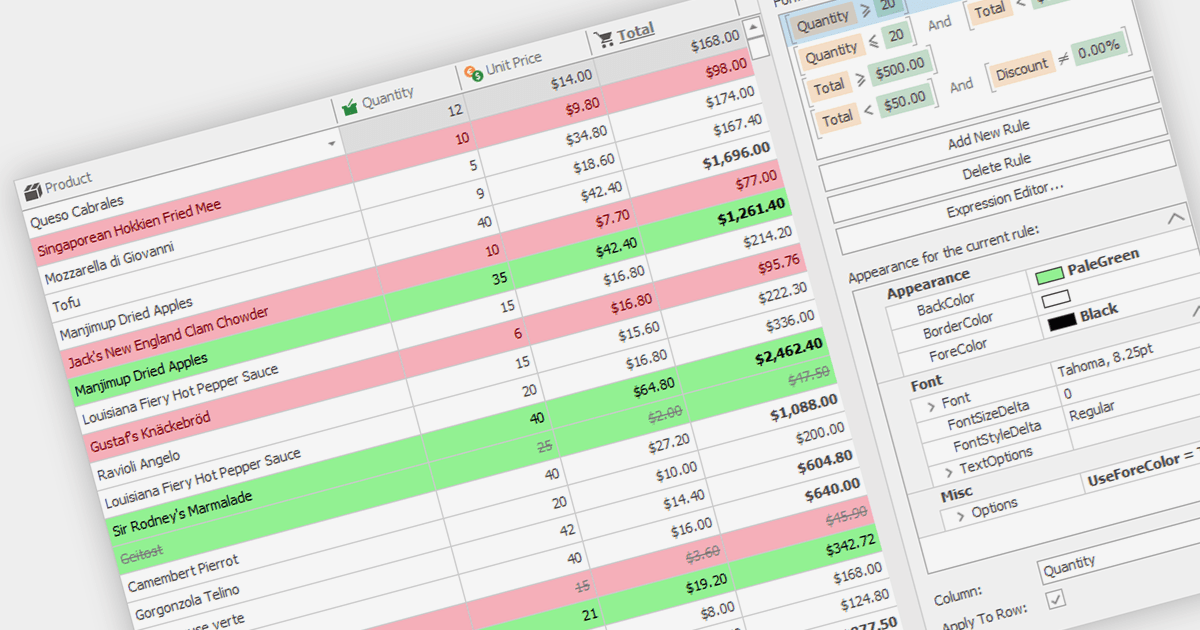
Conditional formatting in grids allows users to apply visual styles to cells or ranges based on the data they contain. It enhances data readability and analysis by highlighting critical values, outliers, or trends in a data-driven manner. For instance, a cell might be colored red if it contains a value below a certain threshold, thereby drawing attention to potential issues.
Several WinForms grid components support conditional formatting including:
For an in-depth analysis of features and price, visit our WinForms Grid comparison.
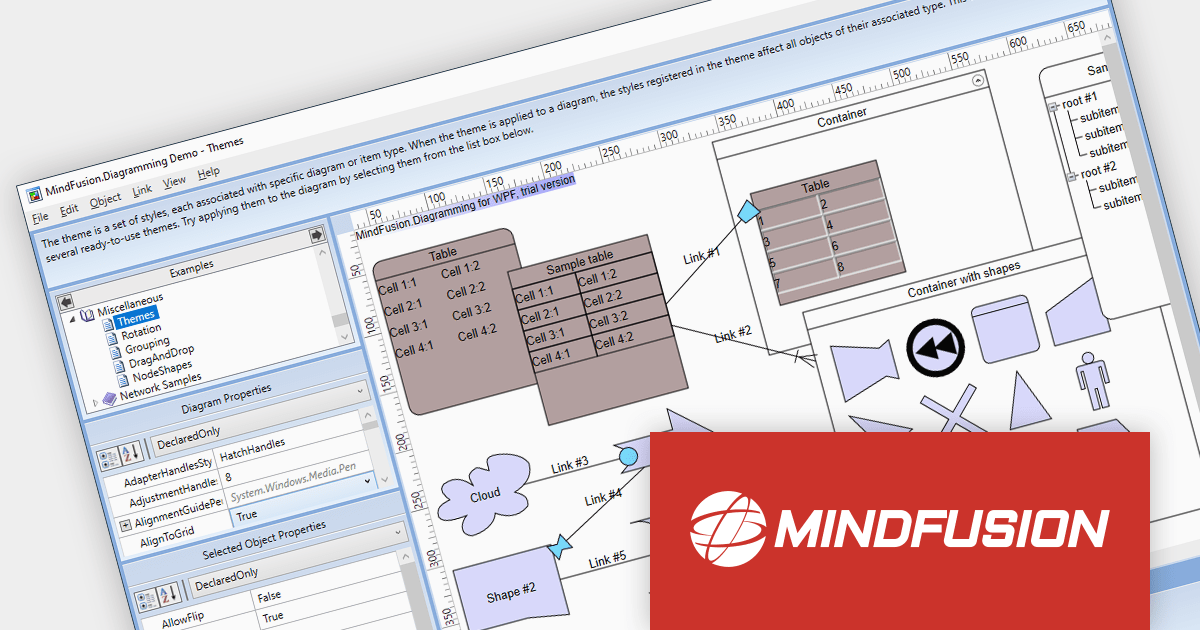
MindFusion.Diagramming for WPF provides a comprehensive toolset for creating a wide array of diagrams, including organizational charts, graphs, class hierarchies, and family trees. It offers extensive customization options for appearance and behavior, as well as save/load options and several automatic layouts.
Version 4.0.0 adds support for asynchronous serialization, which means that files can now be saved and loaded asynchronously. This allows users to interact with the application while data is being loaded or saved, making it feel more responsive.
To see a full list of what's new in version 4.0.0, see our release notes.
For more information, visit our MindFusion.Diagramming for WPF product page.
전화 : 00798 14 800 6332
팩스 : +1 770 250 6199


