













공식 공급 업체
200 이상의 소프트웨어 개발처와 판매 계약을 맺은 공인 디스트리뷰터로서 합법적인 라이선스를 제공합니다.
모든 브랜드 보기.
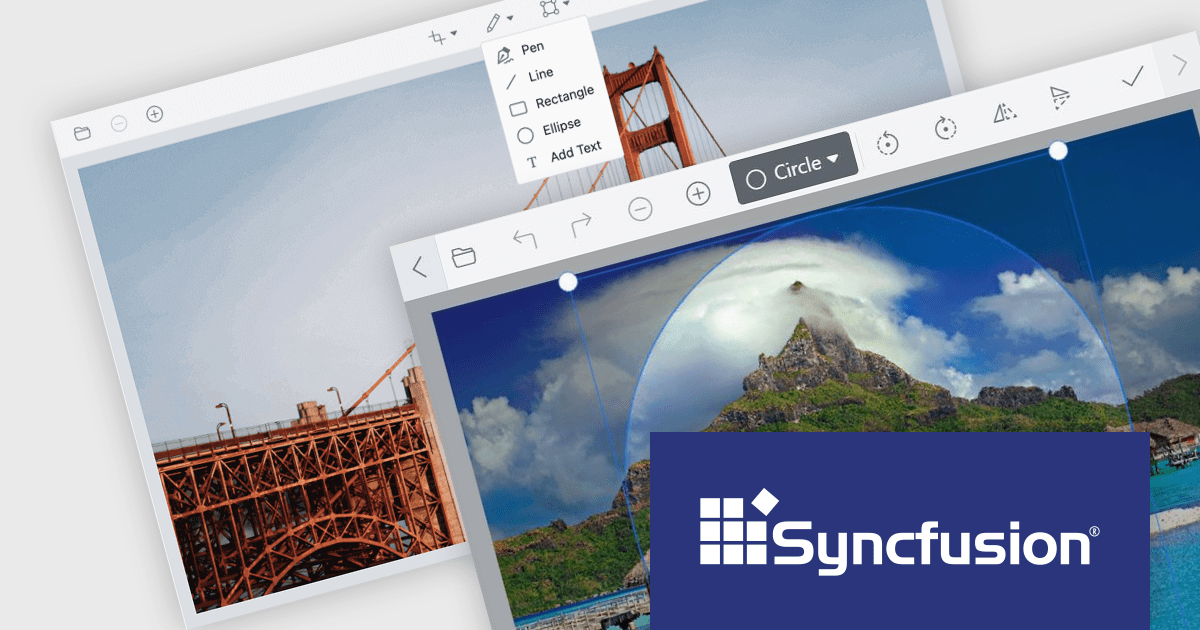
Syncfusion Essential Studio for Blazor (available as part of Syncfusion Essential Studio Enterprise) is a comprehensive UI component library designed to accelerate the development of high-performance, modern web applications using the Blazor framework. It boasts over 85+ responsive, lightweight, and modular components spanning various categories like data visualization, data editing, document processing, and interactive UI elements. This rich repertoire empowers developers to rapidly build user-friendly, feature-rich web interfaces, all with the advantage of seamless integration with both server-side and client-side Blazor applications.
Version 2023 Volume 4 (24.1.41) introduces the production-ready Blazor Image Editor component which allows you to crop, rotate, flip, zoom, and apply filters to your images. You can also add annotations like text, freehand drawings, shapes, and even other images. The Image Editor is designed for ease of use, with a drag-and-drop interface and a customizable toolbar that lets you tailor the editing experience to your specific needs. Additionally, it supports exporting images in various formats, including PNG, JPEG, and SVG, ensuring compatibility with your chosen workflow. The Blazor Image Editor is a valuable asset for any developer looking to add rich image editing capabilities to their Blazor applications.
To see a full list of what's new in version 2023 Volume 4 (24.1.41), see our release notes.
Syncfusion Essential Studio Blazor is available as part of Syncfusion Essential Studio Enterprise which is licensed per developer starting with a Team License of up to five developers. It is available as a 12 Month Timed Subscription License which includes support and maintenance. See our Syncfusion Essential Studio Enterprise licensing page for full details.
For more information, visit our Syncfusion Essential Studio Blazor product page.
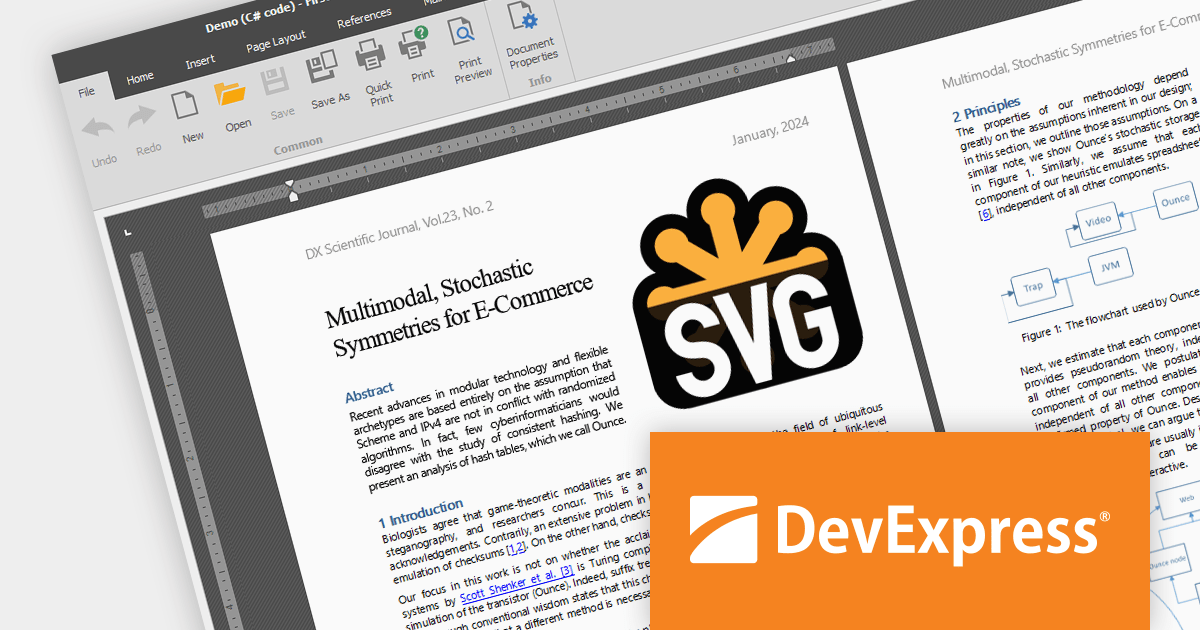
The DevExpress Office File API is a powerful .NET library designed to automate work with Microsoft Word documents, Excel spreadsheets, and PDF files without relying on any UI components. It empowers developers to programmatically create, read, edit, export, and print these crucial office files across various platforms, including Windows, Linux, macOS, and even Azure. Its feature set covers a wide range of tasks, from formatting text and inserting images in Word documents to manipulating data and generating charts in Excel workbooks, and even filling interactive forms or extracting text from PDFs. This comprehensive functionality allows developers to integrate seamless document handling directly into their applications, eliminating the need for external software and streamlining workflows.
The DevExpress Office File API 23.2 release adds SVG support, allowing you to seamlessly import, save, export (PDF), and edit your Word, Excel, and PDF documents with scalable vector graphics. It provides full control with features like resizing, moving, and aligning your SVGs.
To see a full list of what's new in version 23.2, see our release notes.
DevExpress Office File API is licensed per developer and is available as a Perpetual License with a 12 month support and maintenance subscription. See our DevExpress Office File API licensing page for full details.
DevExpress Office File API is available to buy in the following products:

Turning data into tangible insights is critical for businesses, and reporting tools can bridge the gap with robust printing capabilities. These tools support various paper sizes, orientations, and quality settings, ensuring accurate and professional representation of reports in physical form. Additional features like printer selection and print preview streamline the process, further enhancing efficiency.
Several WPF reporting components support printing including:
For an in-depth analysis of features and price, visit our WPF reporting comparison.
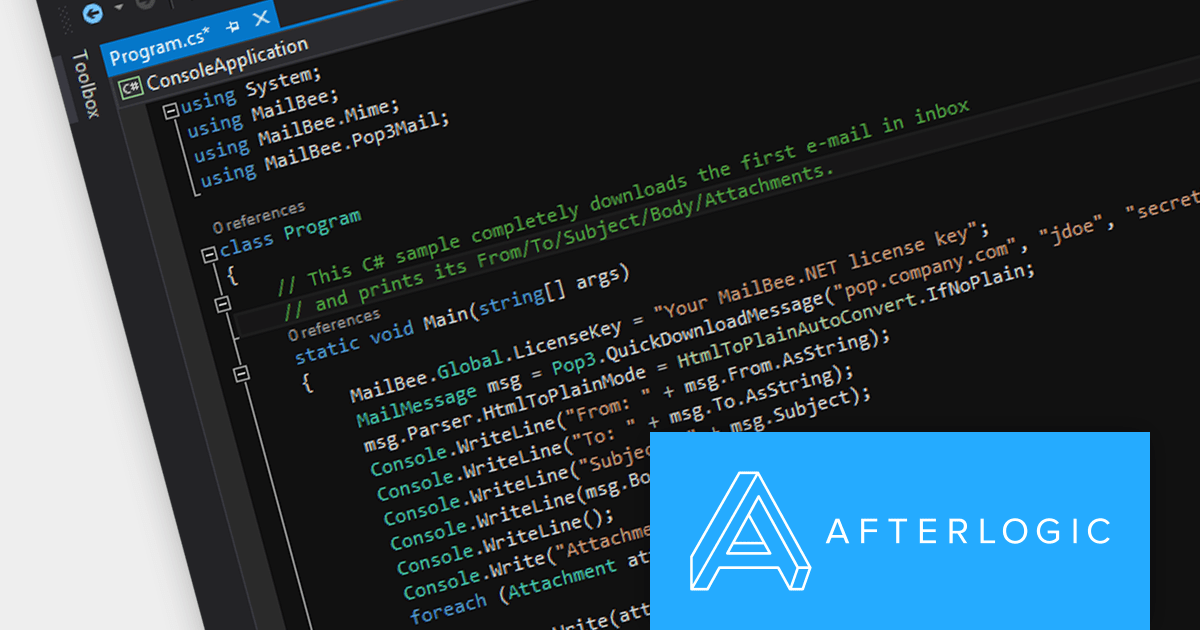
MailBee.NET Objects is a comprehensive suite of .NET components designed to empower developers with robust tools for integrating email functionality into their applications. It offers a wide array of features covering email creation, sending, receiving, processing, and management, ensuring flexibility and control over various email-related tasks.
The MailBee.NET Objects v12.4 release adds support for Microsoft .NET 8, allowing developers to enjoy the performance boosts, enhanced cross-platform compatibility, and new APIs in the latest version of Microsoft's popular development framework. It has also been fully tested with Visual Studio 2022, empowering developers to build robust, efficient, and adaptable email solutions that stand the test of time.
To see a full list of what's new in version 12.4, see our release notes.
MailBee.NET Objects is licensed per developer and is run-time royalty free. All licenses include a 12 month maintenance plan which provides all major and minor product updates and standard technical support. Extended (Priority) Support and Source Code options are also available. See our MailBee.NET Objects licensing page for full details.
For more information, visit our MailBee.NET Objects product page.
Aspose.CAD for .NET is a standalone class library that allows .NET developers to enhance their applications with CAD drawing processing capabilities without requiring AutoCAD or any other rendering workflow. It supports a wide range of CAD file formats, including DWG, DXF, DWF, DGN, STL, OBJ, and IFC, and can convert them to PDF and raster image formats.
The Aspose.CAD for .NET 23.11 release adds the ability to create IFC (Industry Foundation Classes) files from scratch. This unlocks doors to greater flexibility and precision in BIM (Building Information Modeling) workflows. Instead of relying on the translation limitations of existing models, you get granular control over every element, property, and relationship within your design. This level of detail facilitates deeper collaboration across disciplines, optimizes downstream processes like cost estimation and simulation, and ultimately paves the way for a truly optimized and future-proofed building project.
To see a full list of what's new in Aspose.CAD for .NET 23.11, see our release notes.
Aspose.CAD for .NET is licensed per developer and is available as a Perpetual license with 1 year support and maintenance. See our Aspose.CAD for .NET licensing page for full details.
Aspose.CAD for .NET is available to buy in the following products:
전화 : 00798 14 800 6332
팩스 : +1 770 250 6199


