













공식 공급 업체
200 이상의 소프트웨어 개발처와 판매 계약을 맺은 공인 디스트리뷰터로서 합법적인 라이선스를 제공합니다.
모든 브랜드 보기.
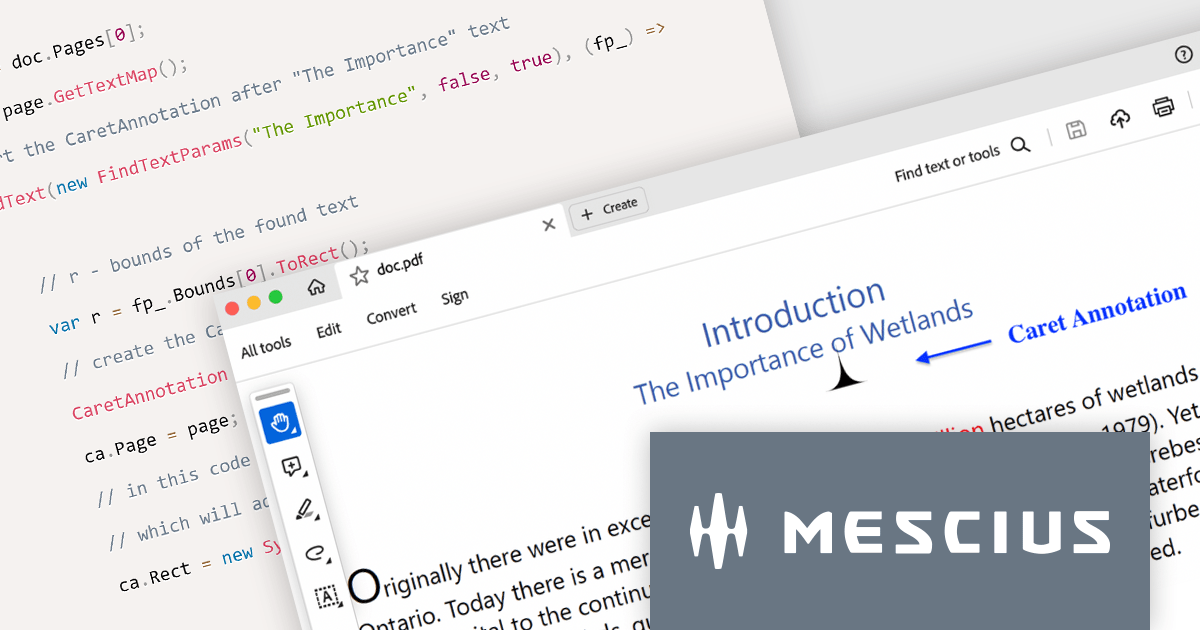
Document Solutions for PDF (formerly GrapeCity Documents for PDF), is a powerful and comprehensive C# library that empowers developers to create, manipulate, and manage PDF documents with ease. This versatile product enables developers to generate PDFs from scratch, modify existing documents, import and export data, and incorporate advanced features like AcroForms and annotations.
Document Solutions for PDF v7 elevates document review with the introduction of Caret Annotation, a useful tool for pinpointing critical areas in PDFs. The CaretAnnotation class empowers you to programmatically identify and highlight missing content or necessary modifications with pinpoint accuracy. This feature facilitates the rapid placement of visual cues across multiple locations within your PDFs, ensuring reviewers can easily identify areas that require attention.
To see a full list of what's new in version 7.0.0, see our release notes.
Document Solutions for PDF is licensed per developer and is available in several license options for differing distribution needs. Team licenses are also available for multiple developers within the same organization. See our Document Solutions for PDF licensing page for full details.
For more information, visit our Document Solutions for PDF product page.
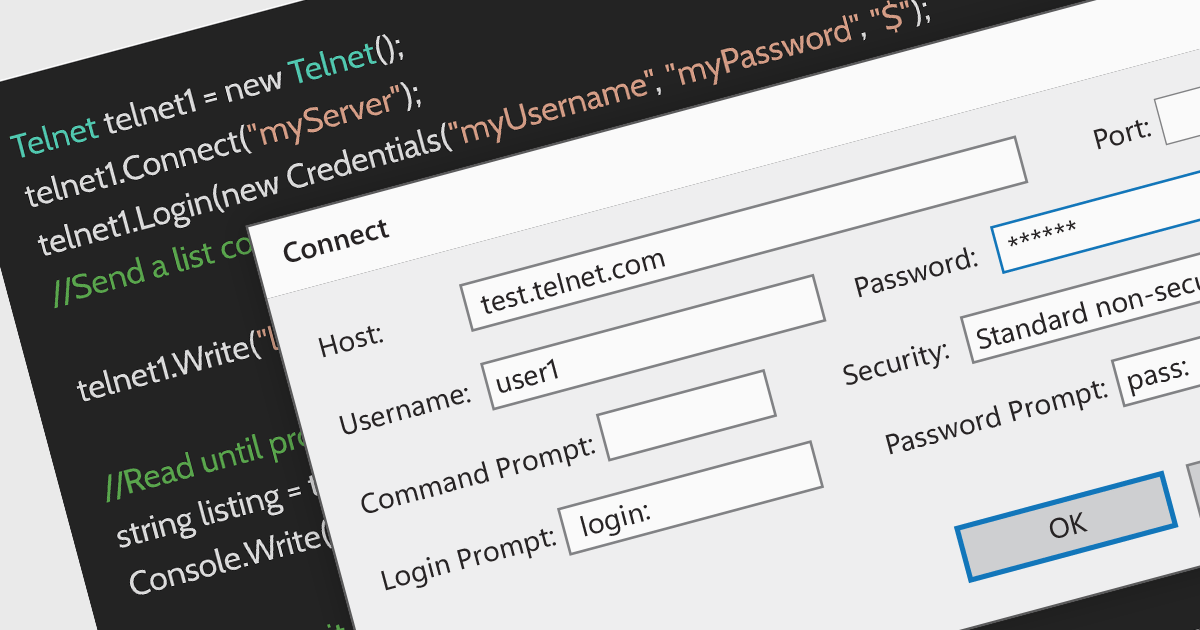
Telnet is a network protocol used to provide bidirectional interactive text-oriented communication facility using a virtual terminal connection over TCP. Within communications and messaging, Telnet is used for accessing remote servers and devices, allowing users to manage networks and perform system administration tasks remotely.
Several .NET Communications and Messaging components provide Telnet support including:
For an in-depth analysis of features and price, visit our .NET Communications and Messaging Component comparison.

Converting PDFs to images is a feature that allows users to transform each page of a PDF into a separate image file, such as JPEG or PNG. This is useful for previewing documents in environments where PDFs are not natively supported, or for including PDF content in graphic design projects.
Several WinForms PDF Components support PDF to Image conversion including:
For an in-depth analysis of features and price, visit our WinForms PDF Components comparison.
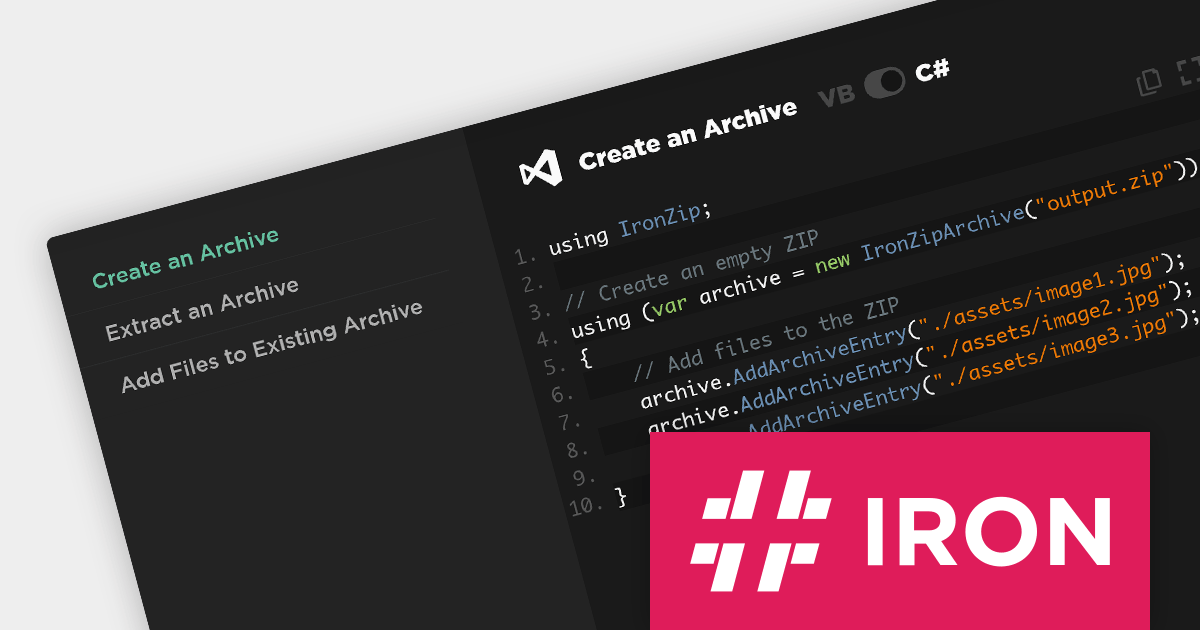
IronZIP for .NET is a powerful and easy-to-use C# ZIP archive library that can be integrated seamlessly into any .NET project. It allows developers to build archives from a variety of file formats, including images, text files, documents, audio, and already-compressed files. It also provides support for opening and exporting archives in ZIP, TAR, GZIP, and BZIP2 formats, as well as compressing archives with custom compression levels.
Designed for C#, F#, and VB.NET, IronZIP fully supports .NET Standard, Core, .NET 6, and .NET 7, and integrates with popular IDEs like Microsoft Visual Studio and JetBrains ReSharper. With IronZIP for .NET, developers can add archive management functionality to their applications, enabling them to create, read, and extract archives on desktop, mobile, and cloud platforms.
IronZIP for .NET is licensed per developer and is available as a perpetual license with 1 year of product updates and support services. Lite, Plus and Professional Licenses are available for different development and distribution requirements. See our IronZIP for .NET licensing page for full details.
IronZIP for .NET is available to buy in the following products:
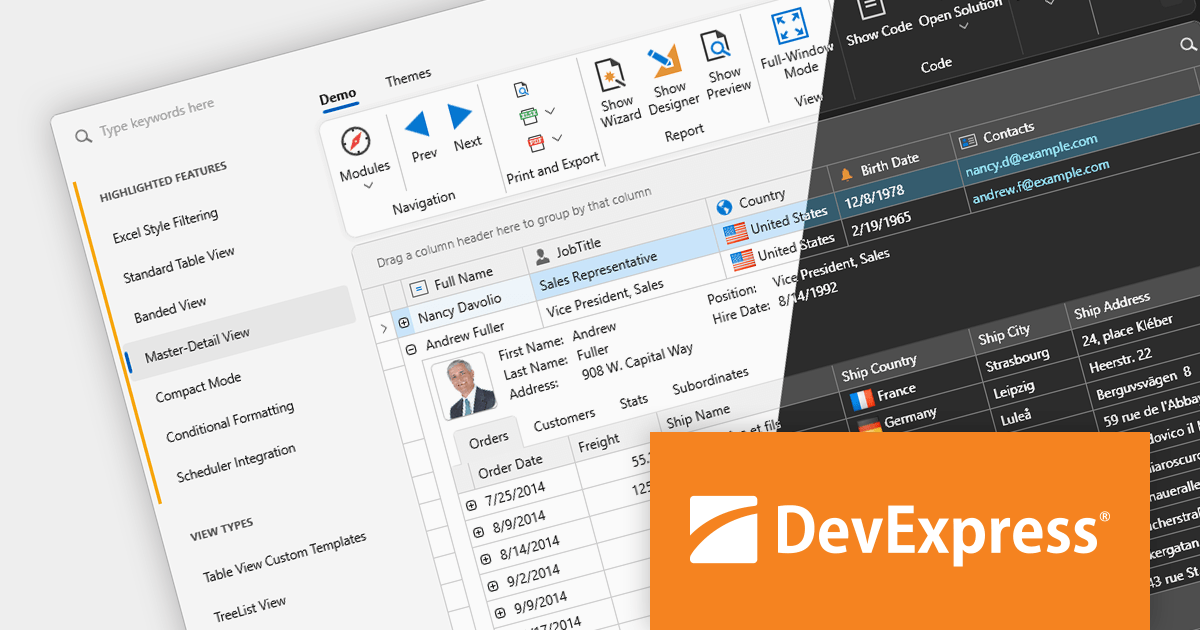
DevExpress UI components, frameworks and libraries help you build applications for Windows, web, mobile, and tablet. They provide everything you need to create high-impact business solutions including grids, spreadsheets, ribbons, charts, maps, gauges, reports, pivot tables, PDF viewers, and more.
The DevExpress 23.2.3 release adds support for .NET 8, allowing developers to target the latest version of Microsoft's popular framework, and benefit from performance improvements. All DevExpress .NET products, including MAUI, Blazor, WinForms, WPF, ASP.NET Core, Reporting, BI Dashboard, Office File API, XAF, and XPO, are now compatible with .NET 8.
To see a full list of what's new in version 23.2.3, see our release notes.
DevExpress products are offered as Perpetual Licenses with a 12 month subscription for minor and major updates. Subscription Renewals are also available. See our DevExpress Universal licensing page for full details.
For more information, visit our DevExpress product pages:
전화 : 00798 14 800 6332
팩스 : +1 770 250 6199


