













공식 공급 업체
200 이상의 소프트웨어 개발처와 판매 계약을 맺은 공인 디스트리뷰터로서 합법적인 라이선스를 제공합니다.
모든 브랜드 보기.
For 15 years, DlhSoft and ComponentSource have partnered to deliver powerful scheduling and project management solutions to developers around the globe. This long-standing collaboration has enabled ComponentSource to extend DlhSoft’s reach into international markets, ensuring customers can easily access robust, high-quality components backed by trusted distribution and service. Together, they have supported development teams building sophisticated business applications across a wide range of industries.
DlhSoft specializes in advanced Gantt chart and scheduling components for Microsoft platforms, providing developers with the tools needed to integrate rich project visualization and planning capabilities into their applications. A key product in this portfolio is DlhSoft Gantt Chart Library for WPF Standard Edition, which helps developers create powerful Gantt charts featuring customizable grid columns, summarized hierarchical data, draggable bars and dependency lines, copy-paste and undo-redo functionality, filtering and hierarchical sorting, and detailed item change events.
This 15-year partnership enhances ComponentSource’s ability to differentiate its product offering by including specialized, enterprise-ready scheduling components within its extensive catalog of developer tools. By delivering DlhSoft products worldwide through its established ecommerce infrastructure, multilingual support, and global marketing reach, ComponentSource ensures customers everywhere can confidently evaluate, purchase, and implement these solutions in their projects.
Learn more about DlhSoft.
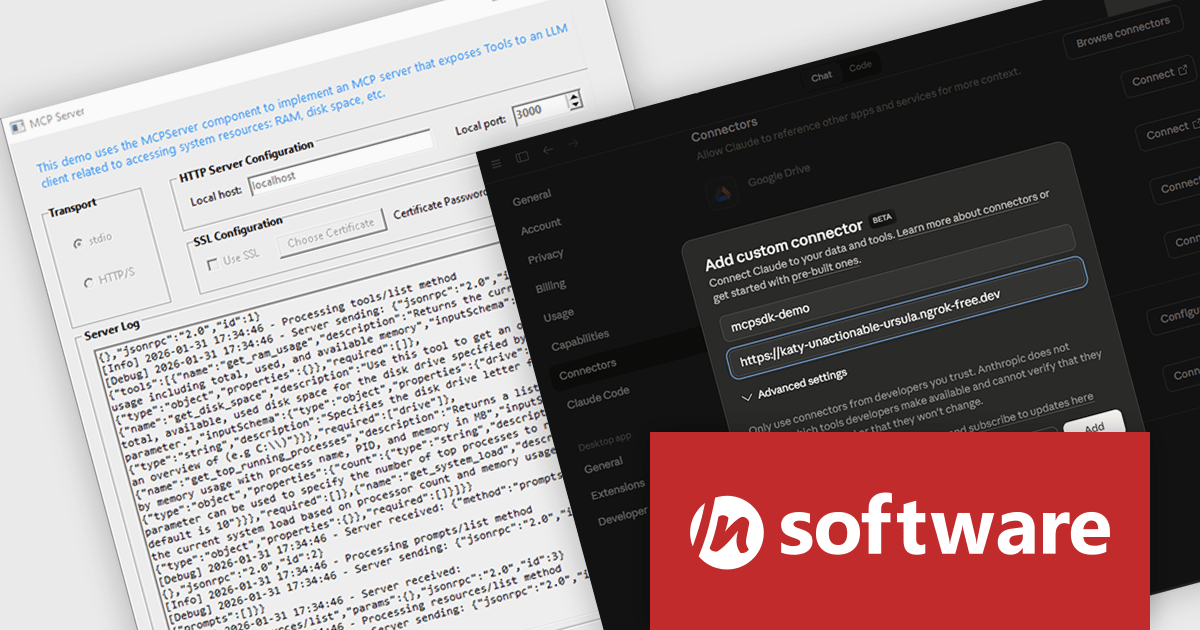
MCP SDK (included in Red Carpet Subscription) is a developer-focused library that reduces the complexity of implementing MCP (Model-Context-Protocol) servers and clients. Built around an event-driven API, it enables large language models (LLMs) to interact with your application logic - retrieving data, invoking tools, executing predefined operations, or following structured prompts.
The latest MCP SDK release adds full support for HTTP and HTTPS transport, giving developers more options for deploying MCP servers in modern, distributed architectures. With network-based connectivity, Large Language Model (LLM) clients can securely connect to MCP servers across environments, making it easier to integrate AI capabilities into cloud-native and multi-service systems. The included MCPServer component simplifies the process of building servers that link LLMs such as Claude to custom data sources, internal services, and application logic, helping teams extend AI functionality into real-world processes with minimal friction.
To see a full list of what's new in Red Carpet Subscription Vol. 1 2026, see our release notes.
MCP SDK is available as part of Red Carpet Subscription which is licensed per developer and is available as a Perpetual License with a 12 month support and maintenance subscription. See our Red Carpet Subscription licensing page for full details.
For more information, visit our /n software Red Carpet Subscription product page.
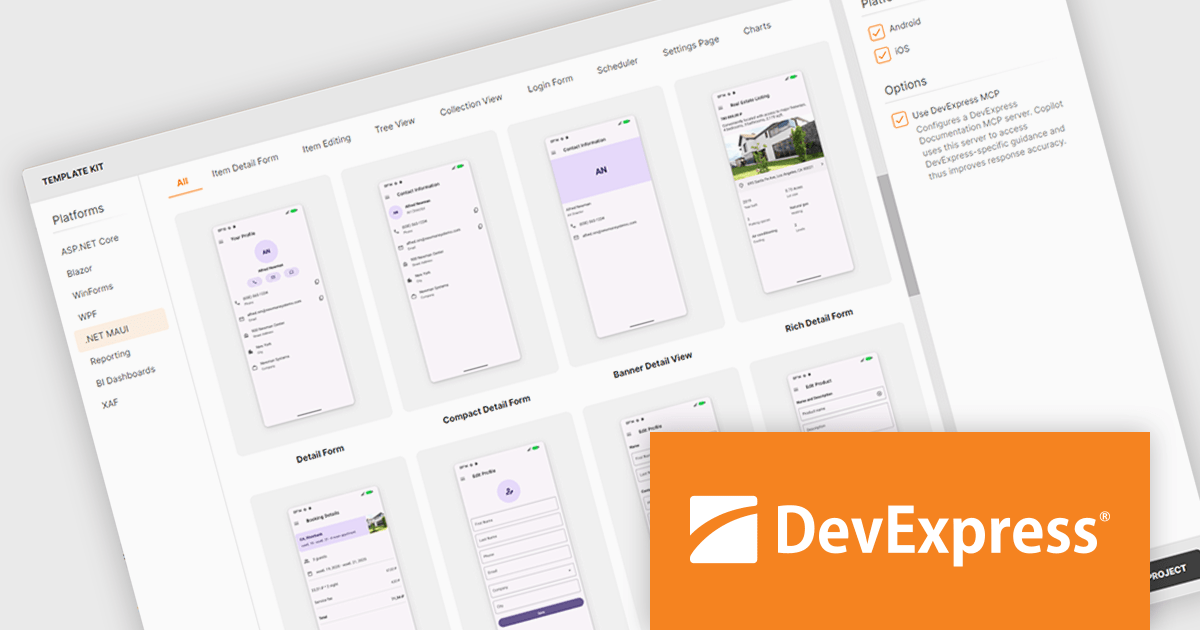
DevExpress .NET MAUI is a comprehensive suite of high-performance UI components designed for building modern, native cross-platform applications on iOS and Android using .NET Multi-platform App UI (MAUI). It includes a wide range of tools such as advanced data grids, interactive charts, responsive data editors, and PDF controls, all created to deliver a polished and professional user experience. With its optimized performance and extensive customization options, DevExpress .NET MAUI helps developers create feature-rich applications.
The DevExpress .NET MAUI Template Kit now extends full support to macOS, making its pre-designed templates available to developers building apps with .NET Multi-platform App UI on Apple hardware. The update ensures the same set of templates can be used regardless of whether development happens on Windows or macOS, and regardless of the chosen integrated development environment. By supporting all major IDEs used for .NET MAUI development, the Template Kit provides a consistent starting point for projects, helping teams adopt shared application structures and patterns across different platforms.
DevExpress .NET MAUI is included with DevExpress Universal, which is licensed per developer. This license includes a 12-month subscription for technical support and updates, providing full support for all included components, including .NET MAUI. See our DevExpress Universal licensing page for full details.
DevExpress .NET MAUI is available as part of DevExpress Universal.
DevExpress and ComponentSource have worked together for 25 years, building a long-standing partnership focused on providing professional developer tools. DevExpress is known for its extensive range of UI controls, reporting tools, dashboards, and application frameworks across platforms including .NET, JavaScript, Blazor, WinForms, WPF, and ASP.NET. Together, the two companies support development teams creating desktop, web, and mobile applications.
At the center of this collaboration is DevExpress Universal, a flagship product available through ComponentSource, giving developers access to the full suite of DevExpress UI controls, reporting, and testing tools in a single subscription. This comprehensive offering helps teams standardize on one vendor while covering multiple platforms and project requirements.
This long-term partnership strengthens ComponentSource’s product portfolio by including one of the most widely used developer toolsets in the industry. It also enables ComponentSource to deliver DevExpress products to customers worldwide, supported by international sales teams, local currencies, and licensing expertise that simplify the purchasing process for organizations across different regions.
Learn more about DevExpress.
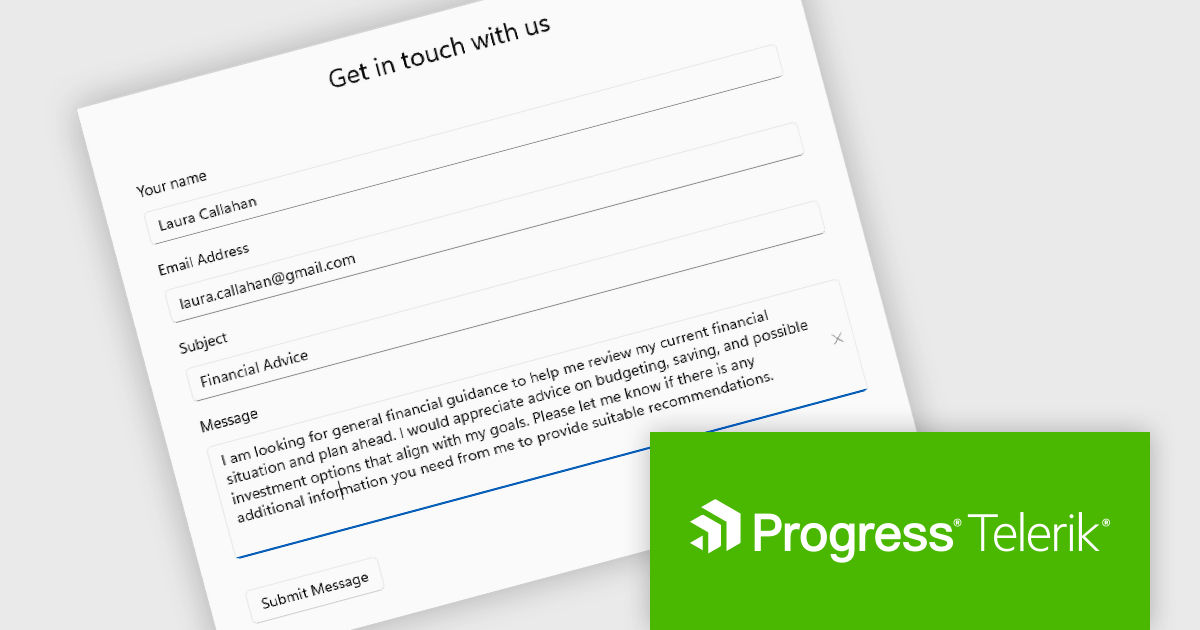
Telerik UI for .NET MAUI is a robust suite of user interface components designed to simplify the creation of cross-platform applications using .NET Multi-platform App UI (MAUI). It offers a wide range of pre-built controls, including charts, grids, and navigation elements, enabling developers to build visually appealing, high-performance apps for Android, iOS, Windows, and macOS from a shared codebase. By ensuring a consistent user experience across platforms, it accelerates development and allows a focus on functionality, making it ideal for business applications, dashboards, and data-driven projects.
The Telerik UI for .NET MAUI 2026 Q1 update introduces a new Editor component that enables developers to implement robust multi-line text input with consistent cross-platform behavior and predictable performance. Designed for handling long-form content such as comments, notes, and detailed form entries, the component supports both vertical and horizontal scrolling to maintain usability without compromising layout. Full keyboard and mouse support ensures familiar text selection, cursor movement, and editing interactions, while built-in customization options such as watermarks, read-only states, and configurable border styles allow developers to align the editing experience with specific application and UI requirements.
To see a full list of what's new in 2026 Q1 (v13.0.0), see our release notes.
Telerik UI for .NET MAUI is licensed per developer and has two licensing models: an annual Subscription License and a Perpetual License. The Subscription license provides access to the latest product updates, technical support, and exclusive benefits for a flat annual fee, and must be renewed to continue using the software. The Perpetual license is a one-time purchase granting access to the current released version and includes a one-year subscription for product updates and technical support. After this initial period, users can choose to renew the subscription element to continue receiving updates and support; otherwise, they may continue using the installed version available during their active subscription term but will forgo future updates and support. See our Telerik UI for .NET MAUI licensing page for full details.
Telerik UI for .NET MAUI is available individually or as part of the following products:
전화 : 00798 14 800 6332
팩스 : +1 770 250 6199


